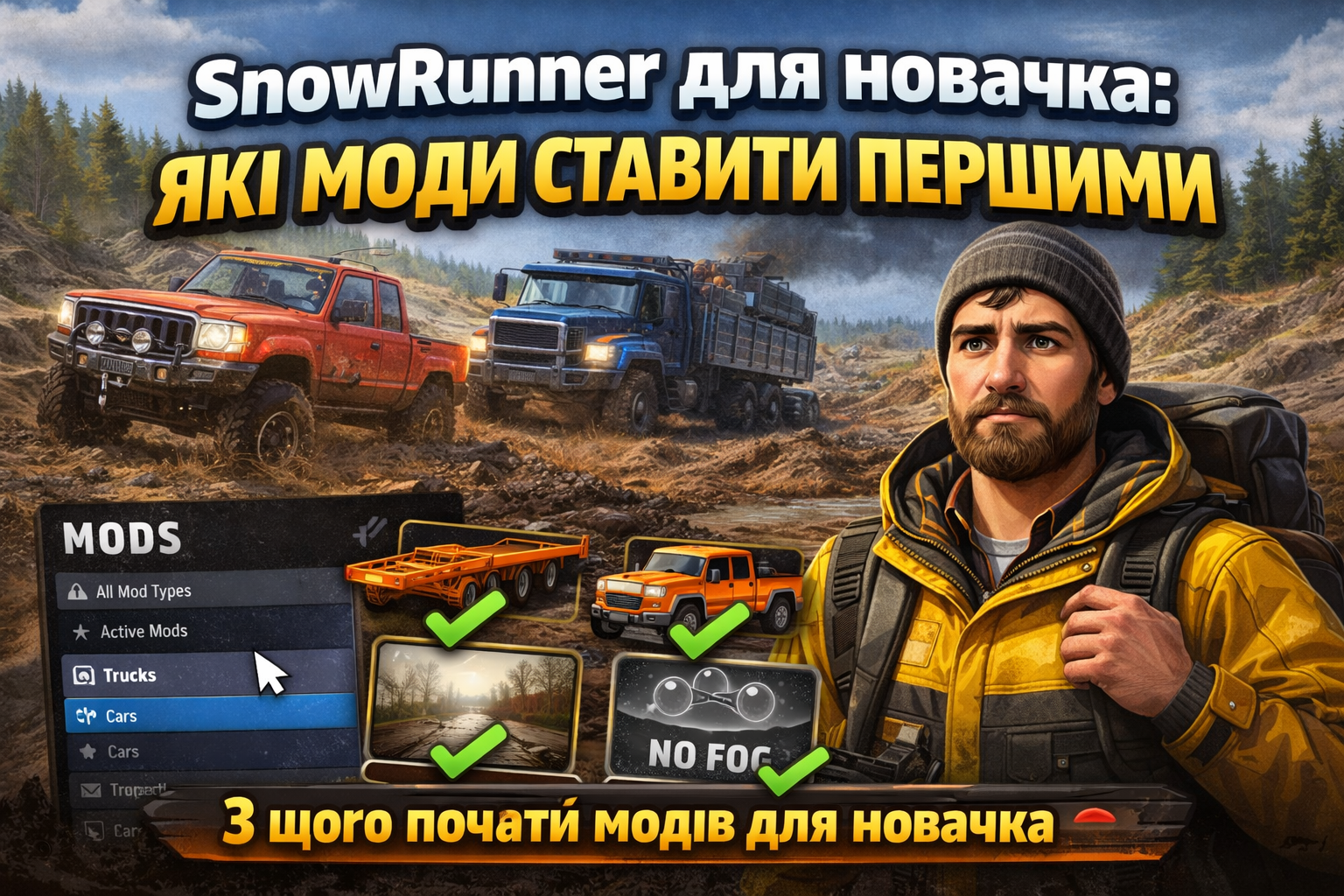
SnowRunner for Beginners: Which Mods to Install First
SnowRunner is one of those games where mods can either make the first hours much more enjoyable or completely break the sense of progress. For beginners, the main mistake is to immediately install giant truck packs, heavy maps, and "overpowered" vehicles that remove all the essence of off-roading. It’s much better to start with a few simple mods that make the game more comfortable without breaking the balance.
This is especially relevant now, as MODHUB already has a separate catalog for SnowRunner, where many mods are available in various categories: Trucks, Cars, Cards, Packages, Trailers, and Technology.
Where to Start for Beginners
My advice for starting is this: first — trailers and useful little things, then — one balanced scout or truck, after that — light visual or utility mod, and only then — maps, big packs, and extreme vehicles.
This order helps to maintain the balance of the game and not overload it with unnecessary mods right from the start.
1) Start with Trailers and Useful Trailers
For beginners, this is the best type of mod. The reason is simple: a good trailer doesn't break the game as harshly as an "overpowered" truck, but it really provides benefits during runs. You will feel the difference in logistics faster, learn to transport cargo, and won’t ruin your balance from the very beginning.
What to look for as a beginner:
- universal trailers;
- low loaders;
- trailer packs without "cheaty" physics;
- mods where the description shows no signs of overpowered balance.
2) Next — One Balanced Scout or Truck
After trailers, you can install one additional vehicle or truck. Just one, not ten at once. If you flood the game with packs of vehicles right away, you won't understand what really suits you: maneuverability, towing capacity, stability in mud, or versatility on the map.
For your first truck or scout, it’s better to choose mods described as balanced, universal, and reliable, rather than those that focus solely on insane speed, high suspension, or unreal power.
3) The Third Step — Light Visual or Utility Mods
Once the basic vehicles are selected, you can install something light for comfort. For example, a visual mod for better visibility or a small utility mod that doesn’t change the core gameplay.
This is a good option for beginners because you’re not interfering with the main physics of SnowRunner, but you get a more comfortable visual experience or slightly improved gameplay.
4) Install Maps Only After Basic Experience
Beginners often want to download a beautiful large map right away, but this is not always the right first step. A map in SnowRunner is not just a new backdrop, but often a different pace of play, different road difficulties, new routes, and sometimes higher requirements for vehicles.
If you haven’t yet understood how winches work, the weight of cargo, deep mud, and tire types, a new map may not give you a "wow effect," but only frustration.
5) Big Packs and Overpowered Mods — Save for Last
The worst starting scenario is to immediately install a "monster truck" that goes anywhere effortlessly, or a large pack of vehicles that removes the sense of route selection. Yes, it may seem fun for 20 minutes, but it quickly kills the sense of progress that SnowRunner is loved for.
Therefore, it’s better to leave big packs and overly strong mods for later — when you’ve already played enough hours and just want to experiment.
Optimal Order of Mods for Beginners
- 1 trailer mod — for easier logistics.
- 1 balanced scout or truck — to try new vehicles without breaking the balance.
- 1 light visual or utility mod — for comfort.
- 1 map — only after you understand the basic game.
- Big packs / overpowered mods — only when you want to experiment, not play the game "fairly.".
What to Do If the Game Starts Crashing After Installing Mods
If after installing a mod the vehicles disappeared, gameplay broke, or mods started installing with errors, do the following:
- check if the mods are up to date;
- verify compatibility between them;
- remove suspicious or outdated mods;
- if the cause is unclear — disable all mods and re-enable them one by one.
This is the simplest way to find the problematic mod without wasting too much time guessing.
Conclusion
If you are just starting to play SnowRunner, don’t install everything that looks cool right away. The best start is trailers, one decent truck or scout, and one light utility or visual mod.
Save maps and big packs of vehicles for later, when you feel the basic physics of the game and understand what exactly you are missing. This approach is not only more comfortable but also safer: fewer chances of running into conflicts, overloading the game, and technical errors.
FAQ
What mods are best for beginners to install first in SnowRunner?
It’s best to start with trailers, one balanced truck or scout, and one light utility or visual mod.
Should you install large packs of vehicles right away?
No, for beginners, this is a bad start. Such mods often break balance and remove interest in gameplay.
When is it best to install maps in SnowRunner?
After you have mastered the basic game, understood the physics, winches, tire types, and vehicle behavior in mud and on slopes.
What to do if the game starts malfunctioning after a mod?
Disable all mods and re-enable them one by one. This way, you will quickly find the one causing the problem.
Why should you not start with overpowered mods?
Because they remove the essence of challenging routes, mud, vehicle selection, and overall progress, which is what SnowRunner is loved for.

