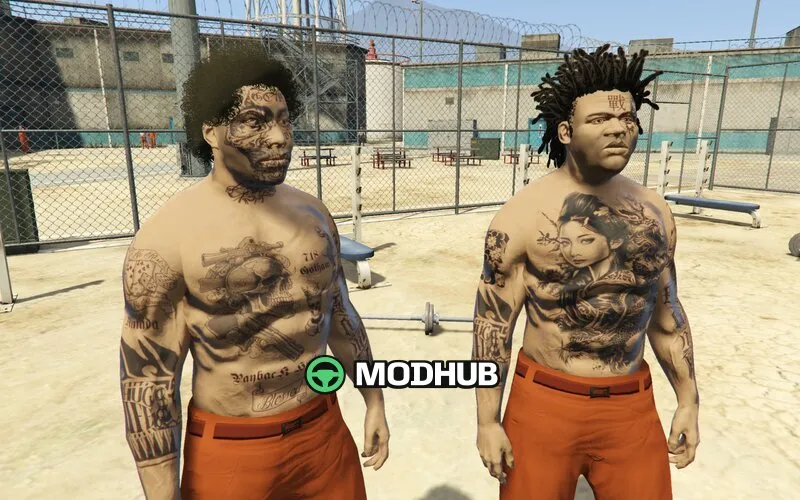
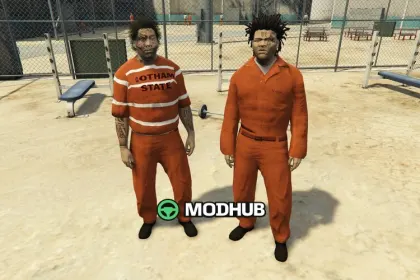
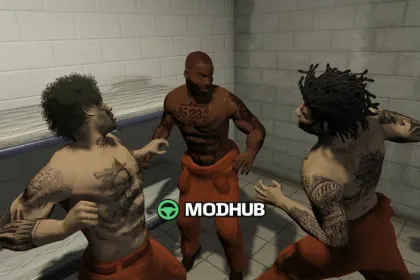
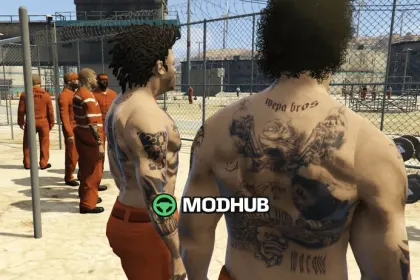
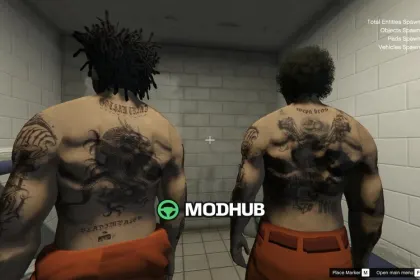
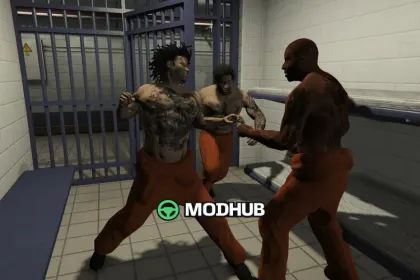
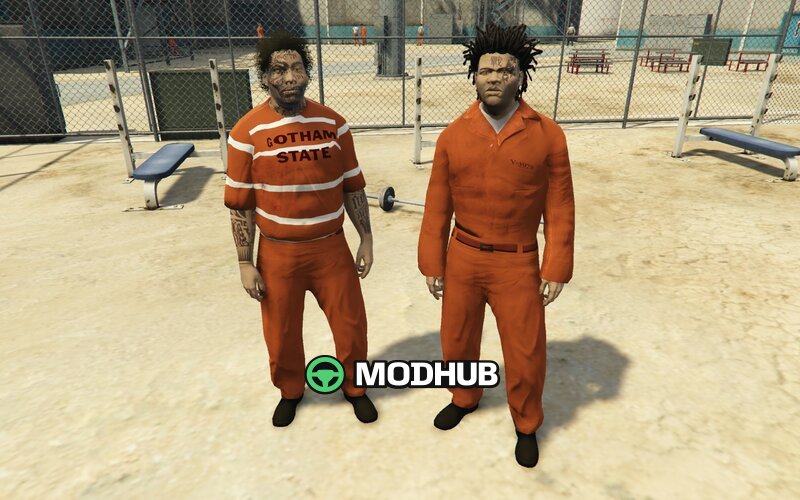
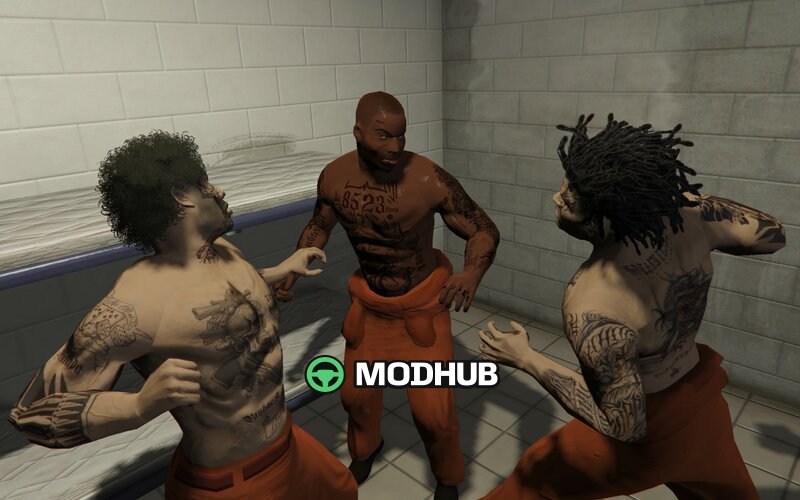
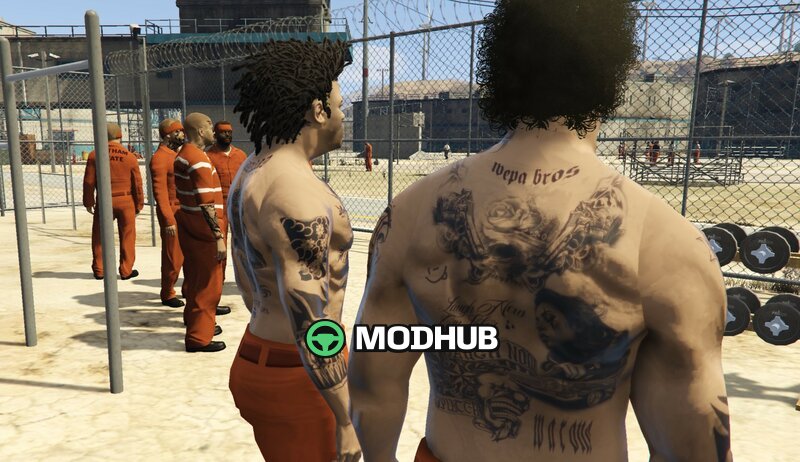
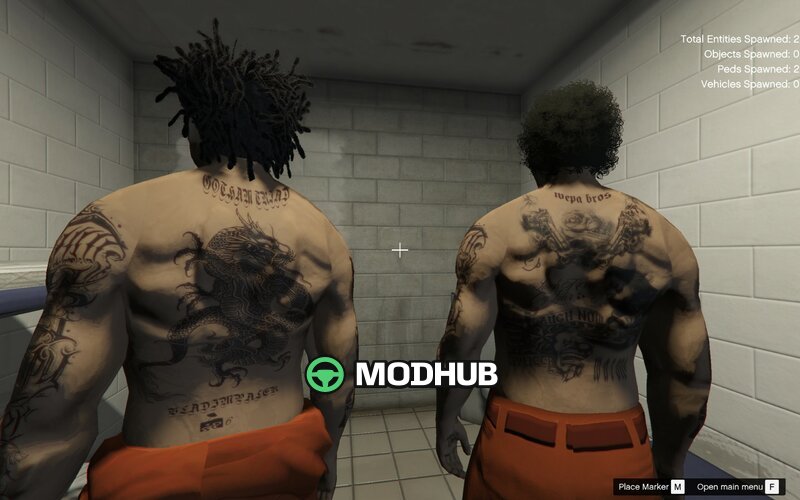
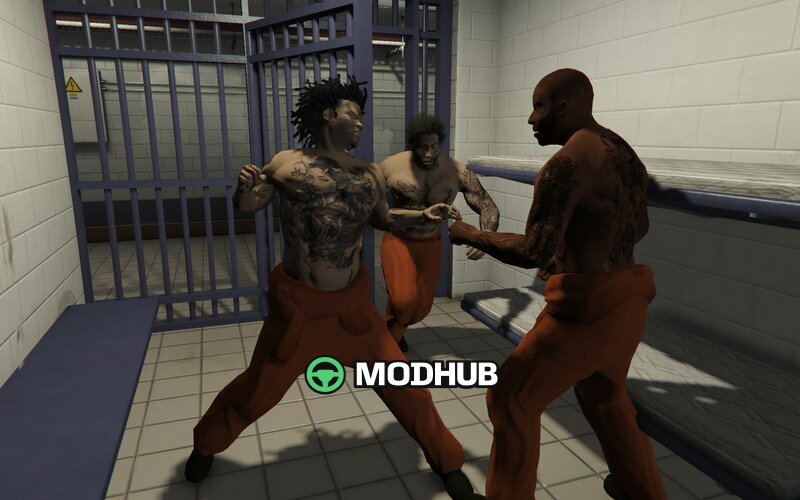
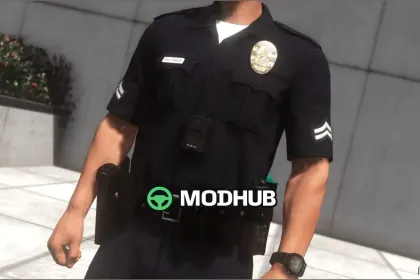
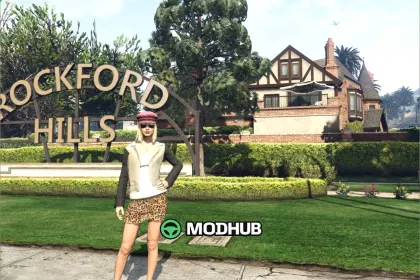
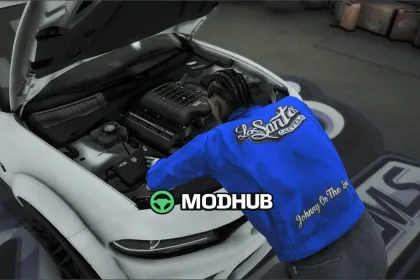
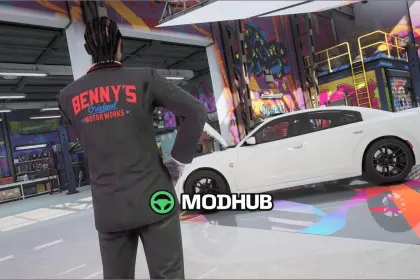
This mod is a skin pack in the form of an Addon Ped for GTA 5. It adds the WEPA BROS.DELUXE characters as NPC-ready appearances so you can refresh the city atmosphere and get more variety from custom ped models.
• Type: Addon Ped (characters/NPC)
• Pack name: WEPA BROS.DELUXE
• Integration: add into addonpeds
• Game: GTA 5
• Install method: place files into your existing addon folder
Installation is done with OpenIV: put all mod files into your current addon folder, then use the addonpeds structure so the game recognizes the new ped models properly. Once installed, the mod provides new skins you can encounter in-game and use for roleplay or variety in ped lineups.
Designed for players who want extra NPC character options without replacing core game assets. After adding the files, you’ll be able to see WEPA BROS.DELUXE in the world and select them where trainer/wardrobe features support the default ped selection workflow.
About WEPA BROS.DELUXE (Addon Ped) for GTA 5
WEPA BROS.DELUXE (Addon Ped) for GTA 5 is a mod for GTA 5. Check the author description, supported game version and dependencies before installing.
How to install the mod
Follow the installation instructions for WEPA BROS.DELUXE (Addon Ped) for GTA 5, GTA 5 and your platform.
Download the mod archive using the Download button and read the author instructions.
Use the folder and archive format specified by the mod author for this game.
Start the game and enable the mod for the selected save or profile, if required.
Test using a backup or a new save. Install any dependencies listed by the author.
System requirements and compatibility
Check the mod description for supported game versions, required DLC and platforms. Compatibility with every version or other mods is not guaranteed.
Frequently asked questions
Is this mod free?
MODHUB does not charge for access to this mod page. Check the terms and download limits of the external file provider.
Can I use this mod in GTA 5 multiplayer?
Multiplayer support depends on the mod and its author. If supported, the server and players need matching mod versions and required DLC.
What should I check if the mod does not work?
Check the installation folder, archive structure, supported game version, dependencies and game logs. Test the mod separately using a backup save.
How can I check a downloaded mod?
Use trusted author sources, scan the archive and back up your saves. Do not run unrelated installers; a download listing does not guarantee safety or compatibility.