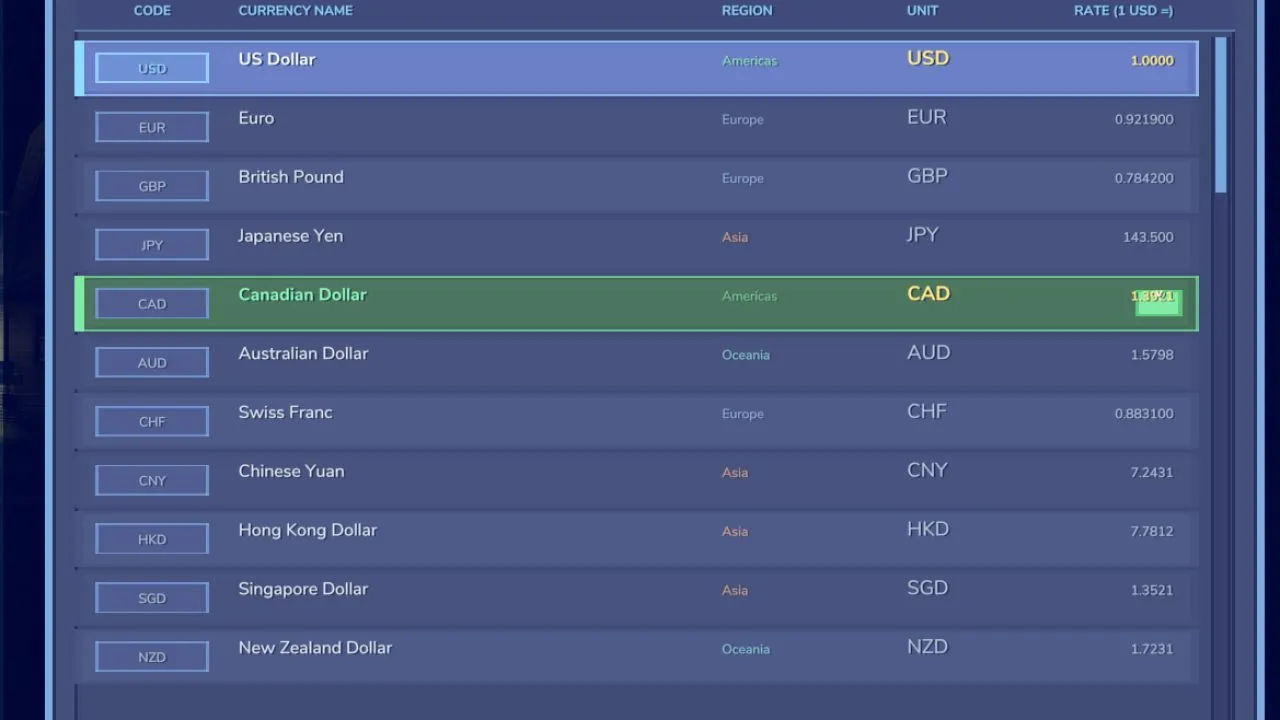
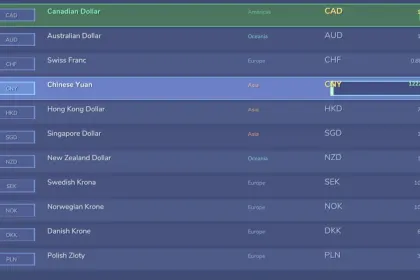
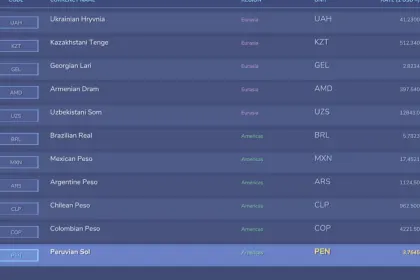
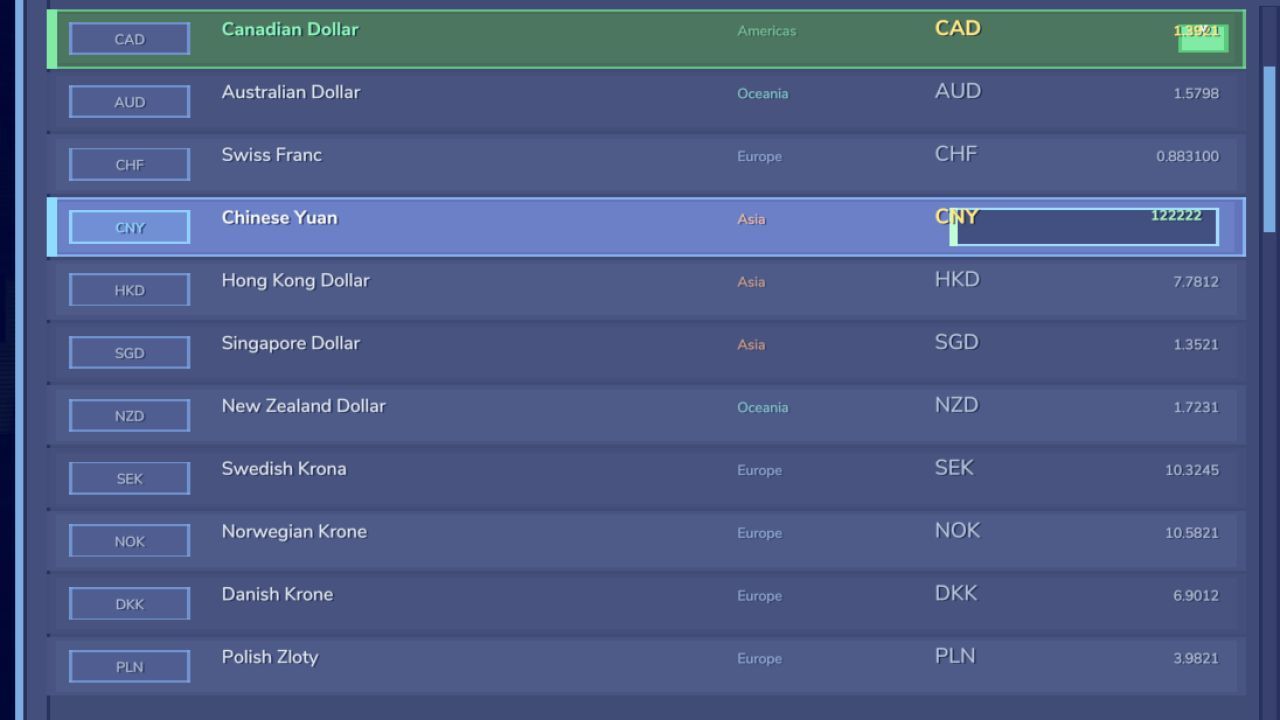
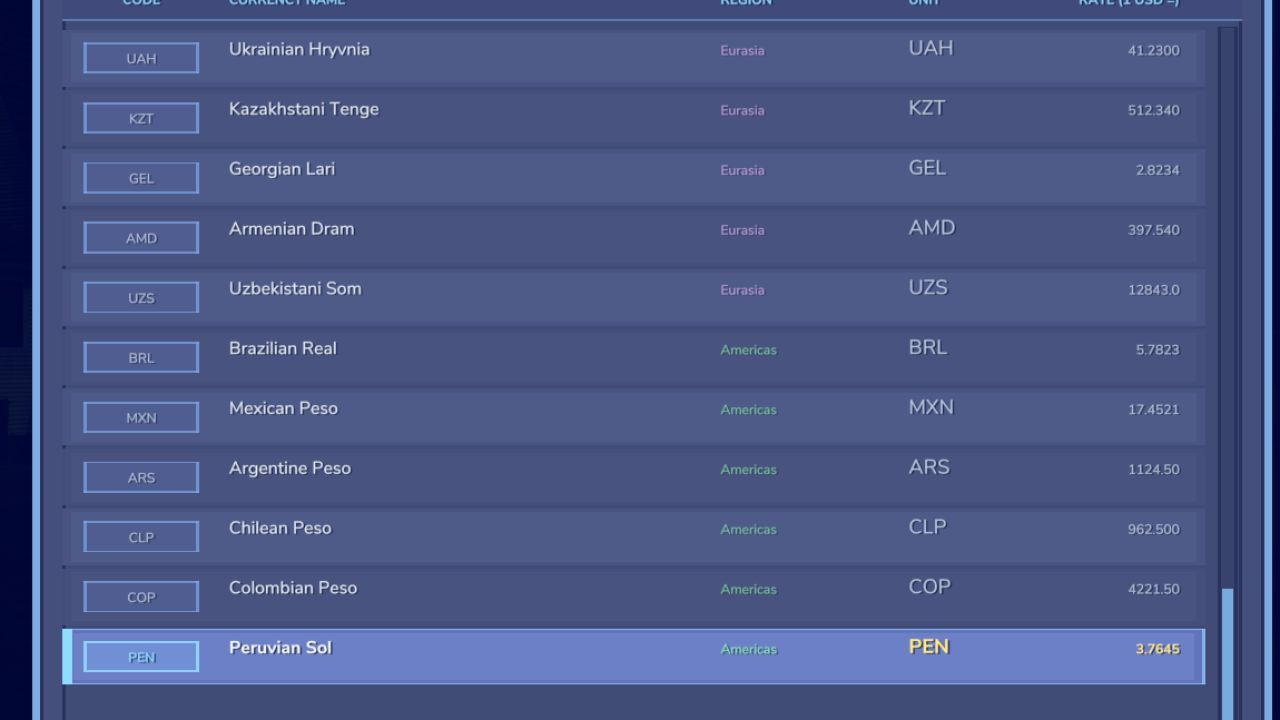
This mod allows you to choose a currency from 50 available options. You can select dollar, euro, ruble, hryvnia, tenge, yen, yuan, Armenian dram, dirham, rupees, and many more.
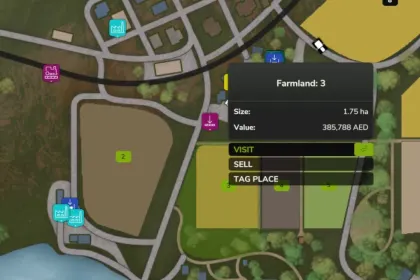
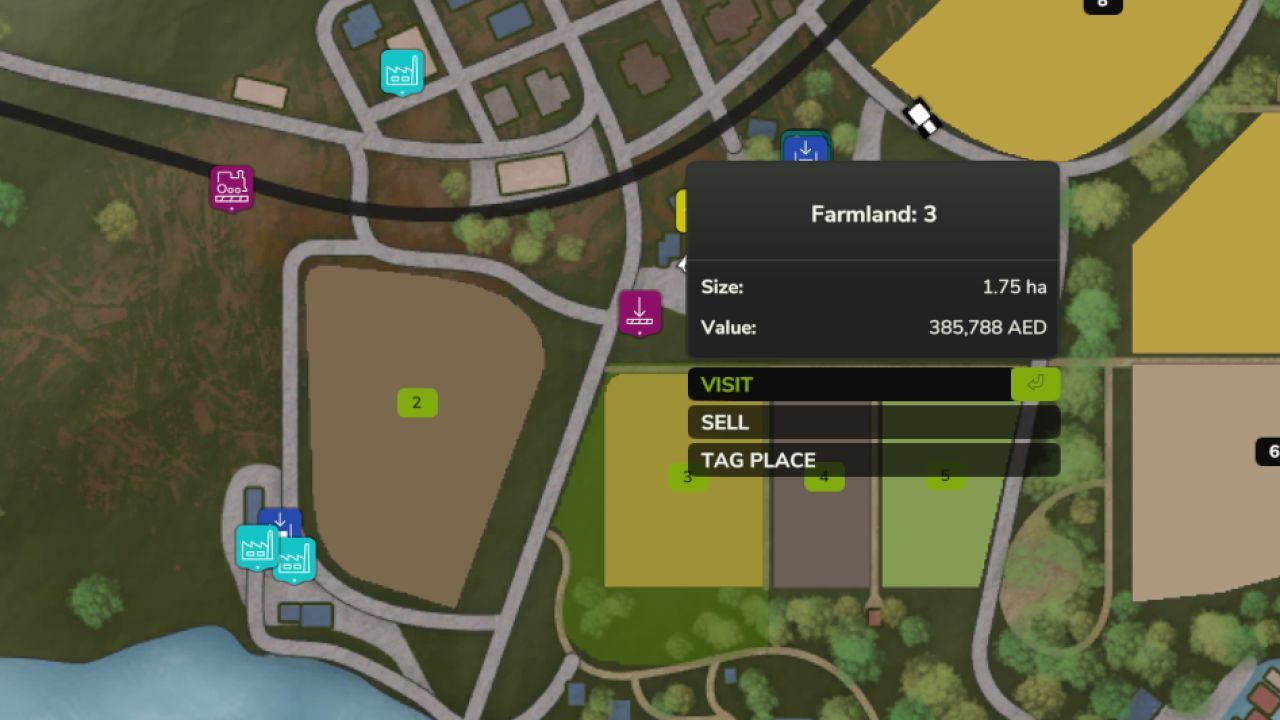
All exchange rates are automatically converted as of April 19, 2026. Additionally, you can manually adjust the exchange rates if needed. After selecting a currency and its rate, your balance, land prices, vehicles, productions, and all other expenses will be automatically converted into your chosen currency.
Controls:
- CTRL + Shift + C: open currency selection menu
- R (in the open menu): manually set the exchange rate if the data is incorrect
- Left/Right Arrow Keys: fine-tune the currency value.
This mod is a small part of my larger project - Enhanced Cheat Menu. The functionality will be integrated there as well. If you would like a specific currency to be added, feel free to leave a comment, and I will include it in future updates. Thank you!
About «Currency Selector for Farming Simulator 25»
This mod is among the best in the «Скрипти» category for Farming Simulator 25. Adds quality content to the game, tested by the community, without conflicts with other mods.
How to Install the Mod
Installing the "Currency Selector for Farming Simulator 25" mod for Farming Simulator 25 takes less than a minute:
Download the mod file from our website by clicking the «Download» button
Extract the archive to Documents/My Games/Farming Simulator 25/mods
Launch the game — the mod will appear in the «Mods» section
Activate the mod in your save and enjoy the new content
System Requirements
The "Currency Selector for Farming Simulator 25" mod is compatible with all official Farming Simulator 25 versions. No additional modifications or tweaks required. Works on Windows, macOS, Linux (via ProtonDB) and consoles that support mods.
Frequently Asked Questions
Is this mod free?
Yes, all MODHUB mods are downloaded free of charge, without registration or redirect ads.
Can I use it in Farming Simulator 25 multiplayer?
Yes, the mod is fully compatible with multiplayer. All players must have this version of the mod installed.
What should I do if the mod does not work?
Ensure the archive is extracted to the correct (not nested) folder. Check that mod and game versions match. Leave a comment below — the community will help.
Is the mod safe?
All MODHUB mods are checked by antivirus software and moderators. We do not host executables (.exe), only in-game content.