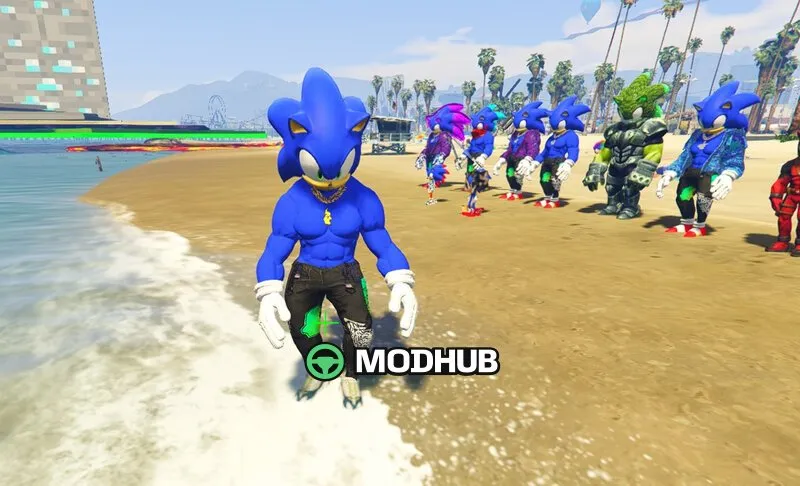
This mod adds skins for the Tractor John Deere 8R in GTA 5.
It provides fresh visual variations that make the in-game vehicle look closer to real farm machinery. The focus is on texture quality, clean material definition, and consistent color treatment that matches the tractor’s body lines. As a result, the Tractor John Deere 8R stays believable in daylight, at dusk, and during different weather conditions, while still looking sharp in close-up.
• Mod type: skins / visual variants for a vehicle
• Model: John Deere 8R
• Support: Add-On (requirements depend on your GTA 5 setup)
• Highlights: detailed exterior look, realistic textures
• Purpose: change the tractor’s appearance in GTA 5
Before installing, make sure your GTA 5 installation includes the required Add-On components for the vehicle model you’re using. Once set up, you can enjoy the updated look without changing gameplay or controls.
About Tractor John Deere 8R for GTA 5
Tractor John Deere 8R for GTA 5 is a mod for GTA 5. Check the author description, supported game version and dependencies before installing.
How to install the mod
Follow the installation instructions for Tractor John Deere 8R for GTA 5, GTA 5 and your platform.
Download the mod archive using the Download button and read the author instructions.
Use the folder and archive format specified by the mod author for this game.
Start the game and enable the mod for the selected save or profile, if required.
Test using a backup or a new save. Install any dependencies listed by the author.
System requirements and compatibility
Check the mod description for supported game versions, required DLC and platforms. Compatibility with every version or other mods is not guaranteed.
Frequently asked questions
Is this mod free?
MODHUB does not charge for access to this mod page. Check the terms and download limits of the external file provider.
Can I use this mod in GTA 5 multiplayer?
Multiplayer support depends on the mod and its author. If supported, the server and players need matching mod versions and required DLC.
What should I check if the mod does not work?
Check the installation folder, archive structure, supported game version, dependencies and game logs. Test the mod separately using a backup save.
How can I check a downloaded mod?
Use trusted author sources, scan the archive and back up your saves. Do not run unrelated installers; a download listing does not guarantee safety or compatibility.