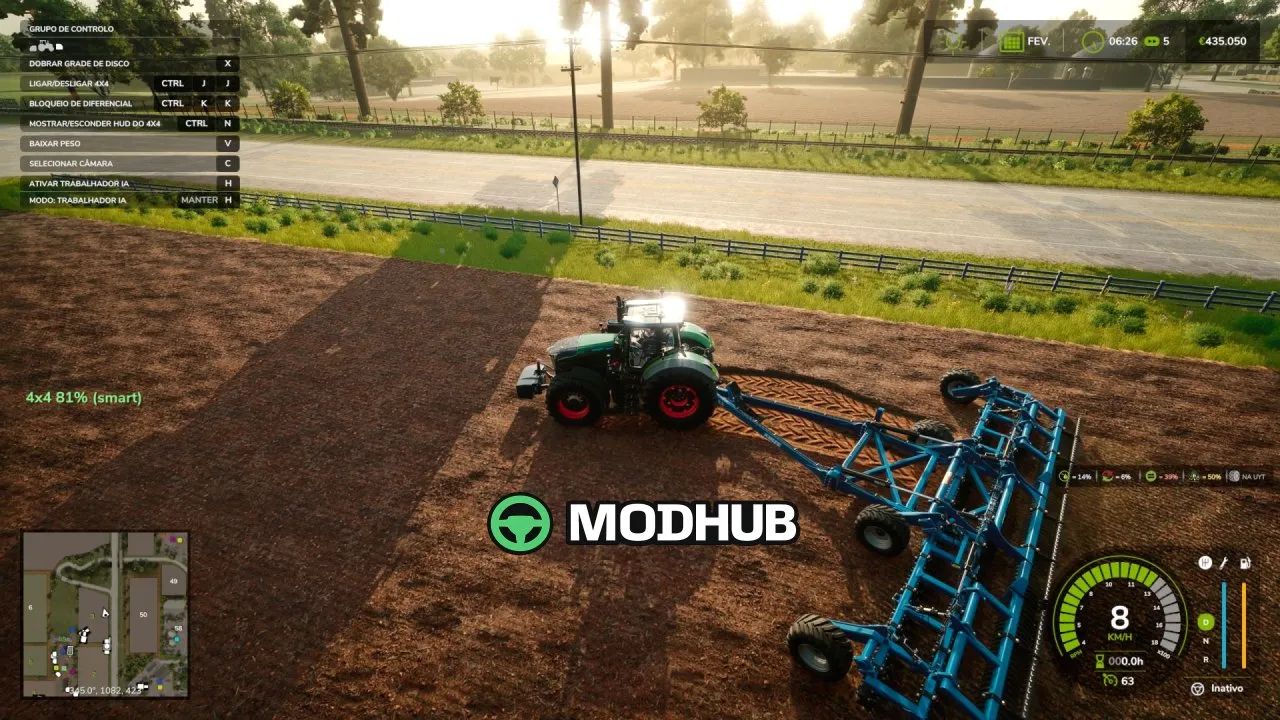
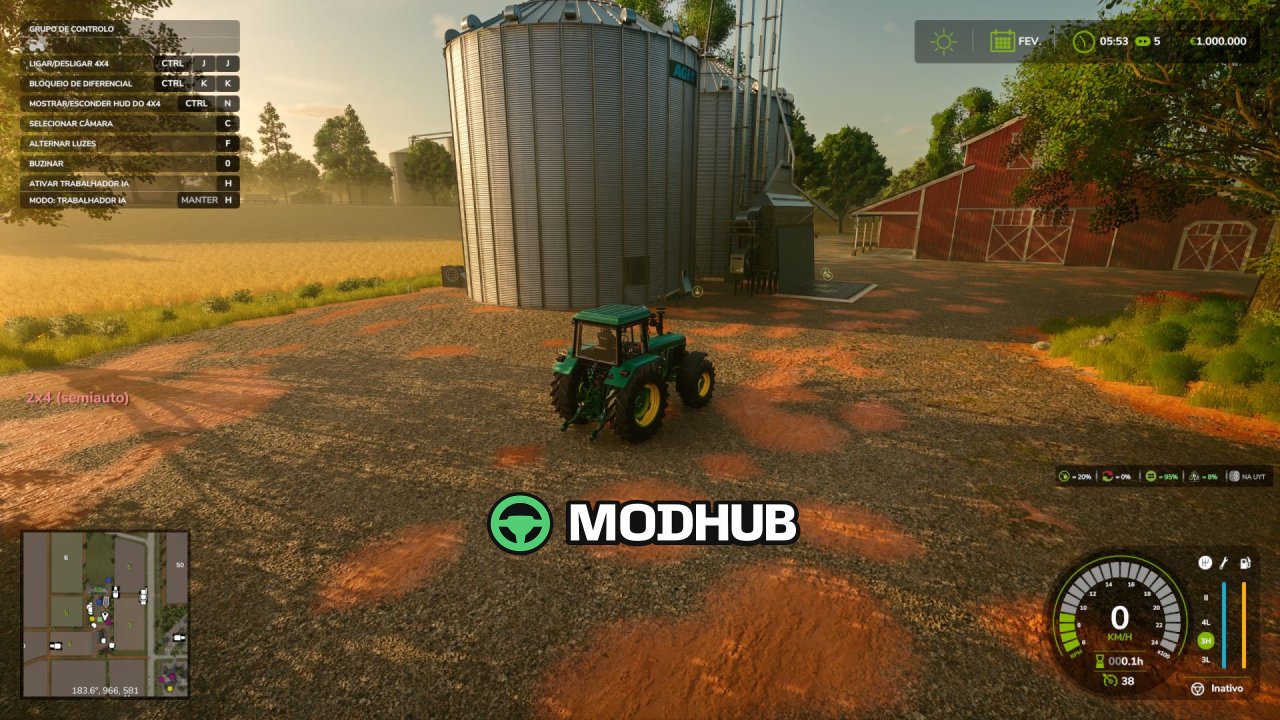
The Realistic 4×4 Traction System is a mod for Farming Simulator 25 (FS25) that adds responsive, physics-based traction control to compatible vehicles.
• Version: V1.0.1.0 (V1.0.1)
• True rear wheel slip detection driving automatic behavior (not just speed)
• Four drive modes: Manual, Semi-auto, Auto, Smart (Fendt-style proportional engagement)
• Differential lock for extra grip in mud, snow, and heavy pulls (trades turning radius for traction)
• Engage/disengage the front axle on demand to simulate real 4WD control
• Native tire pressure simulation on engagement, no dependency on other mods
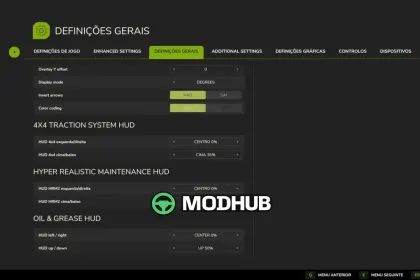
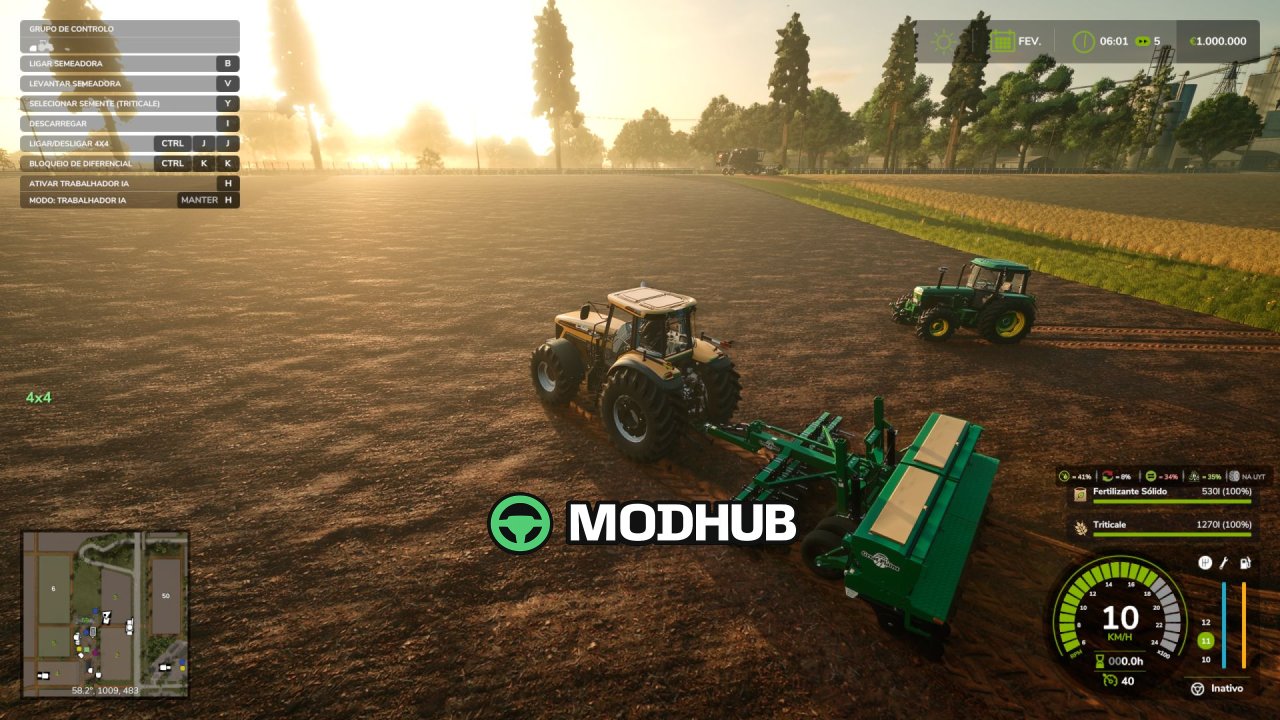
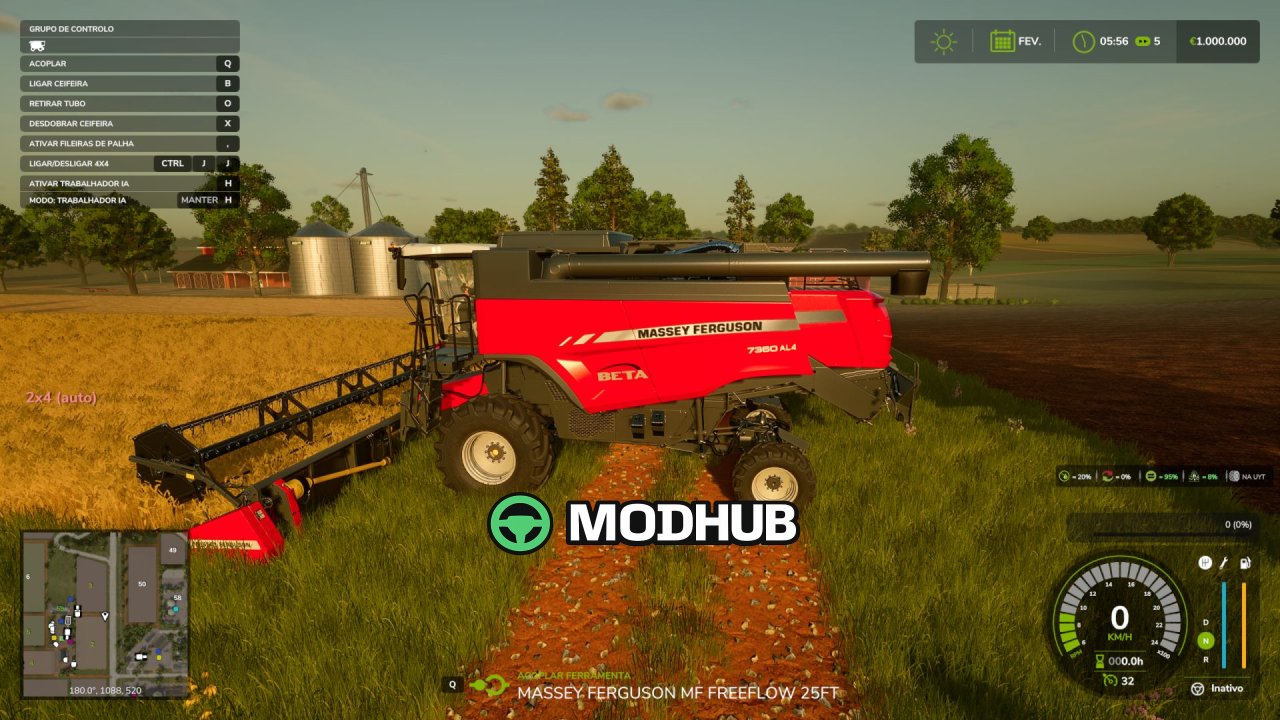
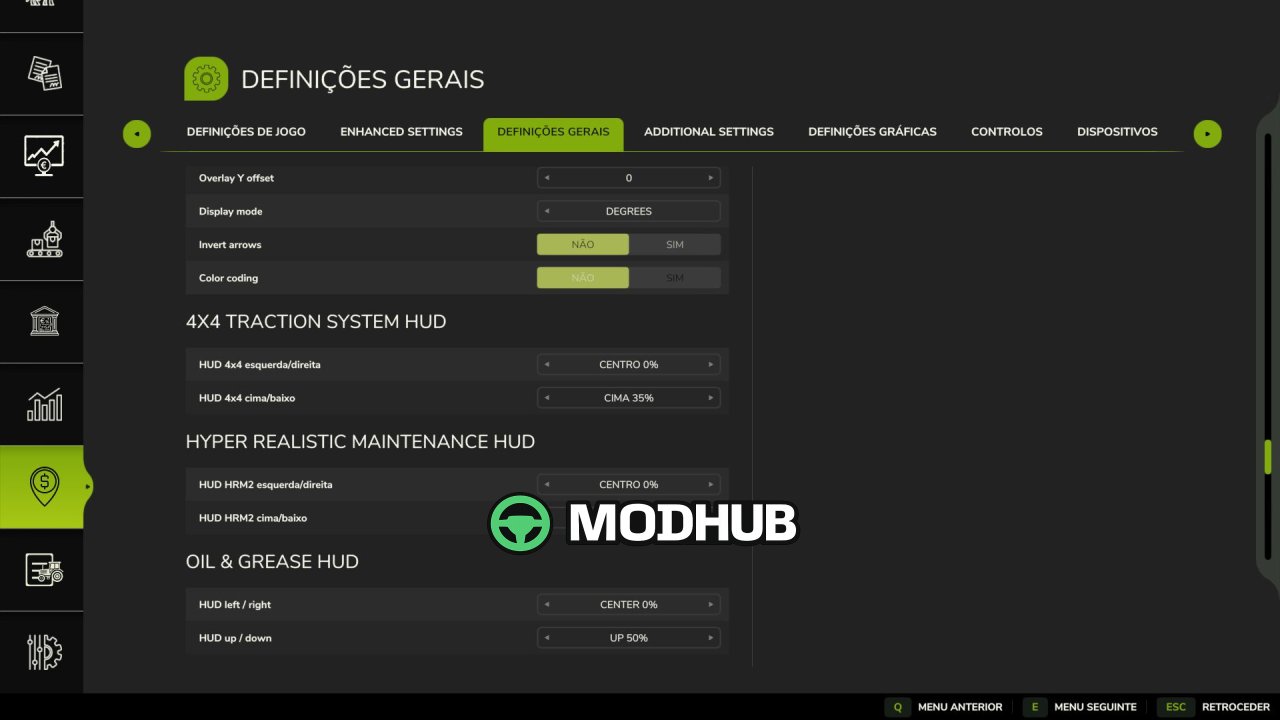
• Live on-screen HUD with wheel-slip status, adjustable HUD position in-game
• No XML edits to any vehicle: the system injects itself automatically into compatible equipment
Instead of flipping 4WD instantly, the mod reacts to actual wheel slip. Semi-auto and Auto detect slip and engage the front axle based on wheel behavior, while Smart continuously increases 4WD engagement proportionally—no hard on/off switching. This reduces jolts and prevents momentary speed loss when the front axle engages under load.
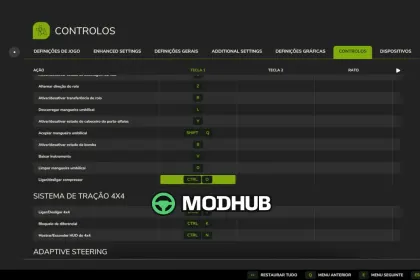
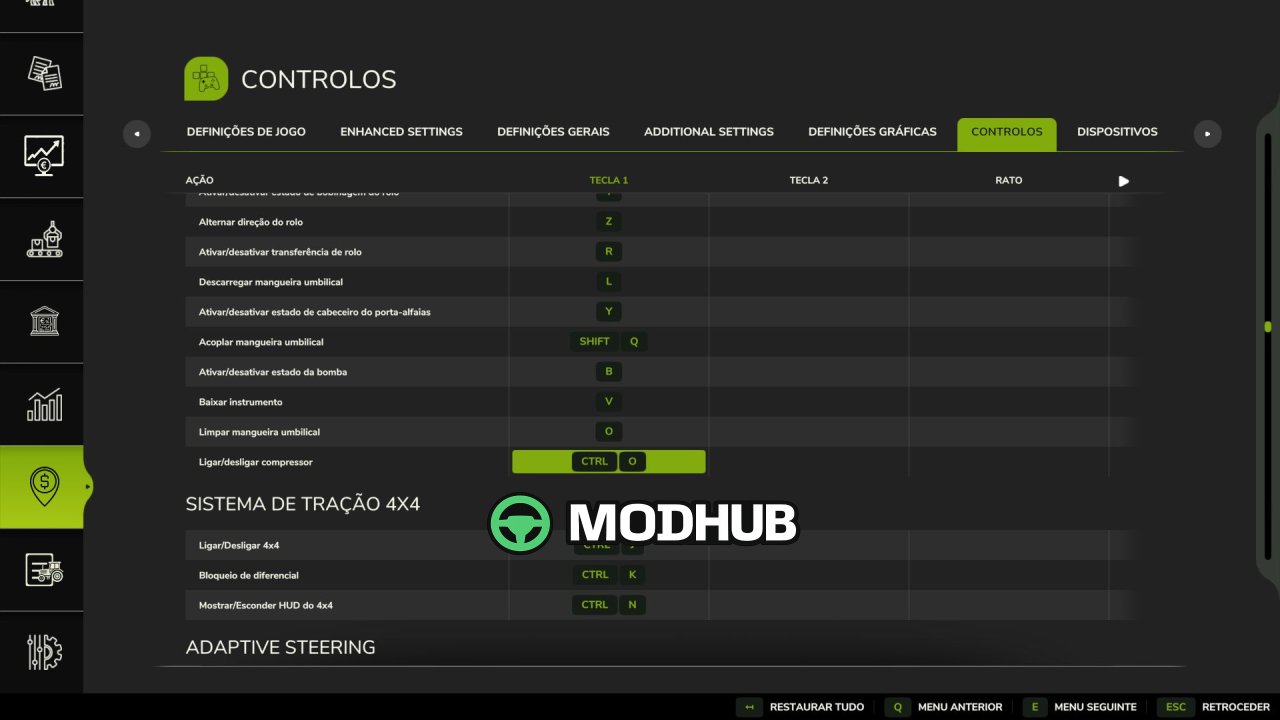
Control is designed to be stable with other mods: keybinds were changed to Shift+Ctrl+J/K/N to avoid conflicts. Auto/semi-auto response is much faster (confirm delay cut from 2.5s to 0.9s), and the 2WD↔4WD change in the non-hard modes uses a short smooth ramp rather than an instant snap. Optional soft compatibility with Hyper Realistic Maintenance 2 is supported if you run it; otherwise the traction system remains fully standalone.
About Realistic 4×4 Traction System V1.0.1 for FS25
Realistic 4×4 Traction System V1.0.1 for FS25 is a mod for Farming Simulator 25. Check the author description, supported game version and dependencies before installing.
How to install the mod
Follow the installation instructions for Realistic 4×4 Traction System V1.0.1 for FS25, Farming Simulator 25 and your platform.
Download the mod archive using the Download button and read the author instructions.
On PC, copy the mod ZIP without extracting it to Documents/My Games/FarmingSimulator2025/mods. For a bundle, extract the individual mod ZIPs first. macOS and Microsoft Store paths may differ; check Mod Directory in the game log.txt.
Start the game and enable the mod for the selected save or profile, if required.
Test using a backup or a new save. Install any dependencies listed by the author.
System requirements and compatibility
Check the mod description for supported game versions, required DLC and platforms. Compatibility with every version or other mods is not guaranteed. Farming Simulator script mods are for PC/macOS. Console players can only install compatible mods from the in-game GIANTS ModHub.
Frequently asked questions
Is this mod free?
MODHUB does not charge for access to this mod page. Check the terms and download limits of the external file provider.
Can I use this mod in Farming Simulator 25 multiplayer?
Multiplayer support depends on the mod and its author. If supported, the server and players need matching mod versions and required DLC.
What should I check if the mod does not work?
Check the installation folder, archive structure, supported game version, dependencies and game logs. Test the mod separately using a backup save.
How can I check a downloaded mod?
Use trusted author sources, scan the archive and back up your saves. Do not run unrelated installers; a download listing does not guarantee safety or compatibility.