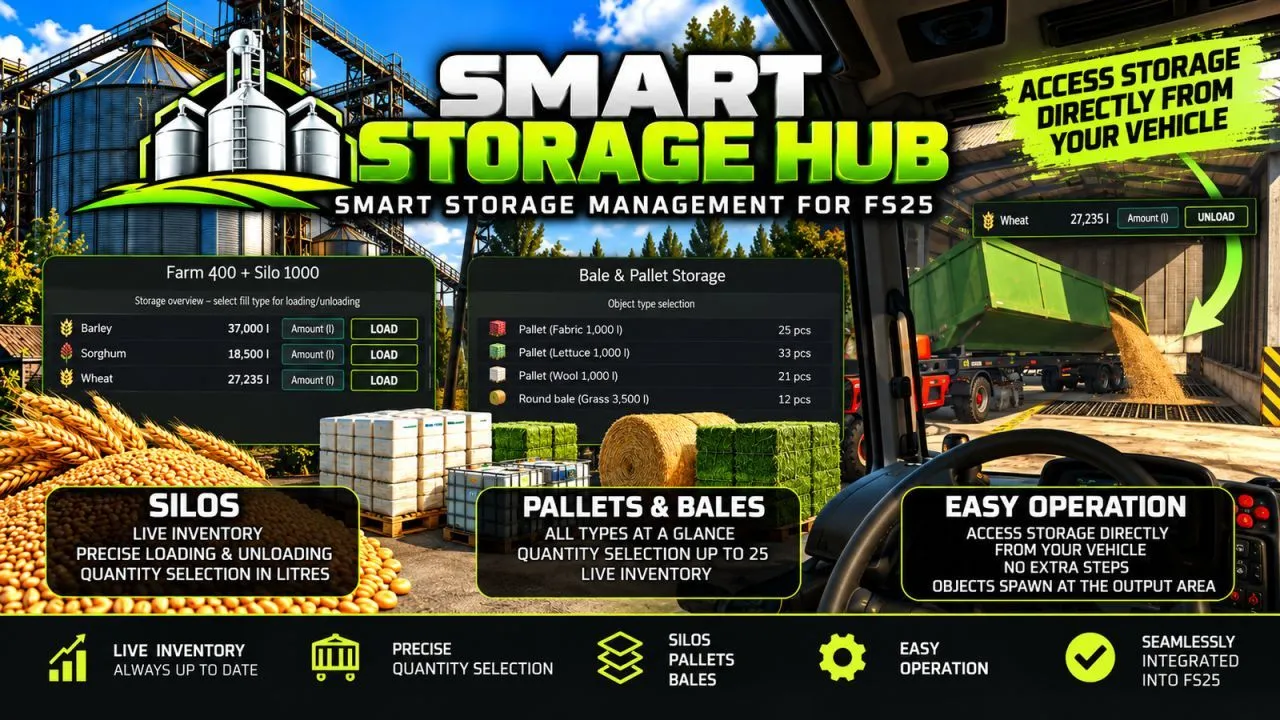
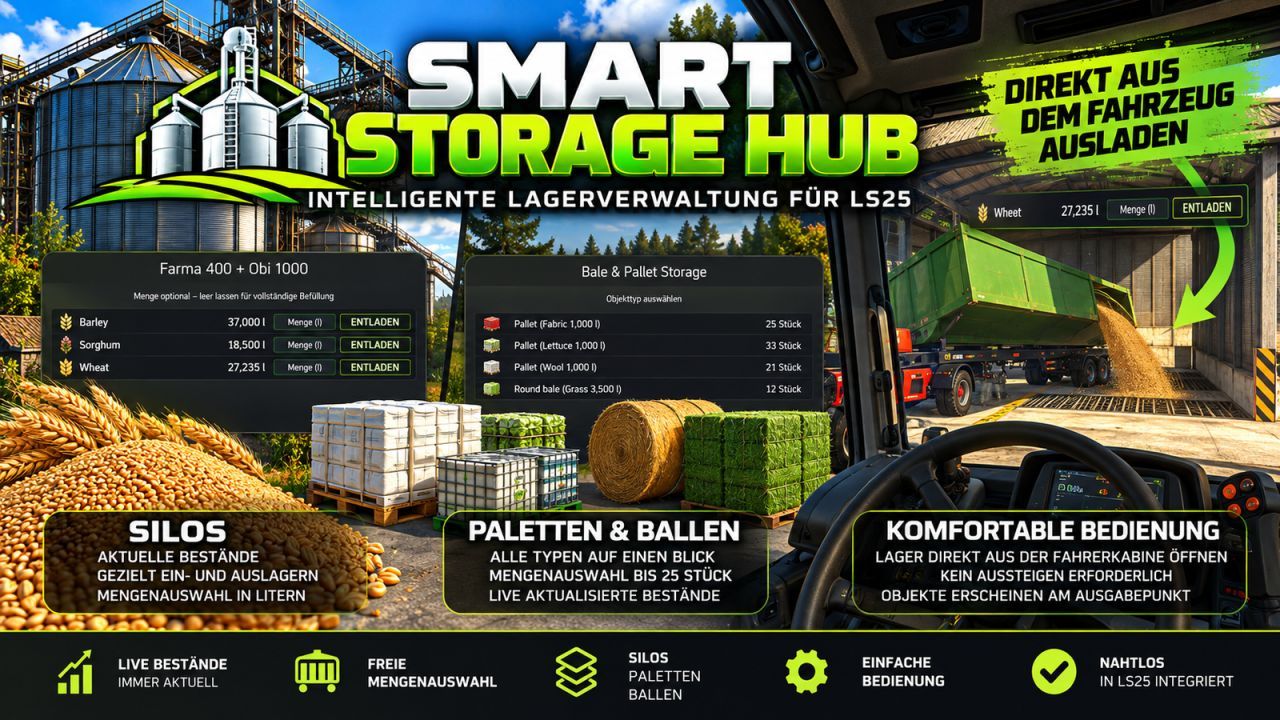
Smart Storage Hub is a script for Farming Simulator 25 that significantly enhances storage management for silos, pallets, and bales. It offers a modern and intuitive interface that allows you to easily track inventory and select the exact quantity of products you need. This mod helps you manage your storage facilities more efficiently and saves you time. Additionally, the interface is designed to match the style of Farming Simulator 25, making it convenient for all players.
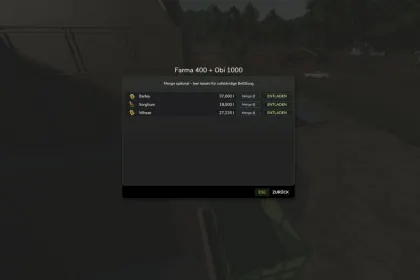
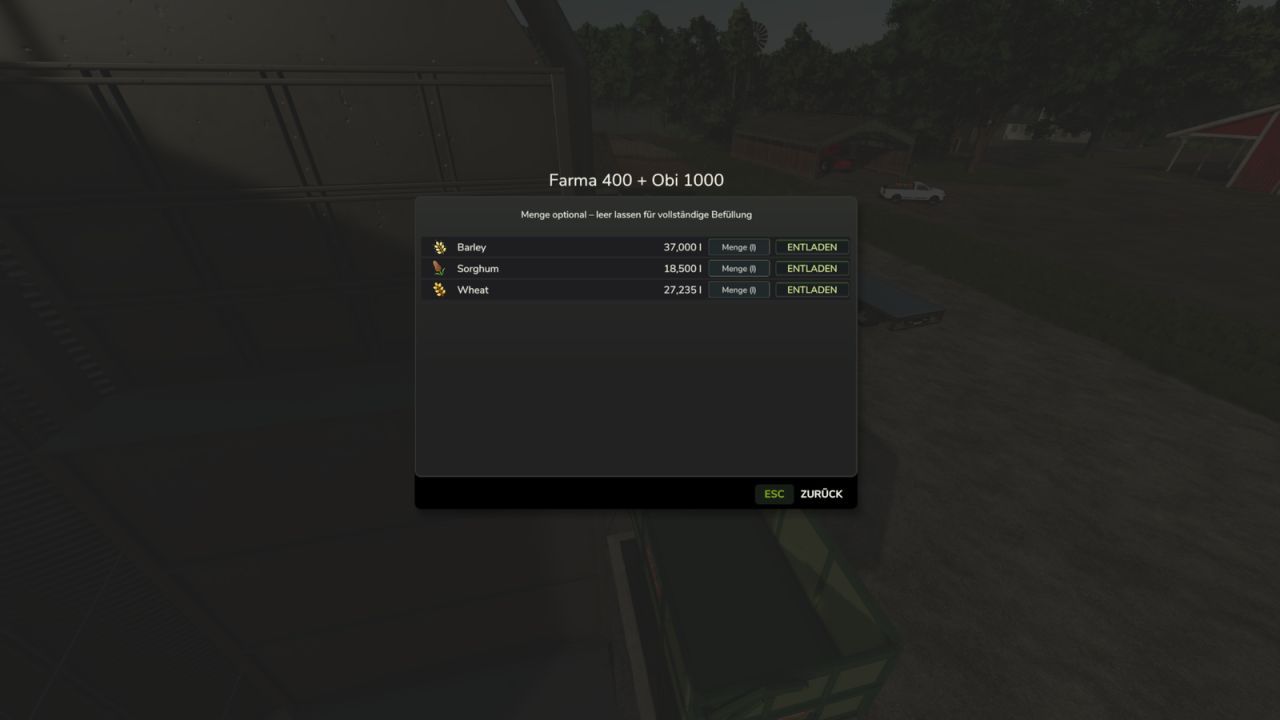
• Clear overview of available fill types and current quantities.
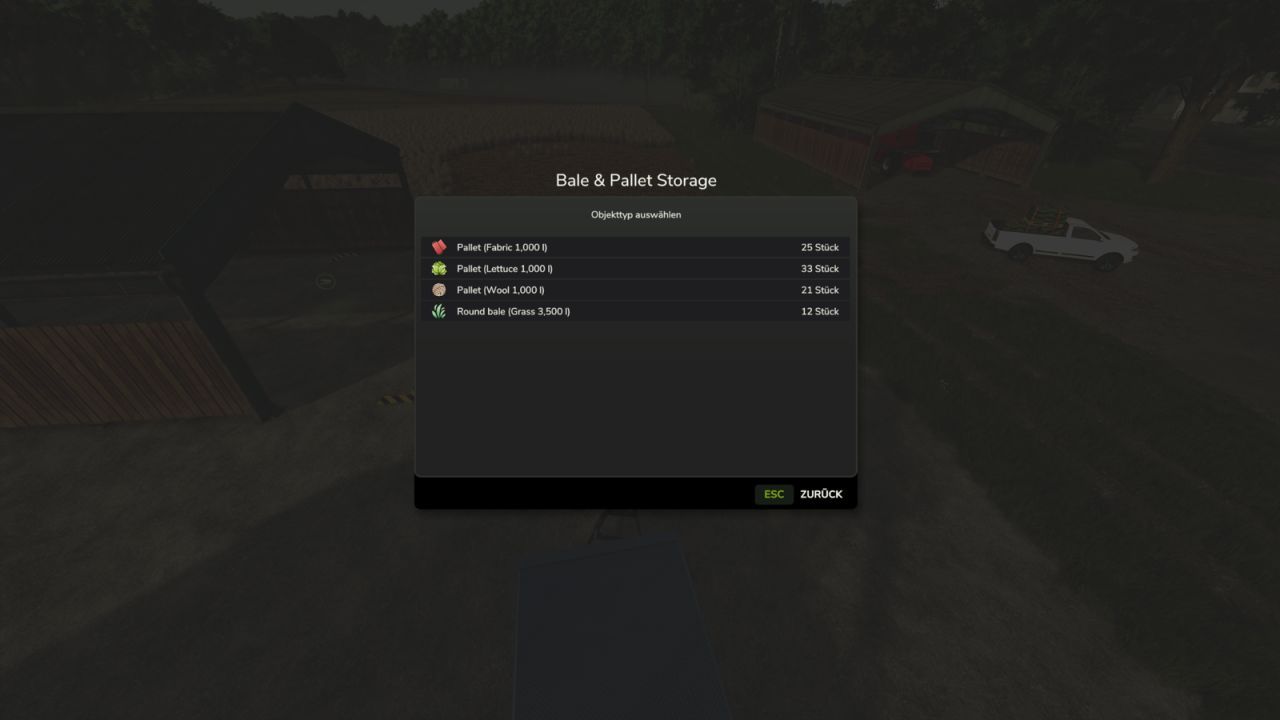
• Matching icons for easy identification of products.
• Precise quantity selection in litres, with the option to leave the field empty for normal trailer filling.
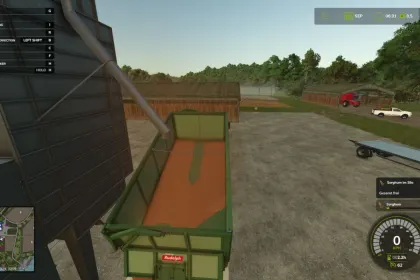
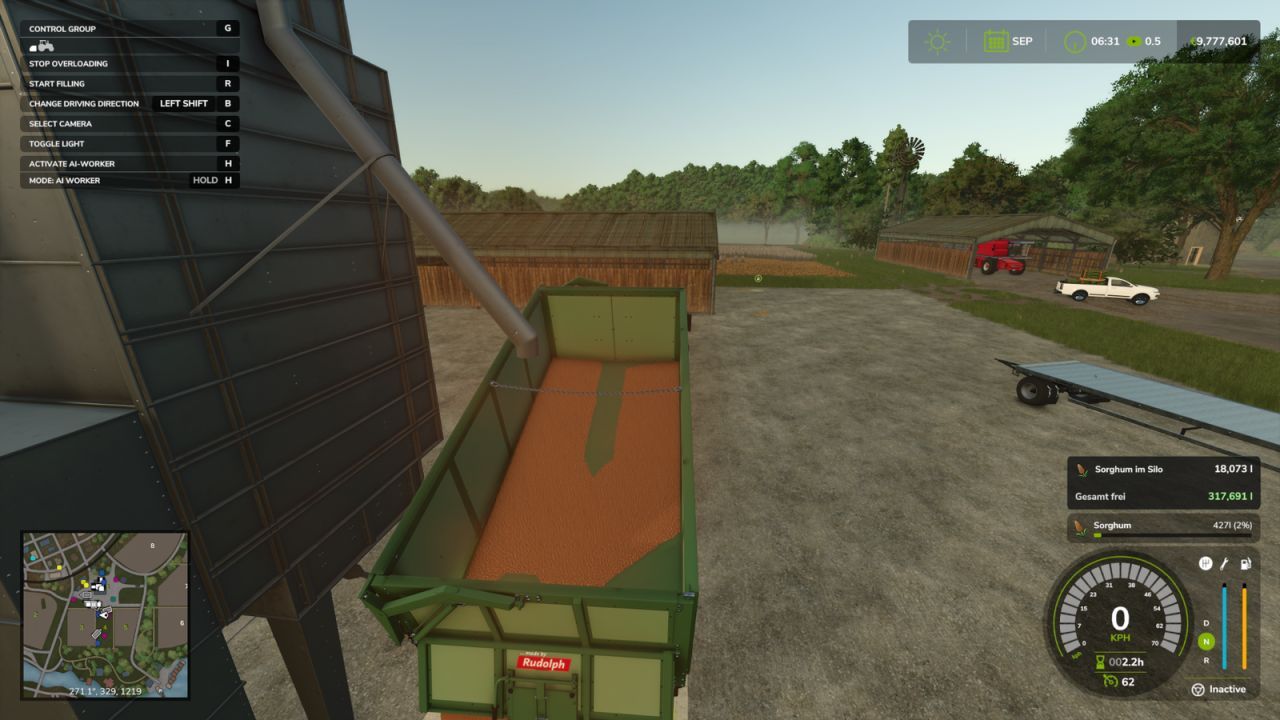
• Live inventory information during loading and unloading, with colour-coded indicators for remaining stock and available capacity.
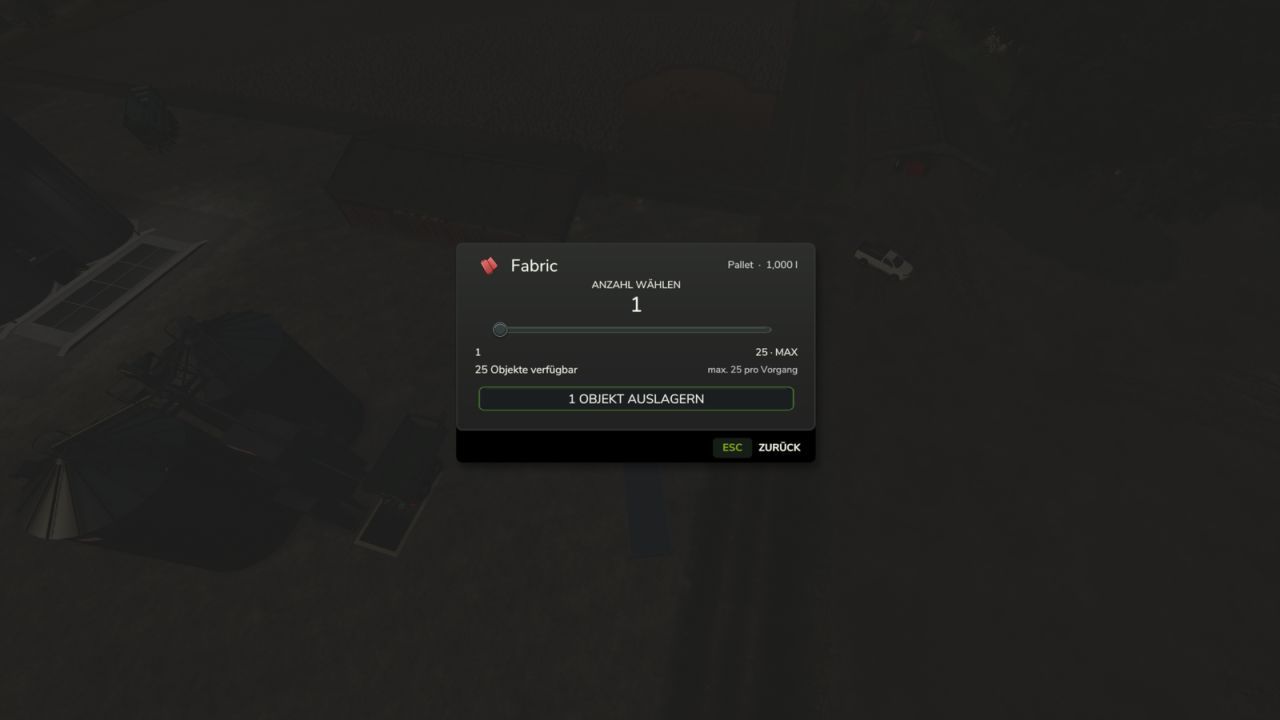
• Pallet and bale storage management: overview of all stored types, live counts, convenient quantity selection for unloading (up to 25 objects per operation).
• Direct storage access from vehicles: you can retrieve pallets and bales without leaving the cab.
• Modern interface designed to match Farming Simulator 25, with clearly aligned inventory quantities.
• German and English language support, integration with existing storage functionality.
This mod also retains the normal functionality of existing purchasing stations and unlimited fill sources, and multiplayer functionality has not yet been separately verified.
About Smart Storage Hub for Farming Simulator 25
Smart Storage Hub for Farming Simulator 25 is a mod for Farming Simulator 25. Check the author description, supported game version and dependencies before installing.
How to install the mod
Follow the installation instructions for Smart Storage Hub for Farming Simulator 25, Farming Simulator 25 and your platform.
Download the mod archive using the Download button and read the author instructions.
On PC, copy the mod ZIP without extracting it to Documents/My Games/FarmingSimulator2025/mods. For a bundle, extract the individual mod ZIPs first. macOS and Microsoft Store paths may differ; check Mod Directory in the game log.txt.
Start the game and enable the mod for the selected save or profile, if required.
Test using a backup or a new save. Install any dependencies listed by the author.
System requirements and compatibility
Check the mod description for supported game versions, required DLC and platforms. Compatibility with every version or other mods is not guaranteed. Farming Simulator script mods are for PC/macOS. Console players can only install compatible mods from the in-game GIANTS ModHub.
Frequently asked questions
Is this mod free?
MODHUB does not charge for access to this mod page. Check the terms and download limits of the external file provider.
Can I use this mod in Farming Simulator 25 multiplayer?
Multiplayer support depends on the mod and its author. If supported, the server and players need matching mod versions and required DLC.
What should I check if the mod does not work?
Check the installation folder, archive structure, supported game version, dependencies and game logs. Test the mod separately using a backup save.
How can I check a downloaded mod?
Use trusted author sources, scan the archive and back up your saves. Do not run unrelated installers; a download listing does not guarantee safety or compatibility.