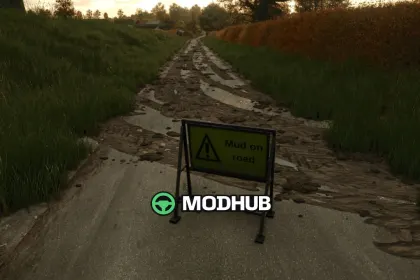
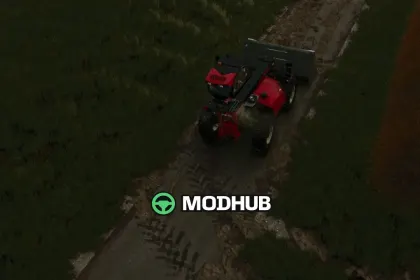
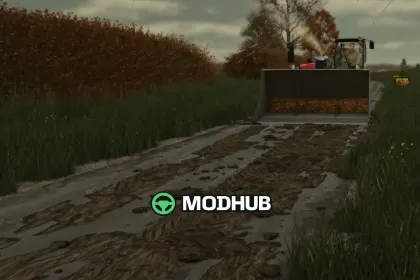
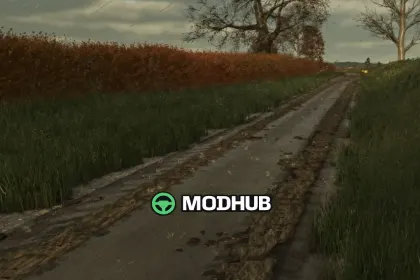
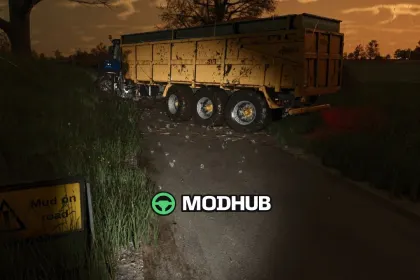
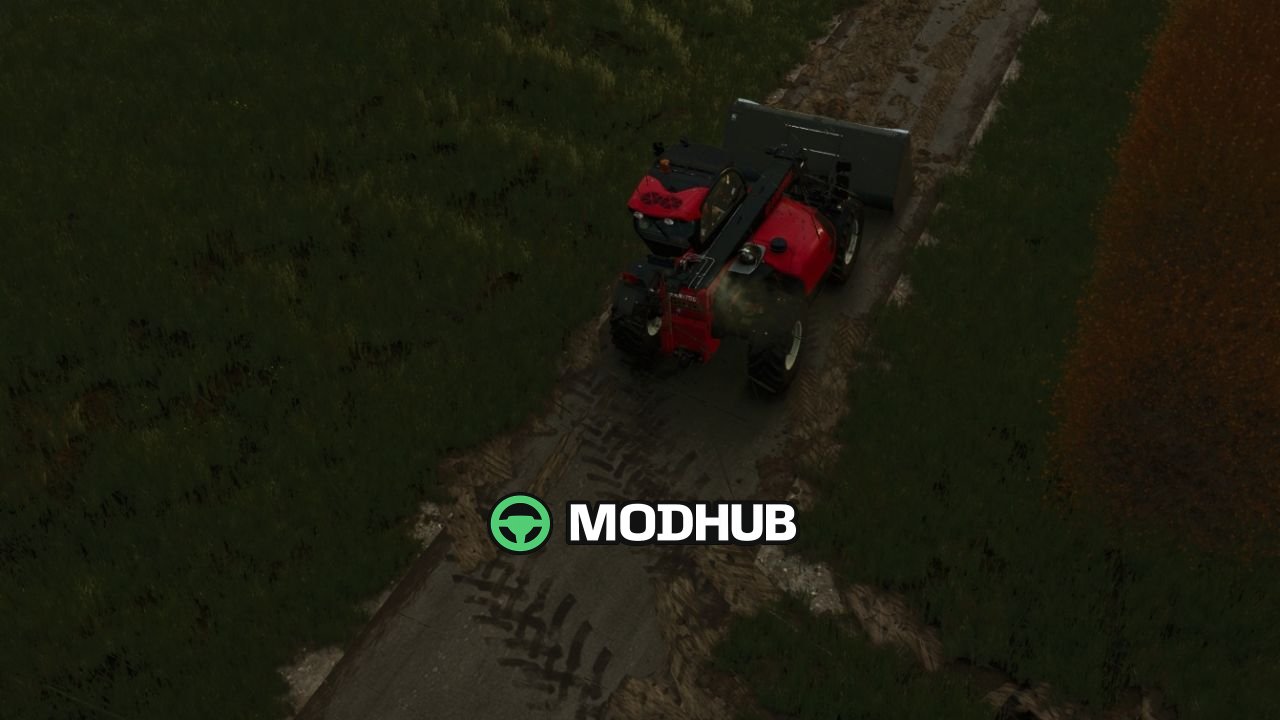
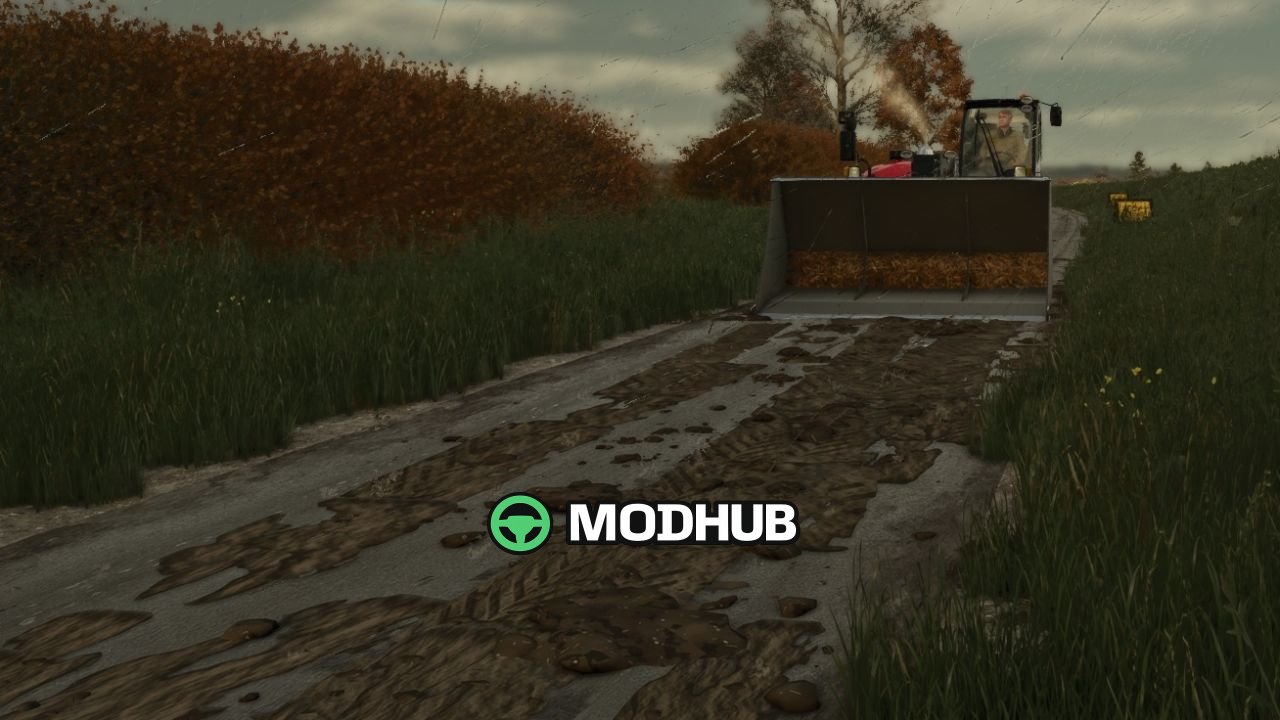
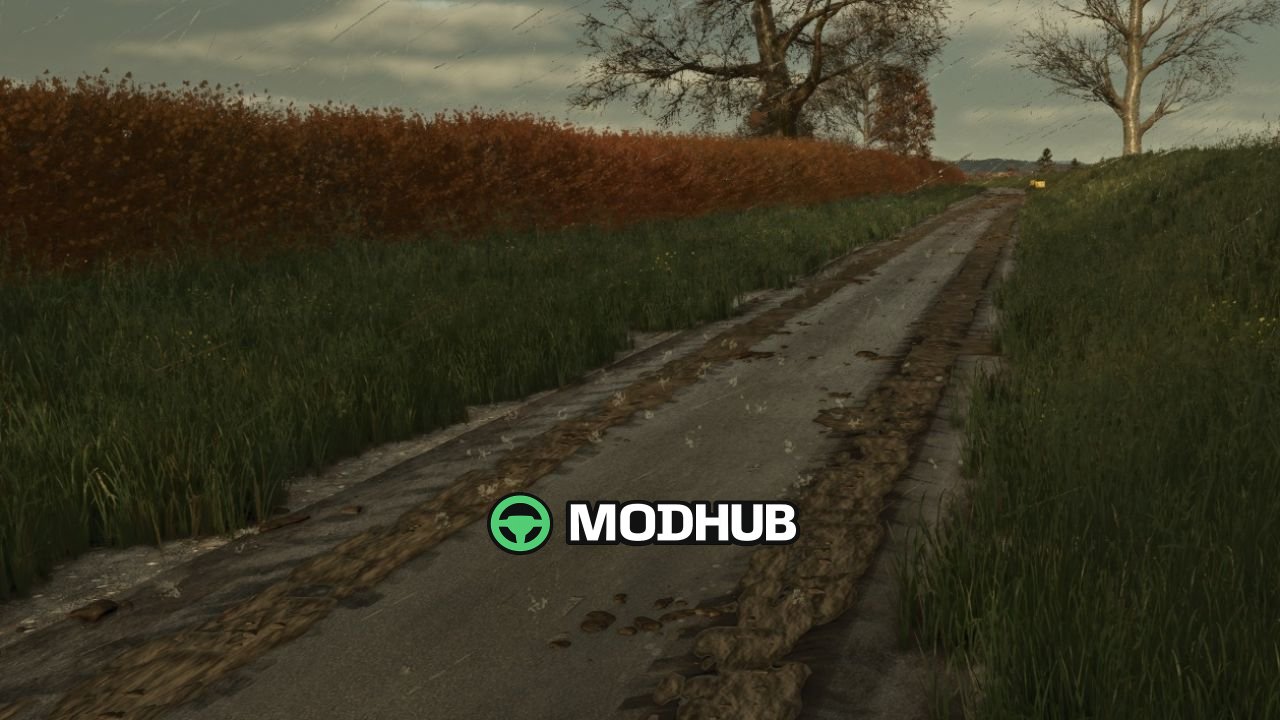
Mud on the road V1.0 is a script for Farming Simulator 25 that makes tyres leave muddy marks on roads, yards and tracks. Mud only appears when there is real mud on the tyres, the same mud the game shows after field work. The faster you drive, the further clods are flung across the road. Over time the tyres shed their mud, and the trail fades over a few hundred metres.
• Mud builds up: driving over old mud freshens and thickens it, and new layers go on top.
• Works for every vehicle and trailer with wheels, including AI helpers.
• Rain washes mud off the road: heavy rain clears it in about 5 in-game hours, light rain in around half a day.
• In dry weather mud dries, turns pale, and is gone after about three in-game days.
• Sweeper brushes, when turned on, remove the mud they pass over.
• A loader, telehandler or wheel loader bucket scrapes up mud when its lip is put down on the road and pushed forward.
• The mod adds a small UK-style “Mud on road” warning sign, available in the Decorations shop for 25.
• Mud is saved with your savegame; in multiplayer it is purely visual and adds no network traffic.
Settings are handled through modSettings/FS25_MudOnRoad.xml, created on first start, and console commands let you test mud, clean roads and control its appearance.
About Script Mud on the road V1.0 for FS25
Script Mud on the road V1.0 for FS25 is a mod for Farming Simulator 25. Check the author description, supported game version and dependencies before installing.
How to install the mod
Follow the installation instructions for Script Mud on the road V1.0 for FS25, Farming Simulator 25 and your platform.
Download the mod archive using the Download button and read the author instructions.
On PC, copy the mod ZIP without extracting it to Documents/My Games/FarmingSimulator2025/mods. For a bundle, extract the individual mod ZIPs first. macOS and Microsoft Store paths may differ; check Mod Directory in the game log.txt.
Start the game and enable the mod for the selected save or profile, if required.
Test using a backup or a new save. Install any dependencies listed by the author.
System requirements and compatibility
Check the mod description for supported game versions, required DLC and platforms. Compatibility with every version or other mods is not guaranteed. Farming Simulator script mods are for PC/macOS. Console players can only install compatible mods from the in-game GIANTS ModHub.
Frequently asked questions
Is this mod free?
MODHUB does not charge for access to this mod page. Check the terms and download limits of the external file provider.
Can I use this mod in Farming Simulator 25 multiplayer?
Multiplayer support depends on the mod and its author. If supported, the server and players need matching mod versions and required DLC.
What should I check if the mod does not work?
Check the installation folder, archive structure, supported game version, dependencies and game logs. Test the mod separately using a backup save.
How can I check a downloaded mod?
Use trusted author sources, scan the archive and back up your saves. Do not run unrelated installers; a download listing does not guarantee safety or compatibility.