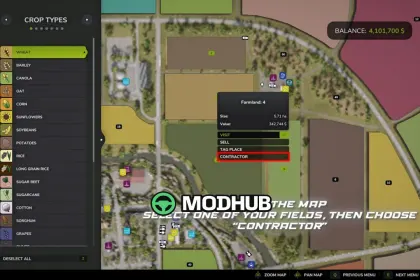
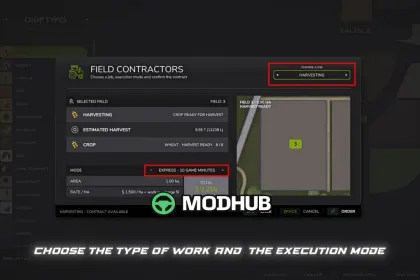
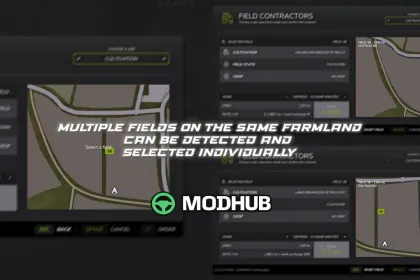
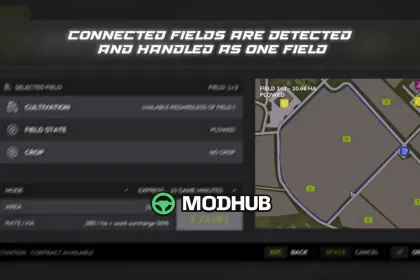
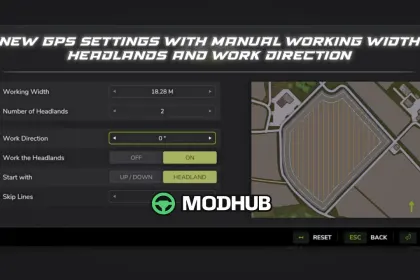
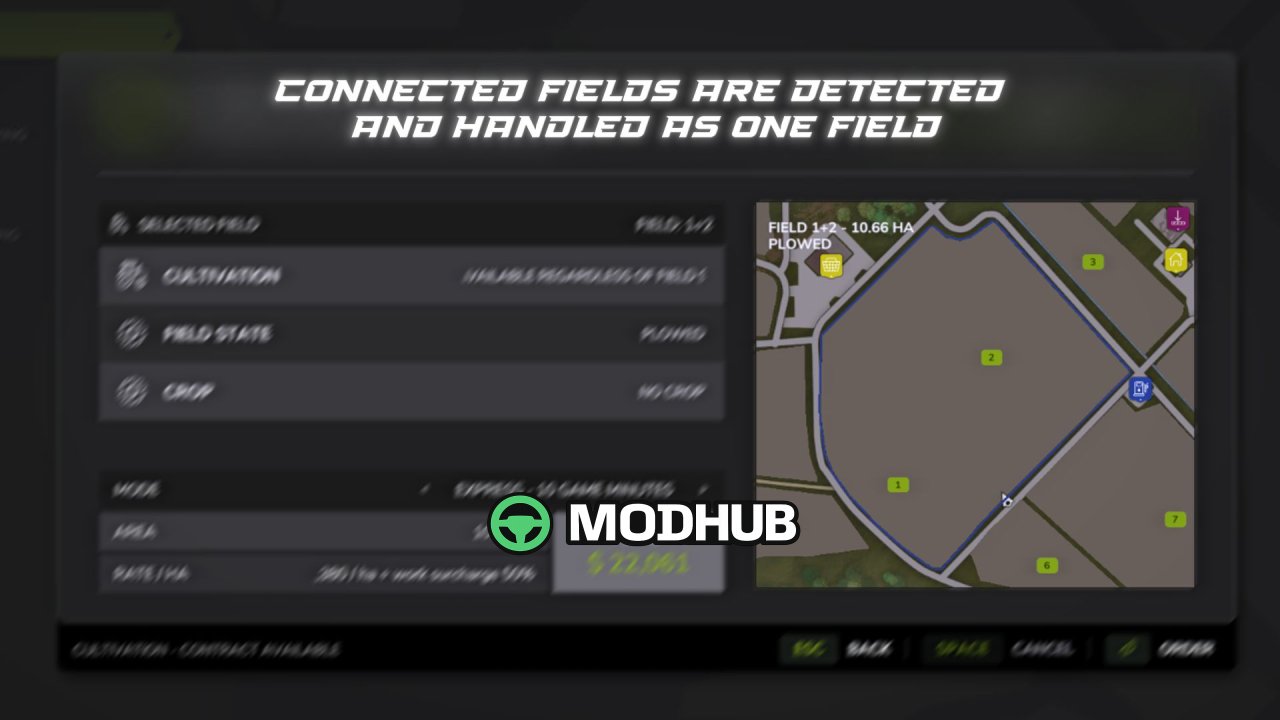
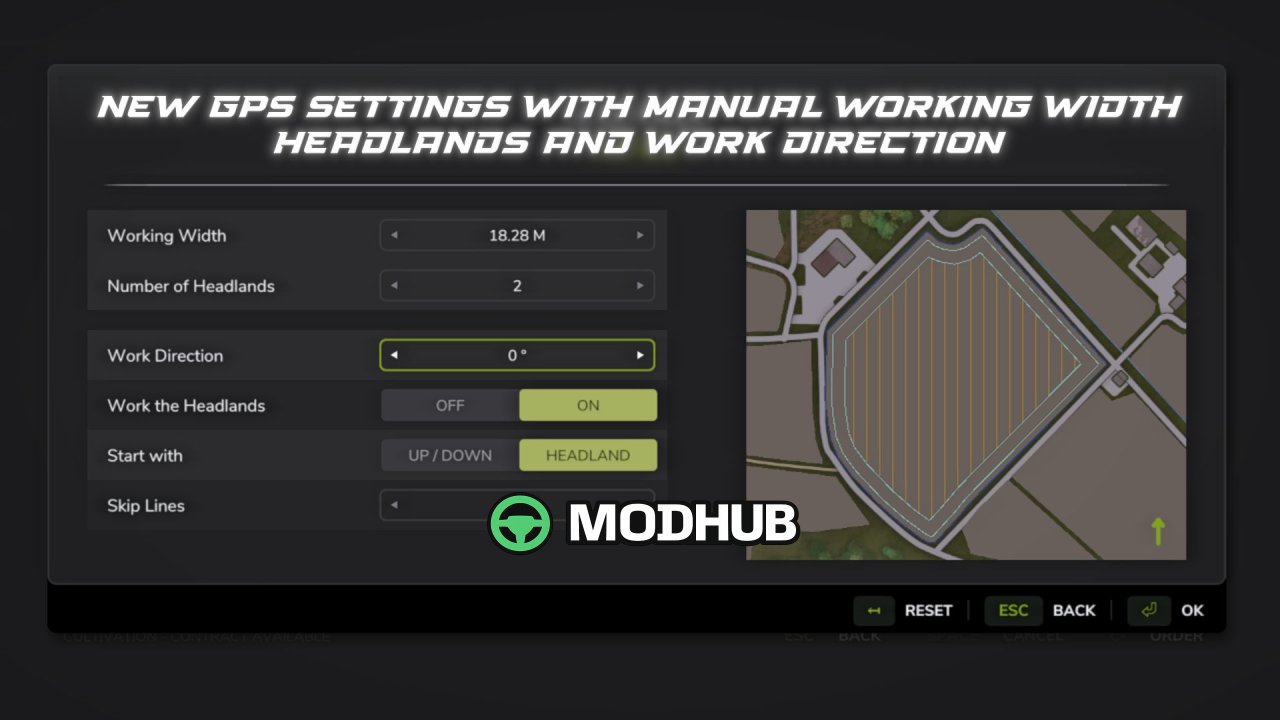
Field Contractors V1.5.2 is a script mod for Farming Simulator 25 that adds a system for hiring contractors to perform work on your fields. Instead of renting machinery, assembling your own equipment setup, and using standard in-game AI, you can select a field, the type of work, and the execution mode, then hand the task over to a contractor. The cost depends on the field area, the type of work, and the selected mode. The mod supports standard, modified, expanded, and player-created fields, and it detects the field’s state and displays available and required tasks.
• Work modes: Express (10 in-game minutes, +50% surcharge), Fast (30 minutes, +40%), Medium (1 hour, +25%), Slow (3 hours, +10%), and Real Contractor (uses actual machinery).
• Supported tasks: cultivation, plowing, sowing, sowing with fertilizer, solid and liquid fertilizer application, herbicide application, liming, weeding, hoeing, rolling, harvesting, and harvesting with straw collection.
• Harvesting: the mod calculates the estimated crop yield and prompts you to select a compatible storage facility with sufficient free space; capacity is reserved for the active job.
• Saving: active jobs are saved with the game and resume after loading; if a job is cancelled before work begins, the full cost is refunded.
• Compatibility: standard and modded maps, additional crops, modified fields; supports MultifruitSeeders, LimeSpreaders, and CultivatorPlowing mods.
• Limitations: multiplayer is not supported; compound setups (e.g., tractor + implement + implement) are not supported.
In version 1.5.2.0, you can now choose where equipment spawns in Real Contractor mode (SPAWN – SHOP or SPAWN – FIELD), and navigation between windows, sounds, storage selection, and contractor display on the map have been fixed.
About Script Field Contractors V1.5.2 for FS25
Script Field Contractors V1.5.2 for FS25 is a mod for Farming Simulator 25. Check the author description, supported game version and dependencies before installing.
How to install the mod
Follow the installation instructions for Script Field Contractors V1.5.2 for FS25, Farming Simulator 25 and your platform.
Download the mod archive using the Download button and read the author instructions.
On PC, copy the mod ZIP without extracting it to Documents/My Games/FarmingSimulator2025/mods. For a bundle, extract the individual mod ZIPs first. macOS and Microsoft Store paths may differ; check Mod Directory in the game log.txt.
Start the game and enable the mod for the selected save or profile, if required.
Test using a backup or a new save. Install any dependencies listed by the author.
System requirements and compatibility
Check the mod description for supported game versions, required DLC and platforms. Compatibility with every version or other mods is not guaranteed. Farming Simulator script mods are for PC/macOS. Console players can only install compatible mods from the in-game GIANTS ModHub.
Frequently asked questions
Is this mod free?
MODHUB does not charge for access to this mod page. Check the terms and download limits of the external file provider.
Can I use this mod in Farming Simulator 25 multiplayer?
Multiplayer support depends on the mod and its author. If supported, the server and players need matching mod versions and required DLC.
What should I check if the mod does not work?
Check the installation folder, archive structure, supported game version, dependencies and game logs. Test the mod separately using a backup save.
How can I check a downloaded mod?
Use trusted author sources, scan the archive and back up your saves. Do not run unrelated installers; a download listing does not guarantee safety or compatibility.