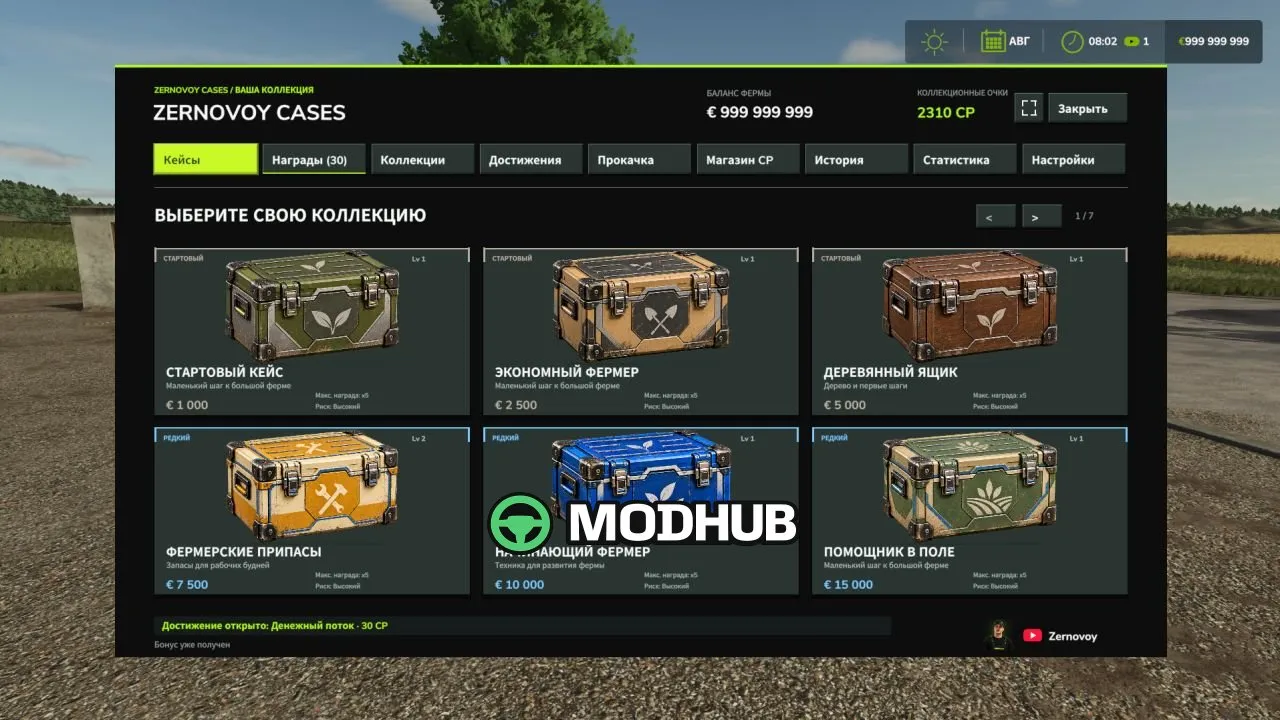
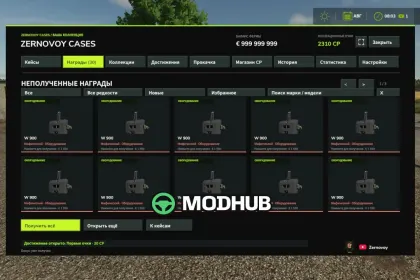
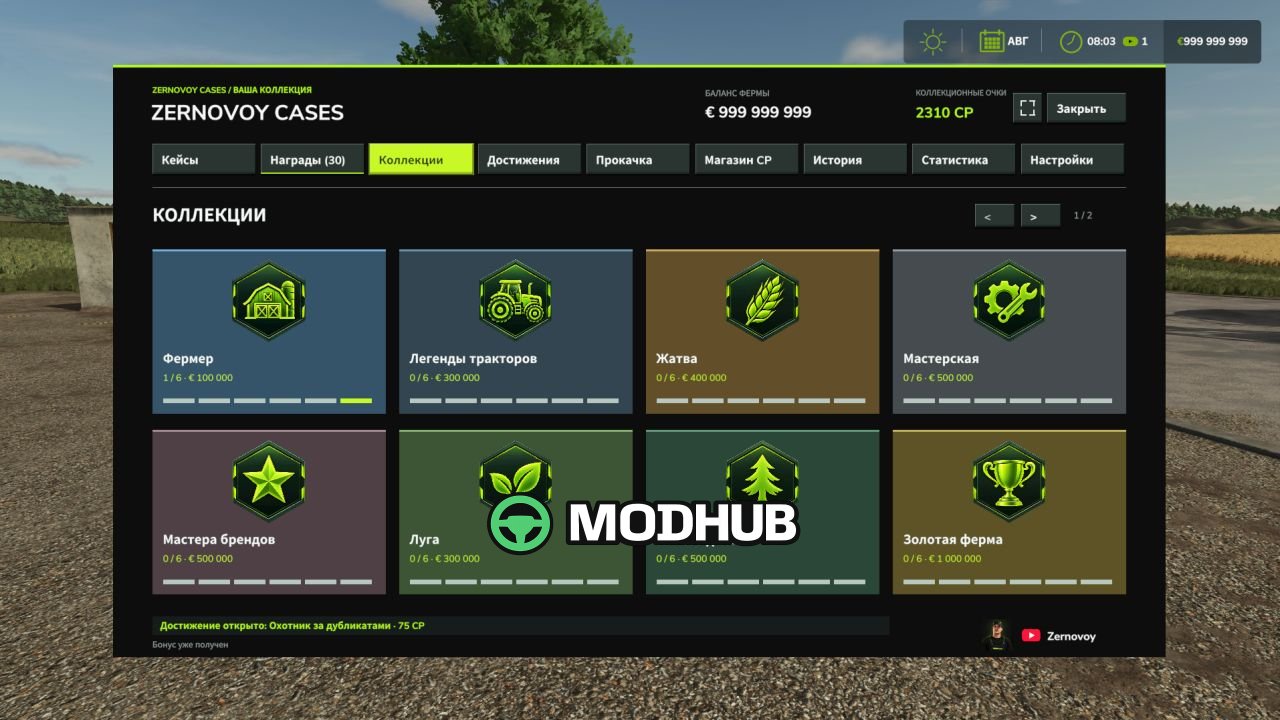
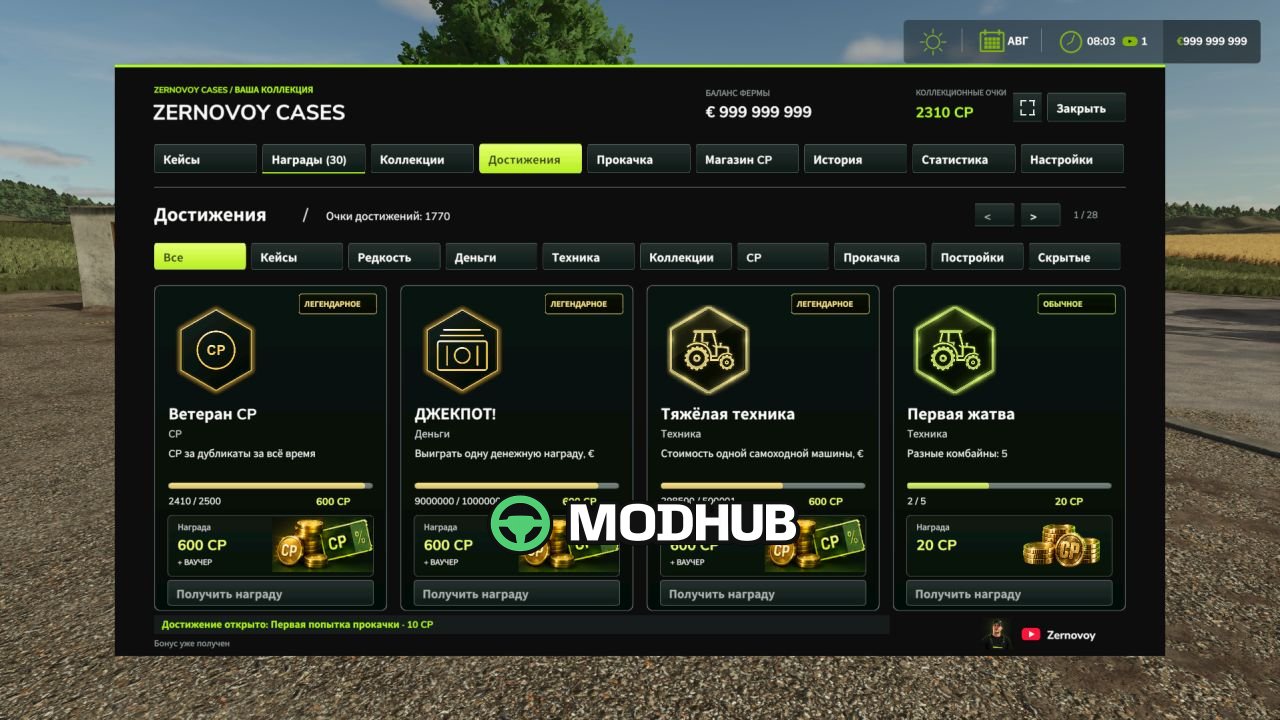
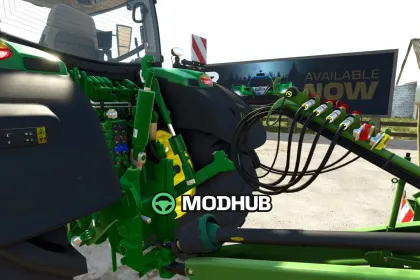
Cases and rewards V1.0 is a script for Farming Simulator 25 that adds a new way to obtain machinery and collect rewards on your farm. The mod features 40 themed cases, collections, achievements and a progression system in a separate mouse-controlled menu. You can open up to 10 cases at once with a spinning animation and result display. Machinery from the cases can be used for regular farm work, but selling it is disabled.
• 40 cases — from affordable starter cases to expensive premium ones, each with its own design and set of rewards.
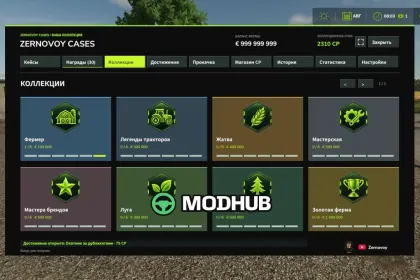
• 11 collections and 66 collectibles — complete sets and receive bonuses.
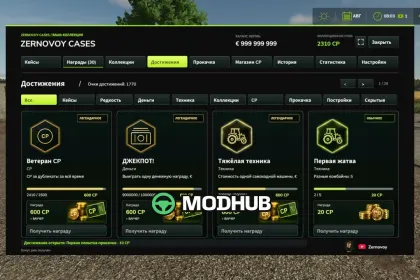
• 118 achievements — complete tasks, earn CP collection points and rewards.
• CP Shop — exchange your accumulated points for available items and vouchers.
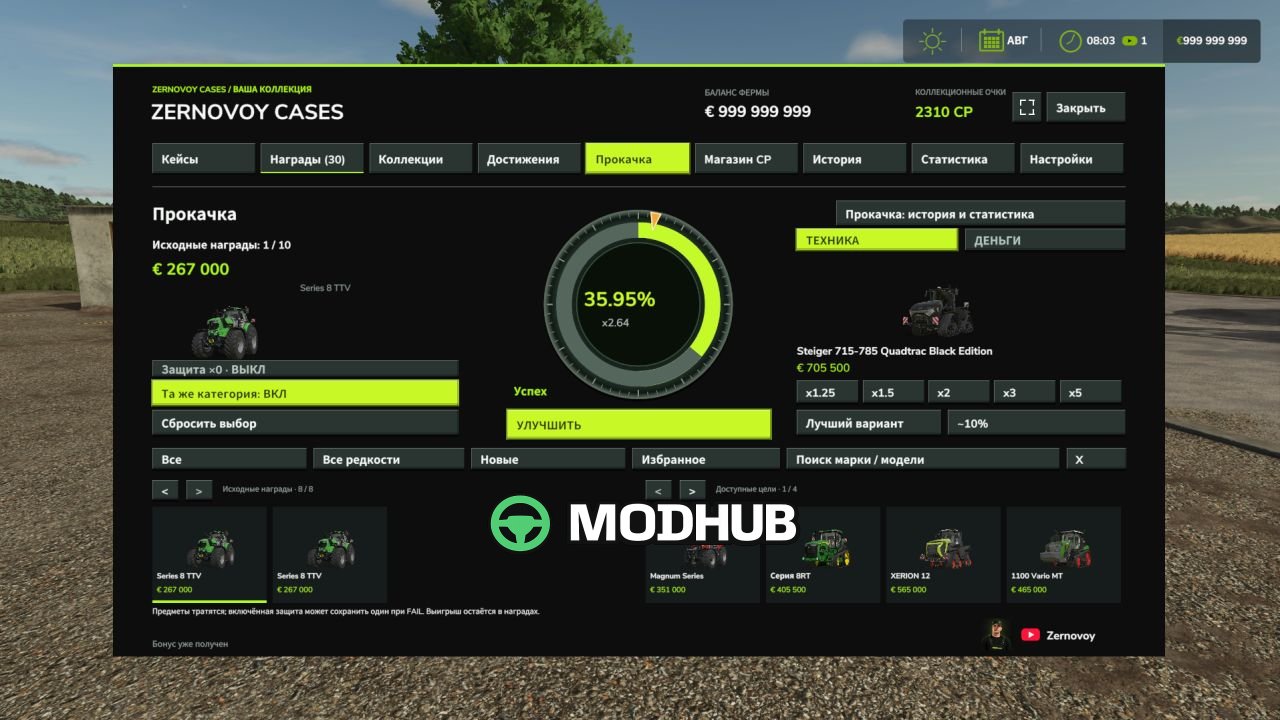
• Reward upgrades — use unclaimed machinery for a chance to receive a more expensive machine, and expensive machinery can also be upgraded into a cash reward.
• Transparent odds — the upgrade success chance is displayed before starting.
• History and statistics — keep track of openings, rewards and upgrade results.
• Animation settings — shorten the effects or skip the spinning animation.
The mod's progress is saved together with the game, and when exiting without saving, unsaved balance and reward changes are cancelled together. To install, place the ZIP file in the mods folder, enable the mod when loading a career and press the middle mouse button to open the menu.
About Script Cases and rewards V1.0 for FS25
Script Cases and rewards V1.0 for FS25 is a mod for Farming Simulator 25. Check the author description, supported game version and dependencies before installing.
How to install the mod
Follow the installation instructions for Script Cases and rewards V1.0 for FS25, Farming Simulator 25 and your platform.
Download the mod archive using the Download button and read the author instructions.
On PC, copy the mod ZIP without extracting it to Documents/My Games/FarmingSimulator2025/mods. For a bundle, extract the individual mod ZIPs first. macOS and Microsoft Store paths may differ; check Mod Directory in the game log.txt.
Start the game and enable the mod for the selected save or profile, if required.
Test using a backup or a new save. Install any dependencies listed by the author.
System requirements and compatibility
Check the mod description for supported game versions, required DLC and platforms. Compatibility with every version or other mods is not guaranteed. Farming Simulator script mods are for PC/macOS. Console players can only install compatible mods from the in-game GIANTS ModHub.
Frequently asked questions
Is this mod free?
MODHUB does not charge for access to this mod page. Check the terms and download limits of the external file provider.
Can I use this mod in Farming Simulator 25 multiplayer?
Multiplayer support depends on the mod and its author. If supported, the server and players need matching mod versions and required DLC.
What should I check if the mod does not work?
Check the installation folder, archive structure, supported game version, dependencies and game logs. Test the mod separately using a backup save.
How can I check a downloaded mod?
Use trusted author sources, scan the archive and back up your saves. Do not run unrelated installers; a download listing does not guarantee safety or compatibility.