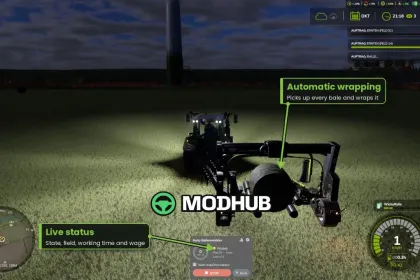
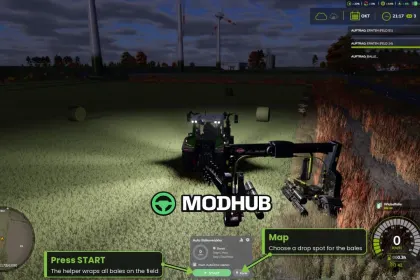
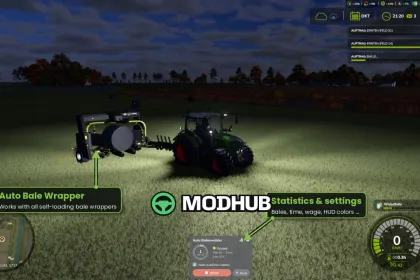
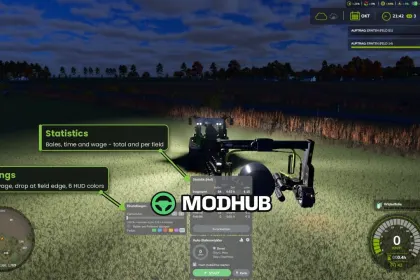
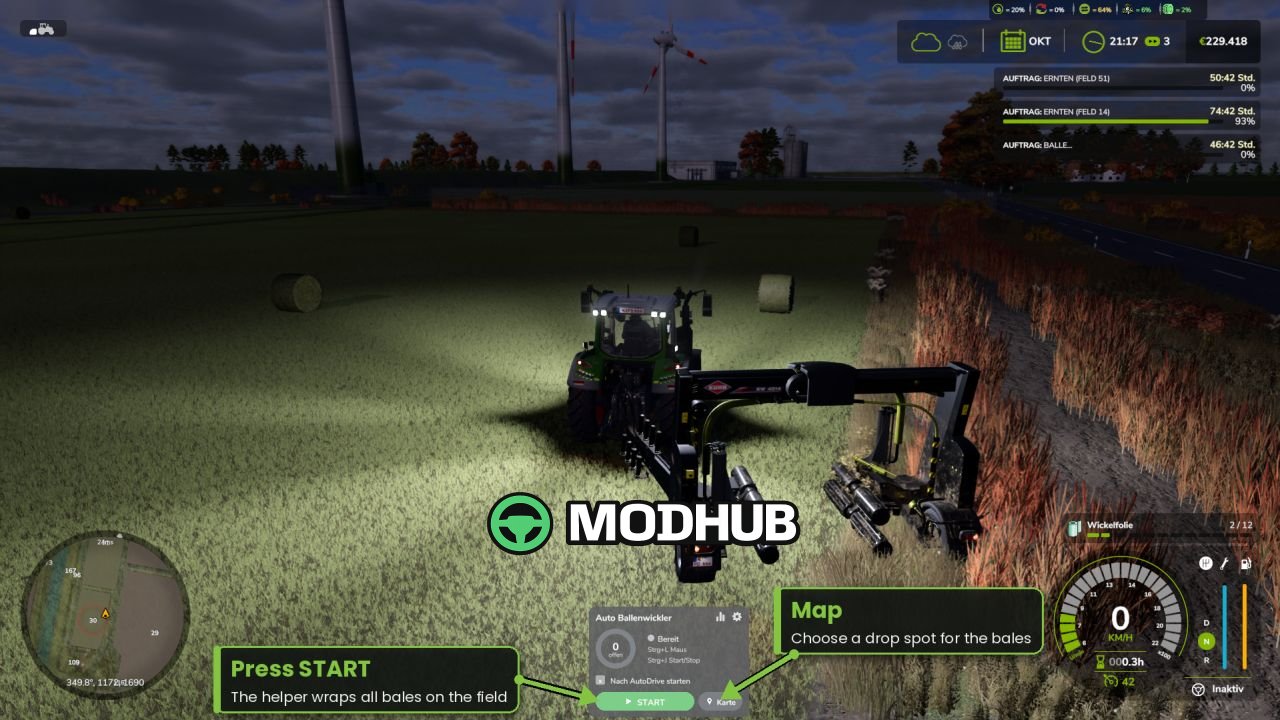
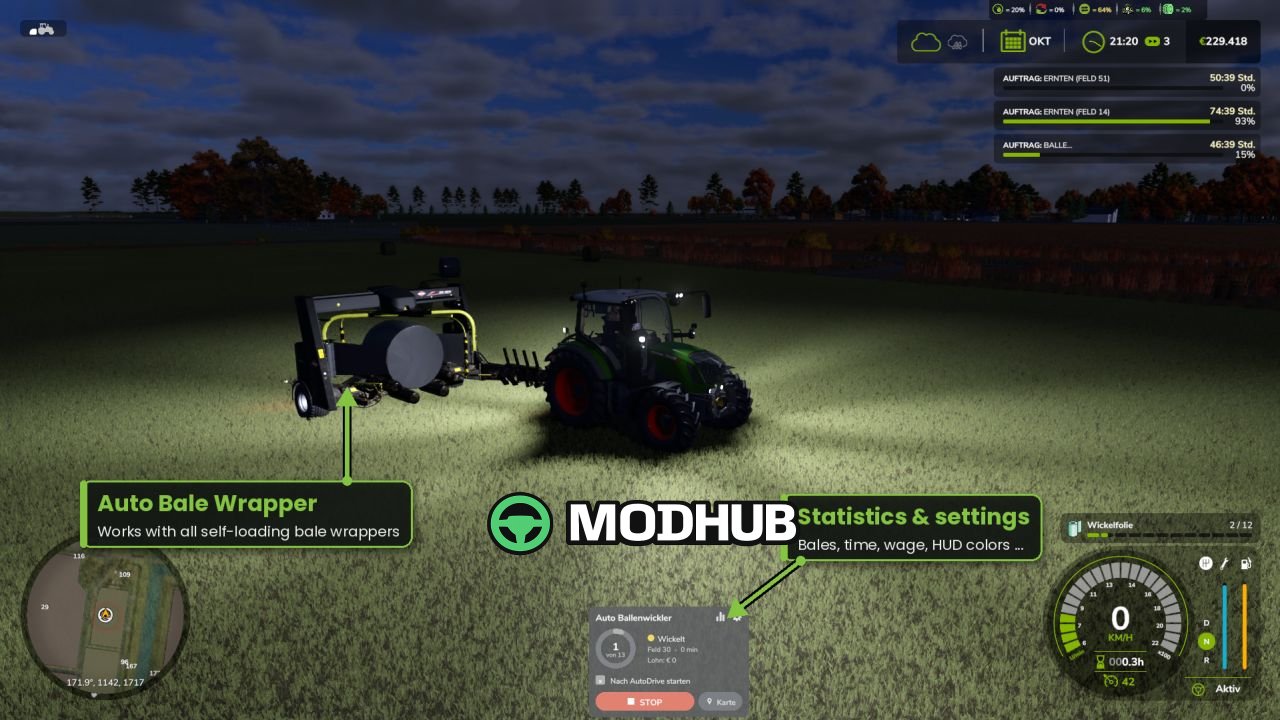
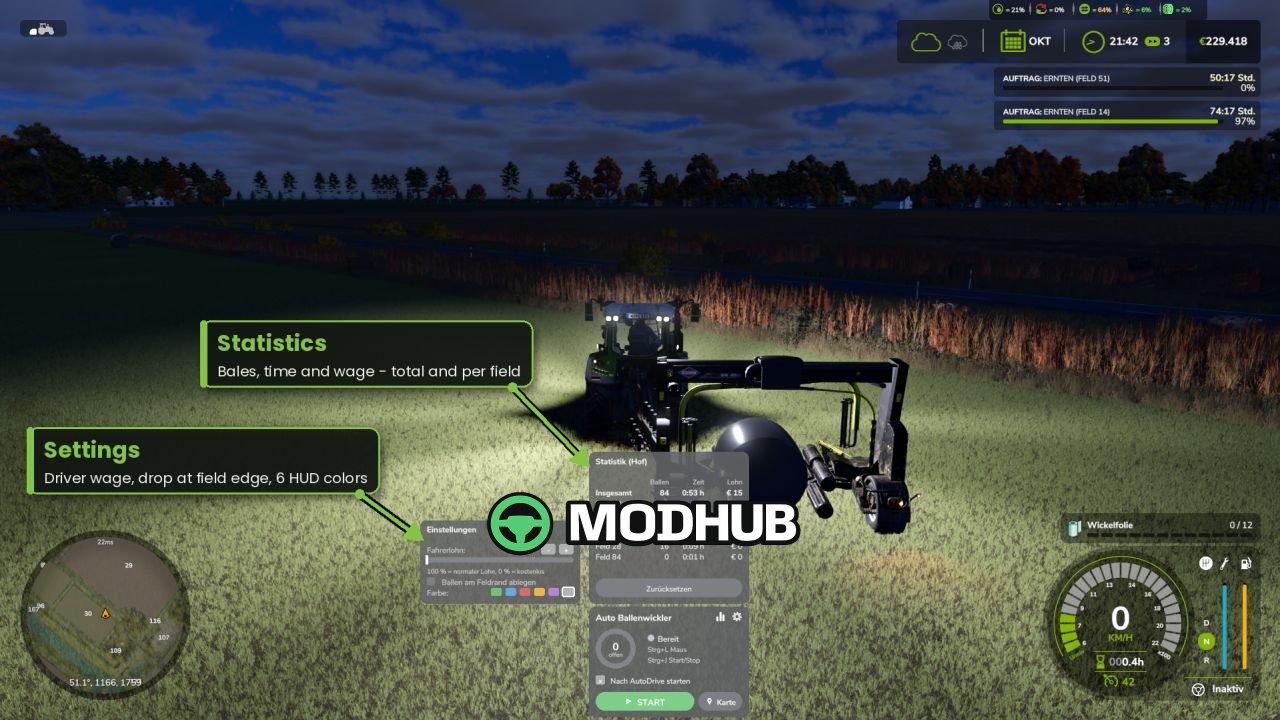
Auto Bale Wrapper V1.0.9 is a script for Farming Simulator 25 that adds an AI helper for towed, self-loading bale wrappers. The helper automatically finds all unwrapped bales on the field and wraps them, stopping when everything is done. It plans its own paths around bales, trees and obstacles while staying on the field. Dynamic speed adjusts for straights and curves, with late braking before each bale.
• Supports round and square bales, skips already wrapped ones
• Obstacle sensor for vehicles, players and objects
• Several helpers on one field share the bales automatically
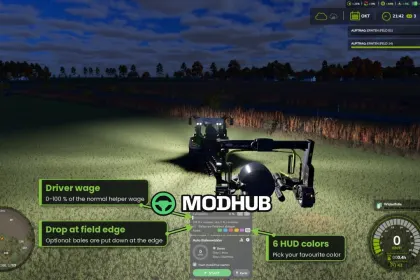
• Drop spot on the map: choose a spot and direction, bales are placed in a neat row
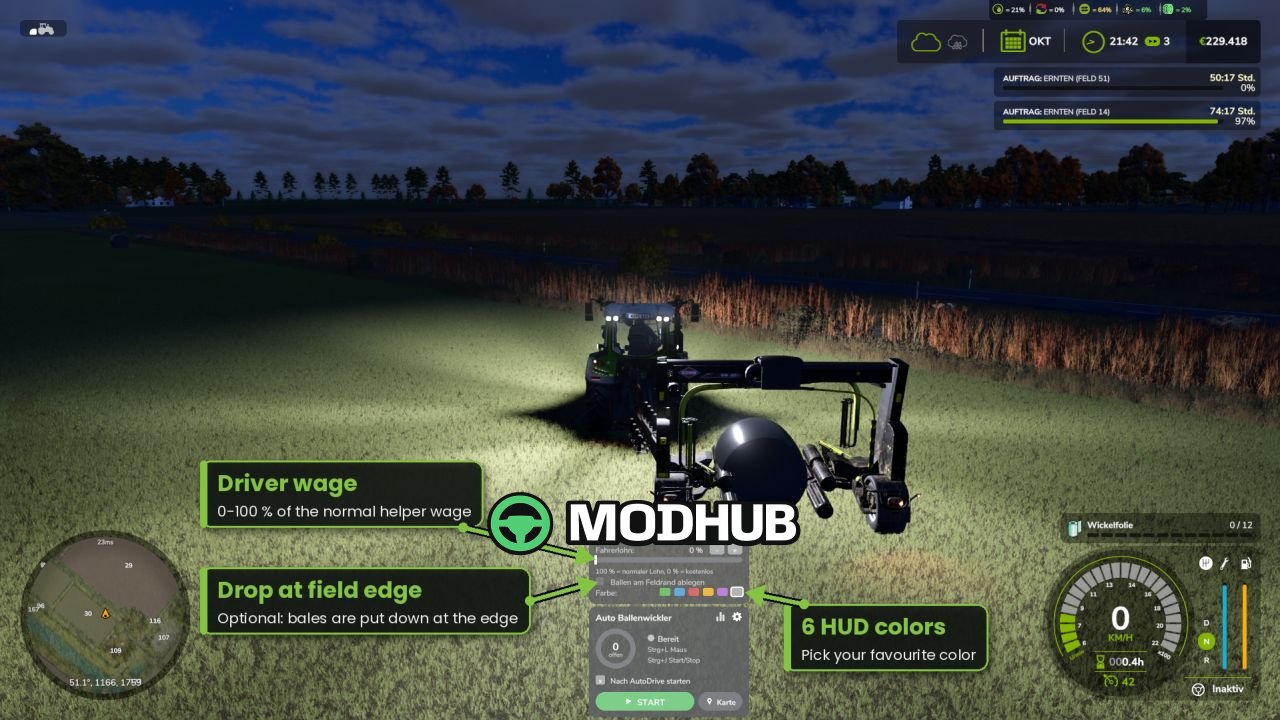
• Statistics: bales, working time and driver wage — in total and per field
• Adjustable driver wage (0-100%), 6 HUD colors, automatic lights
• Multiplayer and dedicated server ready
Controls: Ctrl+J start/stop, Ctrl+L mouse cursor, Ctrl+K show/hide HUD. No other mods are required; AutoDrive is optional.
About «Script Auto Bale Wrapper V1.0.9 for FS25»
This mod is among the best in the «Скрипти» category for Farming Simulator 25. Adds quality content to the game, tested by the community, without conflicts with other mods.
How to Install the Mod
Installing the "Script Auto Bale Wrapper V1.0.9 for FS25" mod for Farming Simulator 25 takes less than a minute:
Download the mod file from our website by clicking the «Download» button
Extract the archive to Documents/My Games/Farming Simulator 25/mods
Launch the game — the mod will appear in the «Mods» section
Activate the mod in your save and enjoy the new content
System Requirements
The "Script Auto Bale Wrapper V1.0.9 for FS25" mod is compatible with all official Farming Simulator 25 versions. No additional modifications or tweaks required. Works on Windows, macOS, Linux (via ProtonDB) and consoles that support mods.
Frequently Asked Questions
Is this mod free?
Yes, all MODHUB mods are downloaded free of charge, without registration or redirect ads.
Can I use it in Farming Simulator 25 multiplayer?
Yes, the mod is fully compatible with multiplayer. All players must have this version of the mod installed.
What should I do if the mod does not work?
Ensure the archive is extracted to the correct (not nested) folder. Check that mod and game versions match. Leave a comment below — the community will help.
Is the mod safe?
All MODHUB mods are checked by antivirus software and moderators. We do not host executables (.exe), only in-game content.