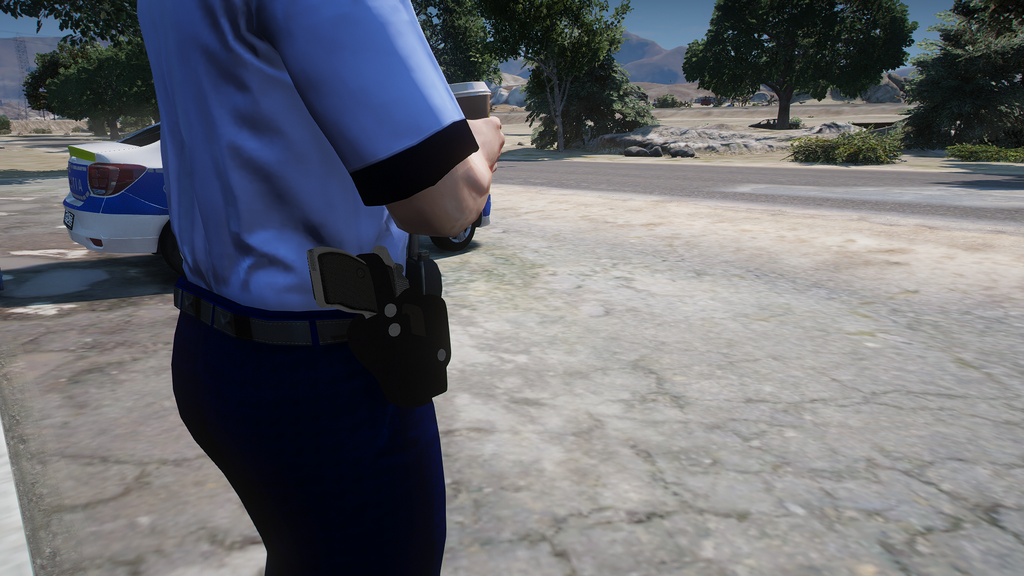
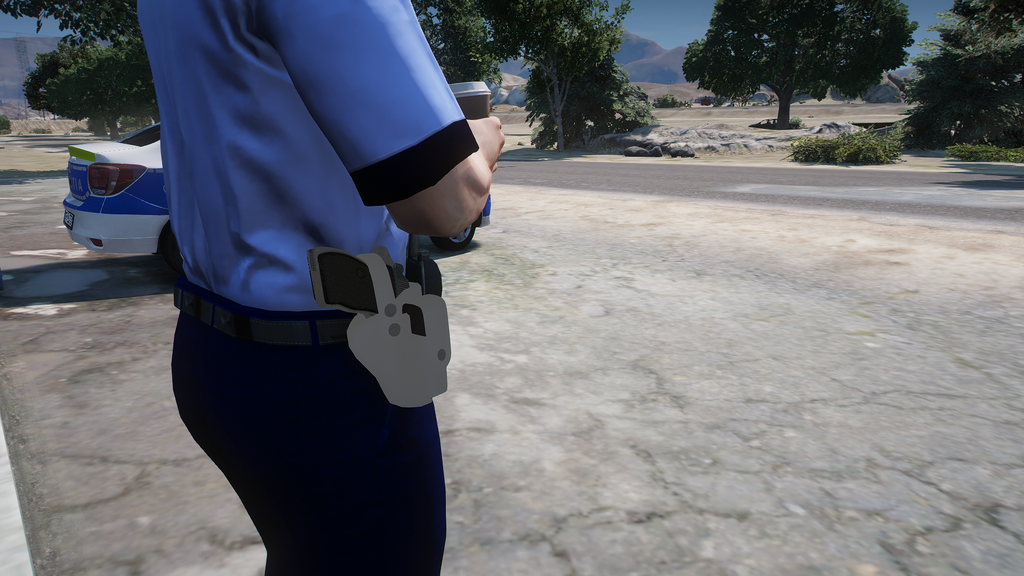
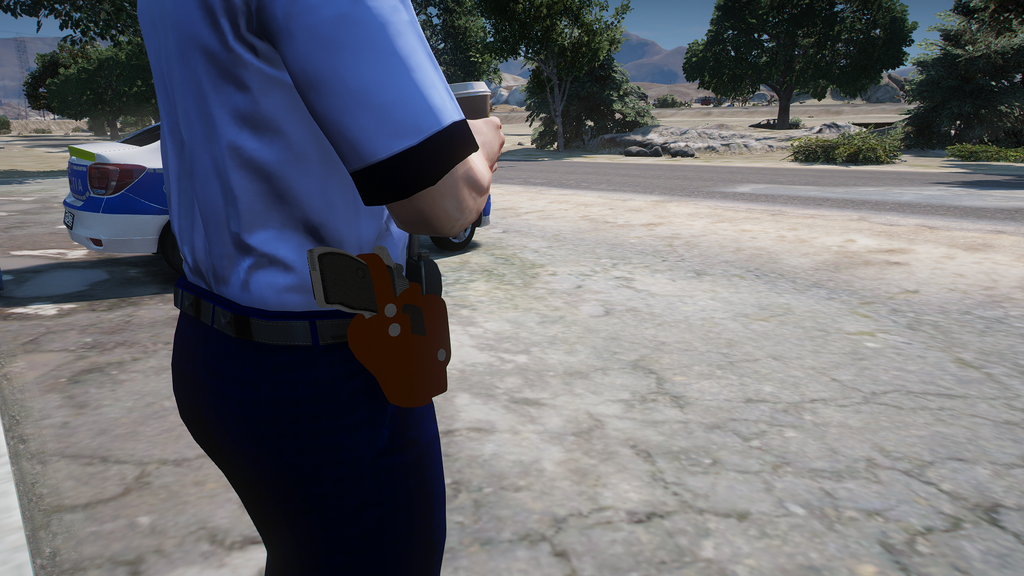
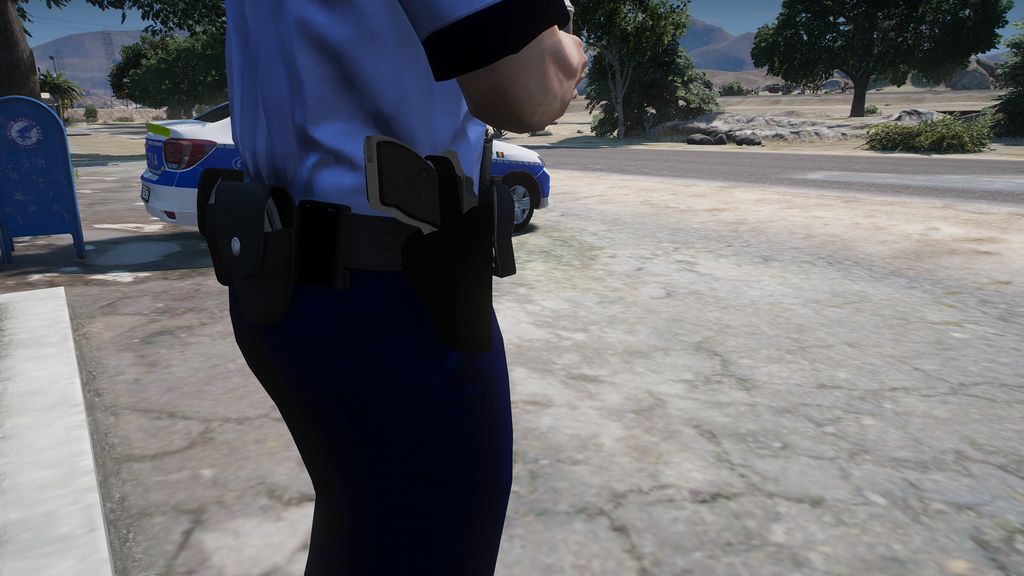
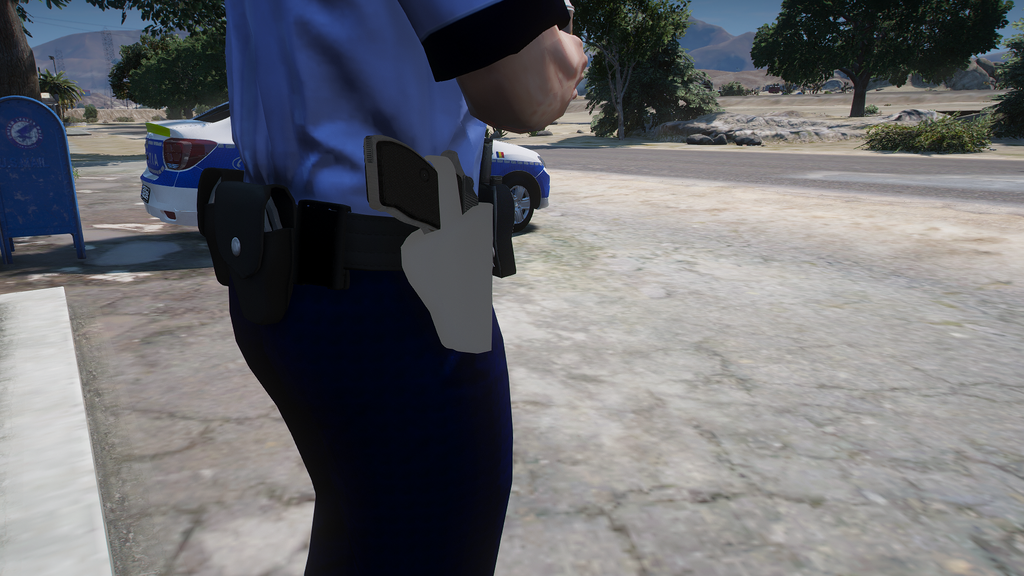
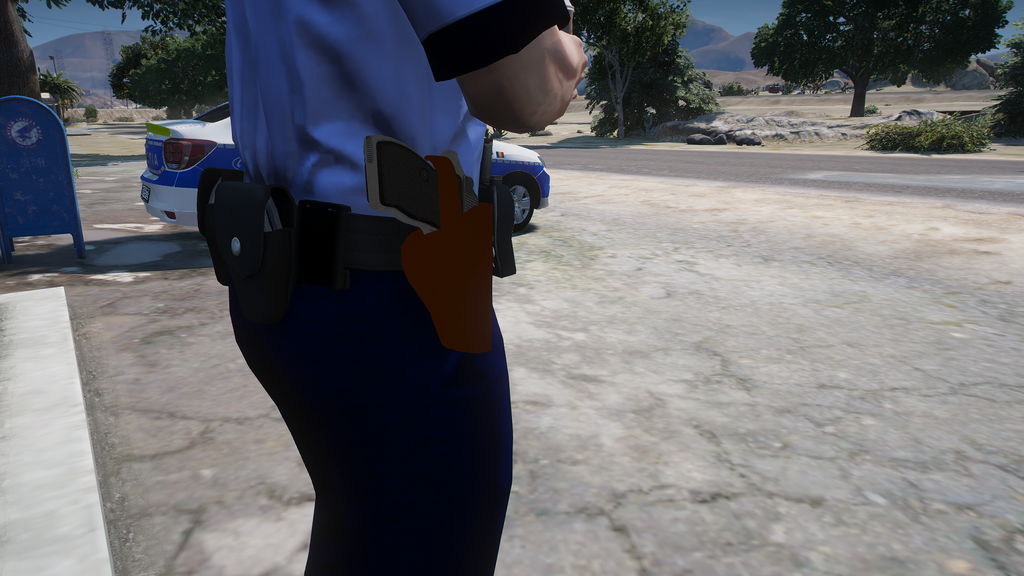
This skins mod for GTA 5 adds the Carpati MD.74 Toc receiver as a new visual item in your game. It’s designed for players who enjoy technical, grounded details—clean body shapes, consistent proportions, and a look that fits naturally in the streets and locations of Los Santos.
• Mod type: skins
• Model: Carpati MD.74 Toc
• What it changes: receiver appearance in GTA 5
• Visual focus: sharp outlines and well-read surface details
• Gameplay impact: none (only visuals are altered)
With this receiver skin, your game world gains more variety, especially if you like roleplay or cinematic setups. The model is meant to be reliable in the frame—easy to spot, visually coherent, and suitable for screenshots, recordings, and themed builds. It helps you refresh the look of technical objects without touching mechanics.
If you’re collecting GTA 5 skins for props and equipment-like items, Carpati MD.74 Toc is a practical choice. It brings a recognizable design to your loadout while keeping everything else in the experience intact.
About Carpati MD.74 Toc receiver for GTA 5
Carpati MD.74 Toc receiver for GTA 5 is a mod for GTA 5. Check the author description, supported game version and dependencies before installing.
How to install the mod
Follow the installation instructions for Carpati MD.74 Toc receiver for GTA 5, GTA 5 and your platform.
Download the mod archive using the Download button and read the author instructions.
Use the folder and archive format specified by the mod author for this game.
Start the game and enable the mod for the selected save or profile, if required.
Test using a backup or a new save. Install any dependencies listed by the author.
System requirements and compatibility
Check the mod description for supported game versions, required DLC and platforms. Compatibility with every version or other mods is not guaranteed.
Frequently asked questions
Is this mod free?
MODHUB does not charge for access to this mod page. Check the terms and download limits of the external file provider.
Can I use this mod in GTA 5 multiplayer?
Multiplayer support depends on the mod and its author. If supported, the server and players need matching mod versions and required DLC.
What should I check if the mod does not work?
Check the installation folder, archive structure, supported game version, dependencies and game logs. Test the mod separately using a backup save.
How can I check a downloaded mod?
Use trusted author sources, scan the archive and back up your saves. Do not run unrelated installers; a download listing does not guarantee safety or compatibility.