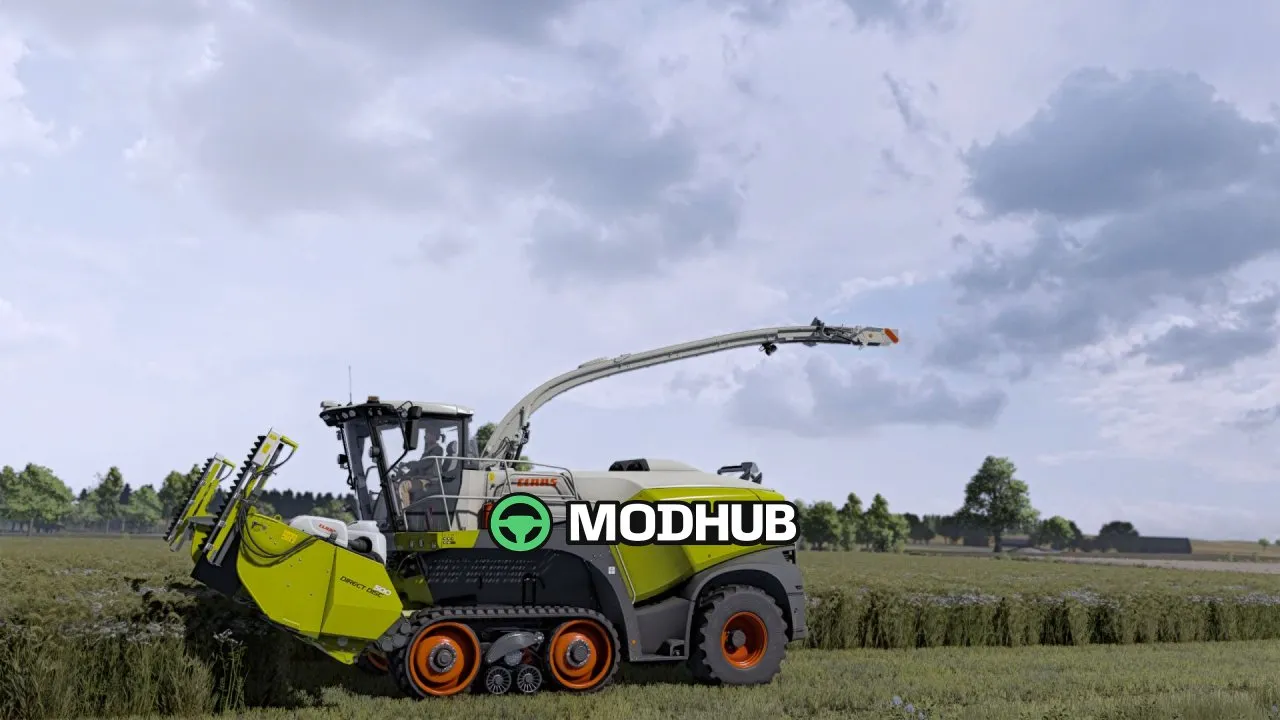
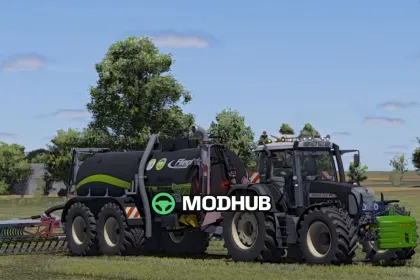
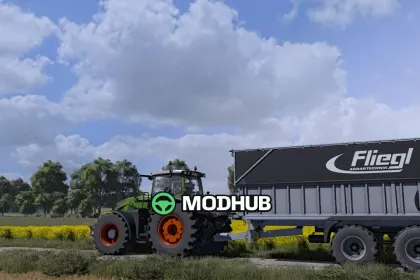
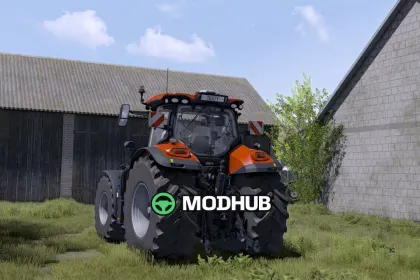
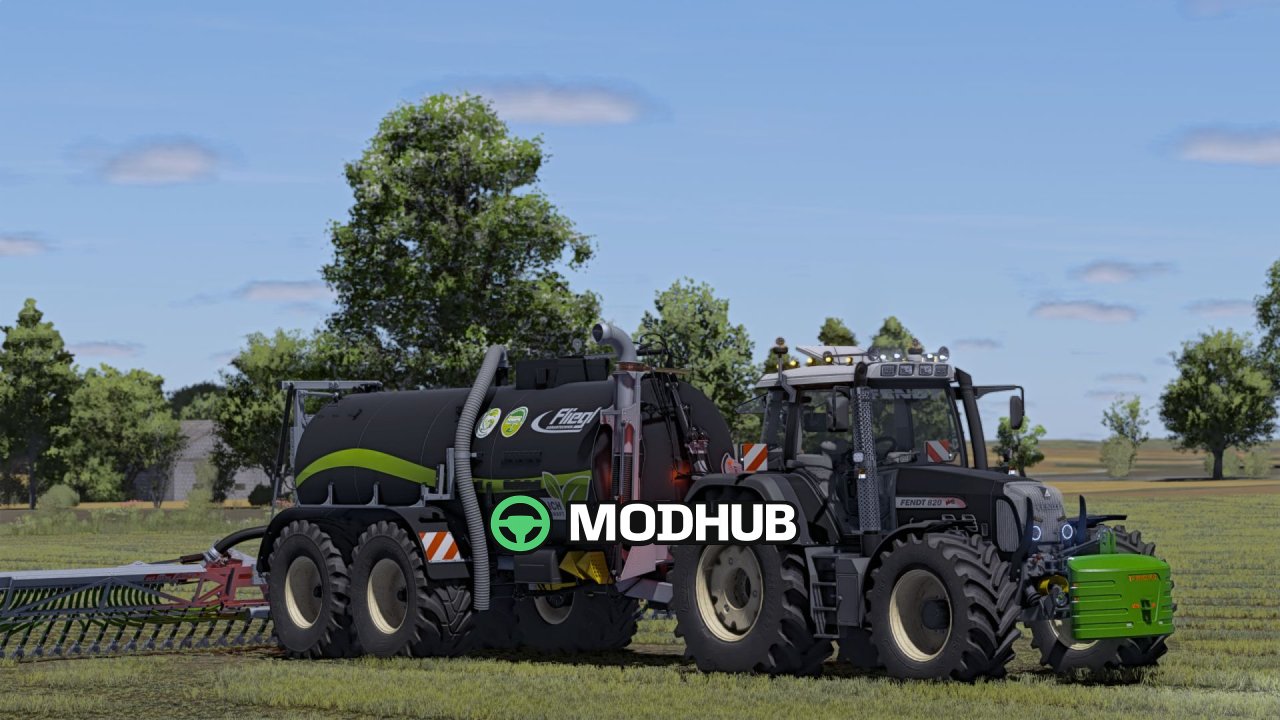
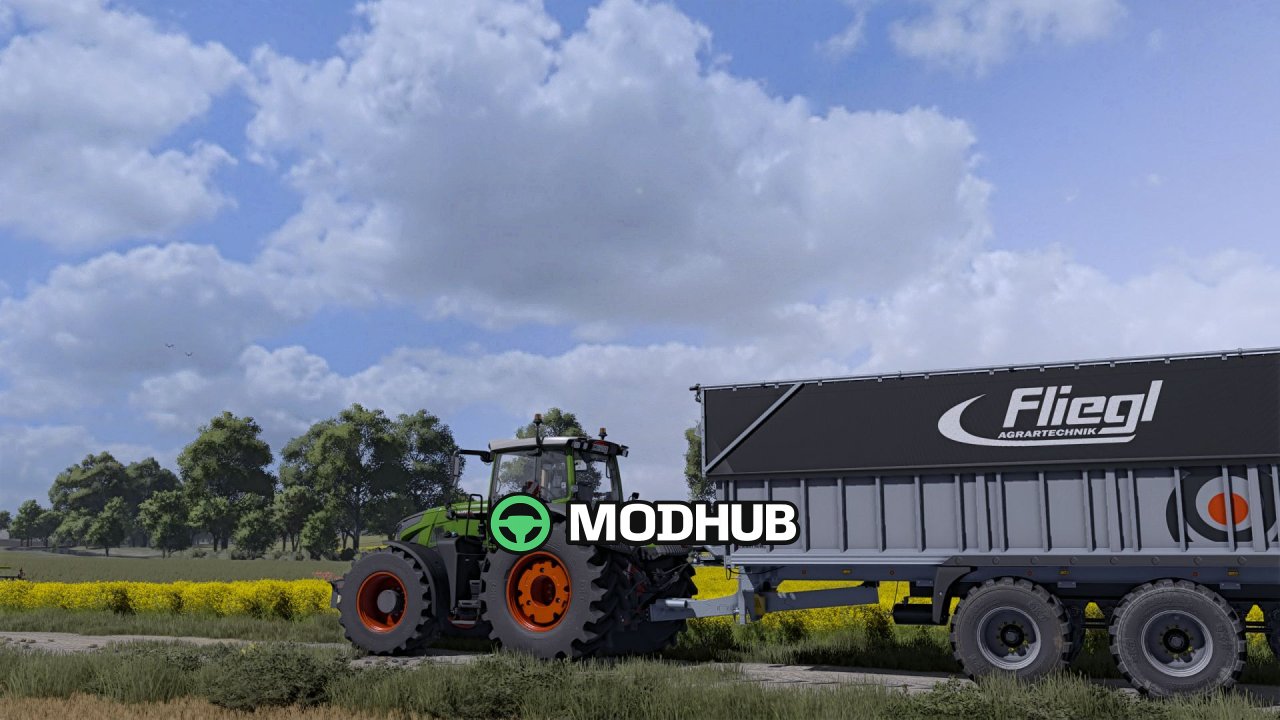
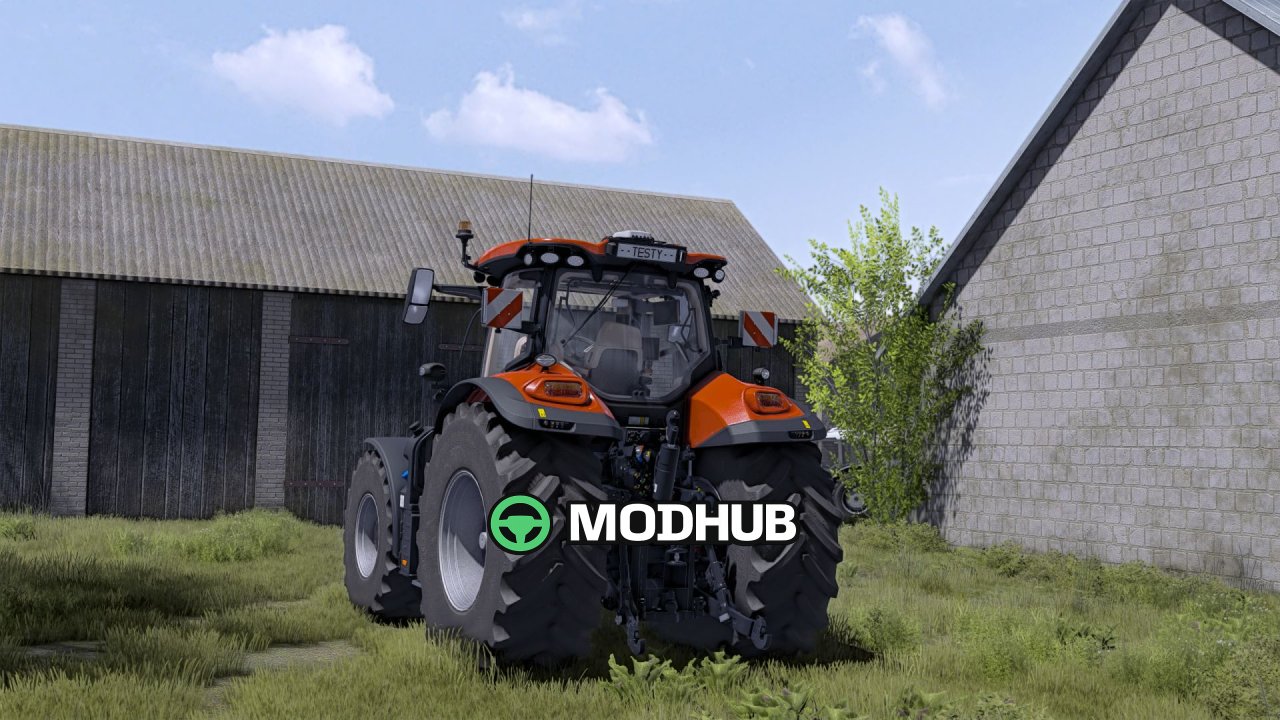
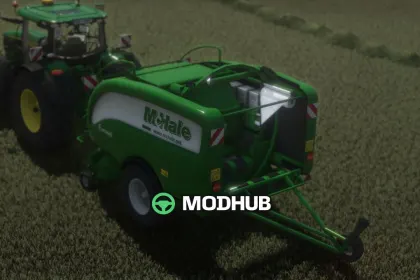
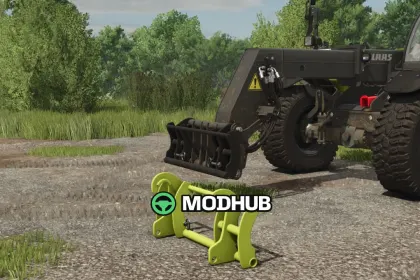
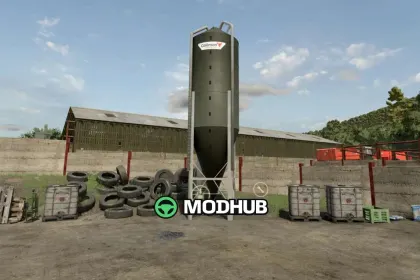
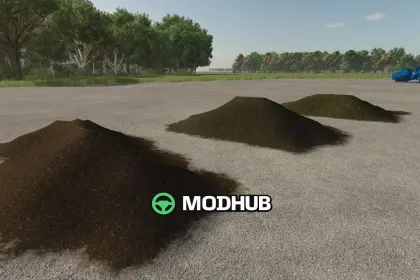
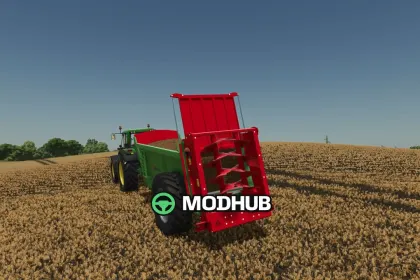
The Wachoo V2 preset is a Farming Simulator 22 mod designed to improve visual effects and lighting for a more vivid, immersive look. Once applied, it acts as a ready-made profile, so you can achieve the desired image quickly without spending time tweaking individual settings.
• In-game brightness: 0.6
• Reshade version: 6.7.3
• Tuned lighting to match the preset style
• Updates to 2 effects for a cleaner image
This preset is ideal if you want to refresh colors, shadows, and overall contrast in Farming Simulator 22. It helps keep the scene balanced across different times of day and weather conditions, while highlighting details on vehicles, buildings, and terrain. The effect stack is configured to enhance the look without making the image overly aggressive.
In practice, you get a consistent setup with clear parameters and predictable results. Wachoo V2 is useful for both new users and experienced players who fine-tune graphics and want improved lighting in FS22.
About «Wachoo V2 preset for FS22»
This mod is among the best in the «Обладнання» category for Farming Simulator 22. Adds quality content to the game, tested by the community, without conflicts with other mods.
How to Install the Mod
Installing the "Wachoo V2 preset for FS22" mod for Farming Simulator 22 takes less than a minute:
Download the mod file from our website by clicking the «Download» button
Extract the archive to Documents/My Games/Farming Simulator 22/mods
Launch the game — the mod will appear in the «Mods» section
Activate the mod in your save and enjoy the new content
System Requirements
The "Wachoo V2 preset for FS22" mod is compatible with all official Farming Simulator 22 versions. No additional modifications or tweaks required. Works on Windows, macOS, Linux (via ProtonDB) and consoles that support mods.
Frequently Asked Questions
Is this mod free?
Yes, all MODHUB mods are downloaded free of charge, without registration or redirect ads.
Can I use it in Farming Simulator 22 multiplayer?
Yes, the mod is fully compatible with multiplayer. All players must have this version of the mod installed.
What should I do if the mod does not work?
Ensure the archive is extracted to the correct (not nested) folder. Check that mod and game versions match. Leave a comment below — the community will help.
Is the mod safe?
All MODHUB mods are checked by antivirus software and moderators. We do not host executables (.exe), only in-game content.