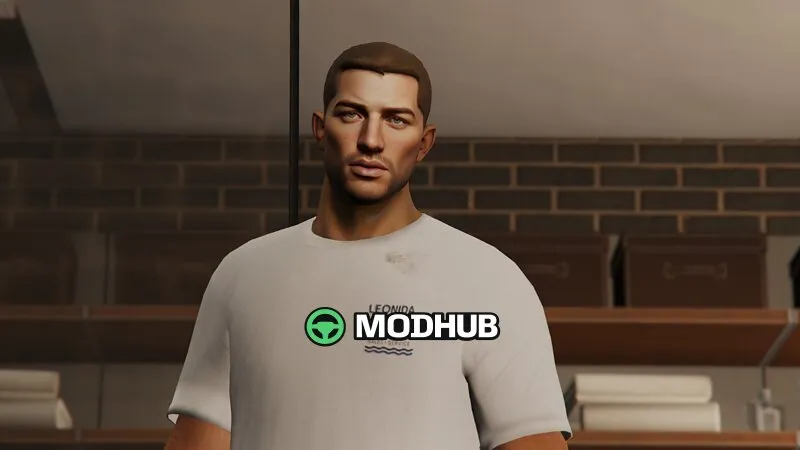
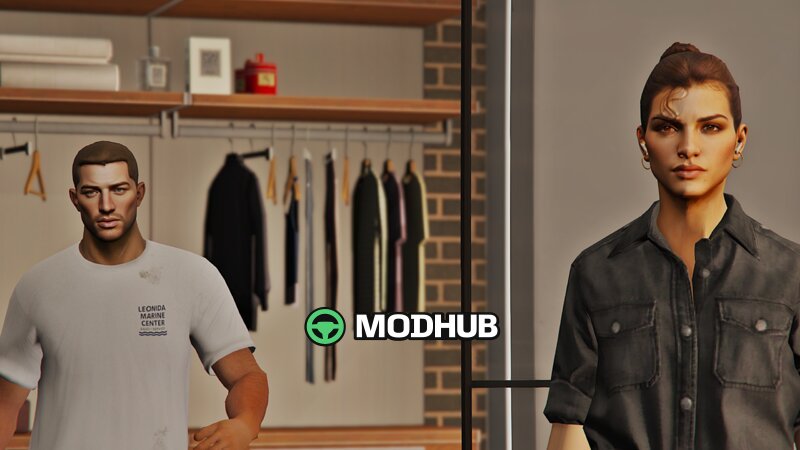
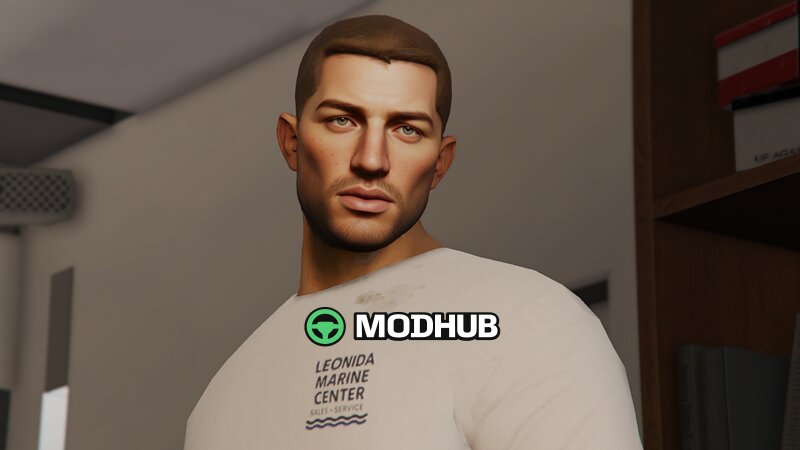
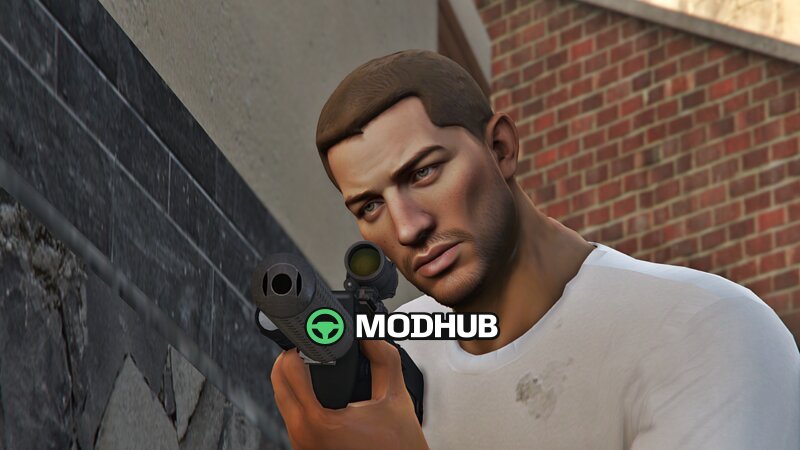
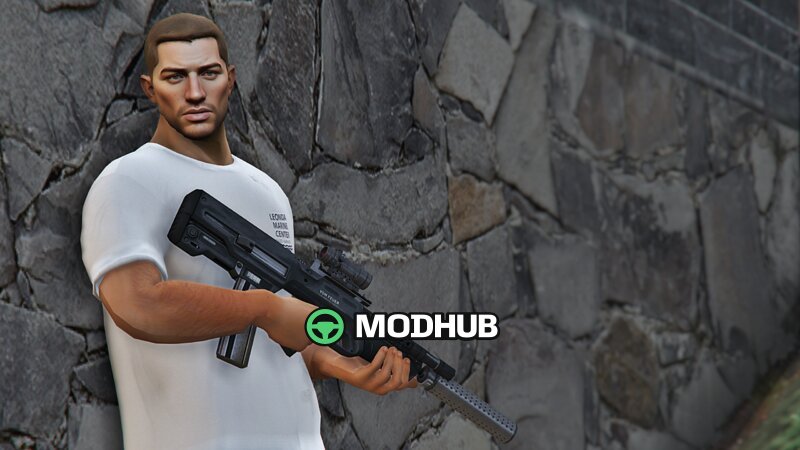
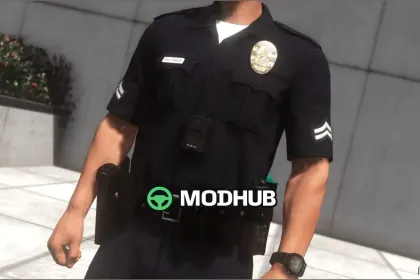
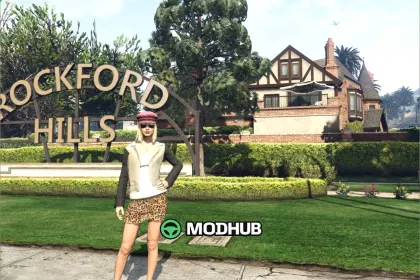
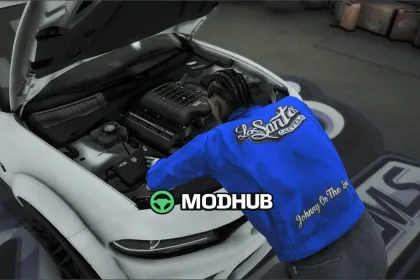
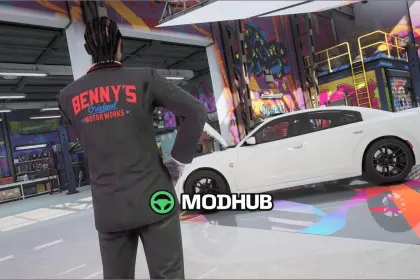
This character skin mod is for GTA 5 and adds the Jason Duval model as an Add-On Ped with the Final version set (Final (Add-On Ped) + Final). It’s a good choice if you want to refresh NPCs or create a roleplay-friendly lineup with a recognizable appearance.
• Type: Add-On Ped (character skin)
• Model: Jason Duval
• Version: Final (Add-On Ped) + Final
• Purpose: add/replace the character in GTA 5
In-game, the character stands out thanks to careful material work and solid overall detailing. The setup is suited for both single-player sessions and community environments where you want consistent visuals for characters. Use it for roleplay scenarios, custom story runs, and cinematic screenshots—anywhere you need an extra layer of atmosphere in GTA 5.
About Jason Duval character model for GTA 5
Jason Duval character model for GTA 5 is a mod for GTA 5. Check the author description, supported game version and dependencies before installing.
How to install the mod
Follow the installation instructions for Jason Duval character model for GTA 5, GTA 5 and your platform.
Download the mod archive using the Download button and read the author instructions.
Use the folder and archive format specified by the mod author for this game.
Start the game and enable the mod for the selected save or profile, if required.
Test using a backup or a new save. Install any dependencies listed by the author.
System requirements and compatibility
Check the mod description for supported game versions, required DLC and platforms. Compatibility with every version or other mods is not guaranteed.
Frequently asked questions
Is this mod free?
MODHUB does not charge for access to this mod page. Check the terms and download limits of the external file provider.
Can I use this mod in GTA 5 multiplayer?
Multiplayer support depends on the mod and its author. If supported, the server and players need matching mod versions and required DLC.
What should I check if the mod does not work?
Check the installation folder, archive structure, supported game version, dependencies and game logs. Test the mod separately using a backup save.
How can I check a downloaded mod?
Use trusted author sources, scan the archive and back up your saves. Do not run unrelated installers; a download listing does not guarantee safety or compatibility.