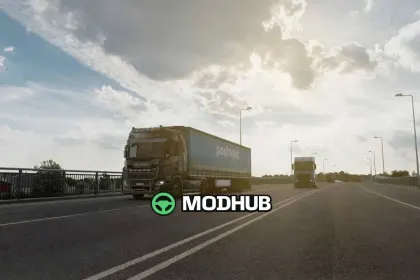
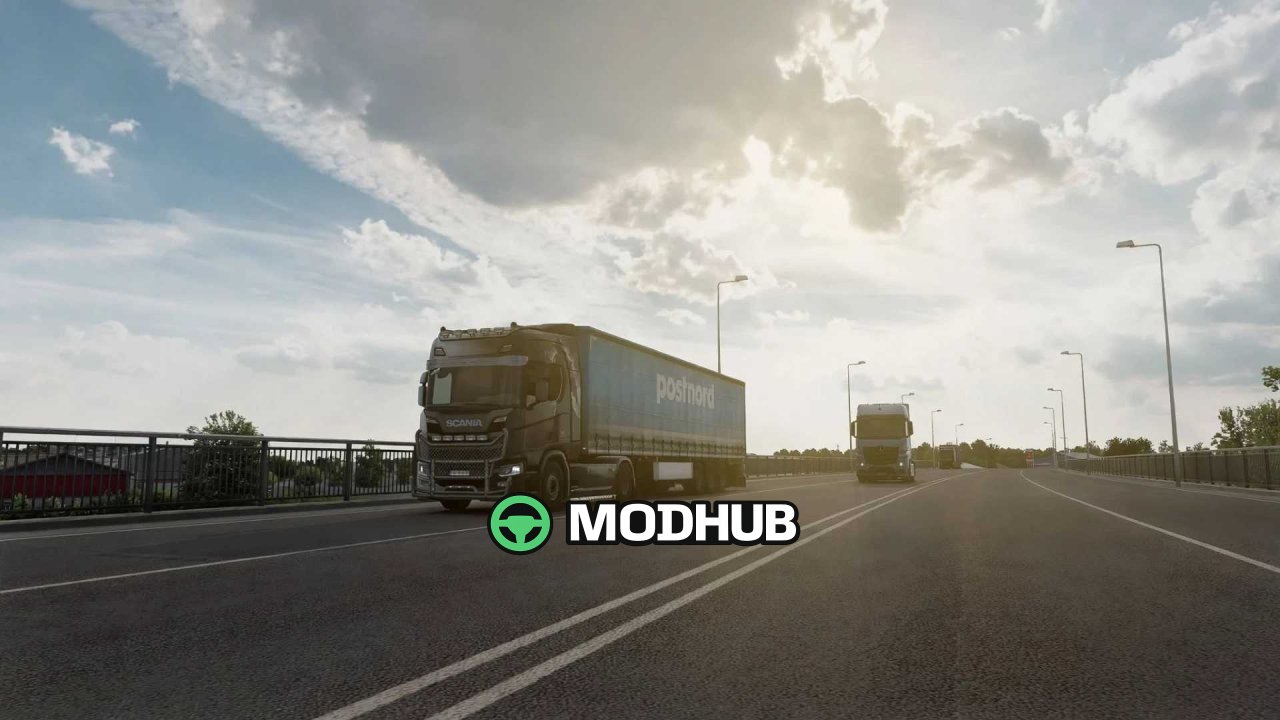
The Snowymoon 1.61.1.1s mod is a graphics enhancement for Euro Truck Simulator 2 that introduces advanced anti-aliasing and image clarity features. It is installed by extracting files to the Euro Truck Simulator 2/bin/win_x64/ folder. Launch the game with DirectX 11 and press FN+END or END during a quick job to open the mod's menu. The mod supports HDR, but to use DLAA and DLSS you must disable HDR in Windows display settings to avoid a black screen.
• Temporal Anti Aliasing (TAA) provides smooth edges without blur.
• Temporal Anti Aliasing Clarity works with HDR for sharper visuals.
• DLAA and DLSS (Quality, Balanced, Performance Rev.2) boost performance.
• DLSS Presets C, D, and F offer different levels of anti-aliasing and smoothness.
• Additional settings include Sharpness, Motion Blur, Color Preset, and FXAA.
The mod is compatible with ProMods 2.83, Cabin Accessory Pack, Trailer and Company Pack, Ultimate Graphics Mod, and Real Companies & Gas Stations. If you encounter issues such as game crashes when pausing or loading, it is recommended to disable Snowymoon in the menu or start the game with the mod disabled and enable it after the job begins.
About Snowymoon 1.61.1.1s Mod for ETS2
Snowymoon 1.61.1.1s Mod for ETS2 is a mod for Euro Truck Simulator 2. Check the author description, supported game version and dependencies before installing.
How to install the mod
Follow the installation instructions for Snowymoon 1.61.1.1s Mod for ETS2, Euro Truck Simulator 2 and your platform.
Download the mod archive using the Download button and read the author instructions.
Use the folder and archive format specified by the mod author for this game.
Start the game and enable the mod for the selected save or profile, if required.
Test using a backup or a new save. Install any dependencies listed by the author.
System requirements and compatibility
Check the mod description for supported game versions, required DLC and platforms. Compatibility with every version or other mods is not guaranteed.
Frequently asked questions
Is this mod free?
MODHUB does not charge for access to this mod page. Check the terms and download limits of the external file provider.
Can I use this mod in Euro Truck Simulator 2 multiplayer?
Multiplayer support depends on the mod and its author. If supported, the server and players need matching mod versions and required DLC.
What should I check if the mod does not work?
Check the installation folder, archive structure, supported game version, dependencies and game logs. Test the mod separately using a backup save.
How can I check a downloaded mod?
Use trusted author sources, scan the archive and back up your saves. Do not run unrelated installers; a download listing does not guarantee safety or compatibility.