Manual Paint - Per-Material Vehicle Colours for Farming Simulator 25
20 110 v1.0 19.08.2026
1 / 6
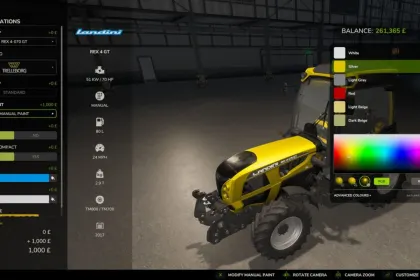
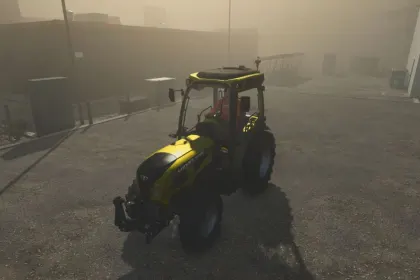
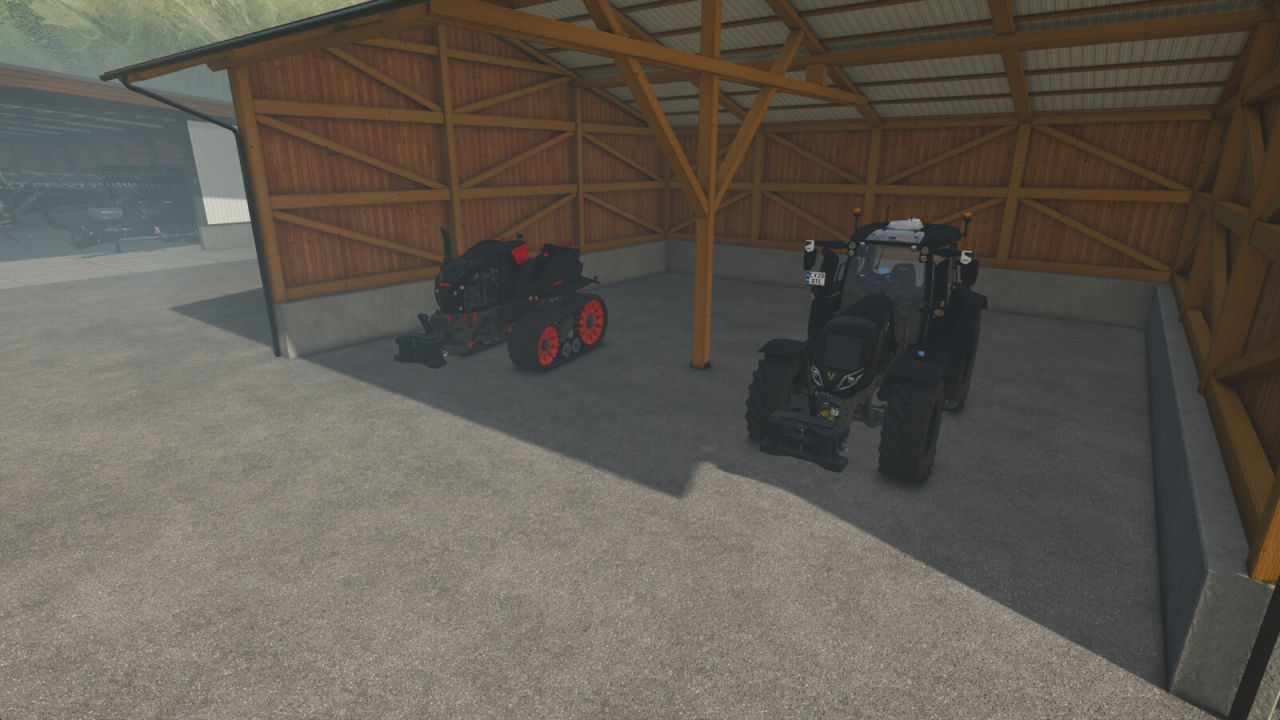
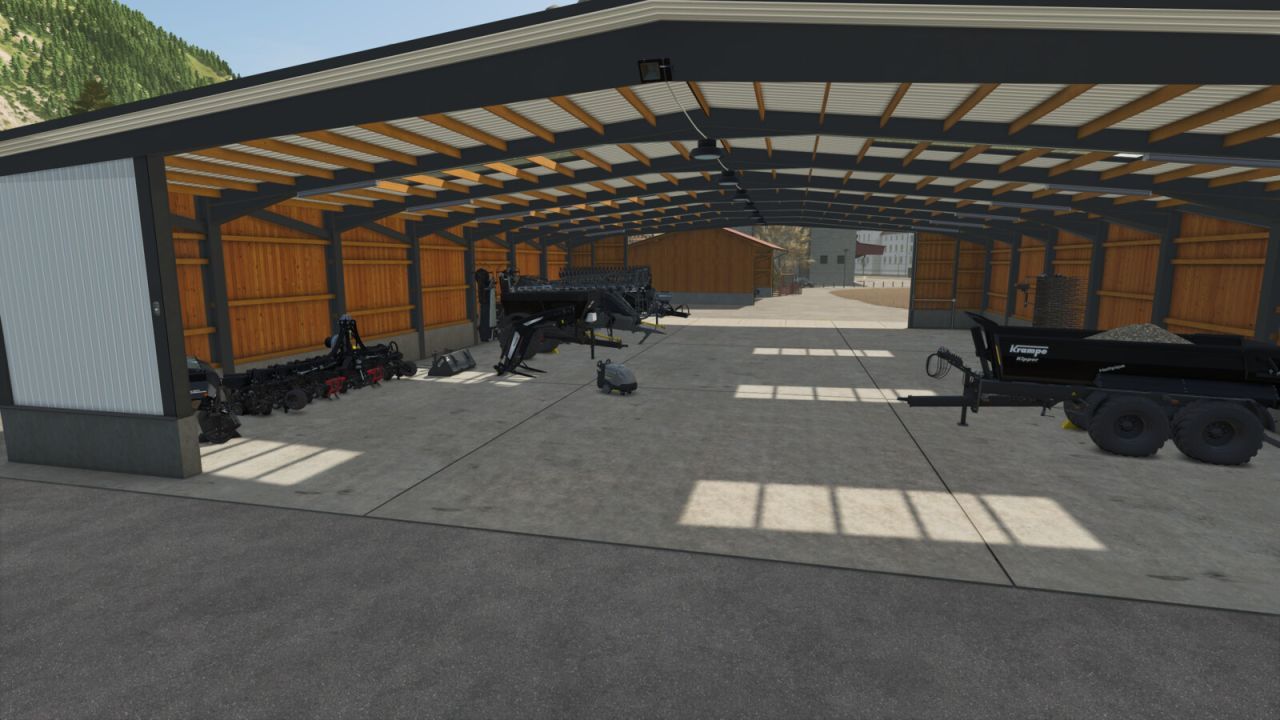
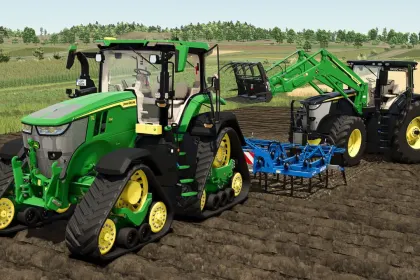
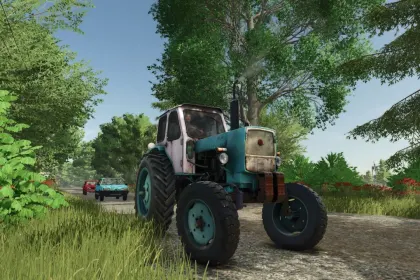
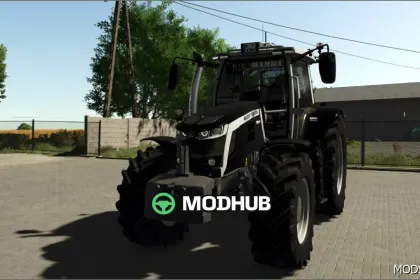
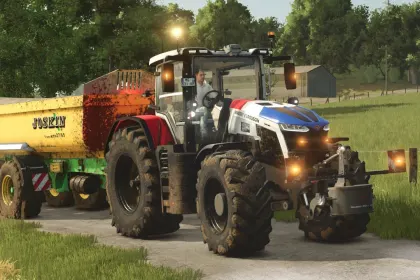
Paint EVERY paintable material on a vehicle - not just the handful of colour slots the vehicle maker exposed.
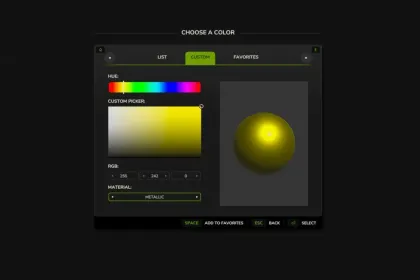
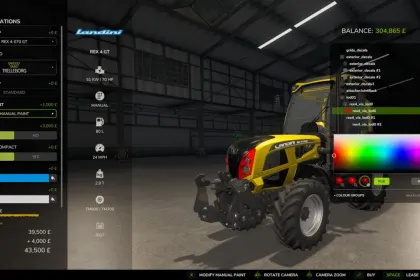
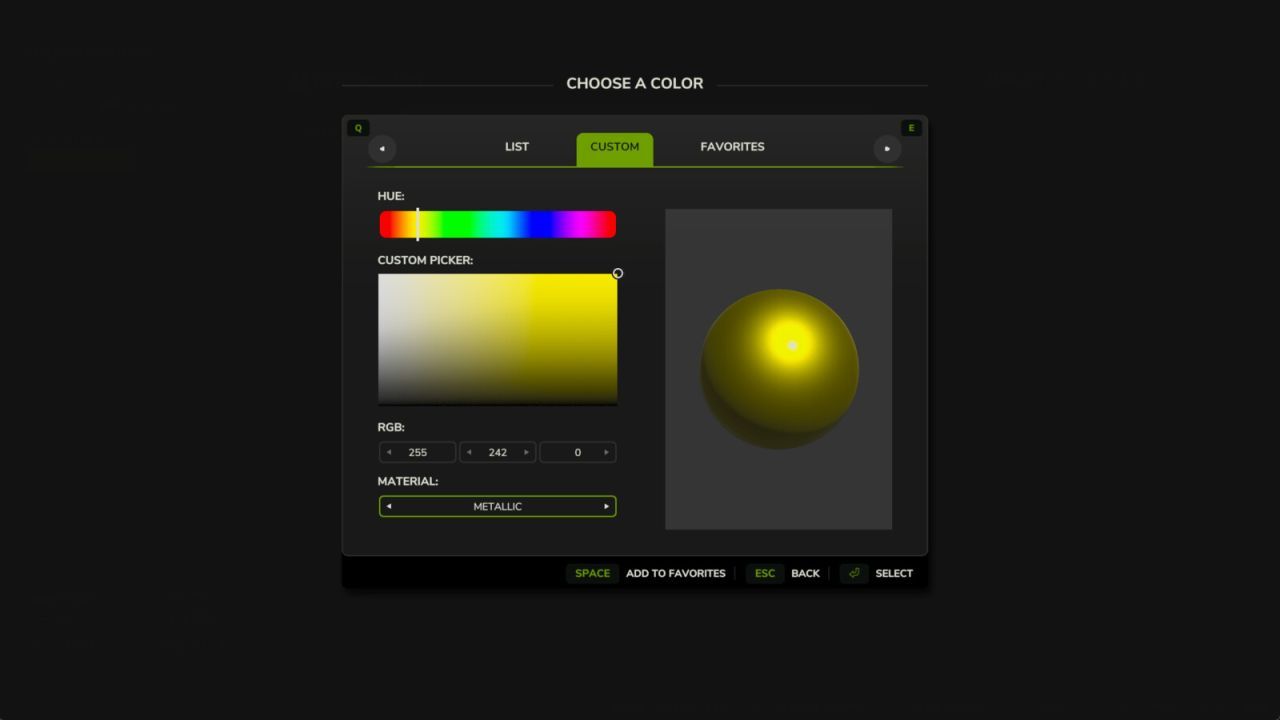
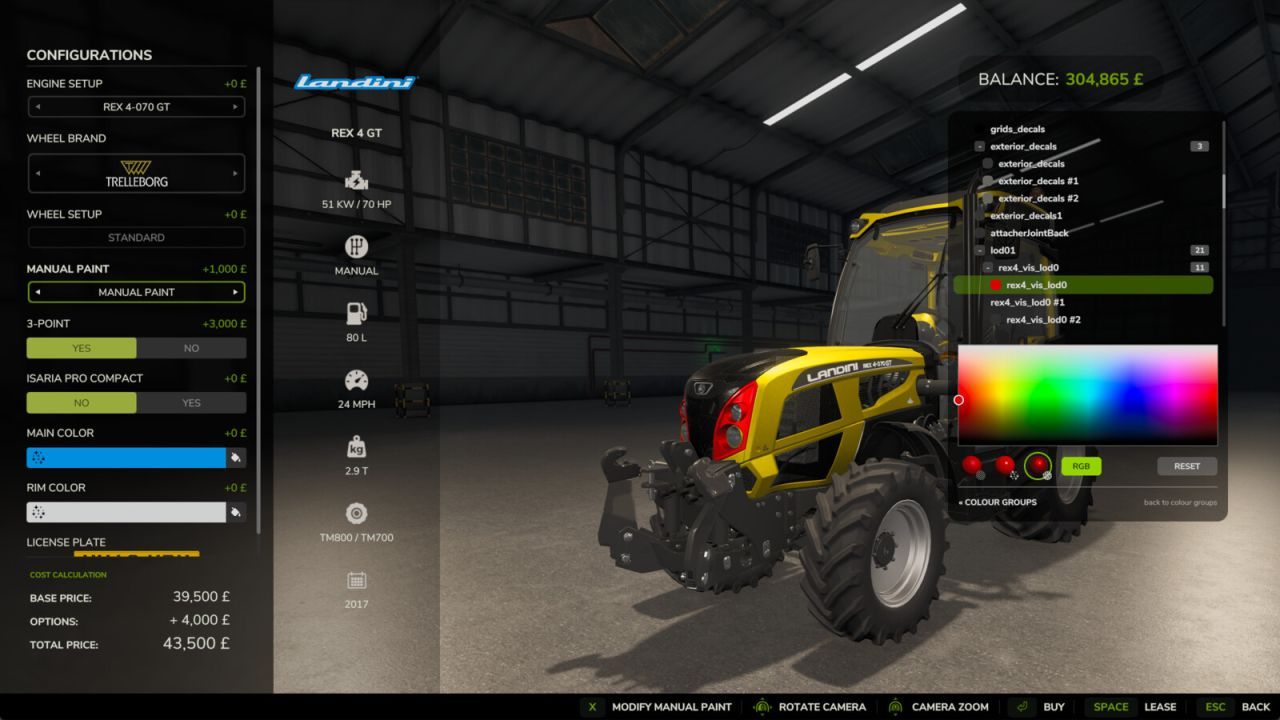
Enable the "Manual Paint" option on the shop configuration screen (when buying or leasing) or in the workshop (for owned vehicles) to open the paint picker. Recolour a whole "colour in use" across every part that shares it in one click, or switch to the per-part view for full control. Choose any colour plus a glossy, metallic or matte finish. Materials that can't sensibly be painted (glass, rubber, lights, chrome) are detected and hidden automatically.
Applying paint costs a flat, adjustable fee - or turn charging off in the settings for free repaints. Your paintwork survives buying, saving, workshop changes and multiplayer.
About «Manual Paint - Per-Material Vehicle Colours for Farming Simulator 25»
This mod is among the best in the «Трактори» category for Farming Simulator 25. Adds quality content to the game, tested by the community, without conflicts with other mods.
How to Install the Mod
Installing the "Manual Paint - Per-Material Vehicle Colours for Farming Simulator 25" mod for Farming Simulator 25 takes less than a minute:
Download the mod file from our website by clicking the «Download» button
Extract the archive to Documents/My Games/Farming Simulator 25/mods
Launch the game — the mod will appear in the «Mods» section
Activate the mod in your save and enjoy the new content
System Requirements
The "Manual Paint - Per-Material Vehicle Colours for Farming Simulator 25" mod is compatible with all official Farming Simulator 25 versions. No additional modifications or tweaks required. Works on Windows, macOS, Linux (via ProtonDB) and consoles that support mods.
Frequently Asked Questions
Is this mod free?
Yes, all MODHUB mods are downloaded free of charge, without registration or redirect ads.
Can I use it in Farming Simulator 25 multiplayer?
Yes, the mod is fully compatible with multiplayer. All players must have this version of the mod installed.
What should I do if the mod does not work?
Ensure the archive is extracted to the correct (not nested) folder. Check that mod and game versions match. Leave a comment below — the community will help.
Is the mod safe?
All MODHUB mods are checked by antivirus software and moderators. We do not host executables (.exe), only in-game content.