Arnook’s Container Pack for American Truck Simulator
224 430 v1.50 11.04.2026
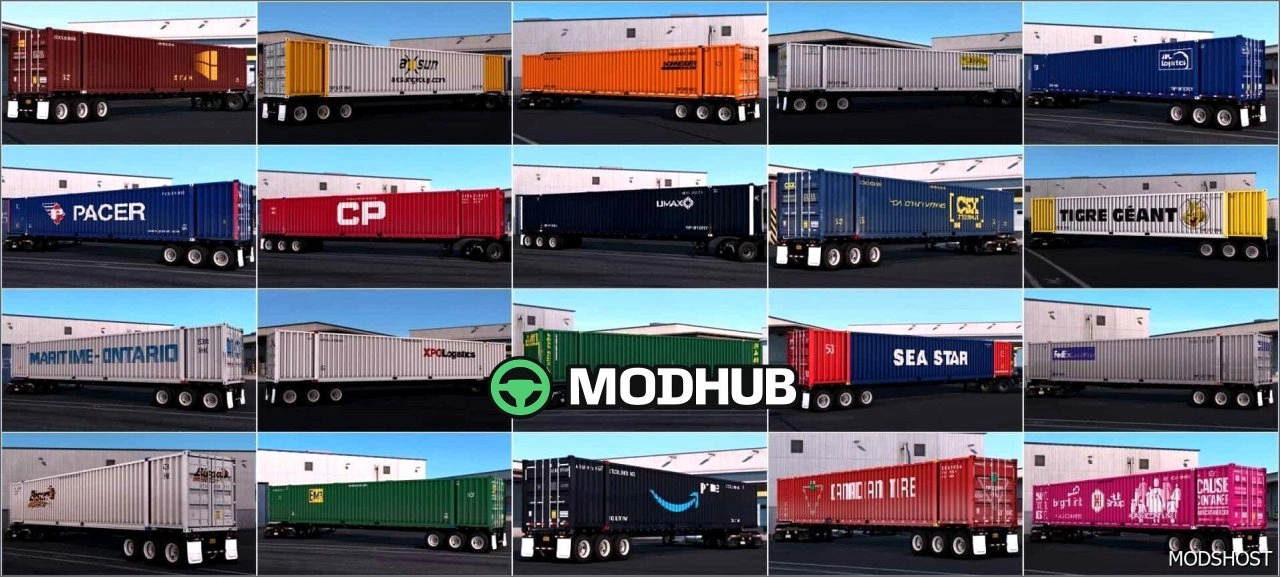
1 / 5
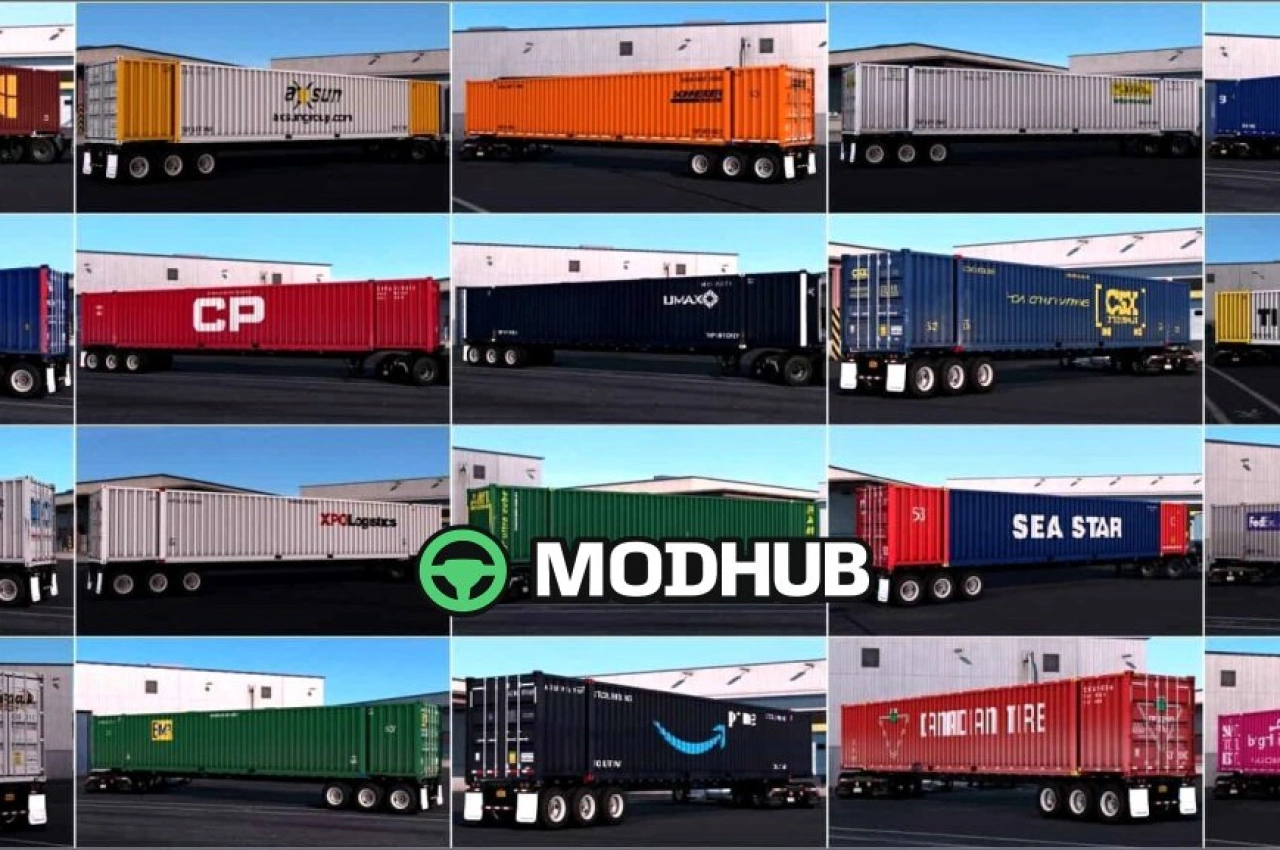
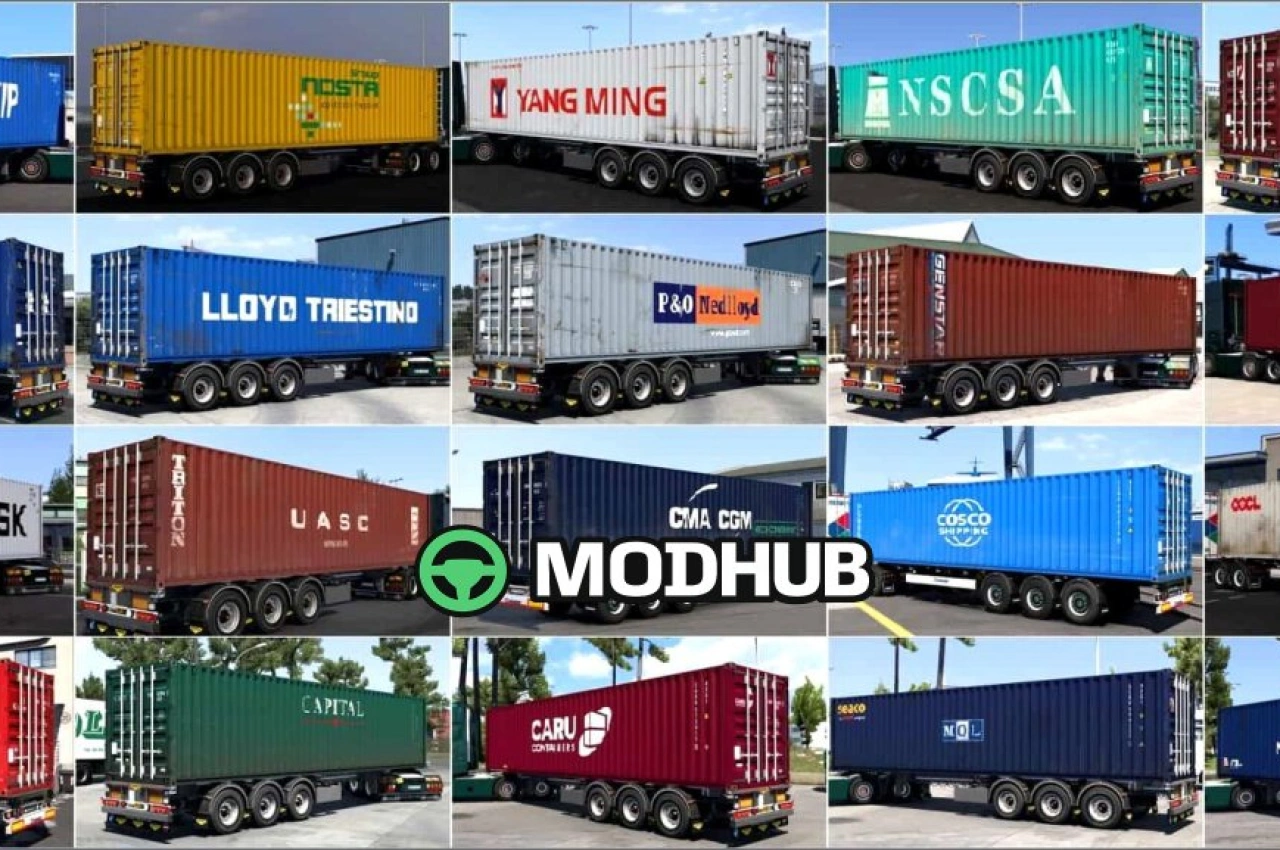
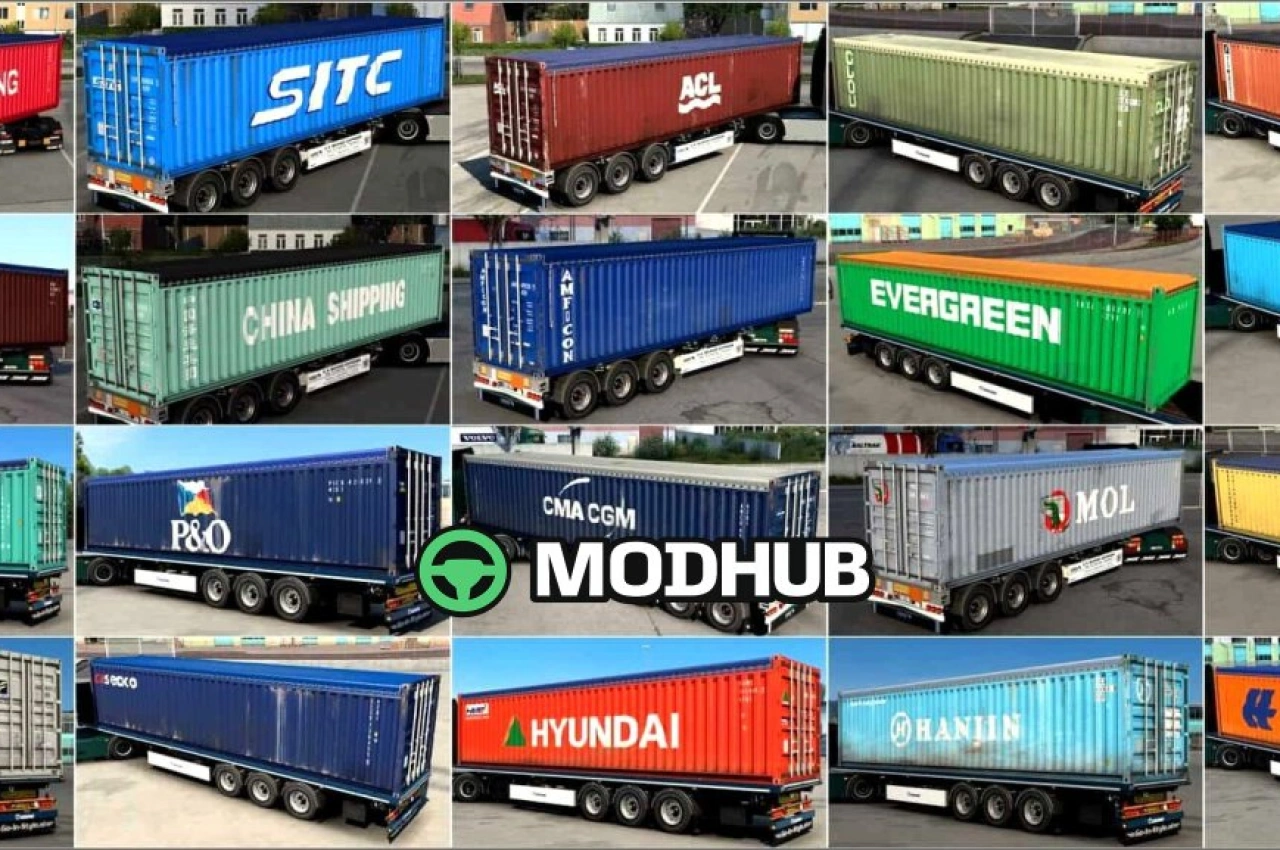
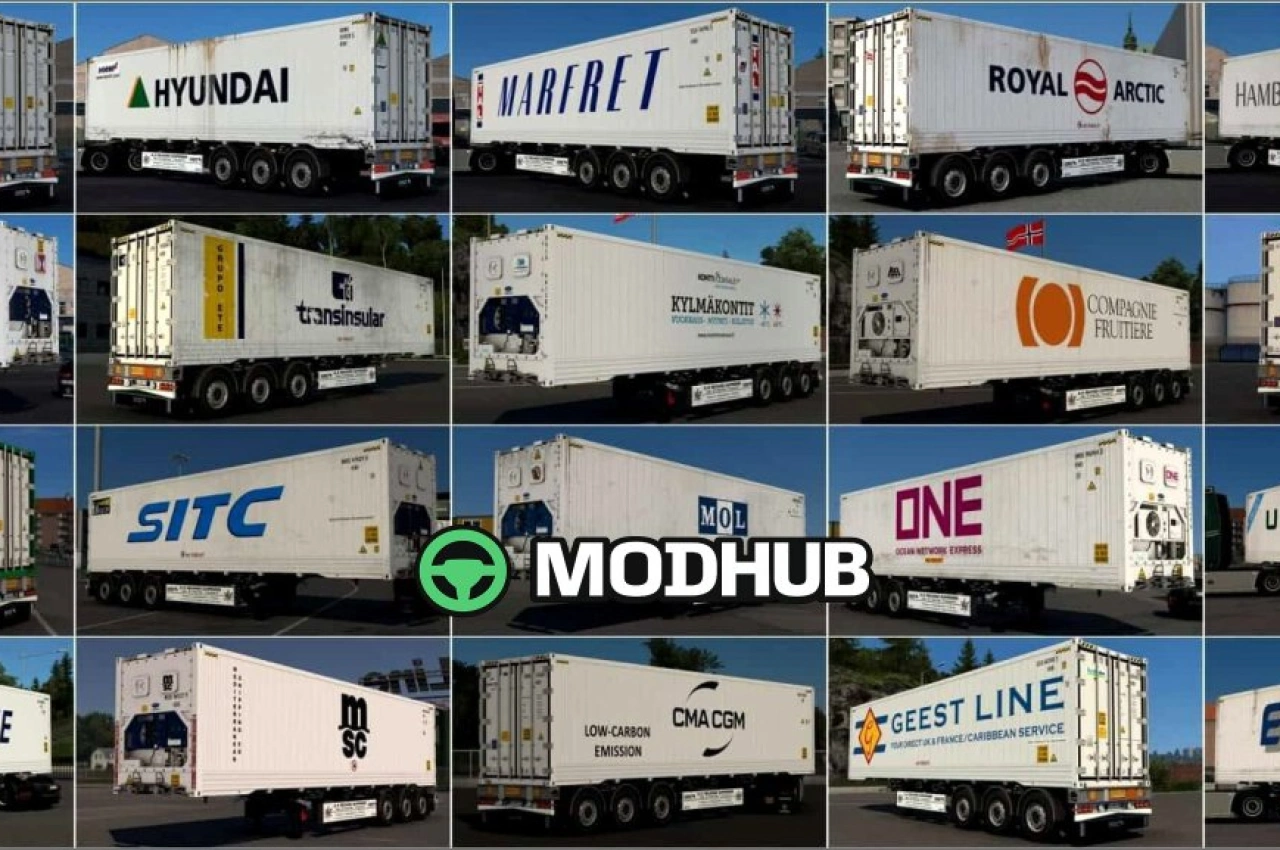
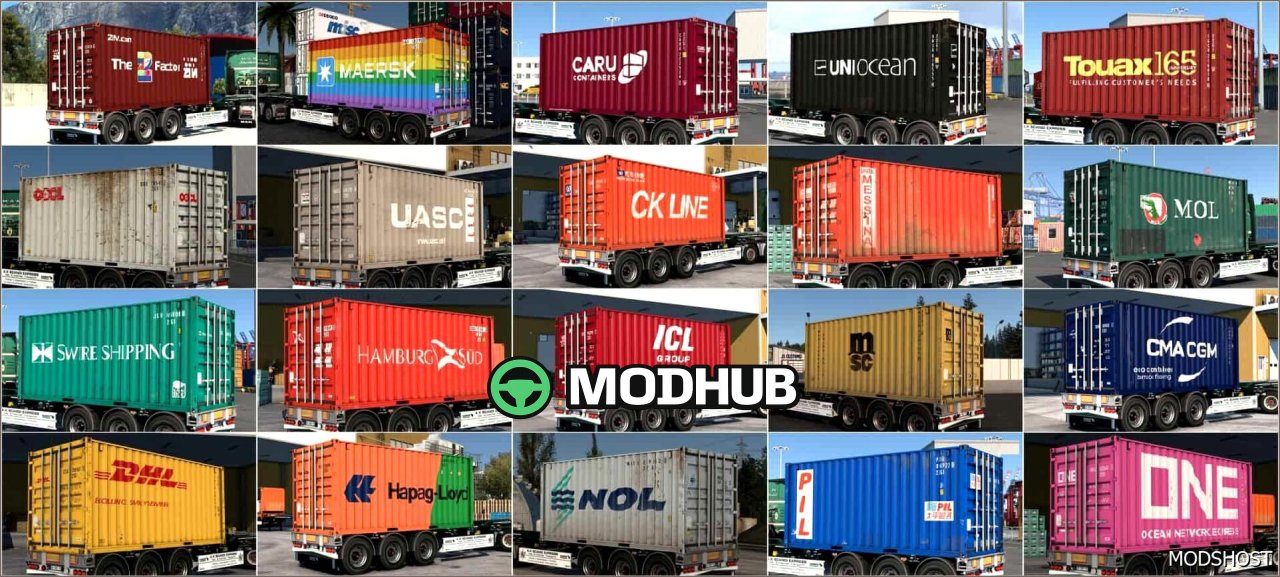
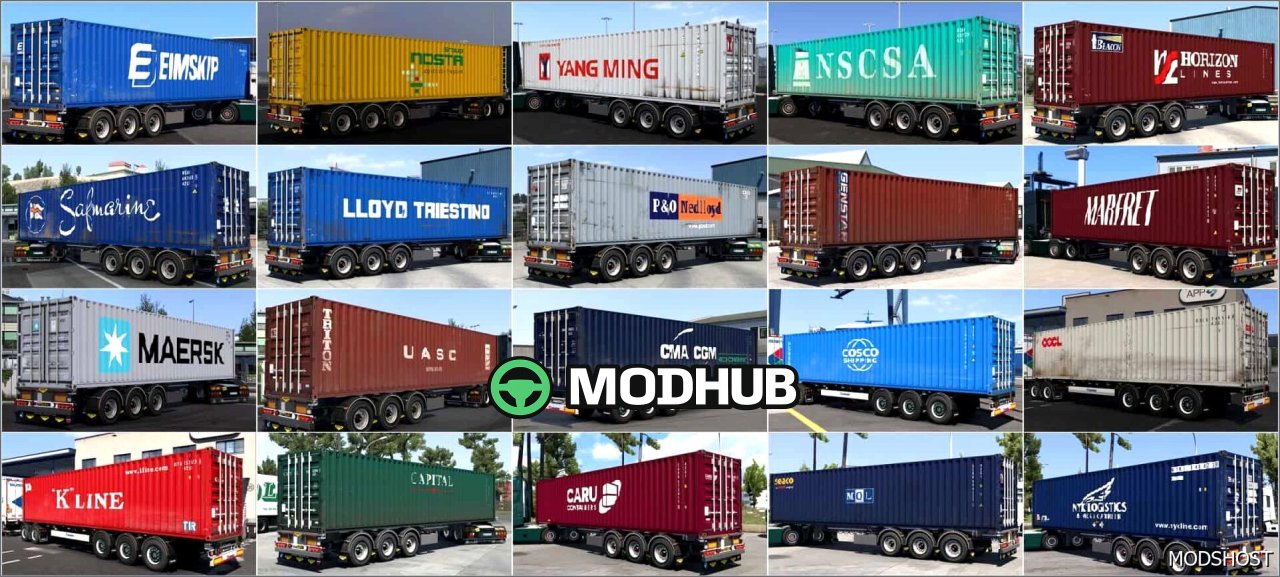
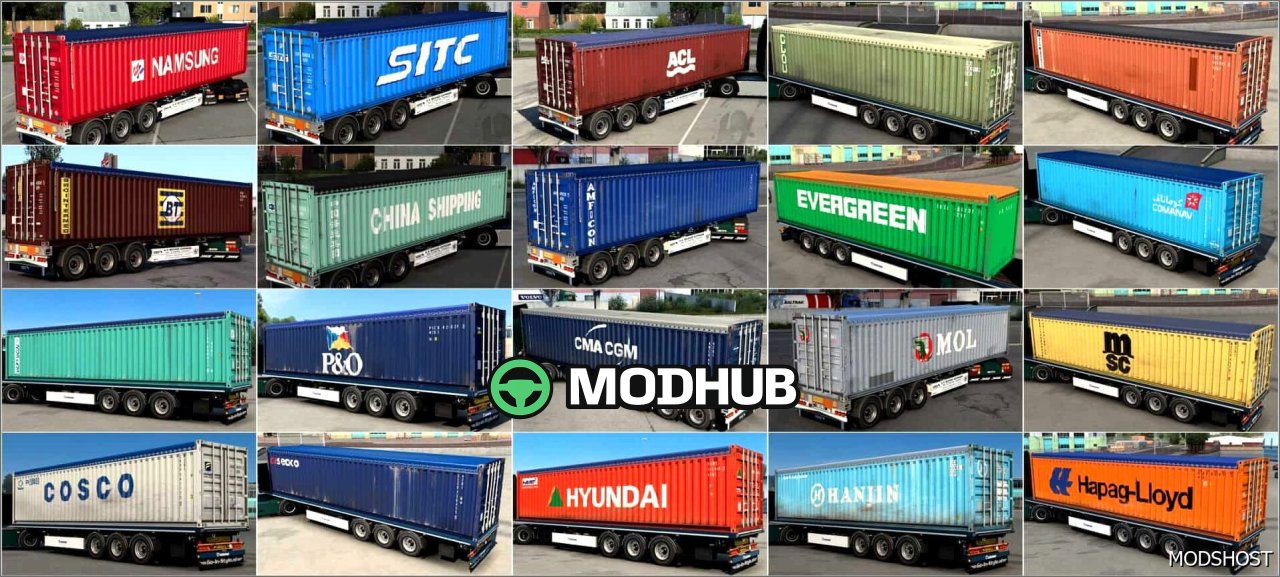
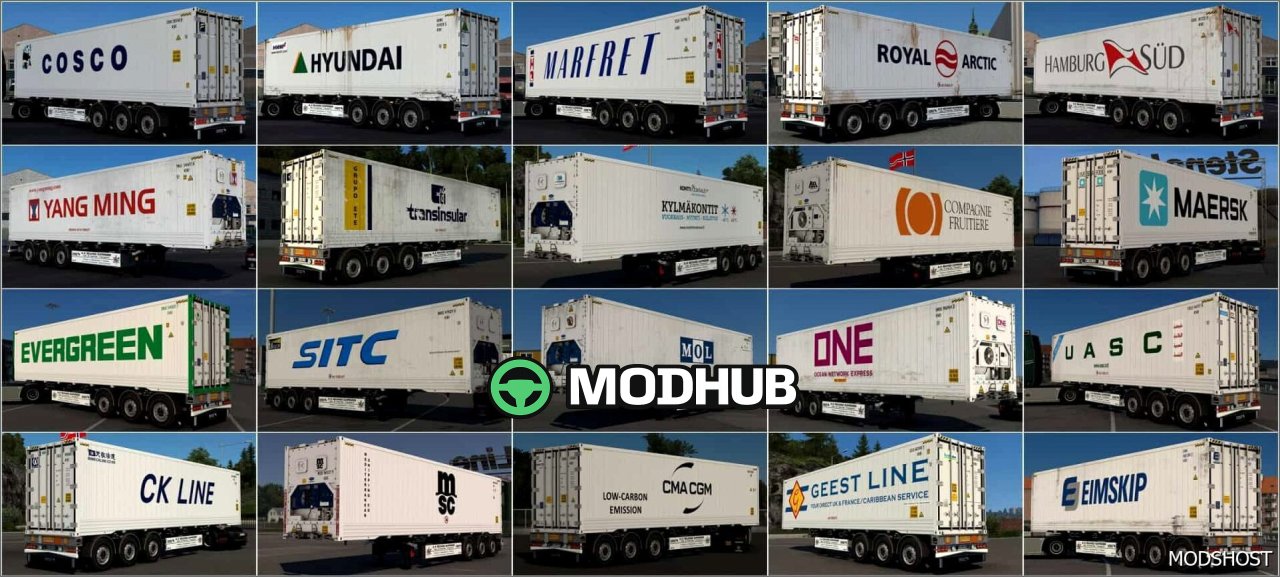
The Arnook container pack is a mod for American Truck Simulator that brings more variety to the look of your cargo. With it, you can change container designs and make your runs feel less repetitive while staying focused on realistic logistics.
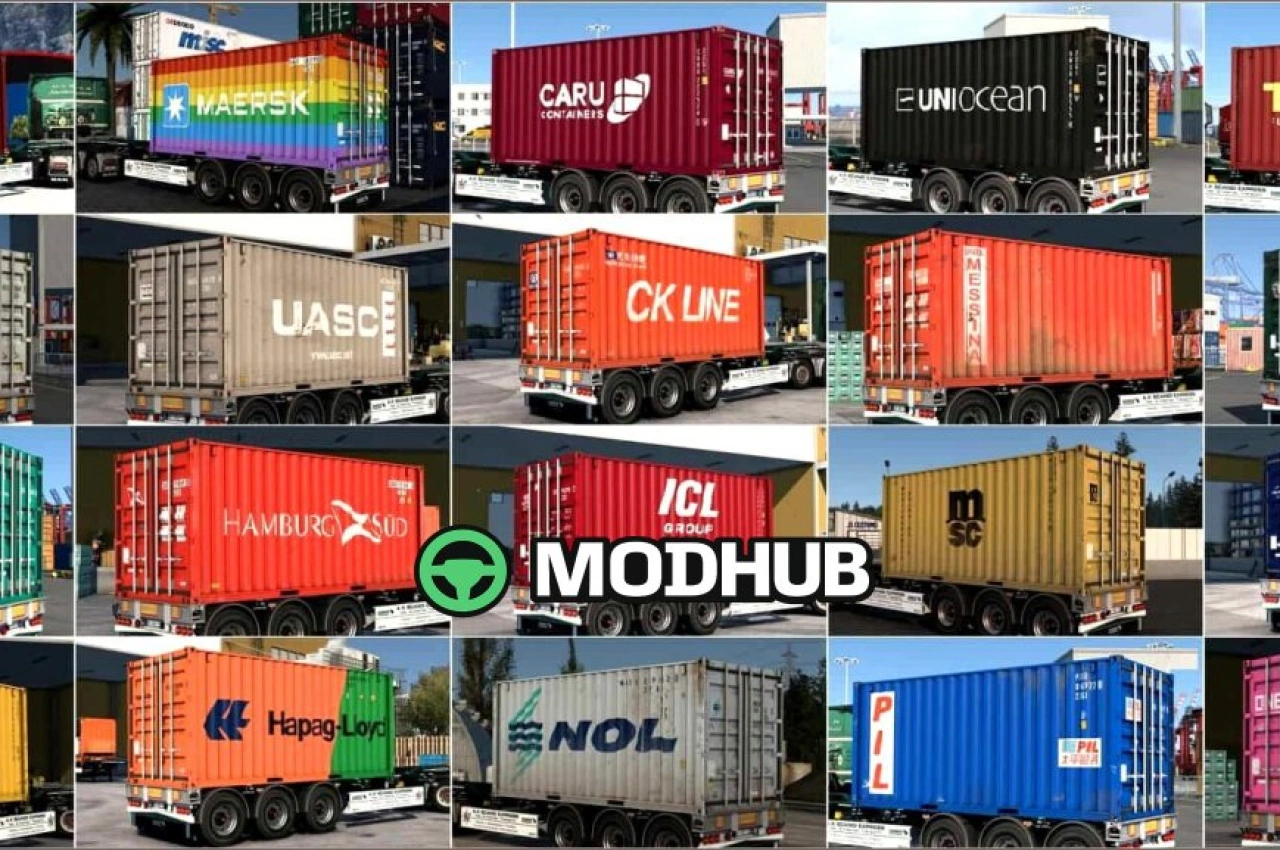
• 29 new skins for 20ft containers
• New Maersk-branded skin for a 40ft container
• Great for players who care about cargo details and immersion
• Visual customization only—no changes to core transport mechanics
This pack helps you match different styles to your truck setups, jobs, and company branding. The added skins look clean and well-suited for long-haul scenes, so your trailers and containers stand out during everyday driving in American Truck Simulator. If you want more container options with a straightforward setup, Arnook is an easy upgrade for your collection.
About Arnook’s Container Pack for American Truck Simulator
Arnook’s Container Pack for American Truck Simulator is a mod for American Truck Simulator. Check the author description, supported game version and dependencies before installing.
How to install the mod
Follow the installation instructions for Arnook’s Container Pack for American Truck Simulator, American Truck Simulator and your platform.
Download the mod archive using the Download button and read the author instructions.
Use the folder and archive format specified by the mod author for this game.
Start the game and enable the mod for the selected save or profile, if required.
Test using a backup or a new save. Install any dependencies listed by the author.
System requirements and compatibility
Check the mod description for supported game versions, required DLC and platforms. Compatibility with every version or other mods is not guaranteed.
Frequently asked questions
Is this mod free?
MODHUB does not charge for access to this mod page. Check the terms and download limits of the external file provider.
Can I use this mod in American Truck Simulator multiplayer?
Multiplayer support depends on the mod and its author. If supported, the server and players need matching mod versions and required DLC.
What should I check if the mod does not work?
Check the installation folder, archive structure, supported game version, dependencies and game logs. Test the mod separately using a backup save.
How can I check a downloaded mod?
Use trusted author sources, scan the archive and back up your saves. Do not run unrelated installers; a download listing does not guarantee safety or compatibility.