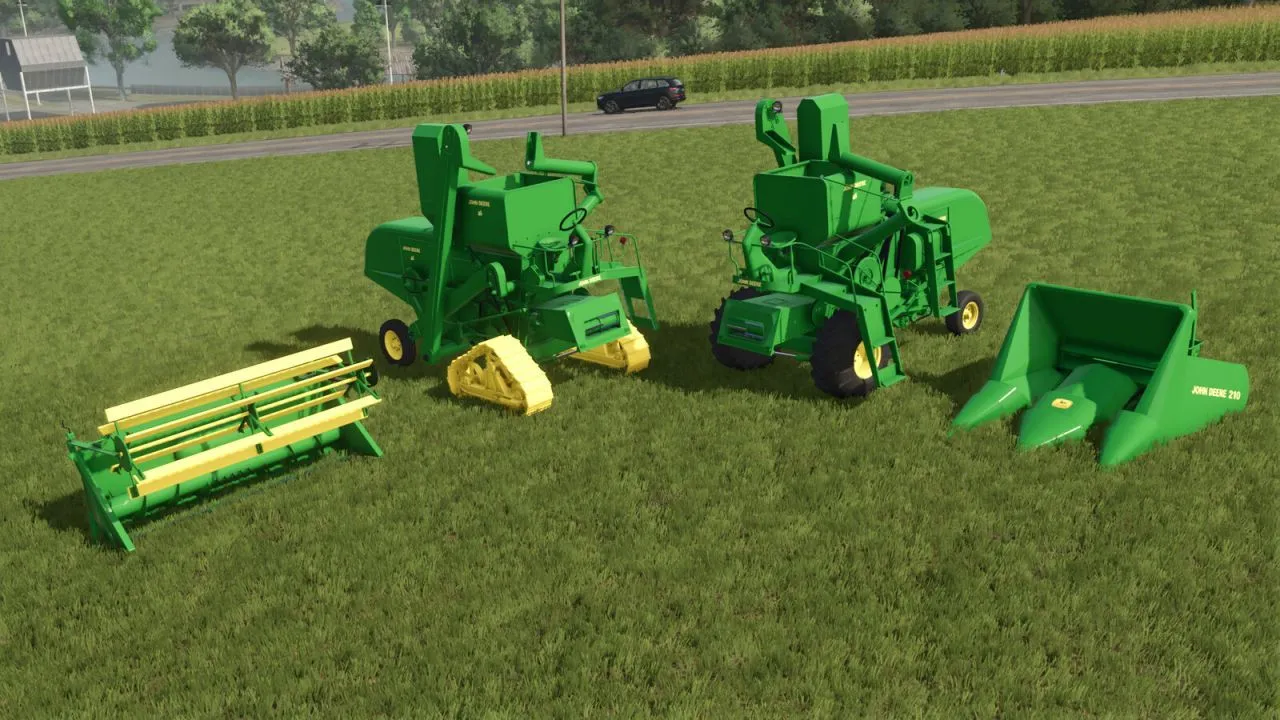
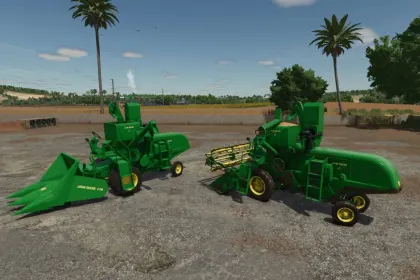
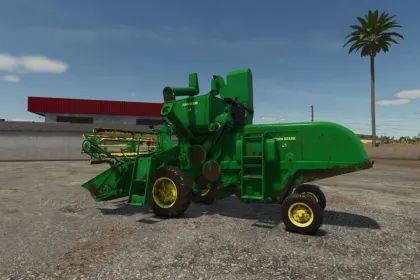
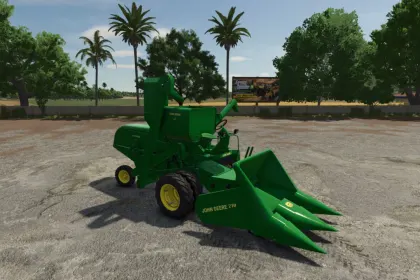
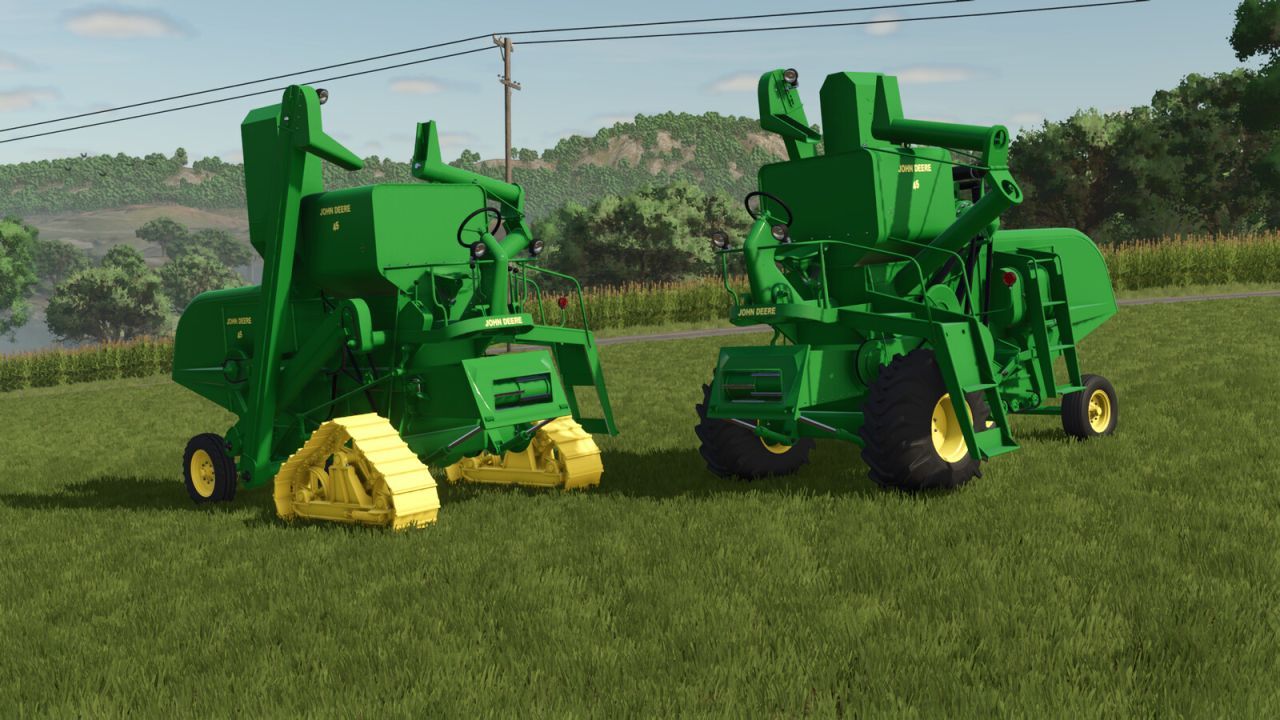
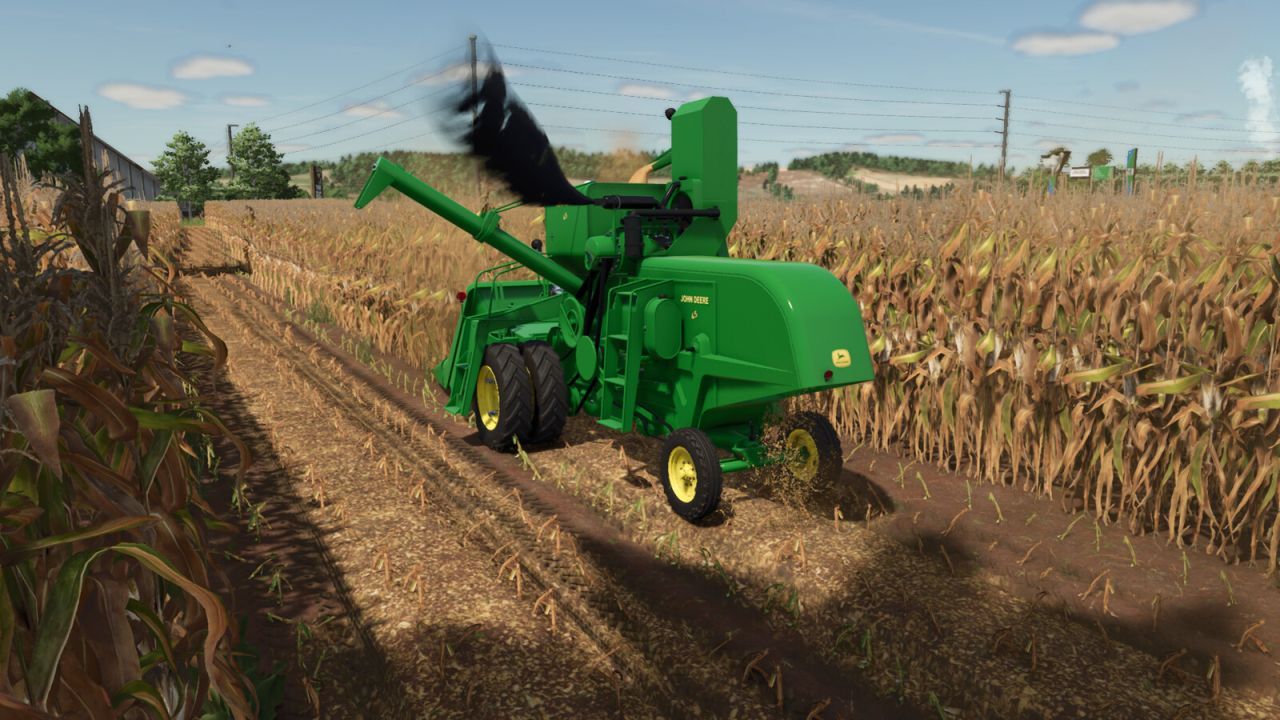
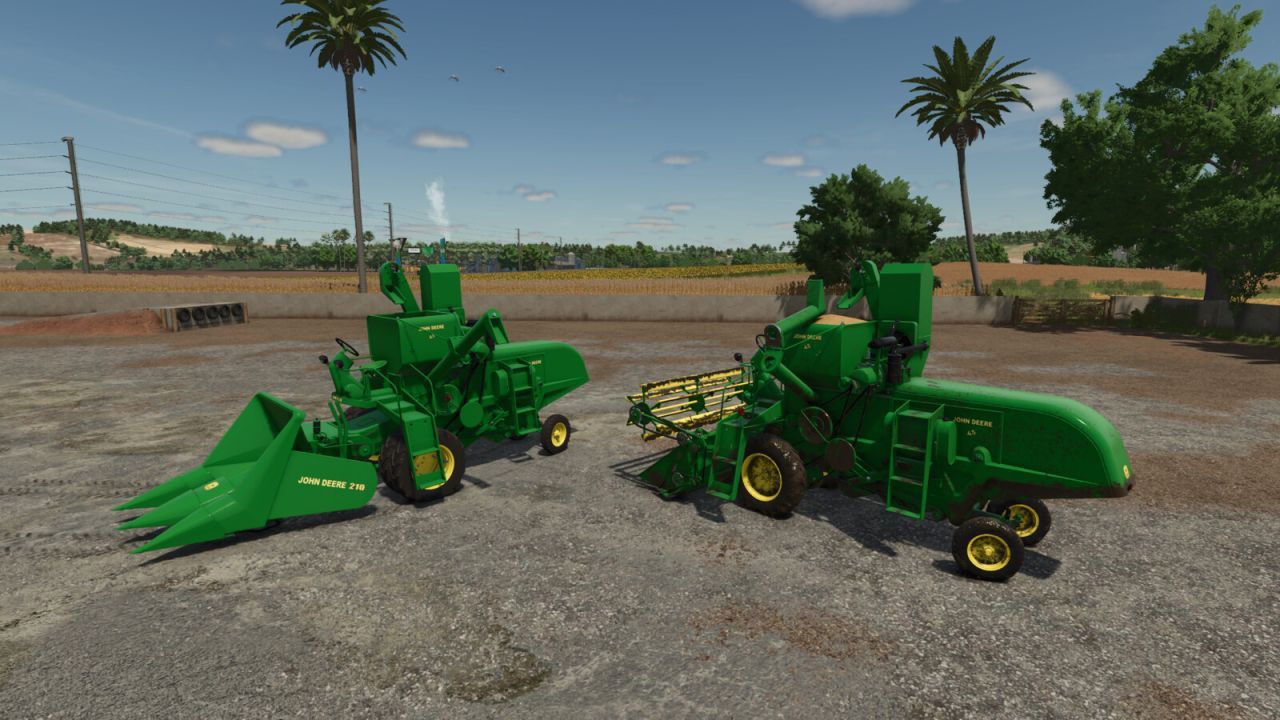
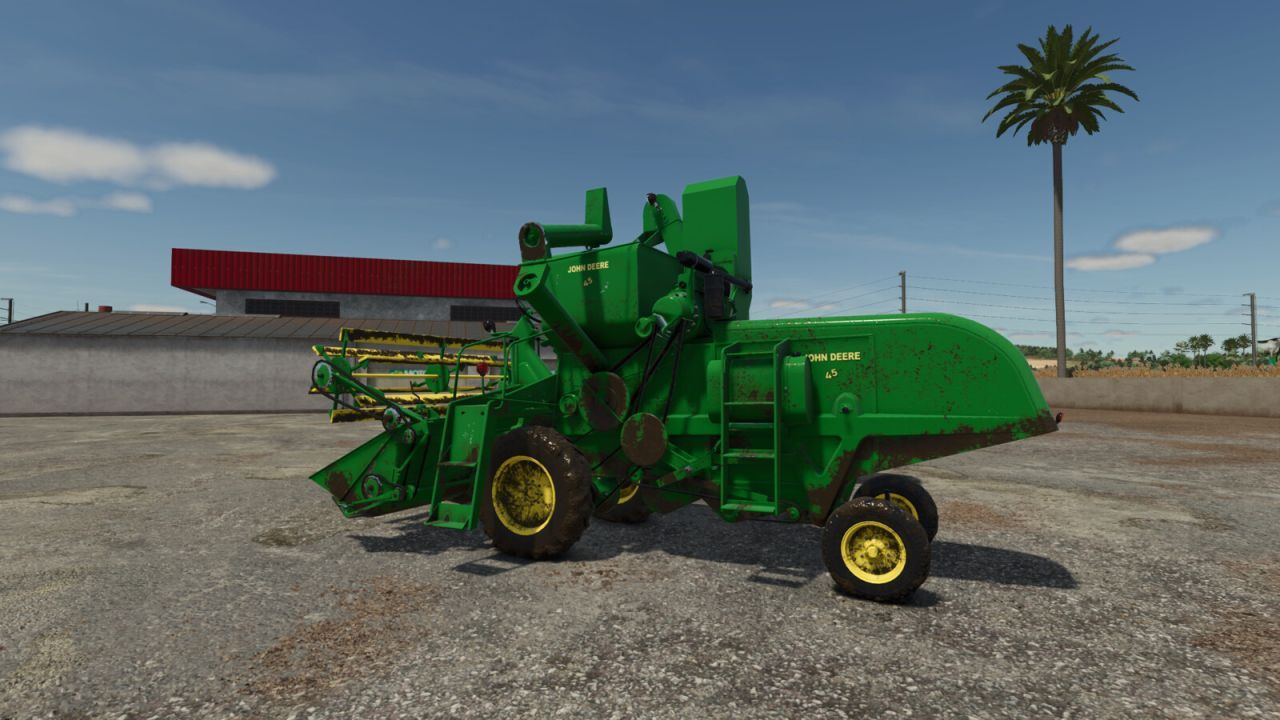
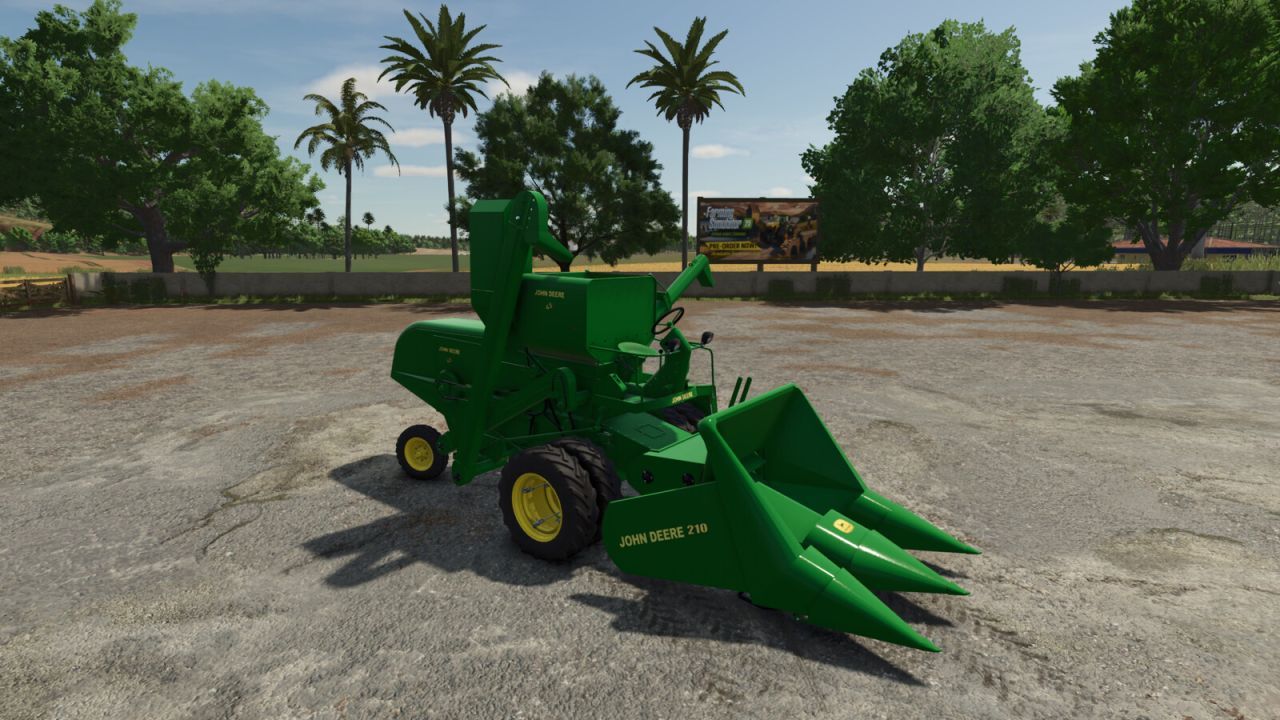
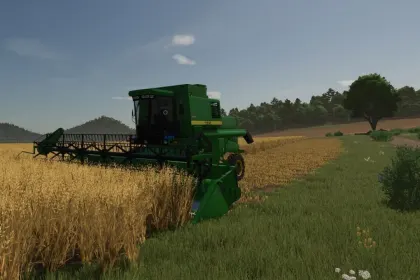
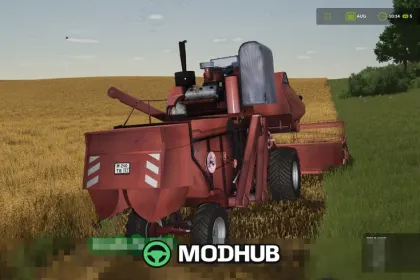
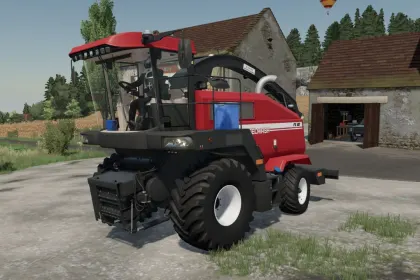
This mod adds the John Deere 45 combine for Farming Simulator 25, designed for players who want faster and more efficient harvests. It brings practical, easy-to-use performance settings together with believable harvesting behavior, so you can keep operations flowing and switch between crops with less downtime.
• Power: 50 hp
• Grain tank capacity: 1800 l
• Max travel speed: up to 30 km/h
• Grain header: 1.6 m working width
• Corn header: 2.0 m (John Deere 210)
In FS25, the John Deere 45 helps you complete field work consistently while the header widths reduce the number of passes you need to cover the same area. The higher transport speed also makes it simpler to manage routes between fields, minimizing time spent on maneuvering and maximizing time spent harvesting. The included crop-specific headers let you respond quickly when the farm plan changes.
The overall look and in-game performance make this combine a solid fit for both smaller and expanding operations. If you’re looking for a combine with clear specs and practical equipment for grain and corn, the John Deere 45 mod is a straightforward way to boost productivity in Farming Simulator 25.
About Combine Harvester John Deere 45 for Farming Simulator 25
Combine Harvester John Deere 45 for Farming Simulator 25 is a mod for Farming Simulator 25. Check the author description, supported game version and dependencies before installing.
How to install the mod
Follow the installation instructions for Combine Harvester John Deere 45 for Farming Simulator 25, Farming Simulator 25 and your platform.
Download the mod archive using the Download button and read the author instructions.
On PC, copy the mod ZIP without extracting it to Documents/My Games/FarmingSimulator2025/mods. For a bundle, extract the individual mod ZIPs first. macOS and Microsoft Store paths may differ; check Mod Directory in the game log.txt.
Start the game and enable the mod for the selected save or profile, if required.
Test using a backup or a new save. Install any dependencies listed by the author.
System requirements and compatibility
Check the mod description for supported game versions, required DLC and platforms. Compatibility with every version or other mods is not guaranteed. Farming Simulator script mods are for PC/macOS. Console players can only install compatible mods from the in-game GIANTS ModHub.
Frequently asked questions
Is this mod free?
MODHUB does not charge for access to this mod page. Check the terms and download limits of the external file provider.
Can I use this mod in Farming Simulator 25 multiplayer?
Multiplayer support depends on the mod and its author. If supported, the server and players need matching mod versions and required DLC.
What should I check if the mod does not work?
Check the installation folder, archive structure, supported game version, dependencies and game logs. Test the mod separately using a backup save.
How can I check a downloaded mod?
Use trusted author sources, scan the archive and back up your saves. Do not run unrelated installers; a download listing does not guarantee safety or compatibility.