FS25 Keybind Inspector is a read-only in-game utility for Farming Simulator 25 that helps you understand and manage your keybindings without changing your controls.
Features include:
• Check whether a key or key combination is already assigned
• Capture a key combination by simply pressing it
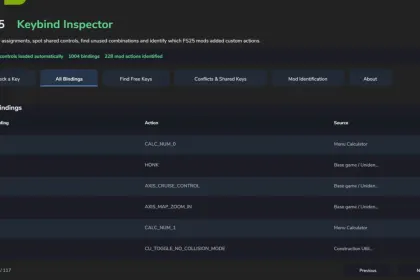
• Browse all keyboard, mouse and gamepad bindings
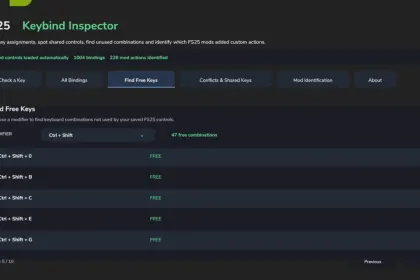
• Find unused keyboard combinations
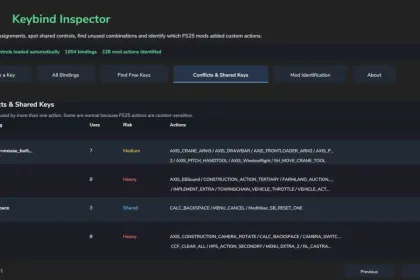
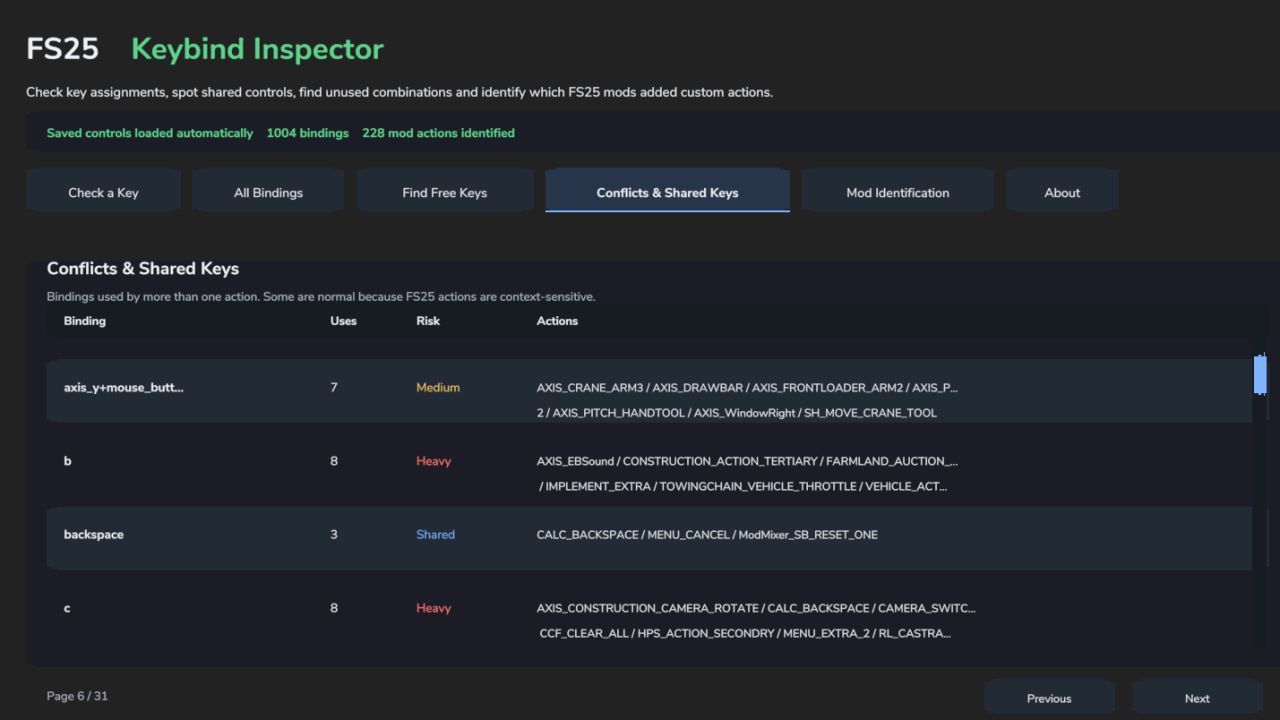
• Identify conflicts and shared keybindings
• Identify which installed mod registered a custom input action
• Search and browse bindings directly from the ESC menu
Keybind Inspector reads your existing FS25 input bindings and mod information. It does not modify or rebind your controls.
The interface is fully integrated into the FS25 menu with its own navigation page.
No dependencies required.
Created by Boy Meets Farming.
About «Keybind Inspector for Farming Simulator 25»
This mod is among the best in the «Трактори» category for Farming Simulator 25. Adds quality content to the game, tested by the community, without conflicts with other mods.
How to Install the Mod
Installing the "Keybind Inspector for Farming Simulator 25" mod for Farming Simulator 25 takes less than a minute:
Download the mod file from our website by clicking the «Download» button
Extract the archive to Documents/My Games/Farming Simulator 25/mods
Launch the game — the mod will appear in the «Mods» section
Activate the mod in your save and enjoy the new content
System Requirements
The "Keybind Inspector for Farming Simulator 25" mod is compatible with all official Farming Simulator 25 versions. No additional modifications or tweaks required. Works on Windows, macOS, Linux (via ProtonDB) and consoles that support mods.
Frequently Asked Questions
Is this mod free?
Yes, all MODHUB mods are downloaded free of charge, without registration or redirect ads.
Can I use it in Farming Simulator 25 multiplayer?
Yes, the mod is fully compatible with multiplayer. All players must have this version of the mod installed.
What should I do if the mod does not work?
Ensure the archive is extracted to the correct (not nested) folder. Check that mod and game versions match. Leave a comment below — the community will help.
Is the mod safe?
All MODHUB mods are checked by antivirus software and moderators. We do not host executables (.exe), only in-game content.