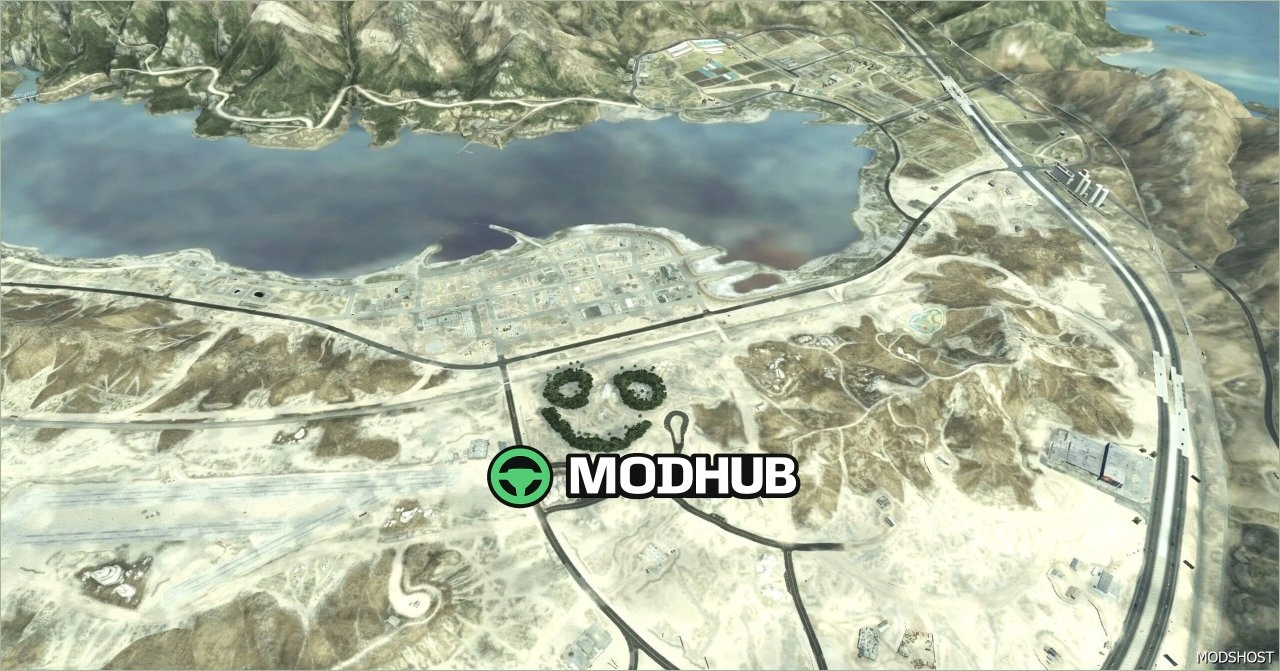
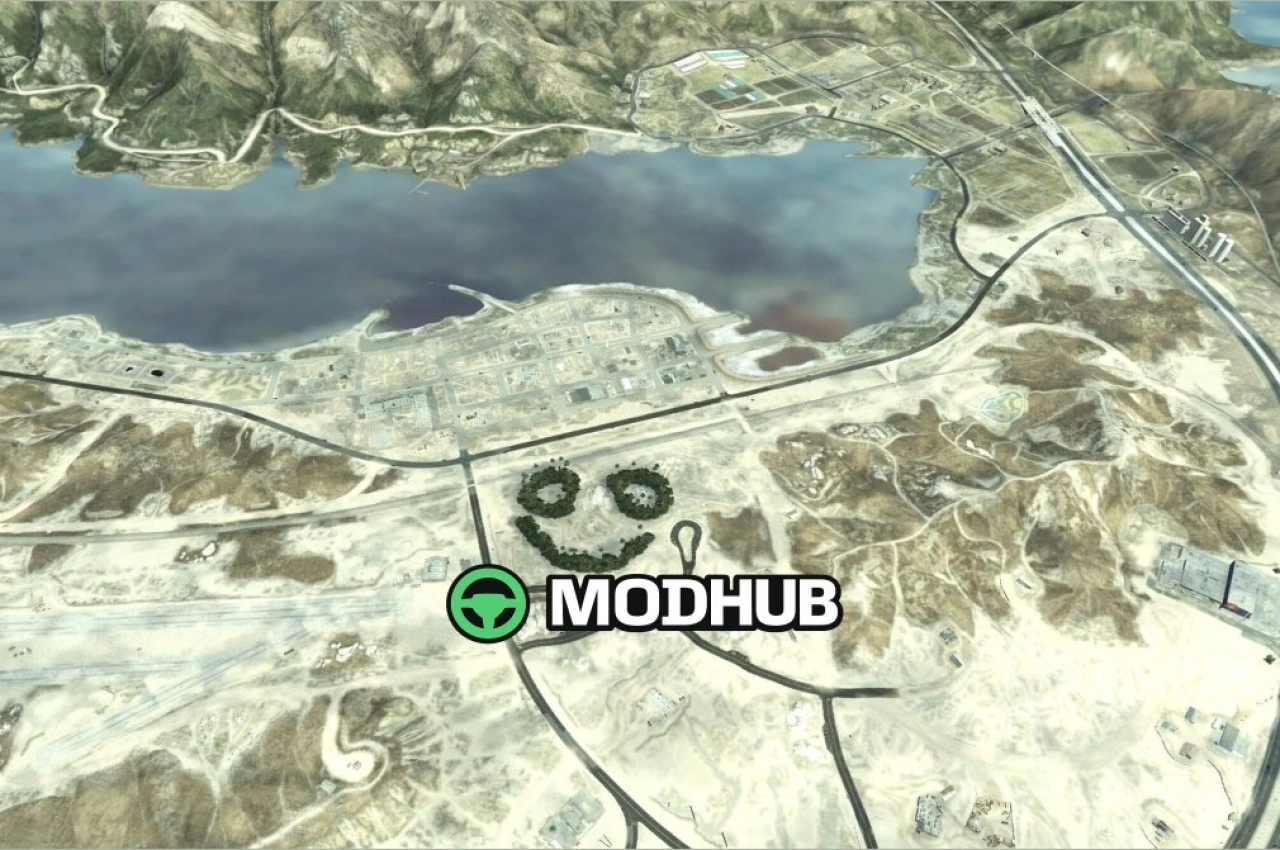
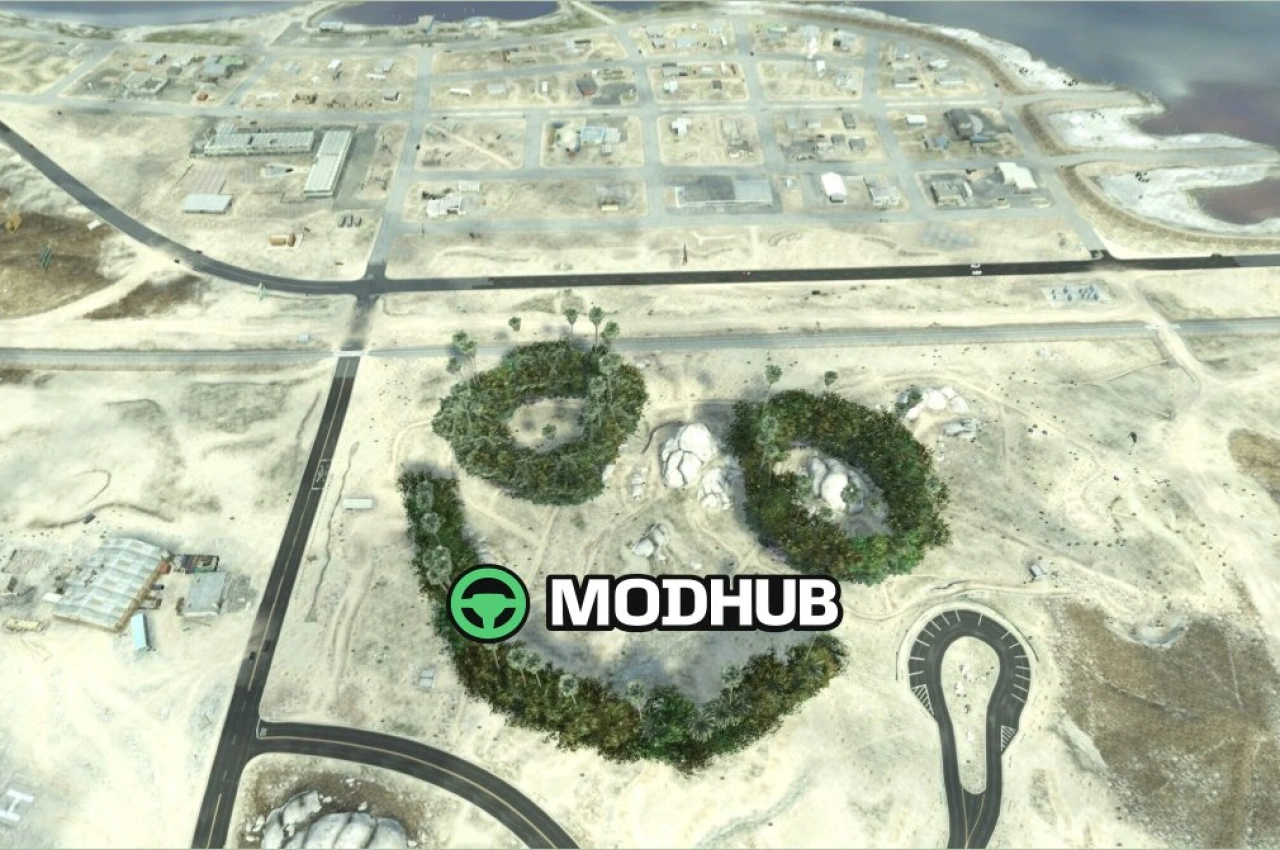
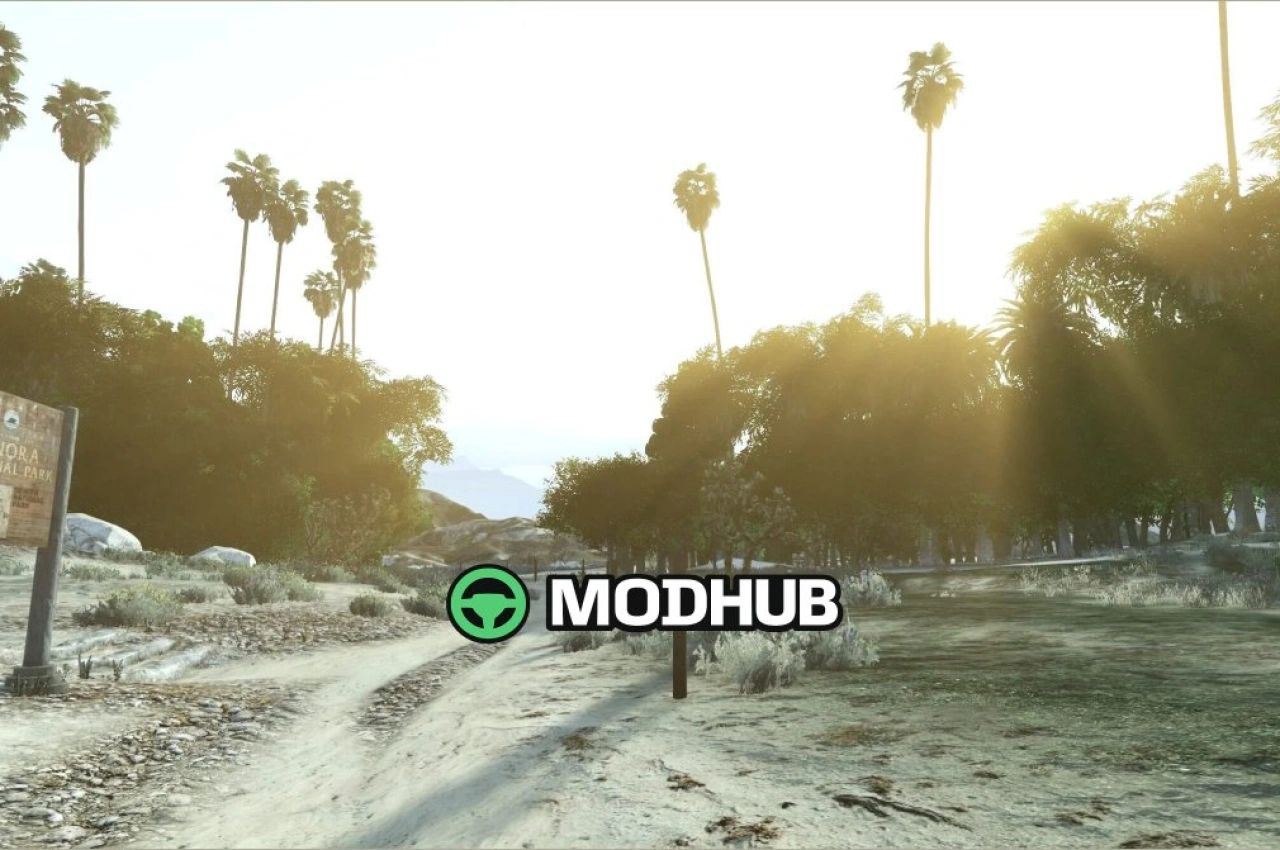
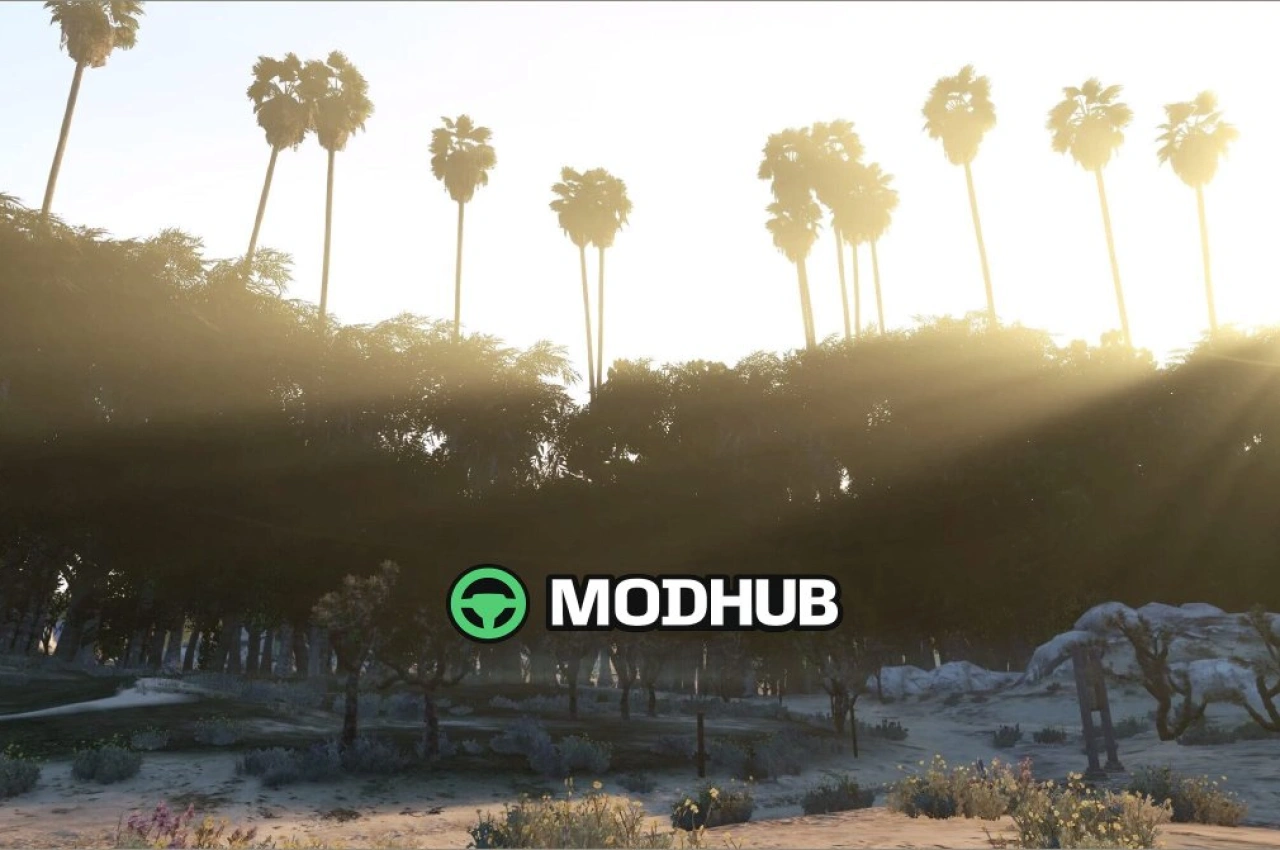
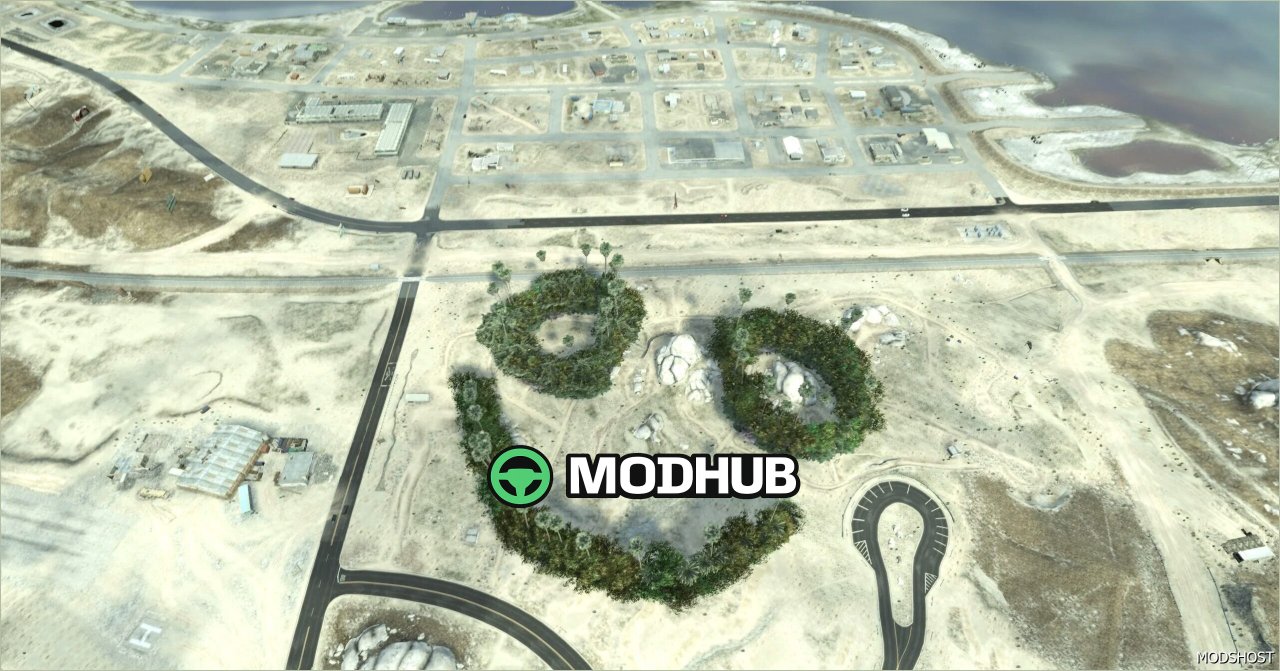
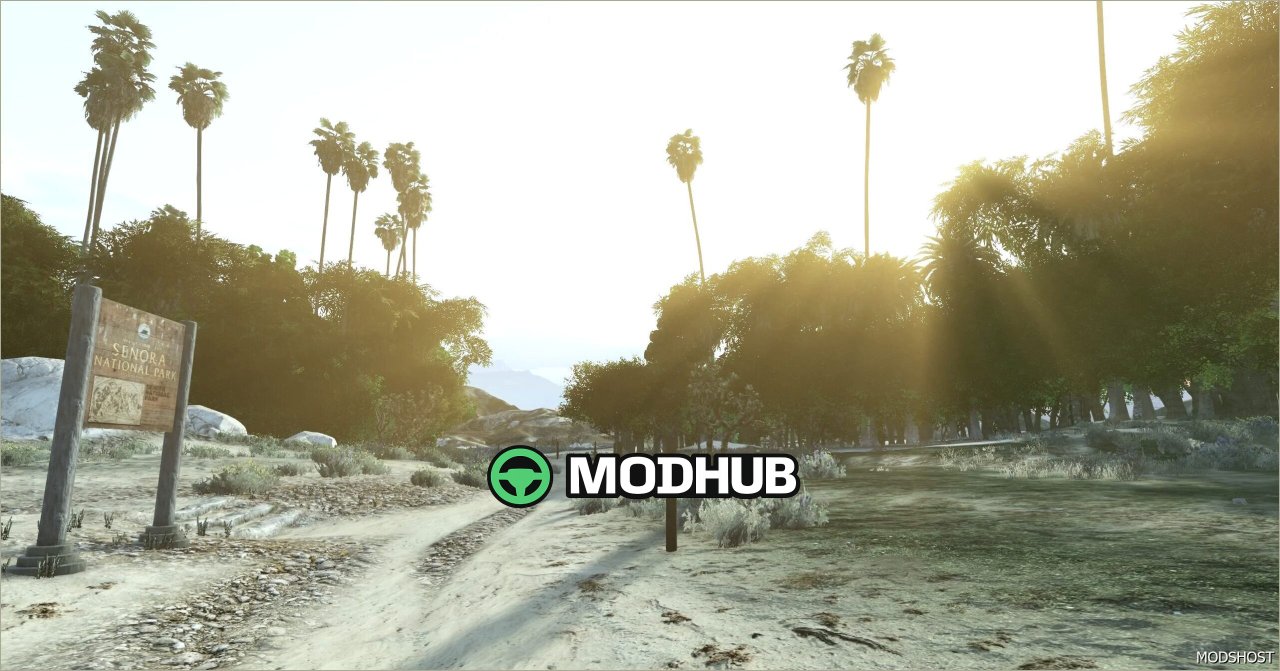
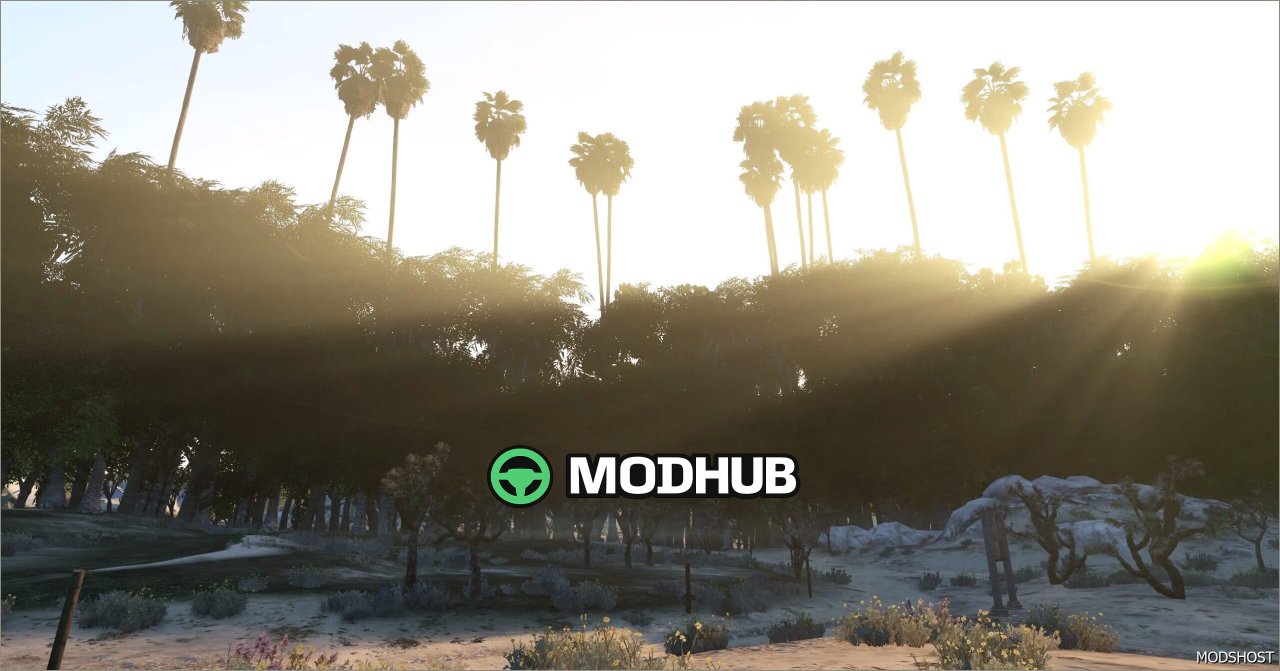
The Larcius Forest Creator map mod is made for GTA 5 and focuses on convenient editing and forest-area creation in your game world. It streamlines the process of adjusting terrain details so your layouts reach the intended look faster, while keeping the environment feeling grounded and natural.
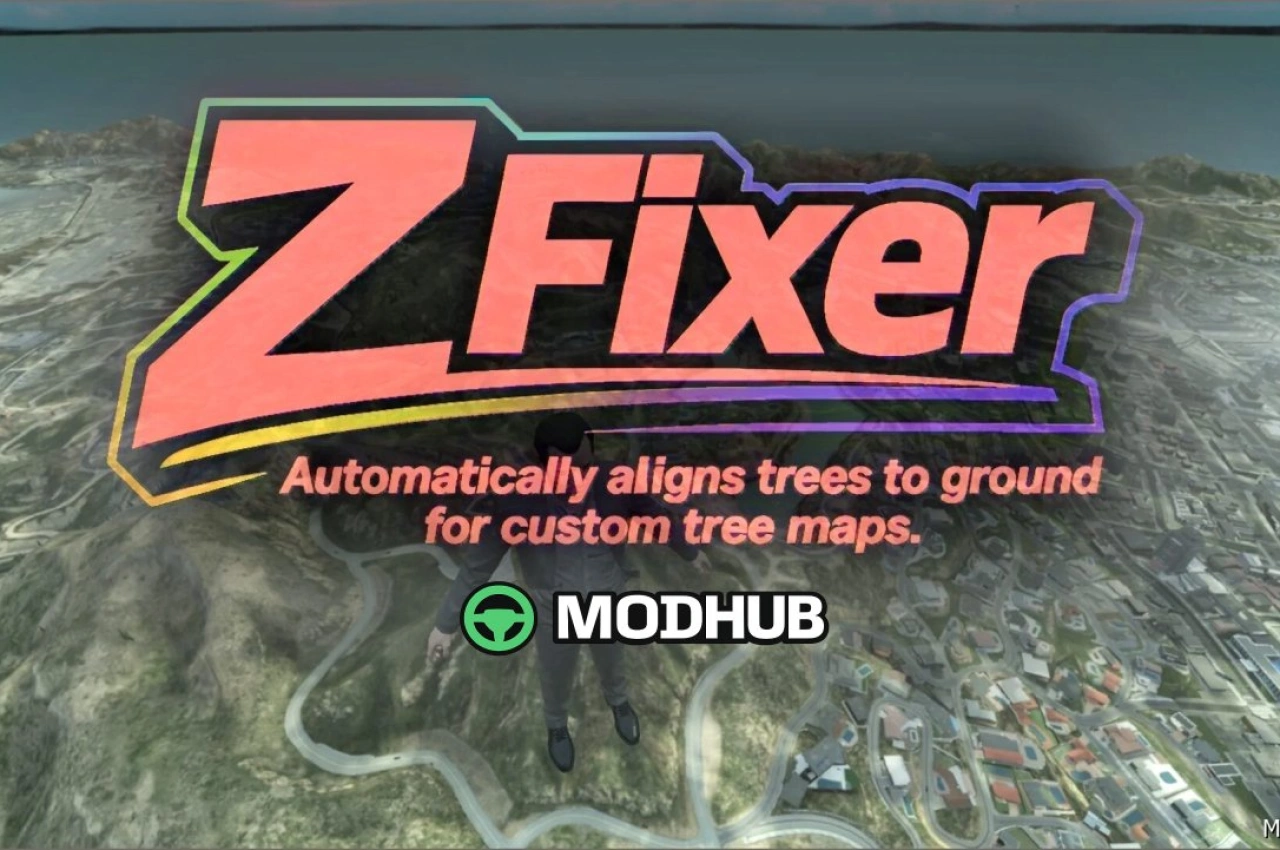
• Improved ground collision detection: reduces floating trees and other placement artifacts
• Standalone EXE converter: simplifies conversion and preparation steps for mapping
• Automatic folder detection for coordinates and hmaps: less manual setup during workflow
• In-game quick tuning with the F10 key: adjust environment settings without leaving the game
If you want to craft your own unique forest locations, this tool helps you maintain better object-to-terrain interaction. The result is a cleaner, more realistic landscape foundation—especially useful when you’re iterating on builds for your own projects or for sharing with others in the GTA 5 community.
About Map Larcius Forest Creator for GTA 5
Map Larcius Forest Creator for GTA 5 is a mod for GTA 5. Check the author description, supported game version and dependencies before installing.
How to install the mod
Follow the installation instructions for Map Larcius Forest Creator for GTA 5, GTA 5 and your platform.
Download the mod archive using the Download button and read the author instructions.
Use the folder and archive format specified by the mod author for this game.
Start the game and enable the mod for the selected save or profile, if required.
Test using a backup or a new save. Install any dependencies listed by the author.
System requirements and compatibility
Check the mod description for supported game versions, required DLC and platforms. Compatibility with every version or other mods is not guaranteed.
Frequently asked questions
Is this mod free?
MODHUB does not charge for access to this mod page. Check the terms and download limits of the external file provider.
Can I use this mod in GTA 5 multiplayer?
Multiplayer support depends on the mod and its author. If supported, the server and players need matching mod versions and required DLC.
What should I check if the mod does not work?
Check the installation folder, archive structure, supported game version, dependencies and game logs. Test the mod separately using a backup save.
How can I check a downloaded mod?
Use trusted author sources, scan the archive and back up your saves. Do not run unrelated installers; a download listing does not guarantee safety or compatibility.