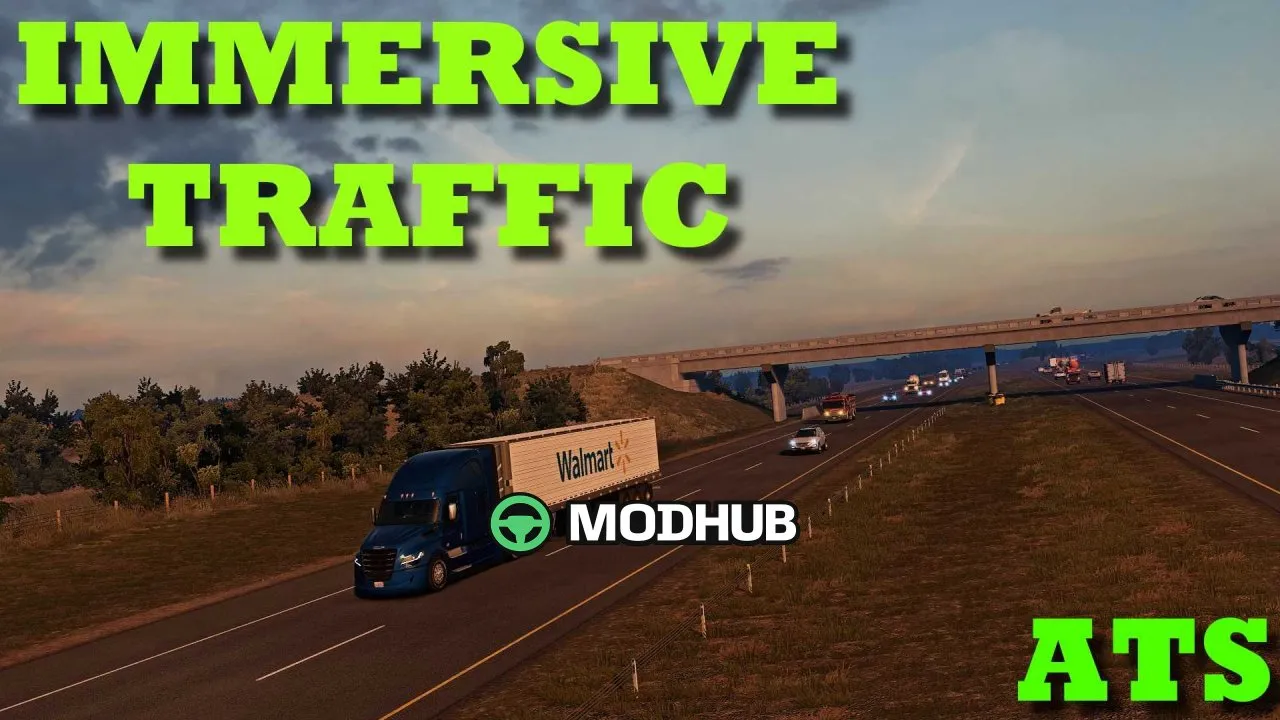
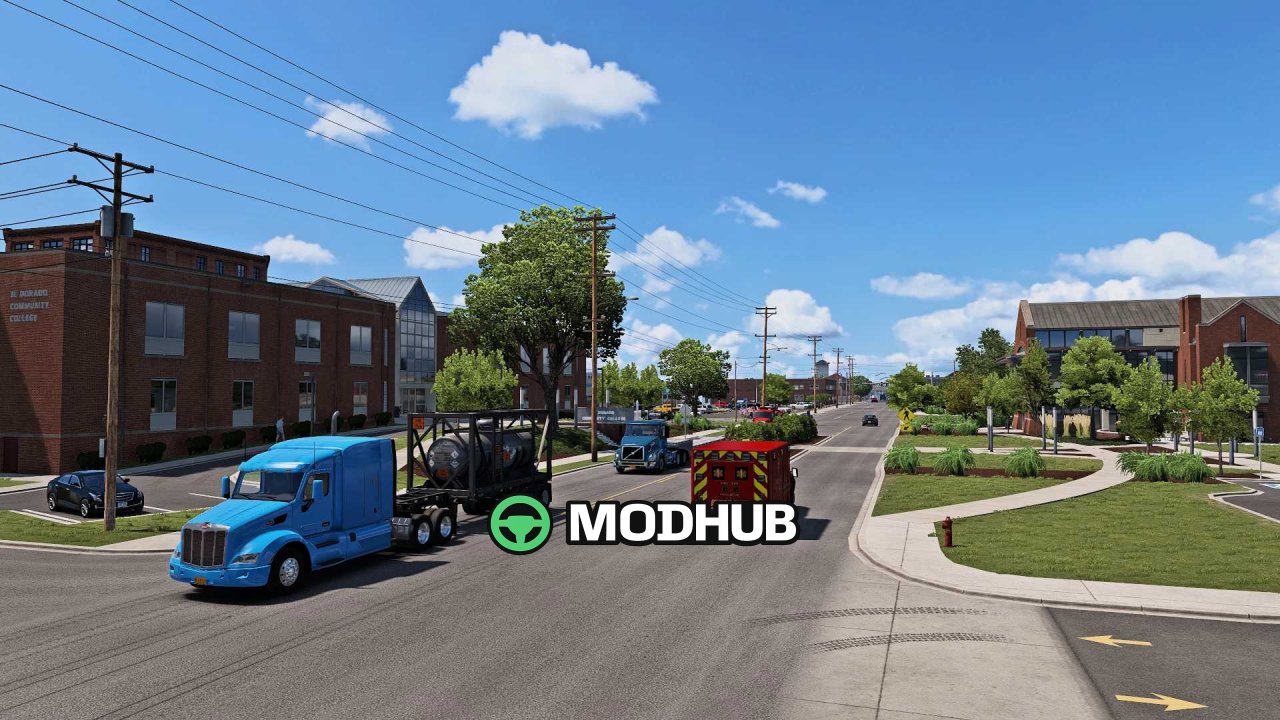
The Immersive Traffic V1.1 mod for American Truck Simulator enhances everyday gameplay by making traffic feel more realistic and alive. It adjusts how vehicles spawn, changes traffic density depending on time of day, and improves AI behavior so driving scenes look more varied and believable.
• Compatibility: ATS Game Version 1.60
• Mod version: Immersive Traffic V1.1
• Improved spawn ratio for cars/trucks/buses
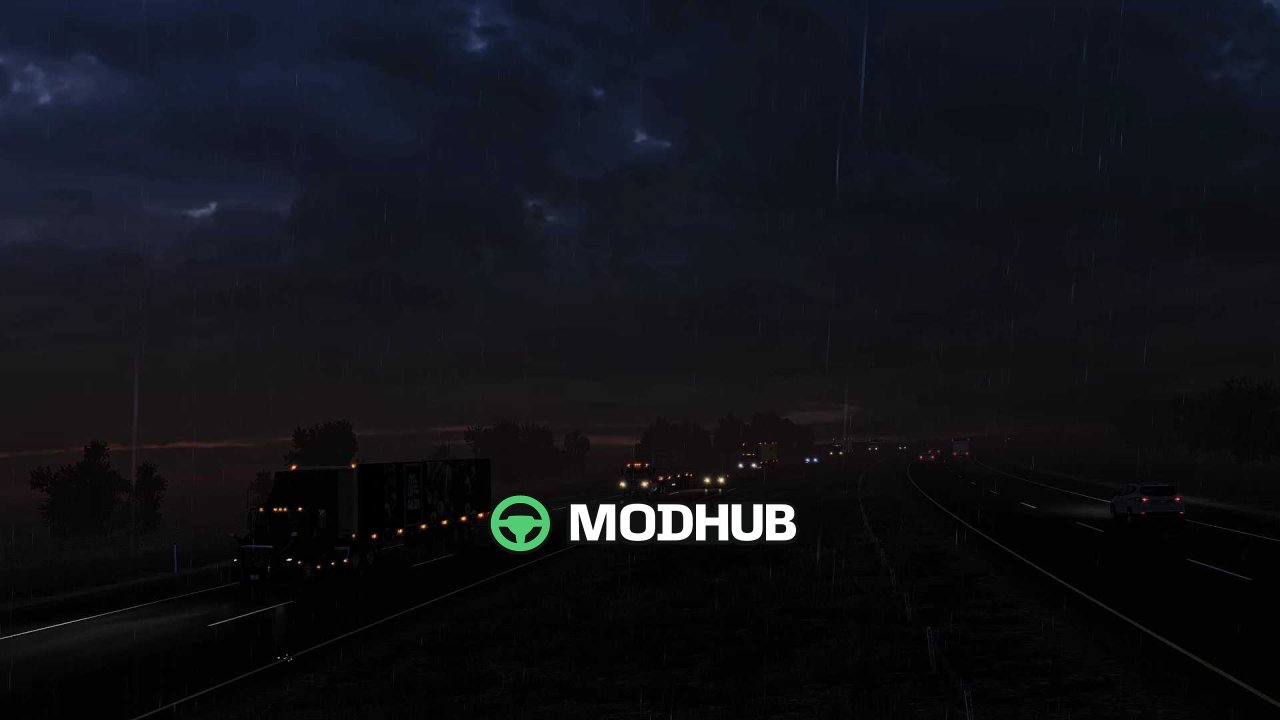
• Varied traffic density: higher during the day, lower at night
• Increased traffic limit on roads
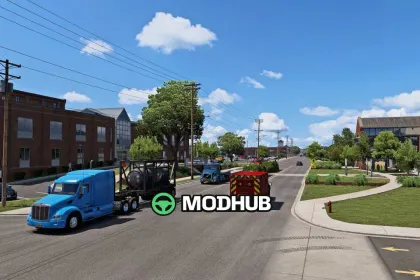
• More traffic vehicles in cities
• AI behavior improvements
With this mod, highways and intercity routes are less likely to feel empty. You’ll see a wider mix of traffic, and city driving becomes noticeably busier. The day/night balance adds another layer of immersion, because the road activity naturally shifts with lighting and timing. If you want stronger realism in ATS traffic without breaking the overall pacing, Immersive Traffic V1.1 is a solid choice.
About Immersive Traffic V1.1 mod for ATS
Immersive Traffic V1.1 mod for ATS is a mod for American Truck Simulator. Check the author description, supported game version and dependencies before installing.
How to install the mod
Follow the installation instructions for Immersive Traffic V1.1 mod for ATS, American Truck Simulator and your platform.
Download the mod archive using the Download button and read the author instructions.
Use the folder and archive format specified by the mod author for this game.
Start the game and enable the mod for the selected save or profile, if required.
Test using a backup or a new save. Install any dependencies listed by the author.
System requirements and compatibility
Check the mod description for supported game versions, required DLC and platforms. Compatibility with every version or other mods is not guaranteed.
Frequently asked questions
Is this mod free?
MODHUB does not charge for access to this mod page. Check the terms and download limits of the external file provider.
Can I use this mod in American Truck Simulator multiplayer?
Multiplayer support depends on the mod and its author. If supported, the server and players need matching mod versions and required DLC.
What should I check if the mod does not work?
Check the installation folder, archive structure, supported game version, dependencies and game logs. Test the mod separately using a backup save.
How can I check a downloaded mod?
Use trusted author sources, scan the archive and back up your saves. Do not run unrelated installers; a download listing does not guarantee safety or compatibility.