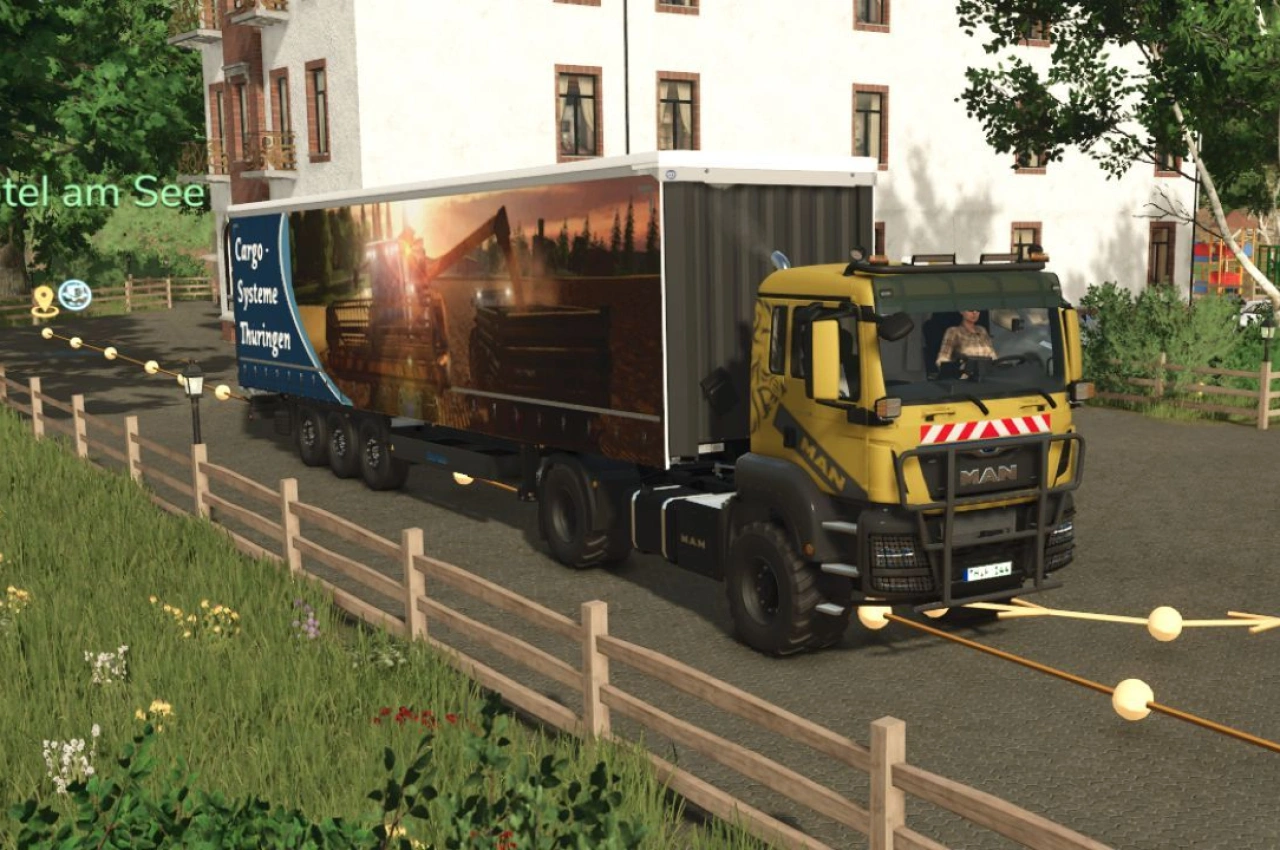
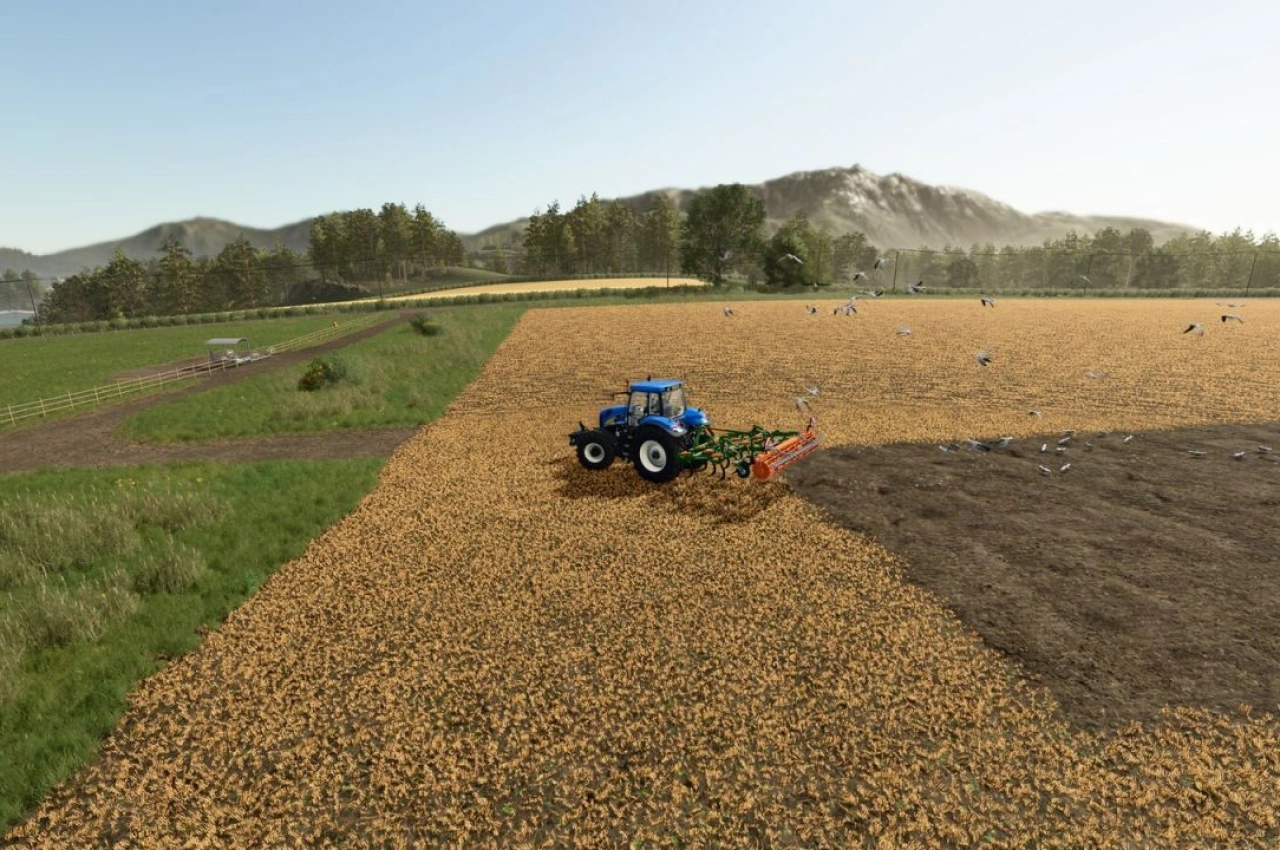
Farm Contractor Services is a gameplay mod for Farming Simulator 25 that allows you to hire agricultural contractors for various field operations. It is a complete rewrite of the original Contractor Harvesting mod, introducing a new interface, concurrent jobs, and an expanded range of services. Designed for smaller farms that need help without owning machinery, it lets you keep using the equipment you enjoy while hiring help for the rest. You can book services for today or up to seven days ahead, with priority and urgent options available.
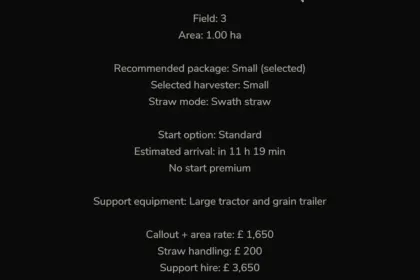
• Available services include combine harvesting with size and straw-handling options, maize forage harvesting, cultivation, ploughing, sowing, fertiliser and lime spreading, mowing, windrowing, and square baling as an experimental feature.
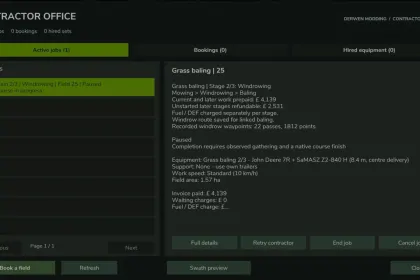
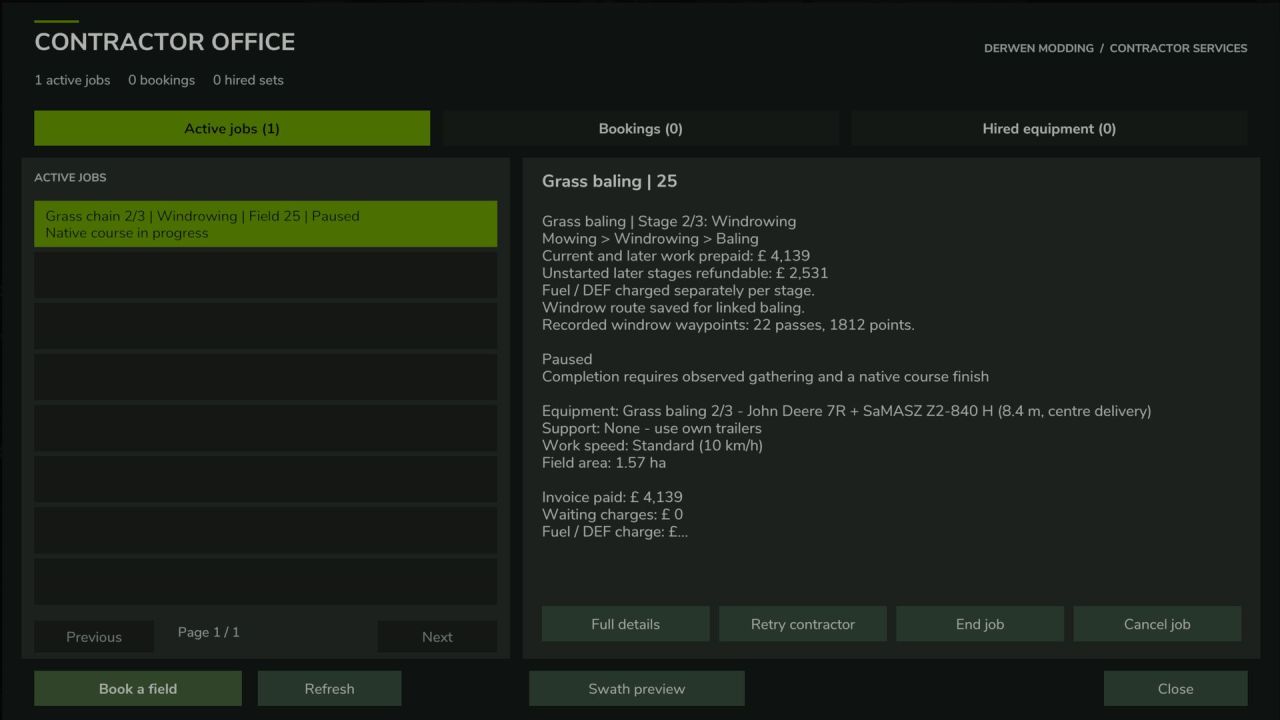
• You can book mowing, windrowing, and baling as one linked grass-work order, with each stage progressing automatically and the appropriate contractor equipment arriving for the next operation.
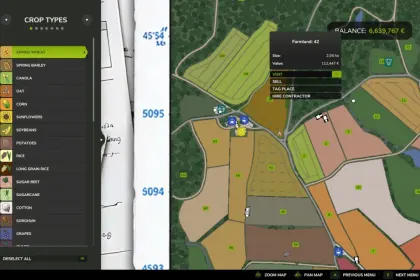
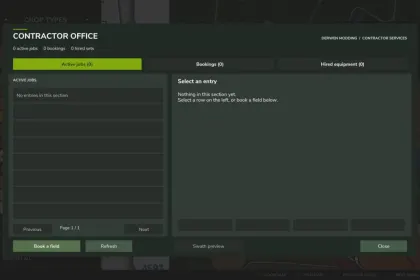
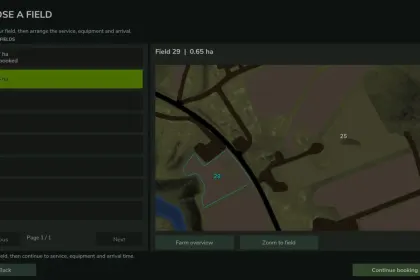
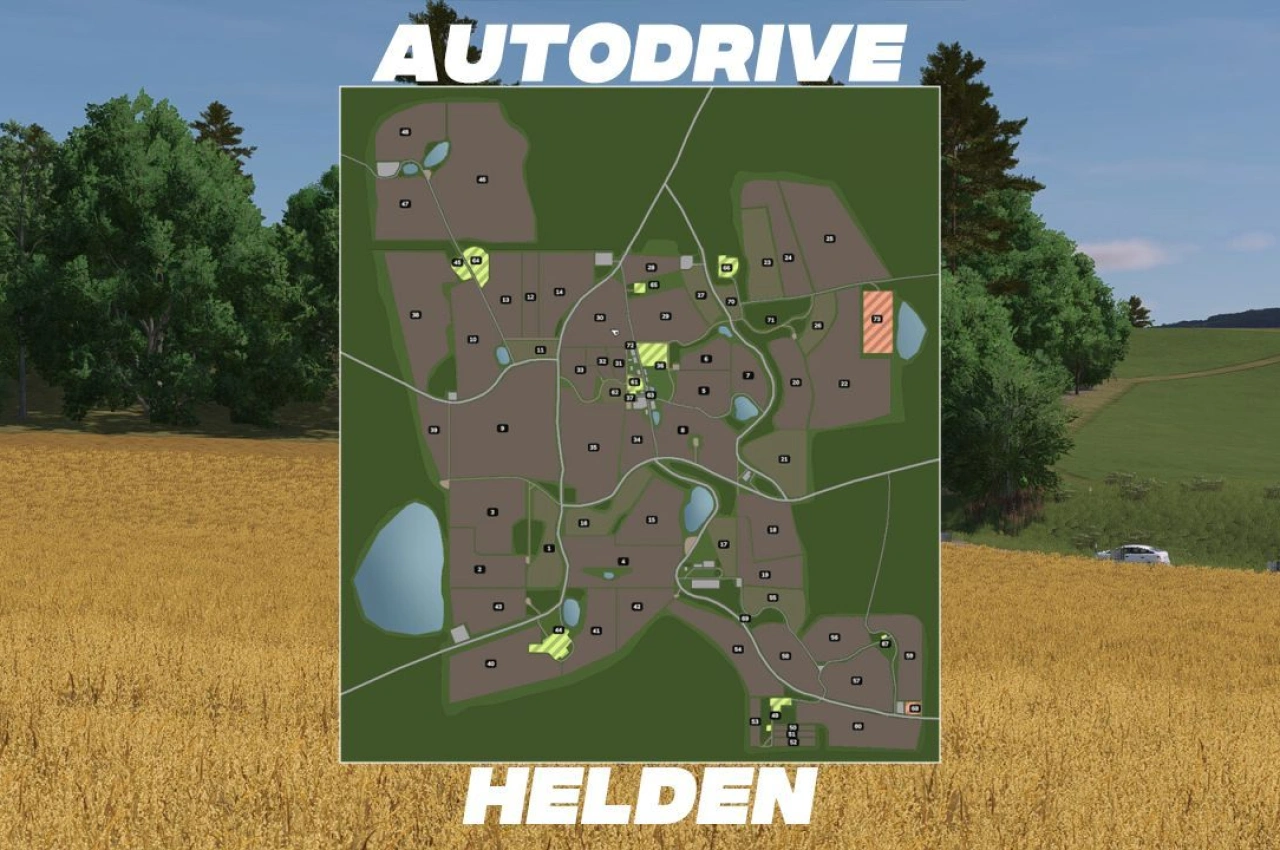
• The Contractor Office interface provides a field map, shows active jobs, future bookings, and hired support equipment, and allows you to manage charges and respond to contractor requests.
• Up to two contractor crews can work simultaneously, with further bookings queued, and you can choose equipment options such as harvester sizes, larger cultivation equipment, and working speeds.
• For harvesting, you can hire support equipment or use your own tractors and trailers, and compatible successive jobs can share hired support equipment to keep carting across multiple fields.
• You remain part of the operation by bringing trailers to unload combines, carting alongside forage harvesters, and collecting finished bales, with pause and recovery controls available.
The mod is single-player only and includes optional integration with Realistic Farm Finance and Derwen Mobile Phone.
About Farm Contractor Services for Farming Simulator 25
Farm Contractor Services for Farming Simulator 25 is a mod for Farming Simulator 25. Check the author description, supported game version and dependencies before installing.
How to install the mod
Follow the installation instructions for Farm Contractor Services for Farming Simulator 25, Farming Simulator 25 and your platform.
Download the mod archive using the Download button and read the author instructions.
On PC, copy the mod ZIP without extracting it to Documents/My Games/FarmingSimulator2025/mods. For a bundle, extract the individual mod ZIPs first. macOS and Microsoft Store paths may differ; check Mod Directory in the game log.txt.
Start the game and enable the mod for the selected save or profile, if required.
Test using a backup or a new save. Install any dependencies listed by the author.
System requirements and compatibility
Check the mod description for supported game versions, required DLC and platforms. Compatibility with every version or other mods is not guaranteed. Farming Simulator script mods are for PC/macOS. Console players can only install compatible mods from the in-game GIANTS ModHub.
Frequently asked questions
Is this mod free?
MODHUB does not charge for access to this mod page. Check the terms and download limits of the external file provider.
Can I use this mod in Farming Simulator 25 multiplayer?
Multiplayer support depends on the mod and its author. If supported, the server and players need matching mod versions and required DLC.
What should I check if the mod does not work?
Check the installation folder, archive structure, supported game version, dependencies and game logs. Test the mod separately using a backup save.
How can I check a downloaded mod?
Use trusted author sources, scan the archive and back up your saves. Do not run unrelated installers; a download listing does not guarantee safety or compatibility.