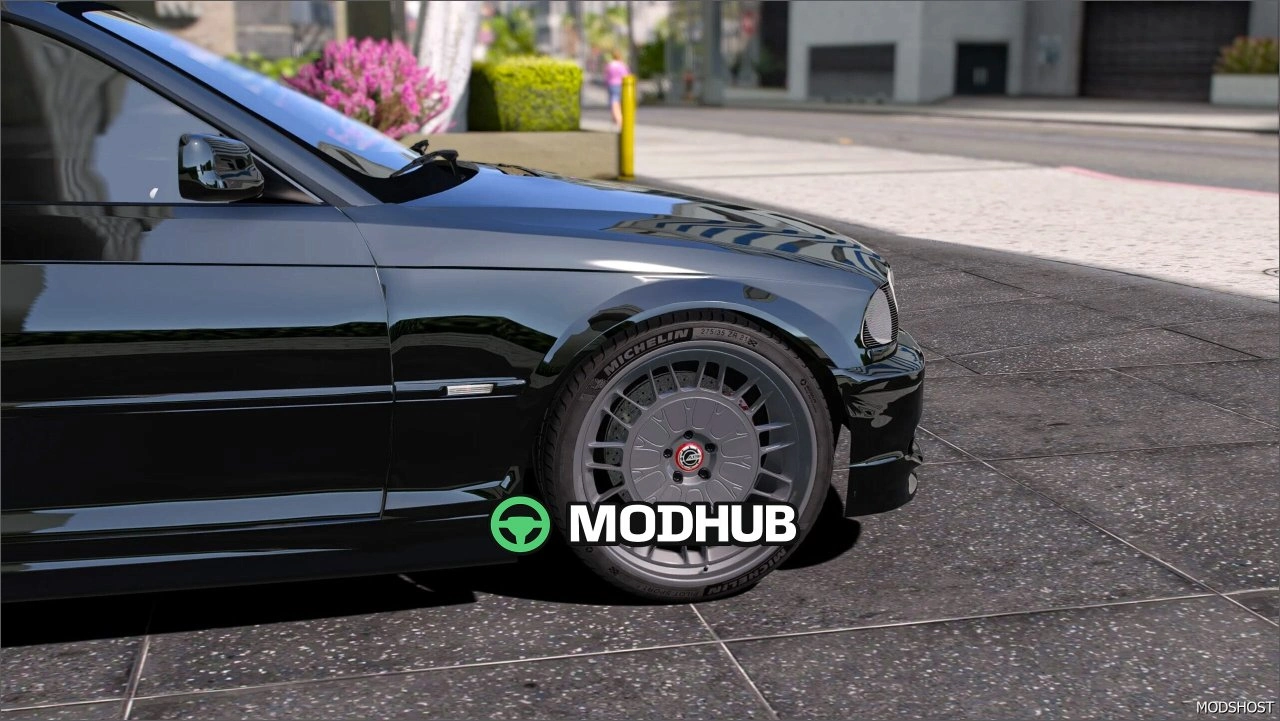
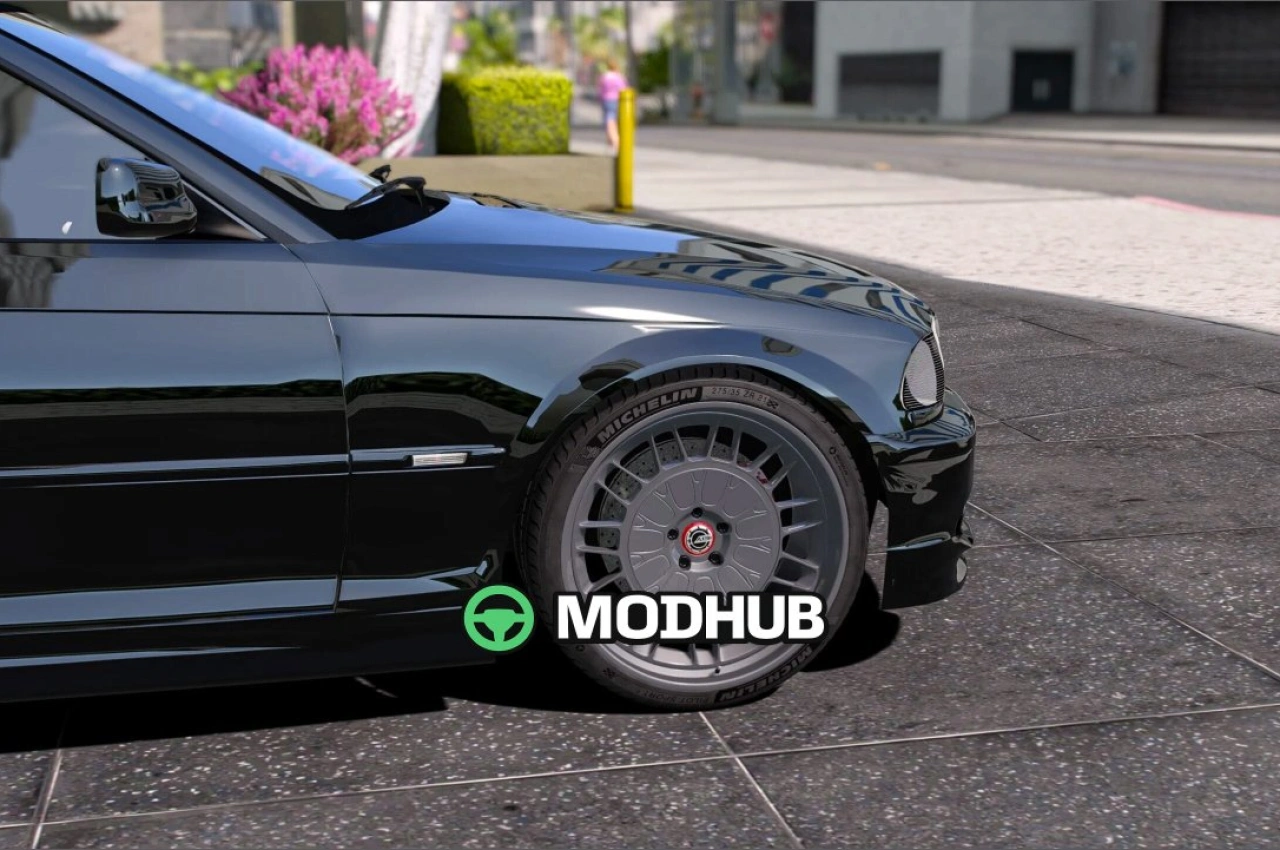
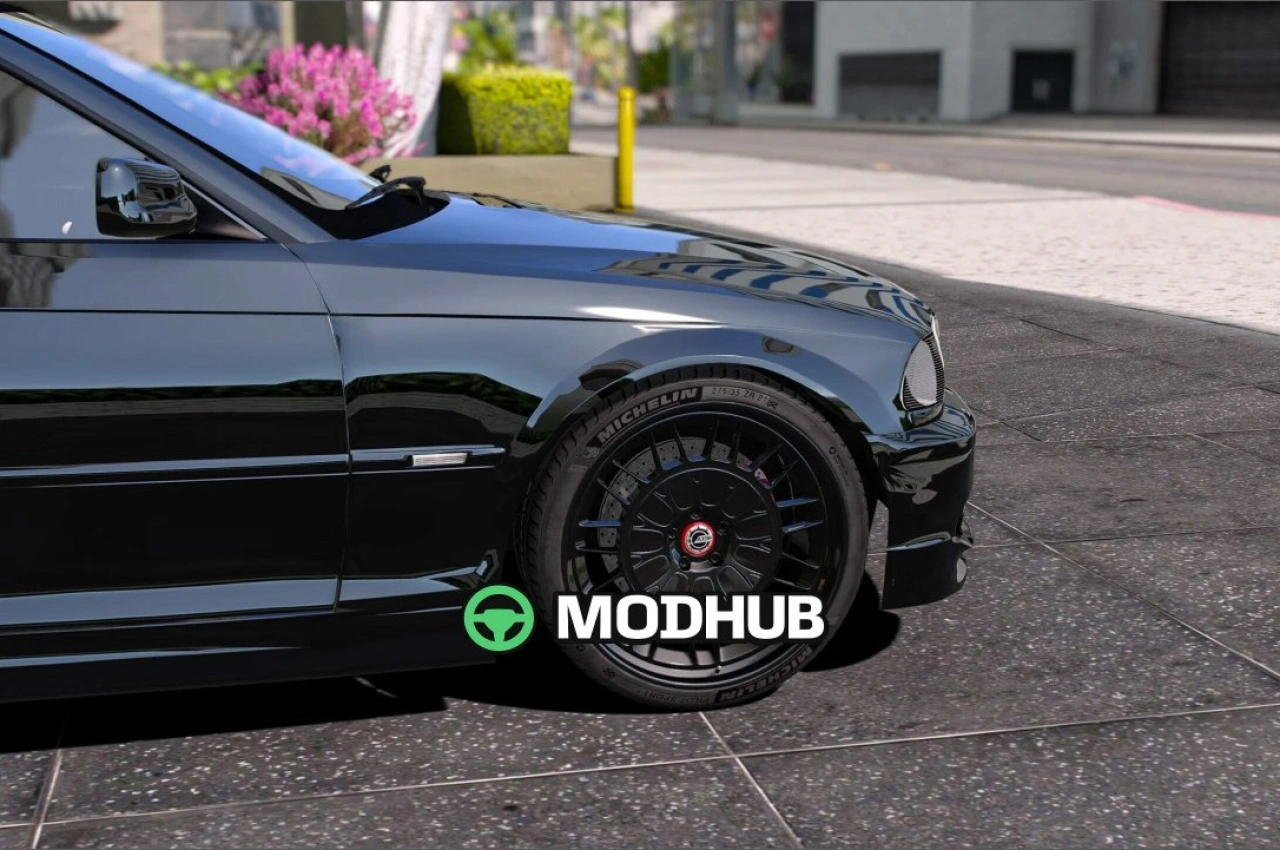
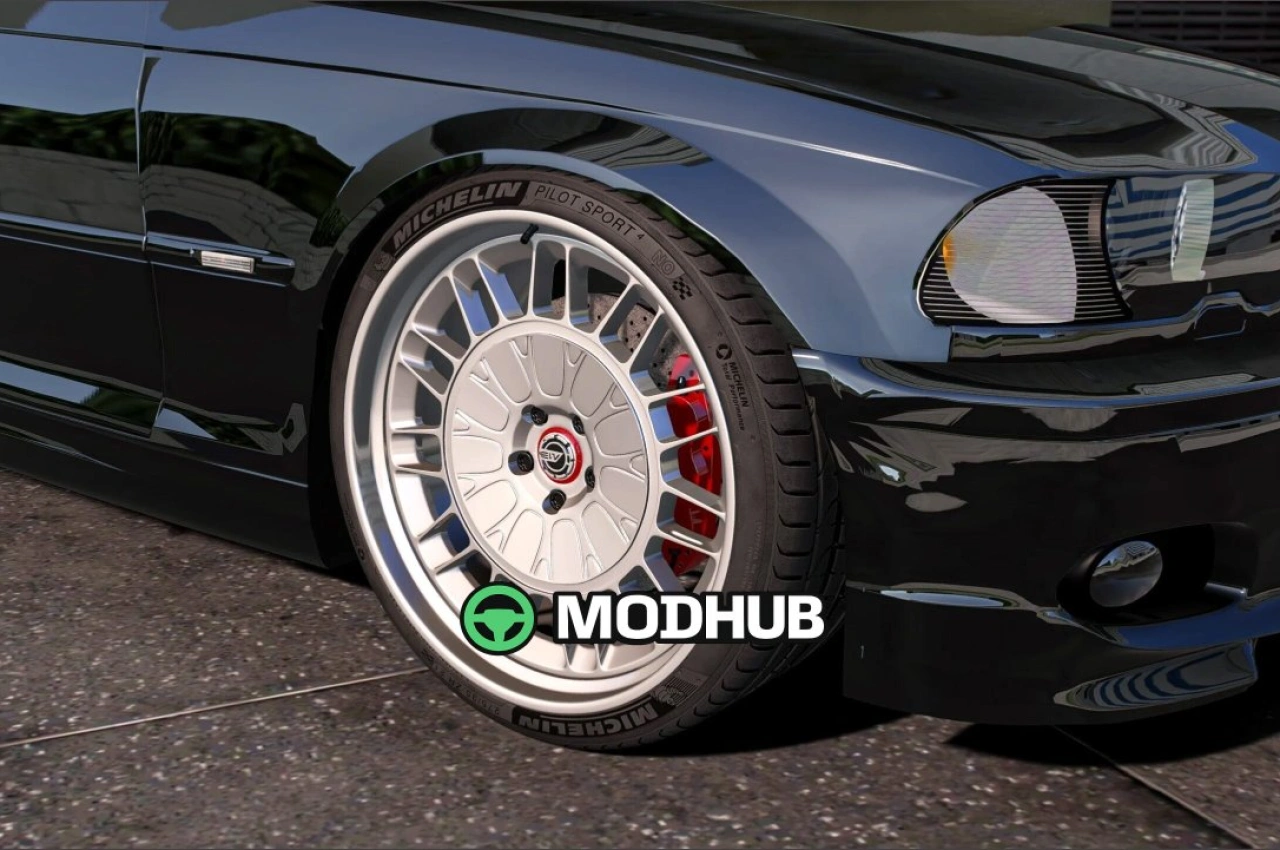
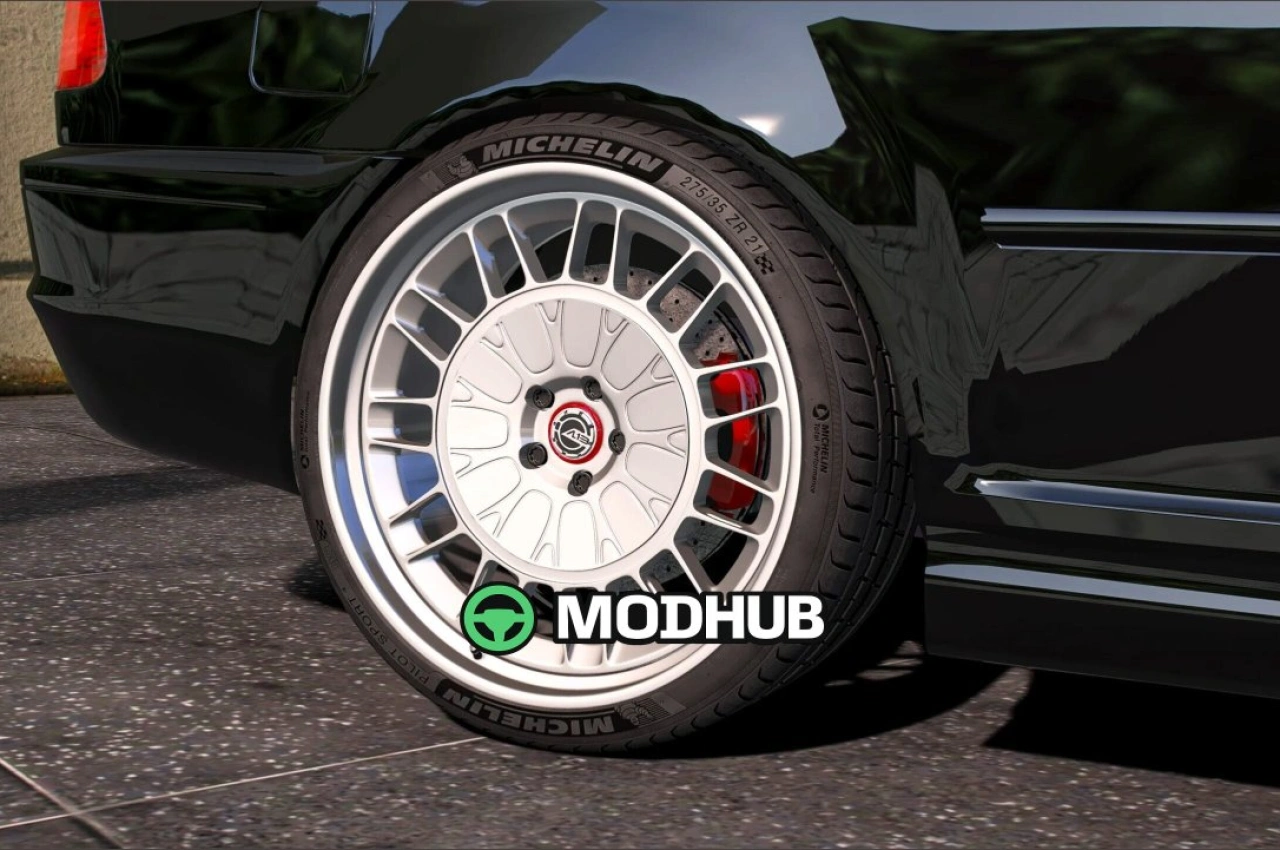
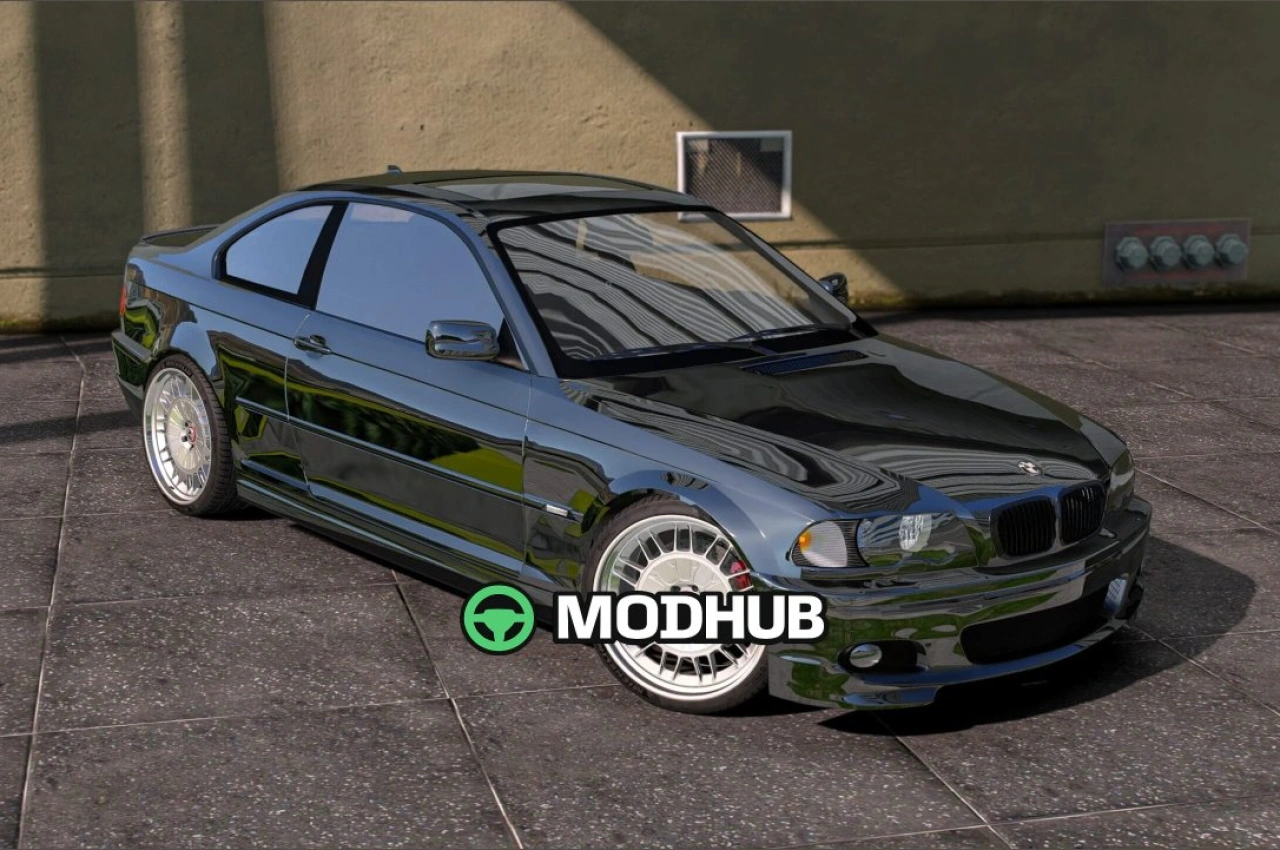
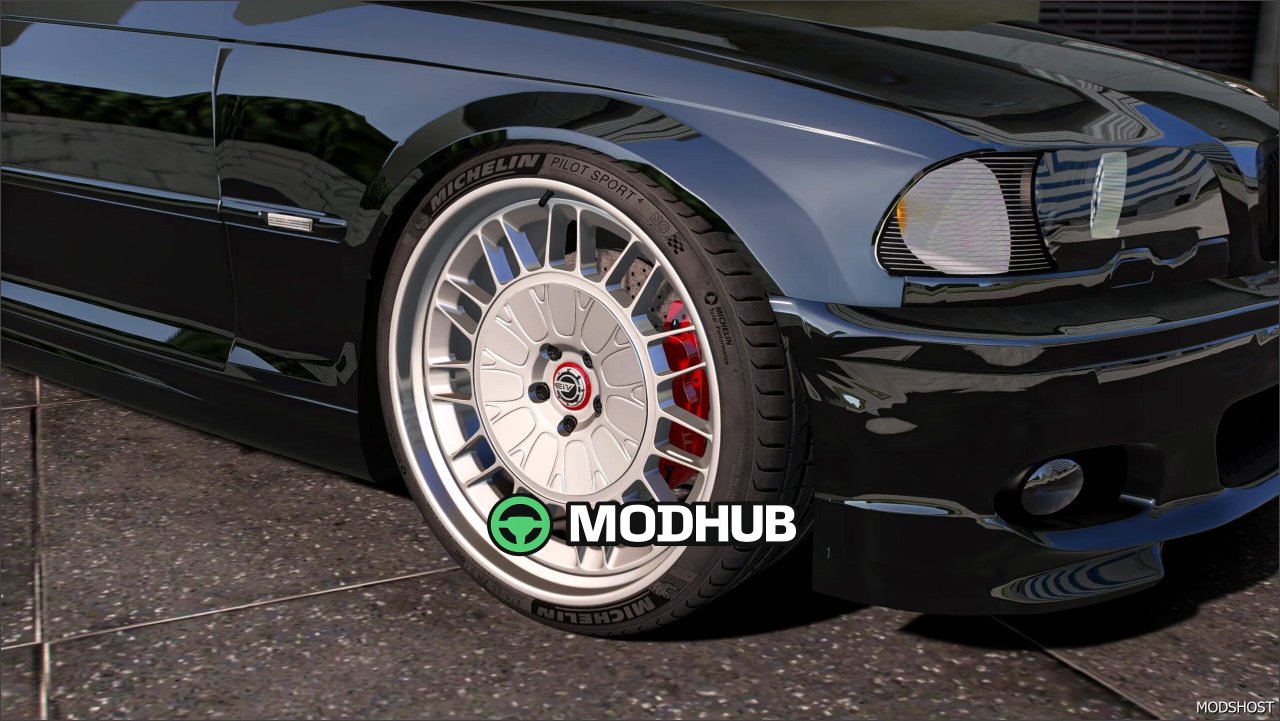
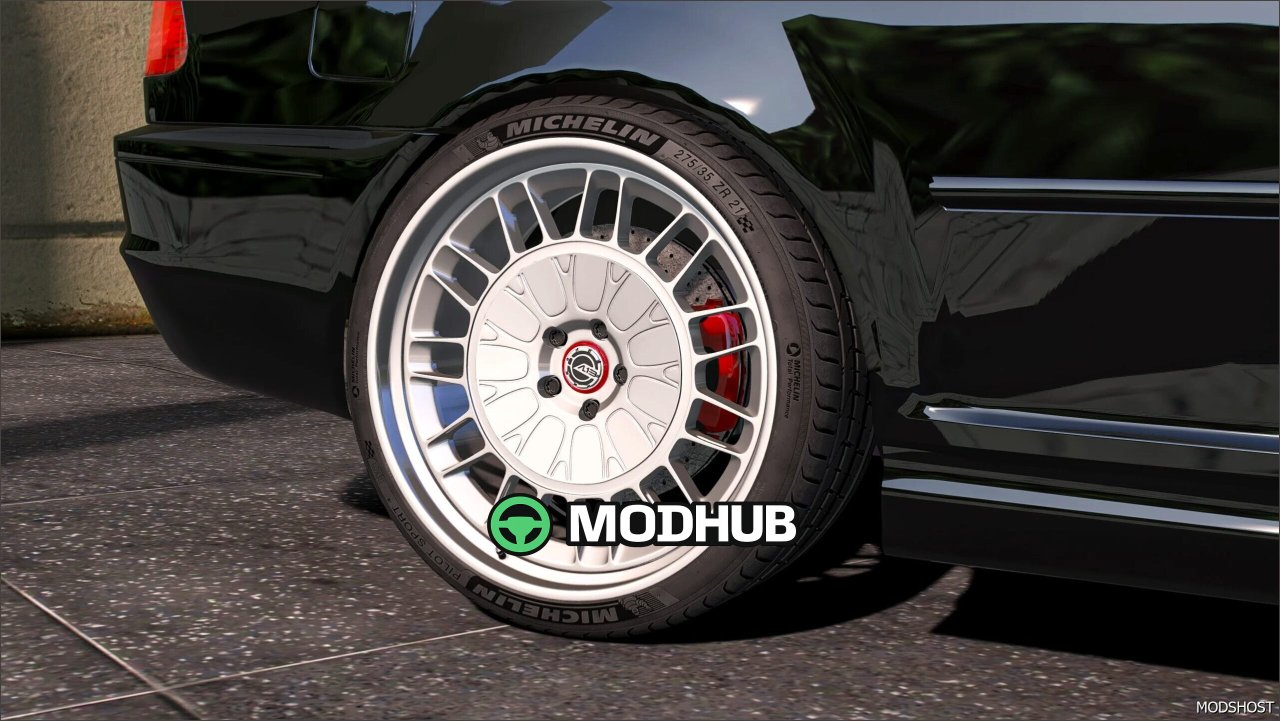
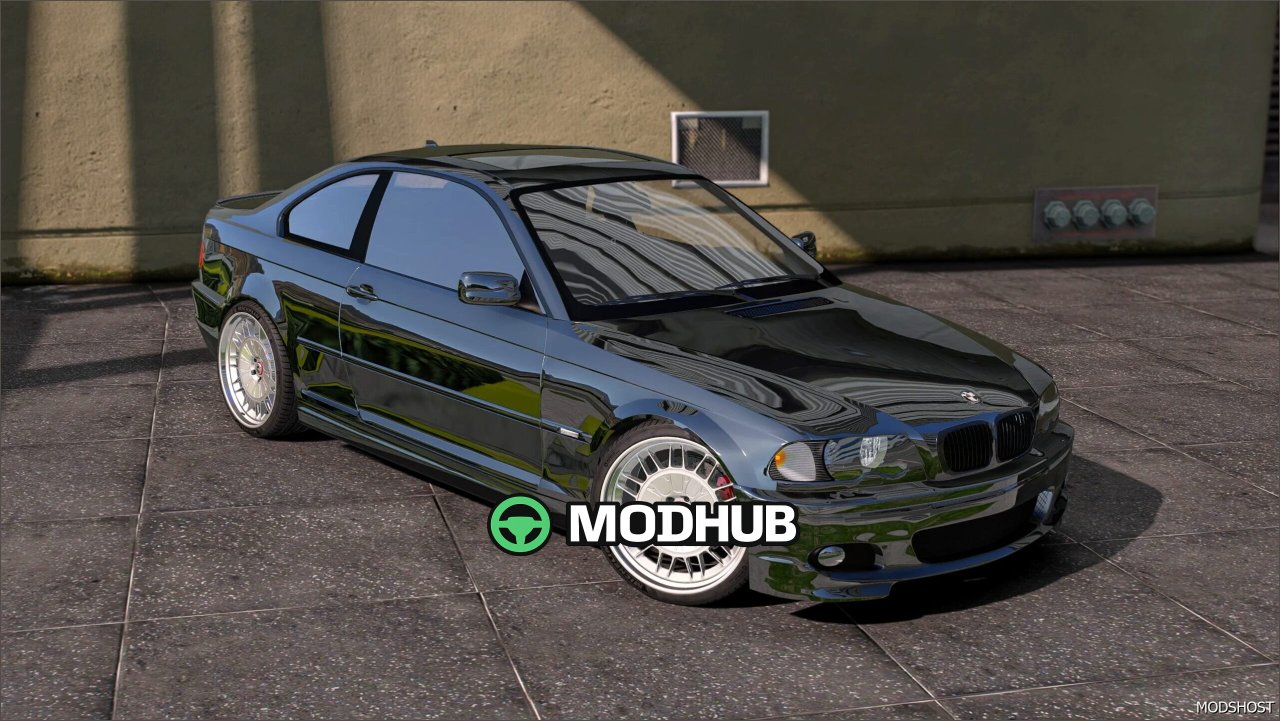
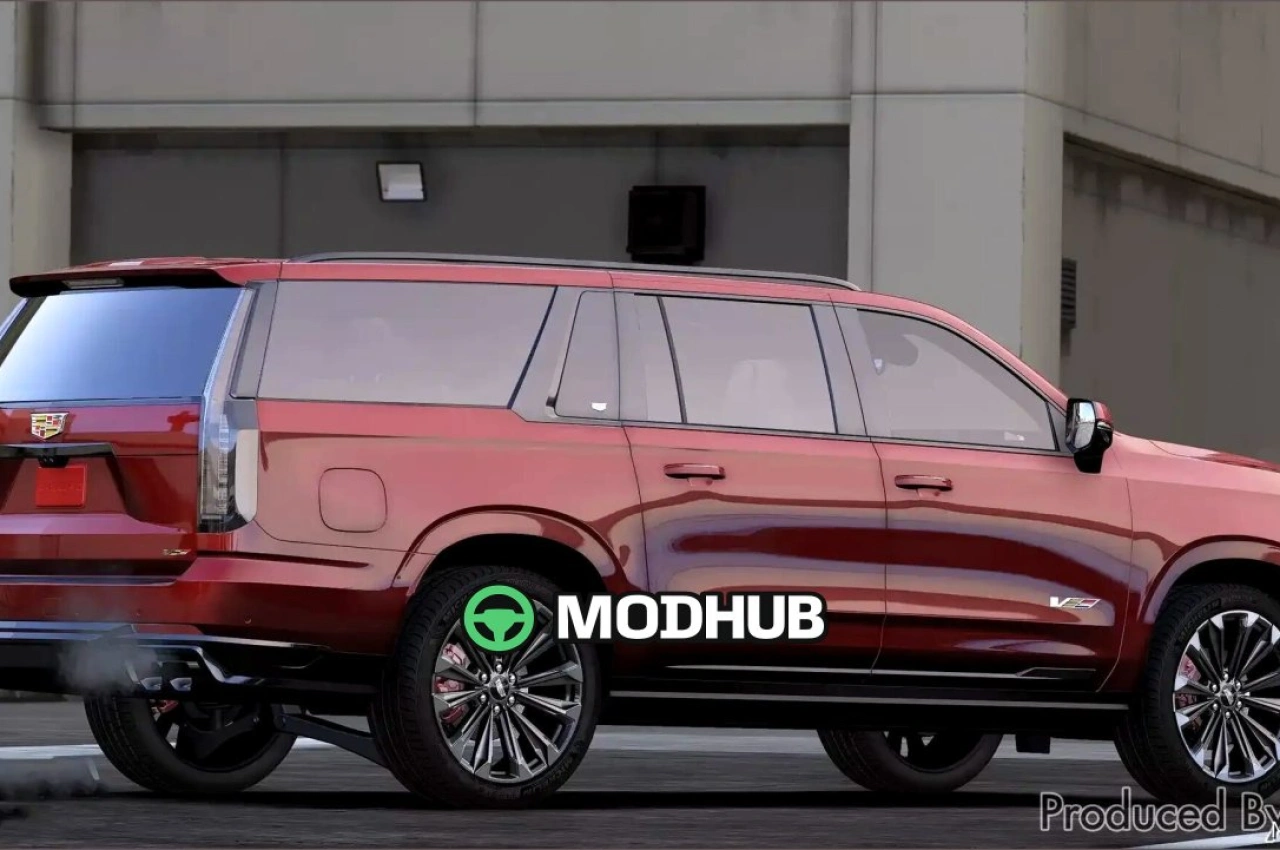
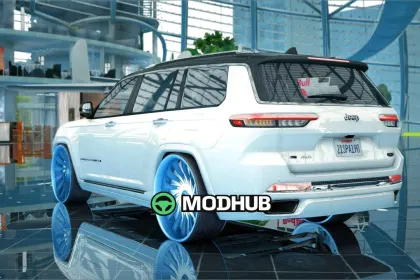
AL13 FC010 wheels are a GTA 5 mod that upgrades your vehicles with a cleaner, more detailed wheel look.
Designed for players who enjoy visual tuning, this pack focuses on geometry and fidelity so the wheels stand out in Los Santos. The model is built with high detail:
• 531k polygons for a sharper overall shape
• 311k vertices to better define edges and surface transitions
• A style that complements both aggressive and clean vehicle builds
The result is a more noticeable upgrade when driving and when viewing the car from different angles. The wheels help your vehicle look distinct in screenshots and during regular gameplay, creating a stronger “signature” appearance for your garage.
This mod is made for straightforward customization in GTA 5. Swapping to AL13 FC010 improves the overall visual presentation while keeping the experience smooth and focused on style.
About Wheels AL13 FC010 for GTA 5
Wheels AL13 FC010 for GTA 5 is a mod for GTA 5. Check the author description, supported game version and dependencies before installing.
How to install the mod
Follow the installation instructions for Wheels AL13 FC010 for GTA 5, GTA 5 and your platform.
Download the mod archive using the Download button and read the author instructions.
Use the folder and archive format specified by the mod author for this game.
Start the game and enable the mod for the selected save or profile, if required.
Test using a backup or a new save. Install any dependencies listed by the author.
System requirements and compatibility
Check the mod description for supported game versions, required DLC and platforms. Compatibility with every version or other mods is not guaranteed.
Frequently asked questions
Is this mod free?
MODHUB does not charge for access to this mod page. Check the terms and download limits of the external file provider.
Can I use this mod in GTA 5 multiplayer?
Multiplayer support depends on the mod and its author. If supported, the server and players need matching mod versions and required DLC.
What should I check if the mod does not work?
Check the installation folder, archive structure, supported game version, dependencies and game logs. Test the mod separately using a backup save.
How can I check a downloaded mod?
Use trusted author sources, scan the archive and back up your saves. Do not run unrelated installers; a download listing does not guarantee safety or compatibility.