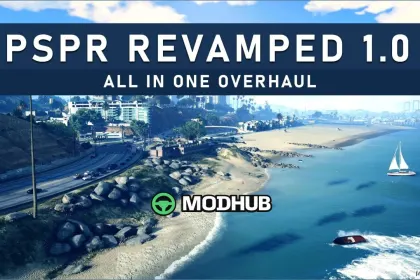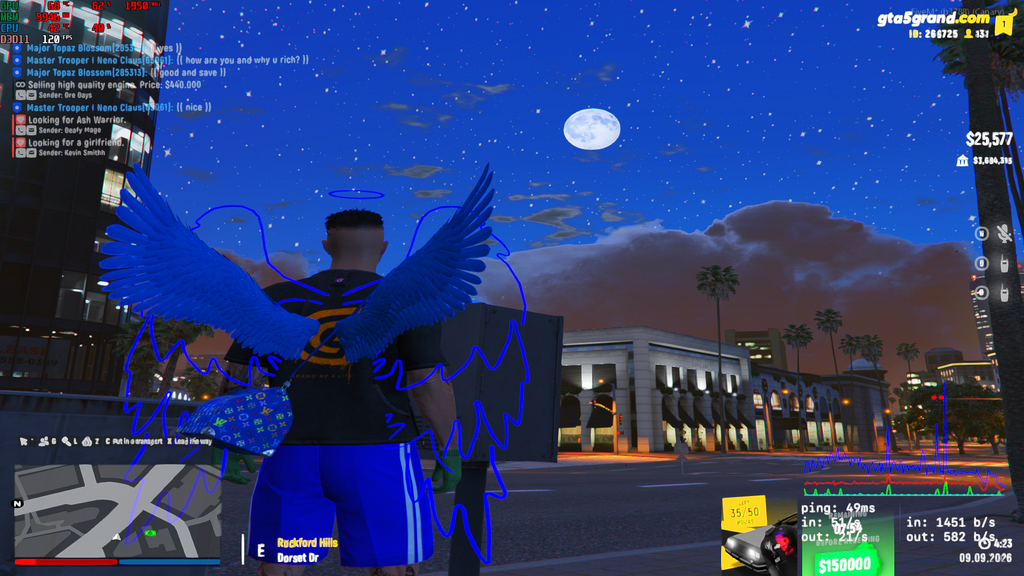
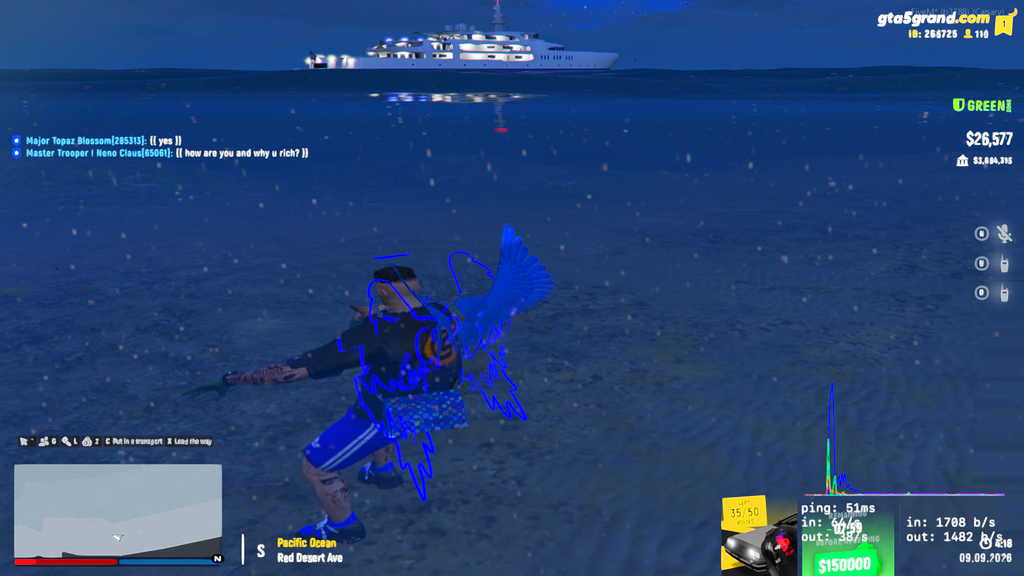
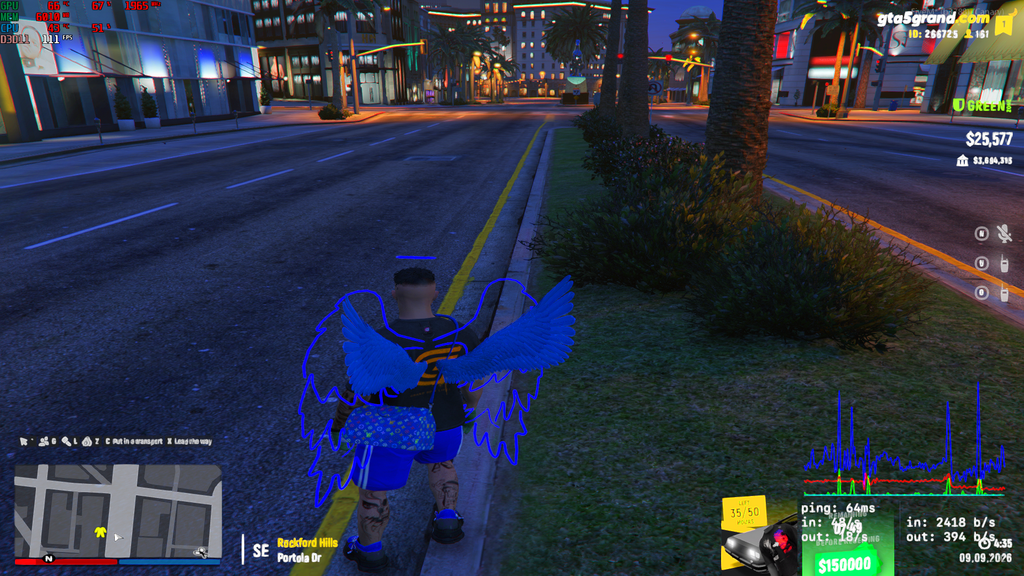
This is an other-type mod for GTA 5 that concentrates on stabilizing visual effects and reworking graphics settings. Version V1.02 focuses on practical improvements to textures, weather behavior, and selected UI elements.
• Version: Clauderedux V1.02 (09-09-2026)
• HD water: fixed issues and upgraded texture set
• Textures: better overall clarity
• Radar: radar-related fixes
• BloodFX: added enhanced bloodfx
• Reshade: enhanced reshade profile
• Thunderstorm: improved thunderstorm textures
• Timecycle: added old timecycle files
• Settings: custom settings .xml updated to newest values
• Extras: improved map UI, updated roads and clouds, revised rain/HD text for character names and IDs
About Clauderedux V1.02 for GTA 5
Clauderedux V1.02 for GTA 5 is a mod for GTA 5. Check the author description, supported game version and dependencies before installing.
How to install the mod
Follow the installation instructions for Clauderedux V1.02 for GTA 5, GTA 5 and your platform.
Download the mod archive using the Download button and read the author instructions.
Use the folder and archive format specified by the mod author for this game.
Start the game and enable the mod for the selected save or profile, if required.
Test using a backup or a new save. Install any dependencies listed by the author.
System requirements and compatibility
Check the mod description for supported game versions, required DLC and platforms. Compatibility with every version or other mods is not guaranteed.
Frequently asked questions
Is this mod free?
MODHUB does not charge for access to this mod page. Check the terms and download limits of the external file provider.
Can I use this mod in GTA 5 multiplayer?
Multiplayer support depends on the mod and its author. If supported, the server and players need matching mod versions and required DLC.
What should I check if the mod does not work?
Check the installation folder, archive structure, supported game version, dependencies and game logs. Test the mod separately using a backup save.
How can I check a downloaded mod?
Use trusted author sources, scan the archive and back up your saves. Do not run unrelated installers; a download listing does not guarantee safety or compatibility.