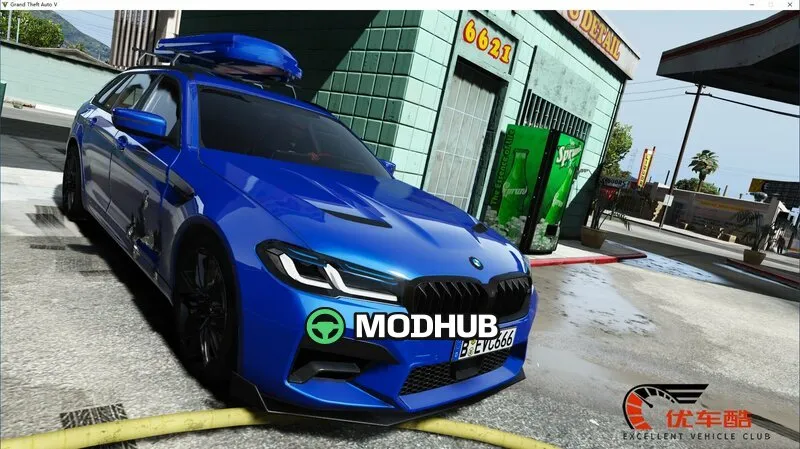
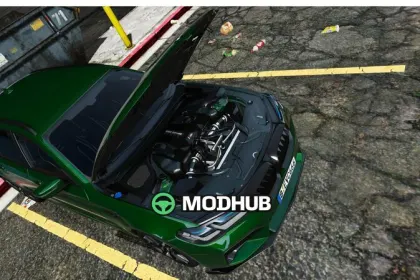
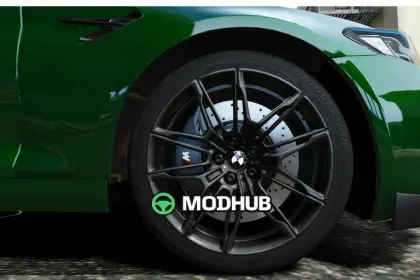
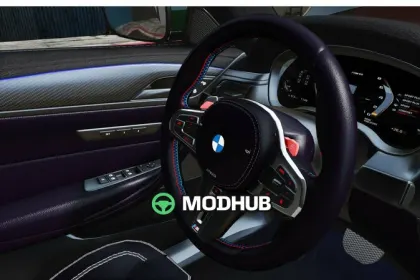
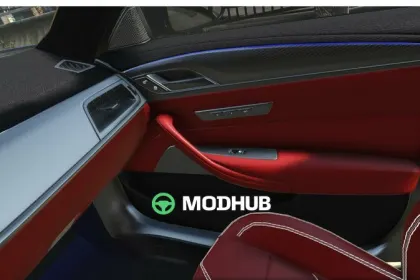
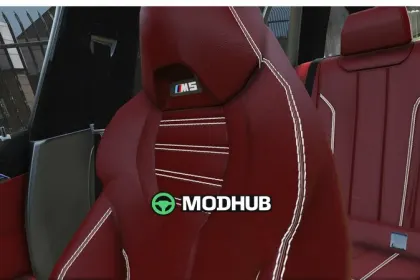
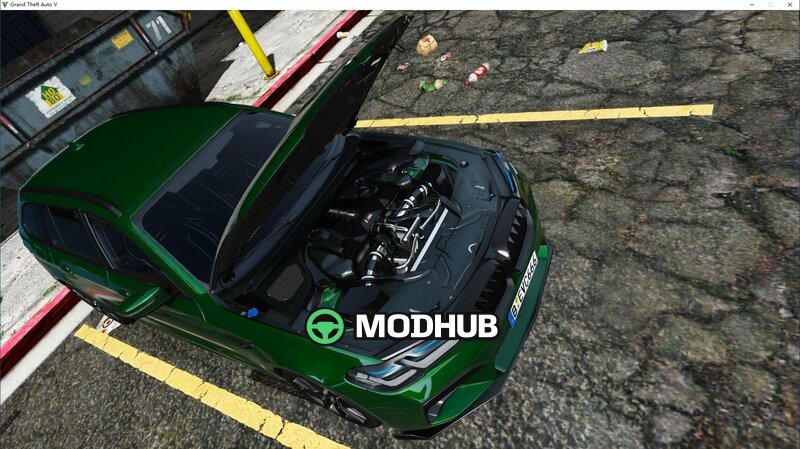
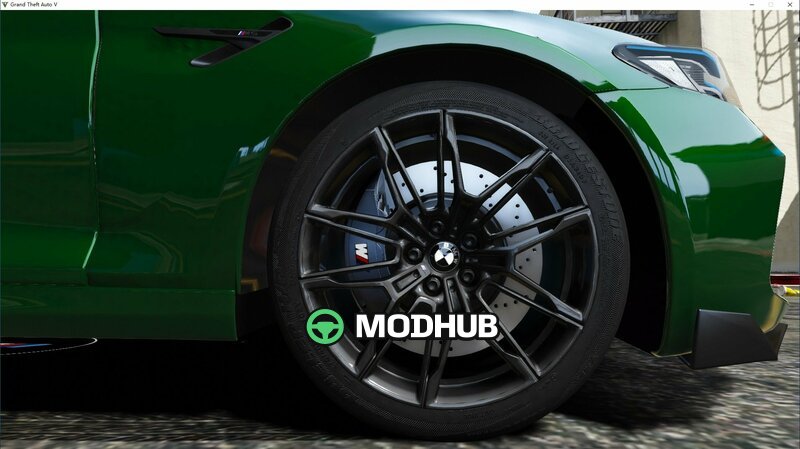
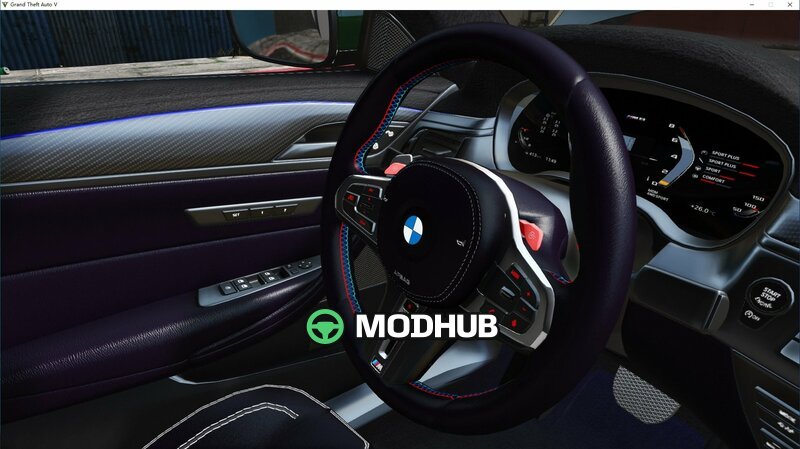
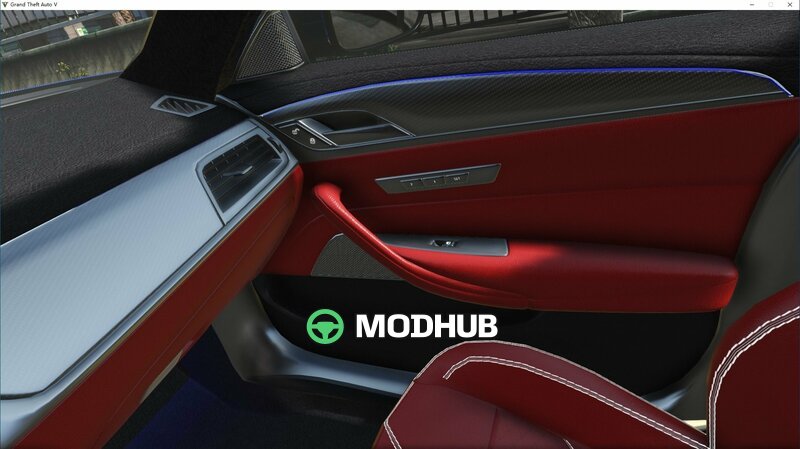
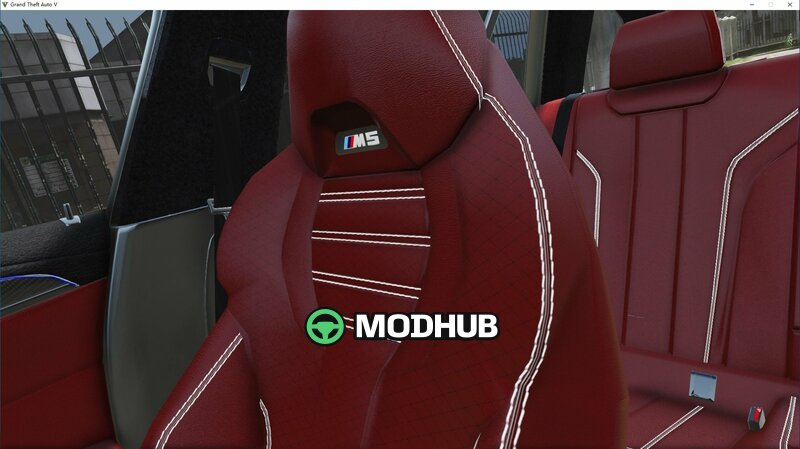
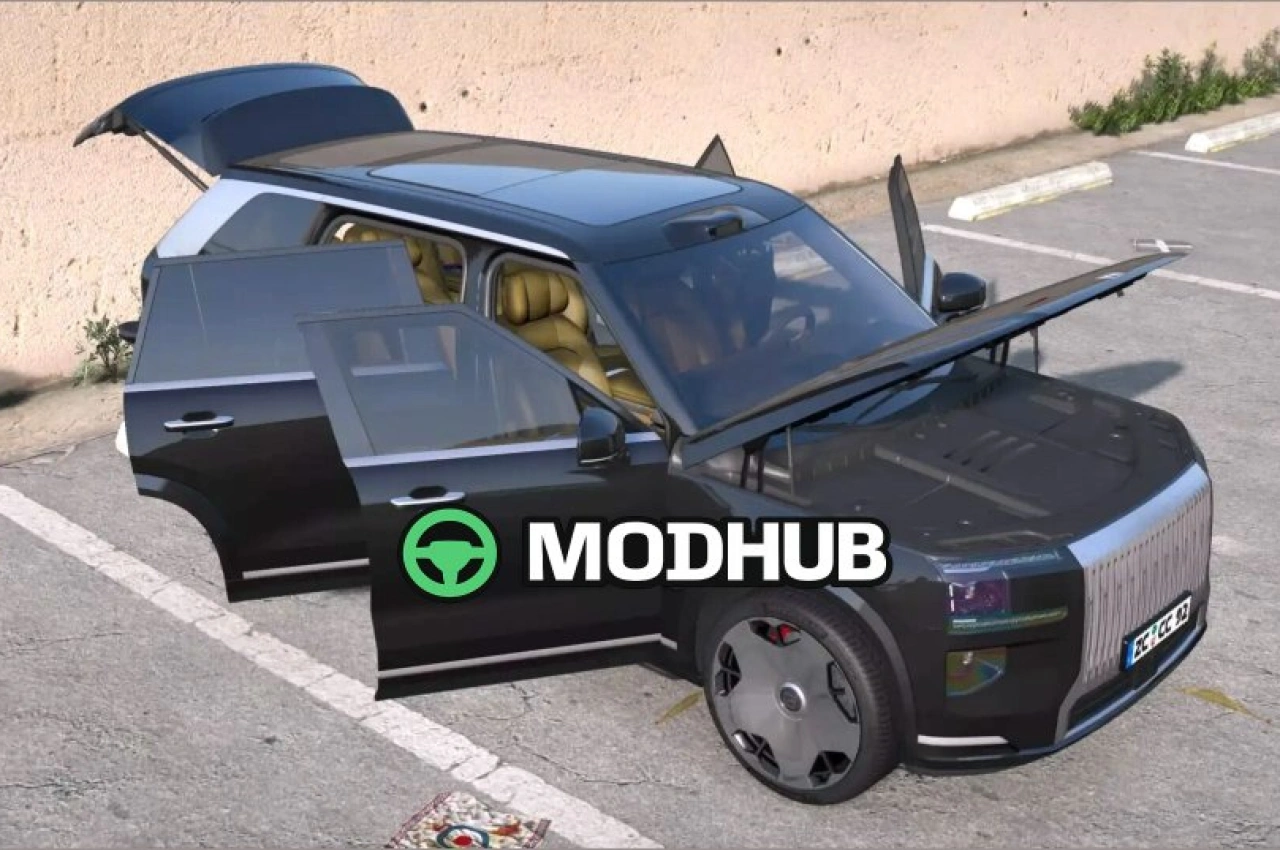
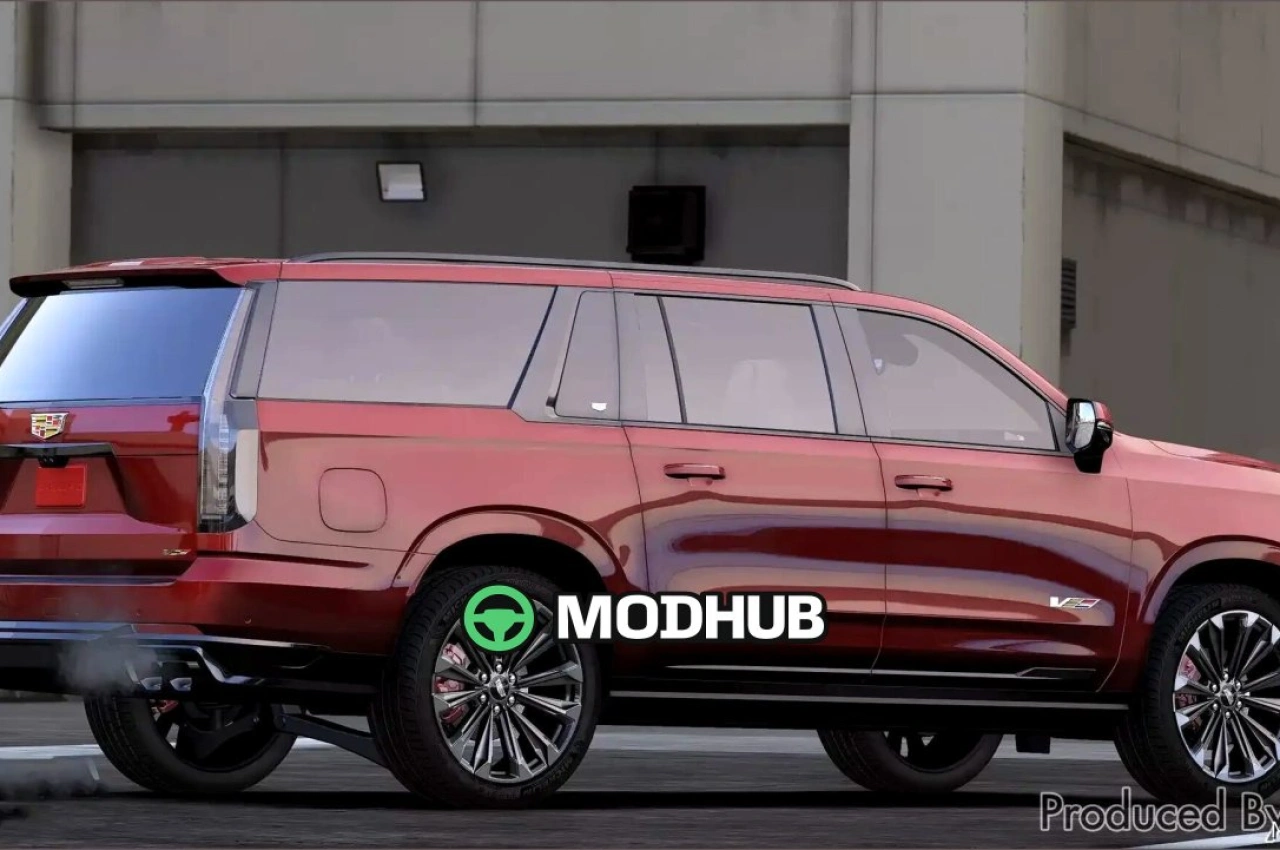
This Add-On mod adds the 2024 BMW M5 CS Touring into GTA 5. It focuses on better interior presence and more convincing driver controls, so your trips feel more detailed and immersive within the game.
• HQ mirrors for clearer reflections while driving
• Hands-on steering wheel animation for stronger immersion
• Working digital dials to make the dashboard more functional
• Add-on integration using the evcm5ts DLC pack
The mod is designed to be installed via OpenIV by copying the evcm5ts folder into GTA V’s update directory, then exporting and updating the dlclist/XML. This ensures the car appears properly in the game’s DLC list and can be selected without glitches.
After installation, use the in-game vehicle/name selection and enter the package name “evcm5ts” to access the model. Once enabled, you can enjoy the wagon styling of the BMW M5 CS Touring 2024 in GTA 5 and use it for roleplay or everyday driving.
About 2024 BMW M5 CS Touring (Add-On) for GTA 5
2024 BMW M5 CS Touring (Add-On) for GTA 5 is a mod for GTA 5. Check the author description, supported game version and dependencies before installing.
How to install the mod
Follow the installation instructions for 2024 BMW M5 CS Touring (Add-On) for GTA 5, GTA 5 and your platform.
Download the mod archive using the Download button and read the author instructions.
Use the folder and archive format specified by the mod author for this game.
Start the game and enable the mod for the selected save or profile, if required.
Test using a backup or a new save. Install any dependencies listed by the author.
System requirements and compatibility
Check the mod description for supported game versions, required DLC and platforms. Compatibility with every version or other mods is not guaranteed.
Frequently asked questions
Is this mod free?
MODHUB does not charge for access to this mod page. Check the terms and download limits of the external file provider.
Can I use this mod in GTA 5 multiplayer?
Multiplayer support depends on the mod and its author. If supported, the server and players need matching mod versions and required DLC.
What should I check if the mod does not work?
Check the installation folder, archive structure, supported game version, dependencies and game logs. Test the mod separately using a backup save.
How can I check a downloaded mod?
Use trusted author sources, scan the archive and back up your saves. Do not run unrelated installers; a download listing does not guarantee safety or compatibility.