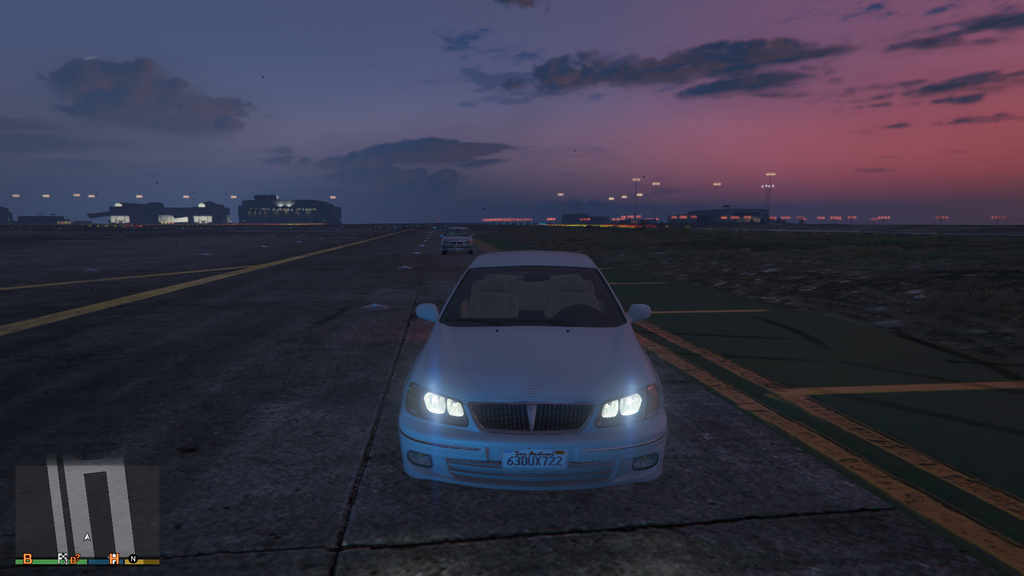
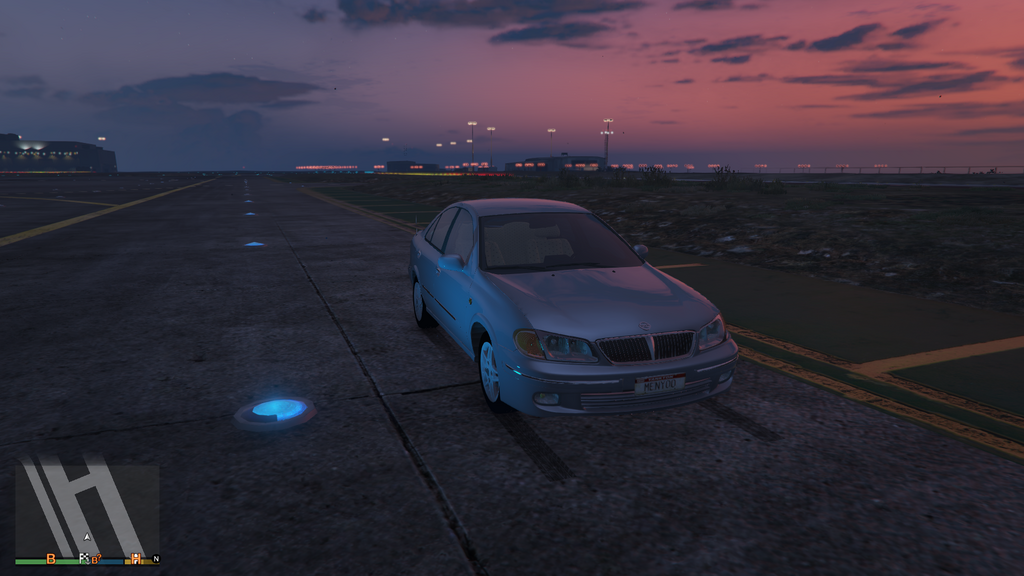
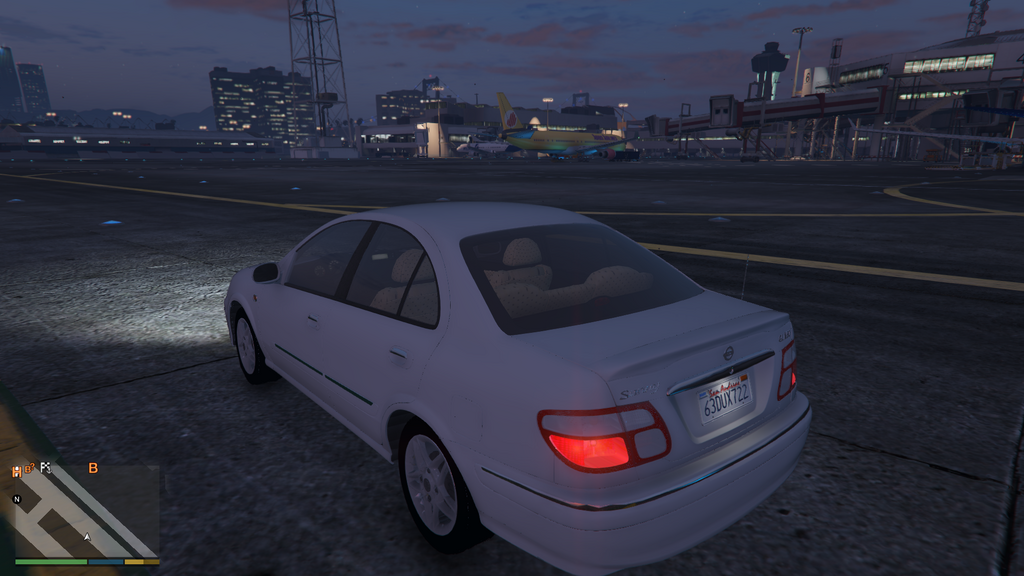
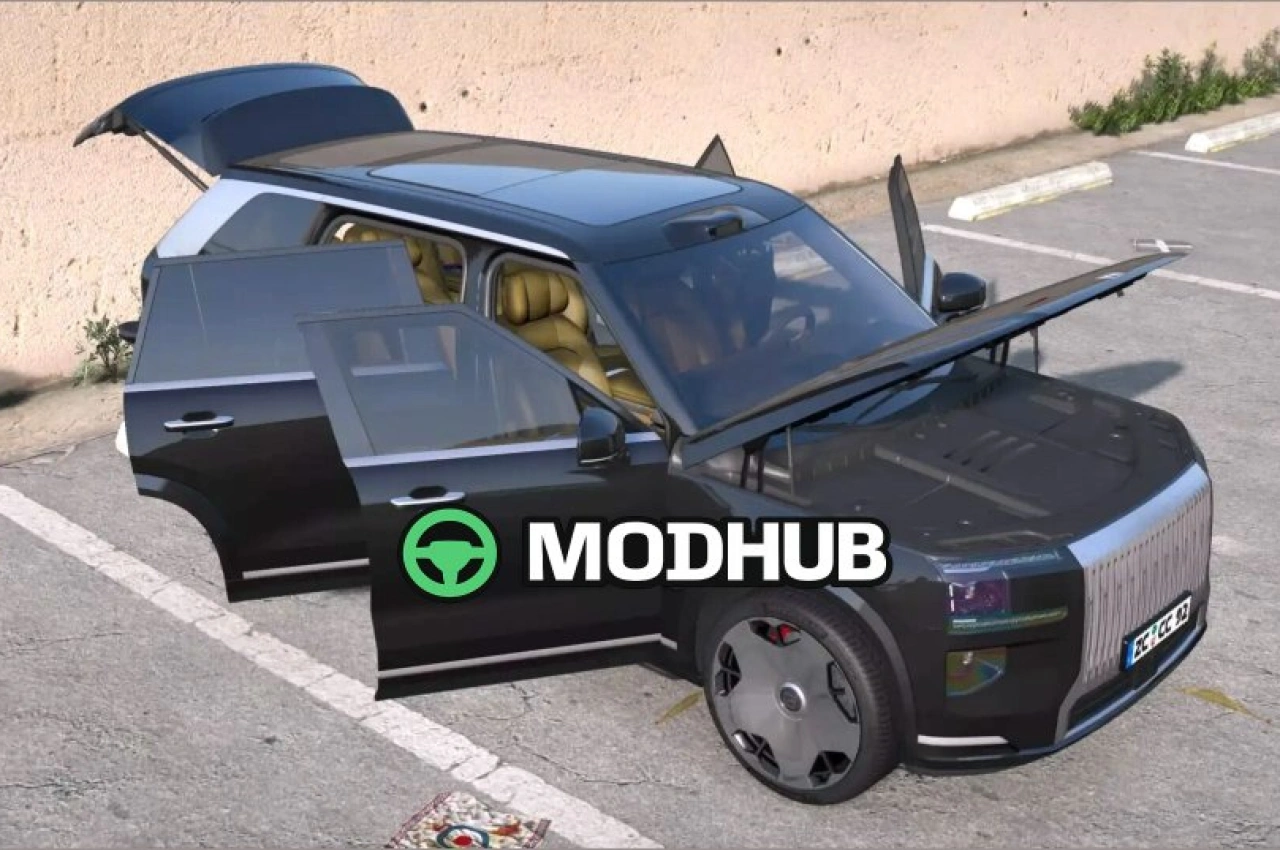
The Nissan Sunny 2000 is a compact Japanese sedan added to GTA 5 as a vehicle for city driving. The model recreates the production N16 version with its characteristic rounded body and simple lighting. The interior is finished in restrained grey tones with cloth seats and an analogue instrument panel. The car suits everyday urban travel and requires no complex configuration.
• The 1.6-litre engine produces 110 horsepower.
• Top speed reaches 180 kilometres per hour.
• Fuel consumption stays at 7 litres per 100 kilometres.
• Drive is front-wheel with a five-speed manual gearbox.
• The body has four doors and a boot volume of 355 litres.
The model includes correct shadows, working headlights and tail lights, plus configured entry points for the driver and passengers.
About Car Nissan Sunny 2000 for GTA 5
Car Nissan Sunny 2000 for GTA 5 is a mod for GTA 5. Check the author description, supported game version and dependencies before installing.
How to install the mod
Follow the installation instructions for Car Nissan Sunny 2000 for GTA 5, GTA 5 and your platform.
Download the mod archive using the Download button and read the author instructions.
Use the folder and archive format specified by the mod author for this game.
Start the game and enable the mod for the selected save or profile, if required.
Test using a backup or a new save. Install any dependencies listed by the author.
System requirements and compatibility
Check the mod description for supported game versions, required DLC and platforms. Compatibility with every version or other mods is not guaranteed.
Frequently asked questions
Is this mod free?
MODHUB does not charge for access to this mod page. Check the terms and download limits of the external file provider.
Can I use this mod in GTA 5 multiplayer?
Multiplayer support depends on the mod and its author. If supported, the server and players need matching mod versions and required DLC.
What should I check if the mod does not work?
Check the installation folder, archive structure, supported game version, dependencies and game logs. Test the mod separately using a backup save.
How can I check a downloaded mod?
Use trusted author sources, scan the archive and back up your saves. Do not run unrelated installers; a download listing does not guarantee safety or compatibility.