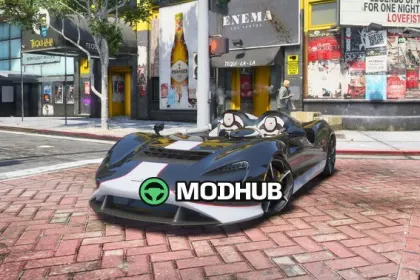
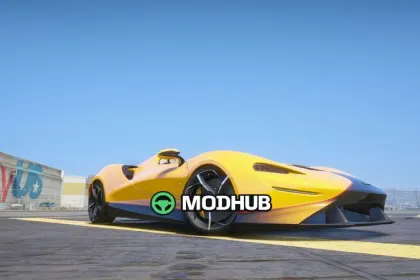
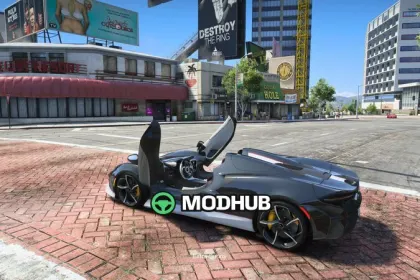
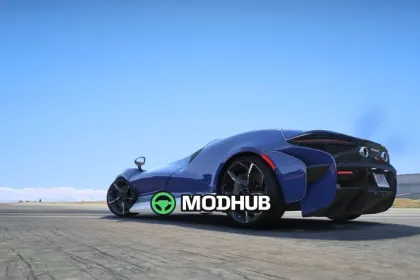
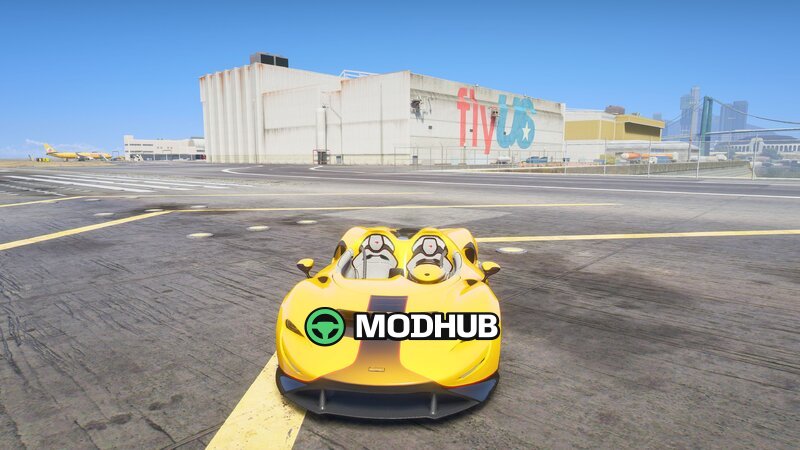
This mod adds a McLaren Elva vehicle to GTA 5 as an Add-On. It’s focused on bringing a detailed, feature-rich version of the car into the game, with attention to exterior styling, interior work, and animation details that improve immersion.
• Mod type: Add-On
• Automatic spoiler: a built-in function that reacts during driving
• Body and color options: Body, Paint1, Paint2, Calipers Paint4, Body Line Paint6
• Reflective mirrors for a more realistic look
• Customized speedometer
• Detailed interior with working cockpit presentation
The lighting setup is fully functional, so all lights behave correctly in different situations. The steering wheel is properly set up with hands positioned on the wheel, enhancing the feel of control while playing GTA 5. An included text file helps organize or apply the configuration as intended, making it easier to keep the car consistent across sessions.
About McLaren Elva vehicle for GTA 5
McLaren Elva vehicle for GTA 5 is a mod for GTA 5. Check the author description, supported game version and dependencies before installing.
How to install the mod
Follow the installation instructions for McLaren Elva vehicle for GTA 5, GTA 5 and your platform.
Download the mod archive using the Download button and read the author instructions.
Use the folder and archive format specified by the mod author for this game.
Start the game and enable the mod for the selected save or profile, if required.
Test using a backup or a new save. Install any dependencies listed by the author.
System requirements and compatibility
Check the mod description for supported game versions, required DLC and platforms. Compatibility with every version or other mods is not guaranteed.
Frequently asked questions
Is this mod free?
MODHUB does not charge for access to this mod page. Check the terms and download limits of the external file provider.
Can I use this mod in GTA 5 multiplayer?
Multiplayer support depends on the mod and its author. If supported, the server and players need matching mod versions and required DLC.
What should I check if the mod does not work?
Check the installation folder, archive structure, supported game version, dependencies and game logs. Test the mod separately using a backup save.
How can I check a downloaded mod?
Use trusted author sources, scan the archive and back up your saves. Do not run unrelated installers; a download listing does not guarantee safety or compatibility.