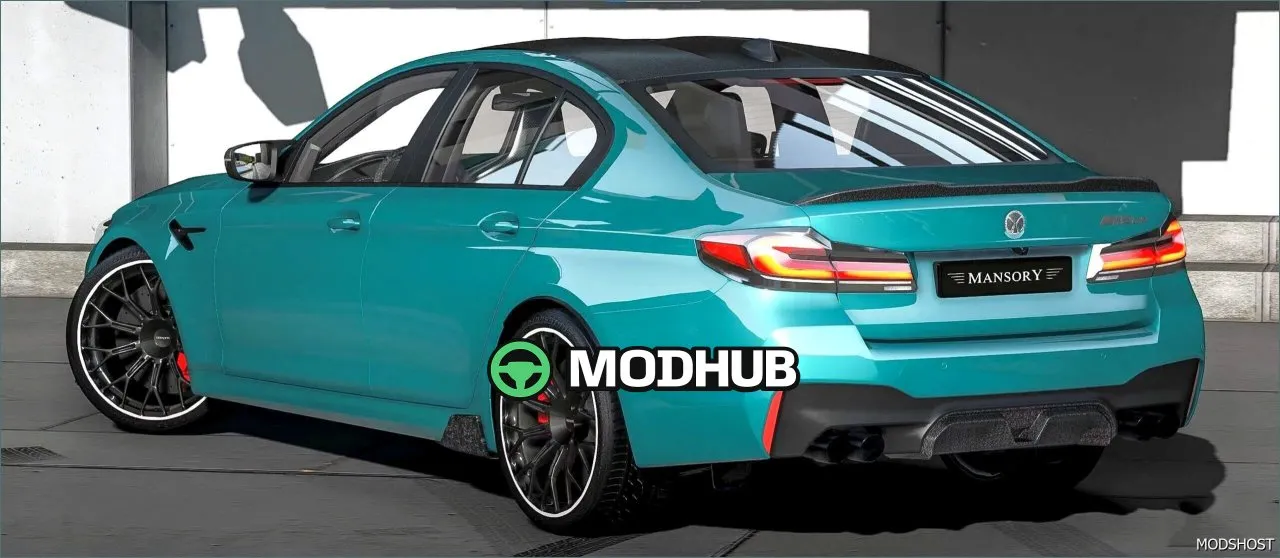
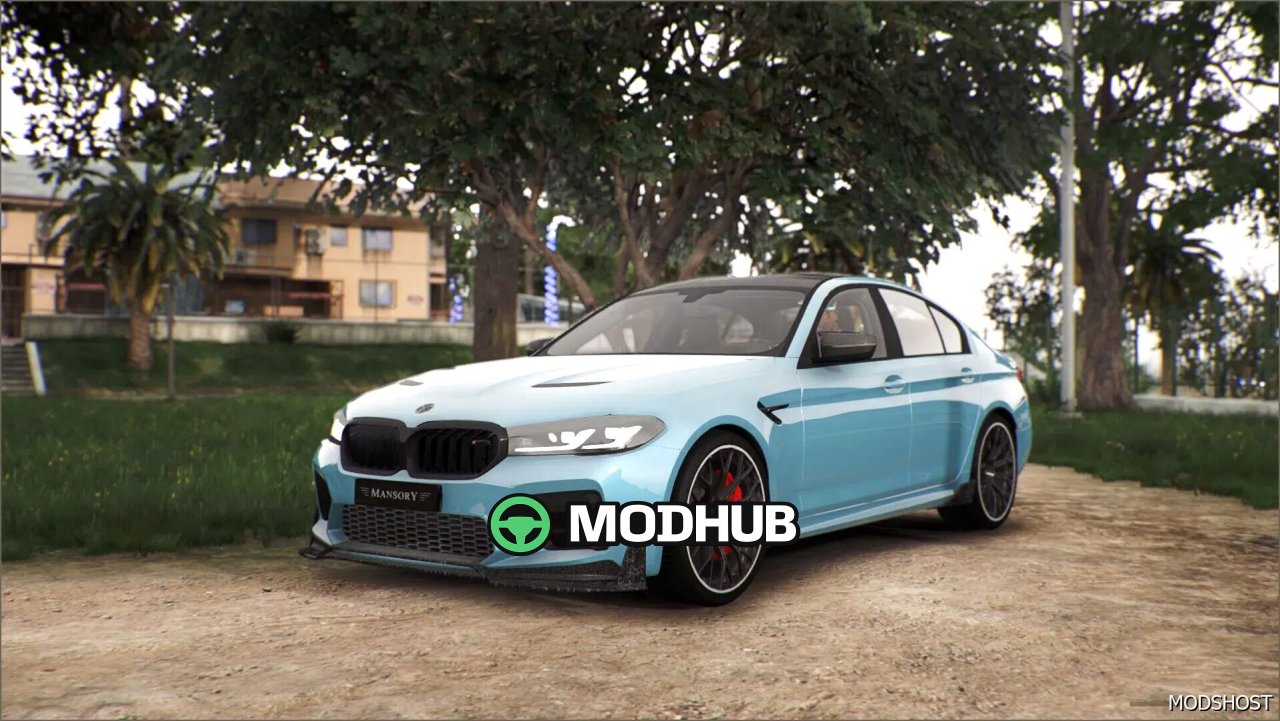
This mod adds the Mansory BMW M5 CS car to GTA 5. It’s made for players who want to drive a sport-focused build with premium visual detail and a more expressive exterior. The model looks convincing across different lighting conditions and maintains a clean presentation on a wide range of graphics settings.
The car includes functional lighting that boosts realism during night drives. Headlights and lighting effects make the vehicle feel more grounded in the world, while the refined textures keep the body lines crisp and stylish. When used with ENB, the materials and overall look integrate smoothly for a more cinematic appearance.
• Working headlights and realistic lighting behavior
• Upgraded textures and improved body surface detail
• High-quality 3D model with clear silhouette
• ENB-friendly visual integration
As a result, the Mansory BMW M5 CS fits both collectors and racing fans in GTA 5. It’s suitable for high-speed runs, showcases, and everyday driving when you want a distinctive look and solid detail.
About Vehicle Mansory BMW M5 CS for GTA 5
Vehicle Mansory BMW M5 CS for GTA 5 is a mod for GTA 5. Check the author description, supported game version and dependencies before installing.
How to install the mod
Follow the installation instructions for Vehicle Mansory BMW M5 CS for GTA 5, GTA 5 and your platform.
Download the mod archive using the Download button and read the author instructions.
Use the folder and archive format specified by the mod author for this game.
Start the game and enable the mod for the selected save or profile, if required.
Test using a backup or a new save. Install any dependencies listed by the author.
System requirements and compatibility
Check the mod description for supported game versions, required DLC and platforms. Compatibility with every version or other mods is not guaranteed.
Frequently asked questions
Is this mod free?
MODHUB does not charge for access to this mod page. Check the terms and download limits of the external file provider.
Can I use this mod in GTA 5 multiplayer?
Multiplayer support depends on the mod and its author. If supported, the server and players need matching mod versions and required DLC.
What should I check if the mod does not work?
Check the installation folder, archive structure, supported game version, dependencies and game logs. Test the mod separately using a backup save.
How can I check a downloaded mod?
Use trusted author sources, scan the archive and back up your saves. Do not run unrelated installers; a download listing does not guarantee safety or compatibility.