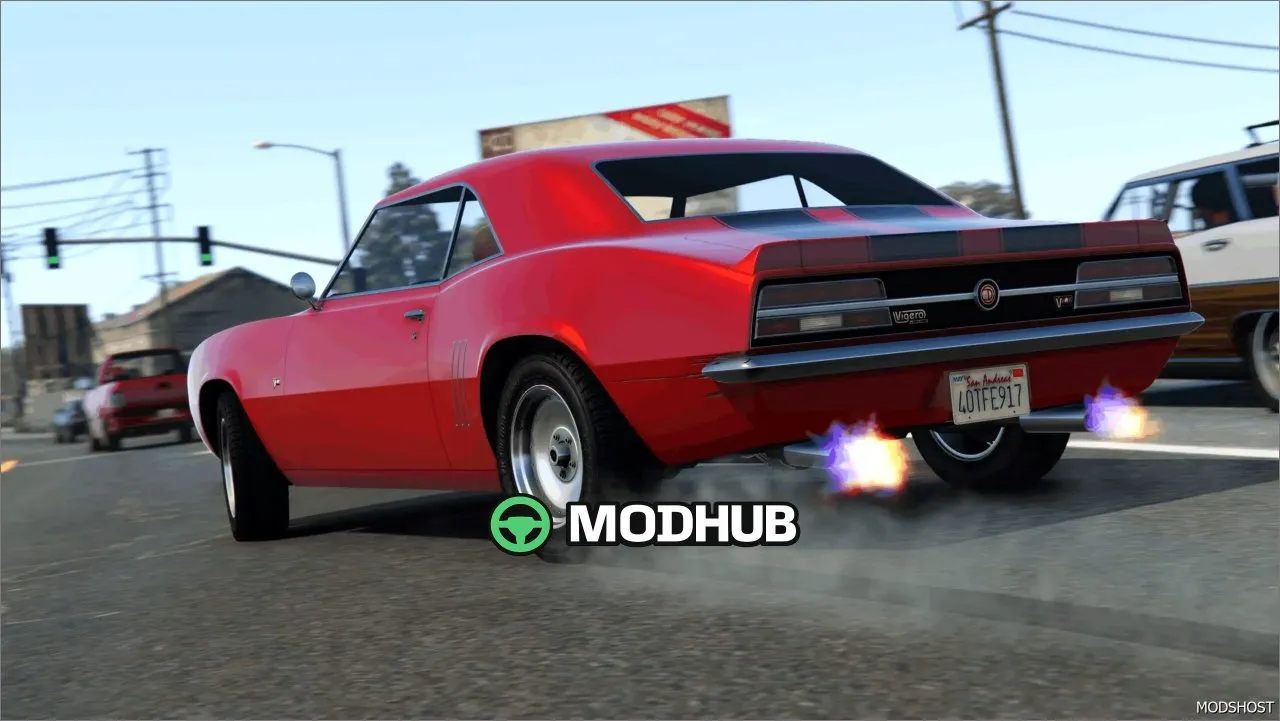
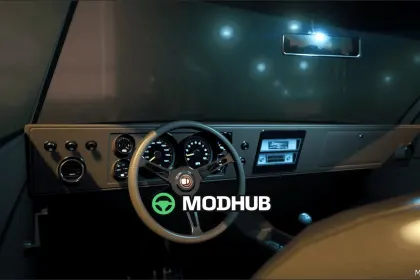
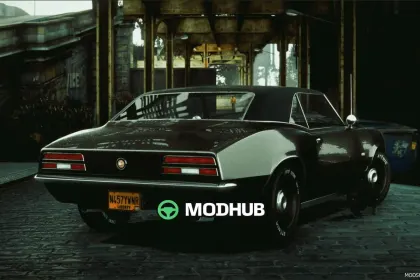
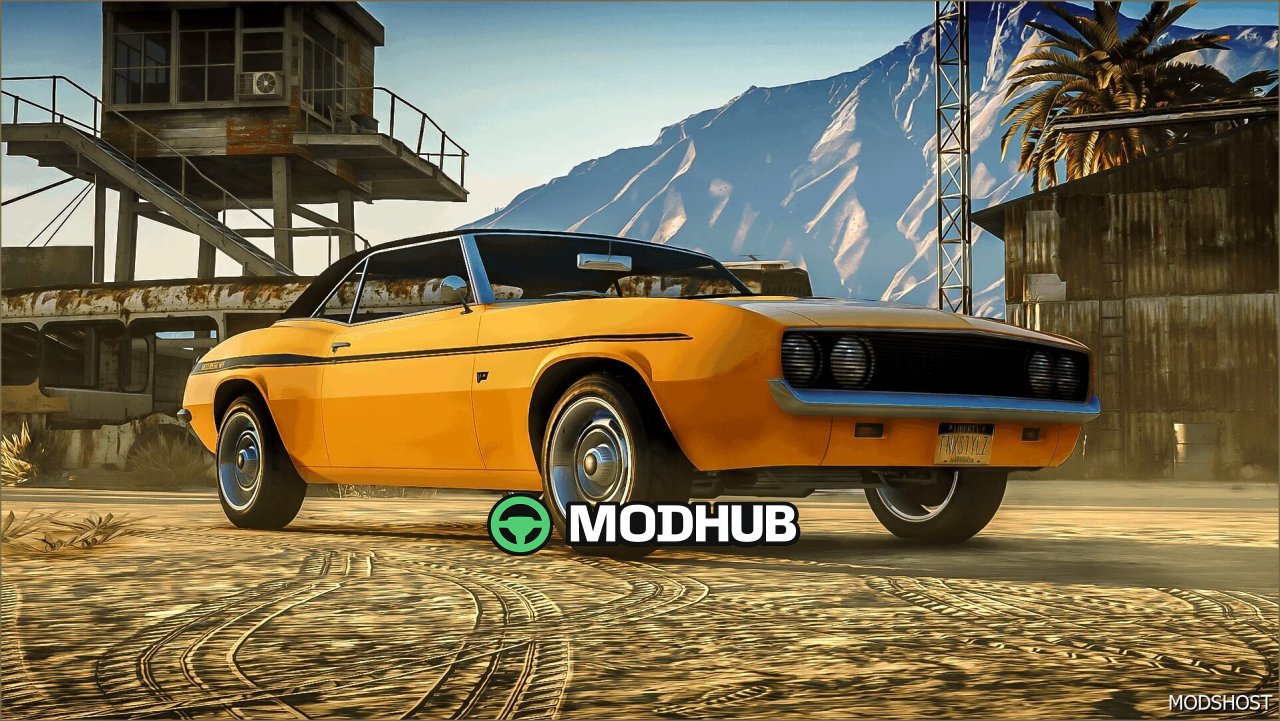
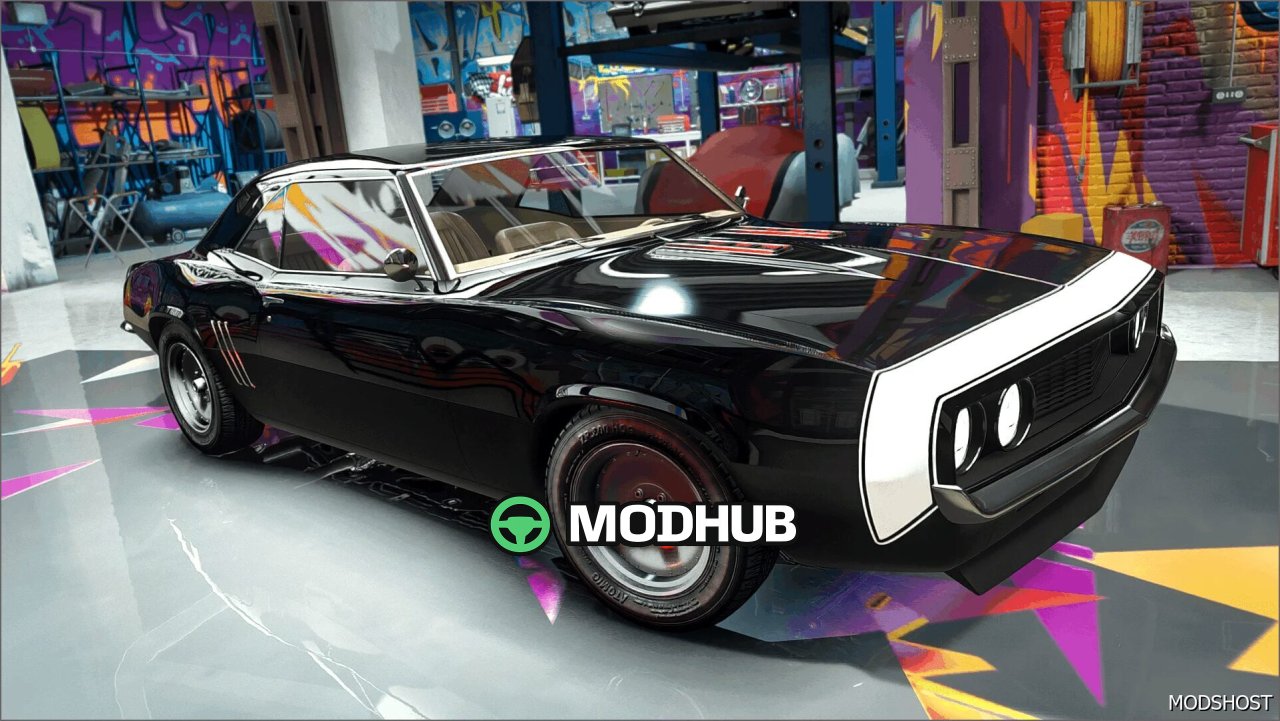
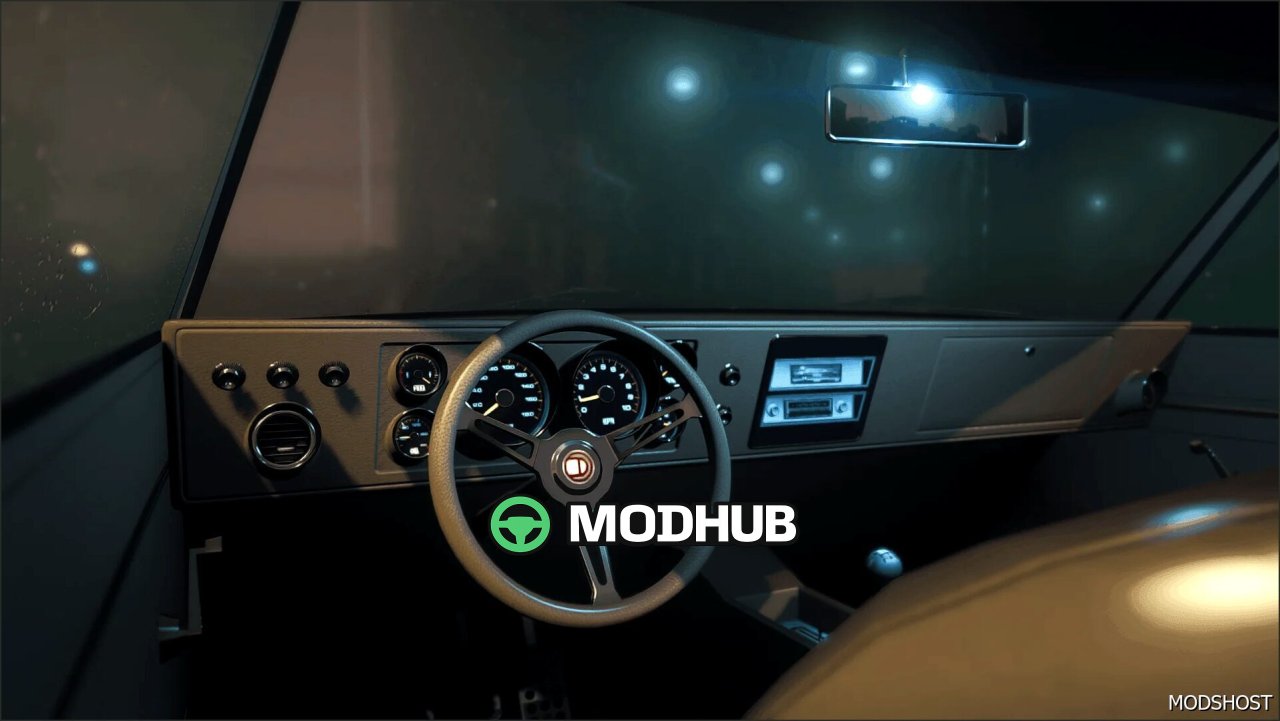
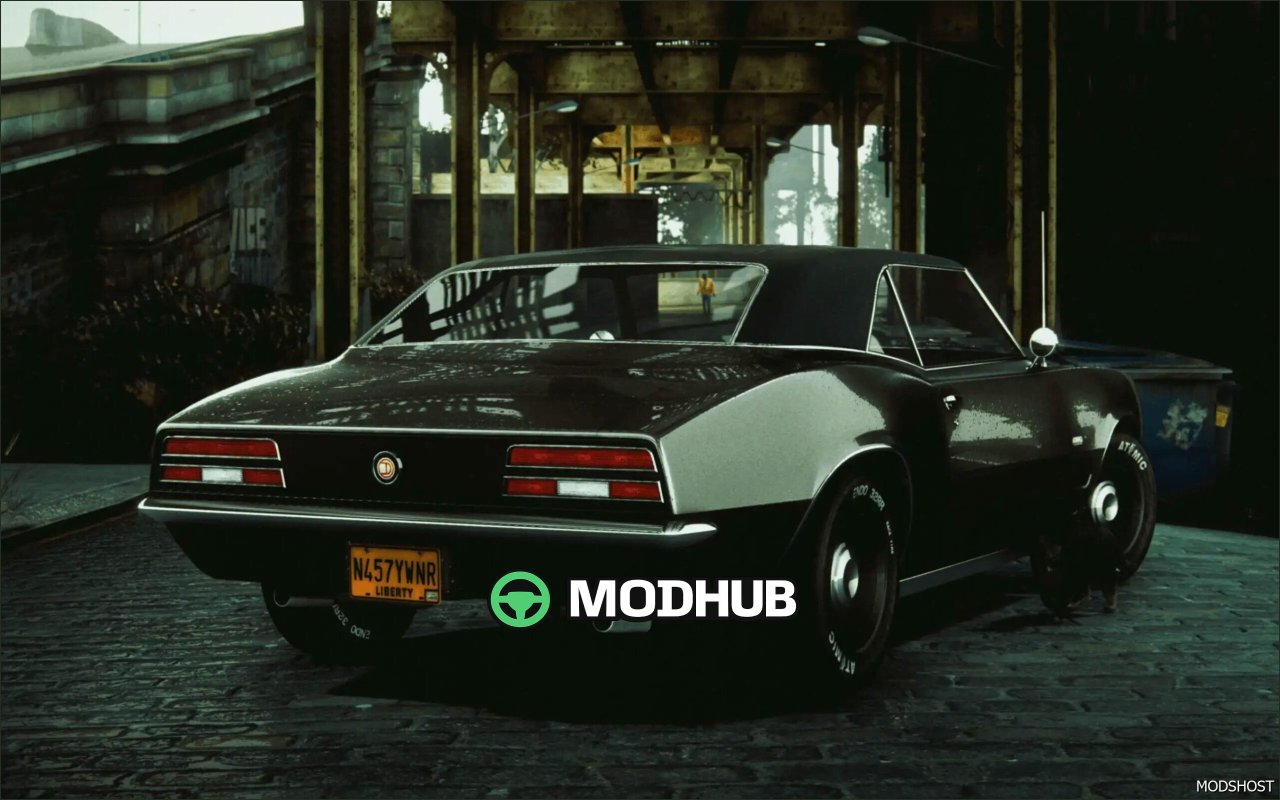
This mod adds the Declasse Vigero (remake) car for GTA 5, bringing an updated version of a famous pony car vibe to the game. The remake keeps the classic feel while improving how the vehicle looks and feels in everyday driving, fitting both casual city routes and competitive racing.
A standout feature is its light, agile handling. The Vigero (remake) responds smoothly to input, holds its line confidently, and helps you stay in control during tight turns and fast maneuvers. The design is friendly to the game’s lore, while also maintaining the familiar spirit of the first-generation Camaro—now with fresher visual details and stylish liveries.
• Model: Declasse Vigero (remake) for GTA 5
• Theme: classic muscle/pony car with a 1960s-inspired look
• Visuals: updated liveries and enhanced exterior presentation
• Driving feel: responsive, easy-to-control, highly maneuverable
• Use case: great for city cruising and races
• Spawn name: vigremake for quick access in your session
About Car Declasse Vigero (remake) for GTA 5
Car Declasse Vigero (remake) for GTA 5 is a mod for GTA 5. Check the author description, supported game version and dependencies before installing.
How to install the mod
Follow the installation instructions for Car Declasse Vigero (remake) for GTA 5, GTA 5 and your platform.
Download the mod archive using the Download button and read the author instructions.
Use the folder and archive format specified by the mod author for this game.
Start the game and enable the mod for the selected save or profile, if required.
Test using a backup or a new save. Install any dependencies listed by the author.
System requirements and compatibility
Check the mod description for supported game versions, required DLC and platforms. Compatibility with every version or other mods is not guaranteed.
Frequently asked questions
Is this mod free?
MODHUB does not charge for access to this mod page. Check the terms and download limits of the external file provider.
Can I use this mod in GTA 5 multiplayer?
Multiplayer support depends on the mod and its author. If supported, the server and players need matching mod versions and required DLC.
What should I check if the mod does not work?
Check the installation folder, archive structure, supported game version, dependencies and game logs. Test the mod separately using a backup save.
How can I check a downloaded mod?
Use trusted author sources, scan the archive and back up your saves. Do not run unrelated installers; a download listing does not guarantee safety or compatibility.