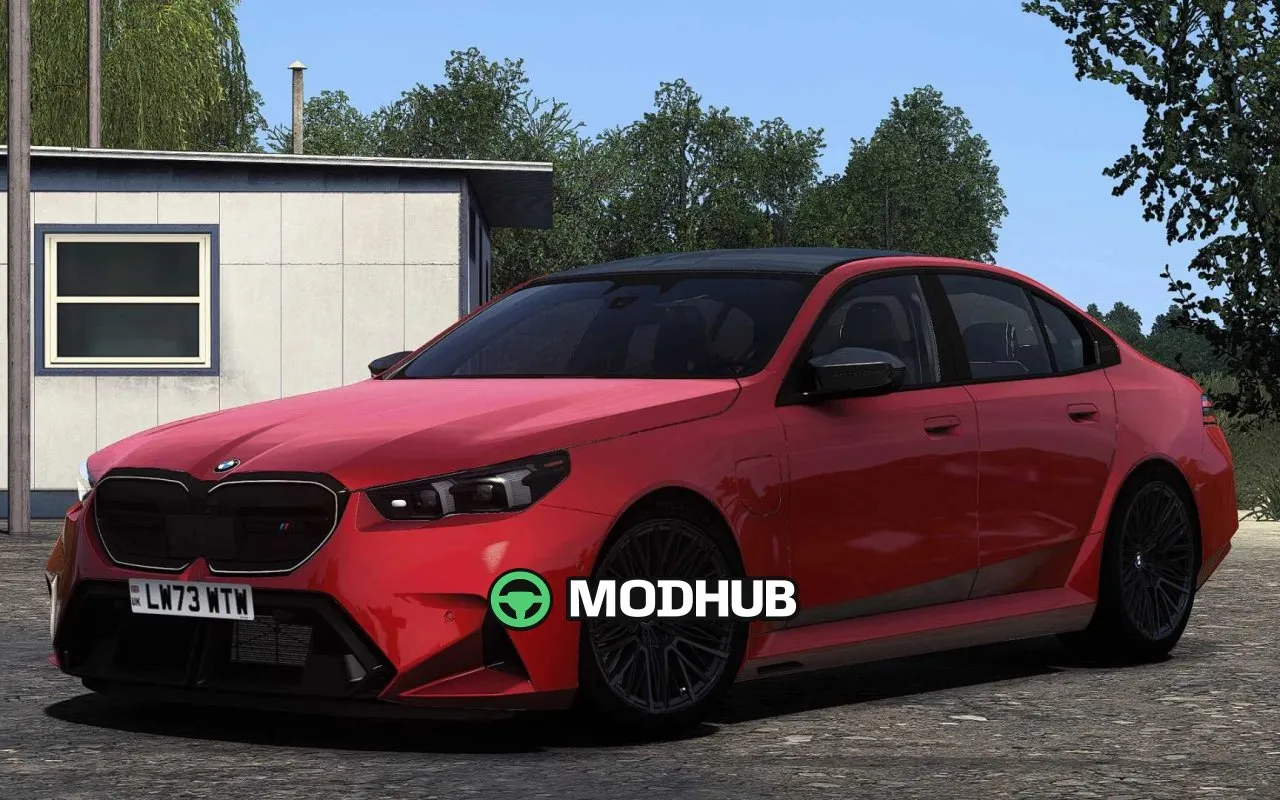
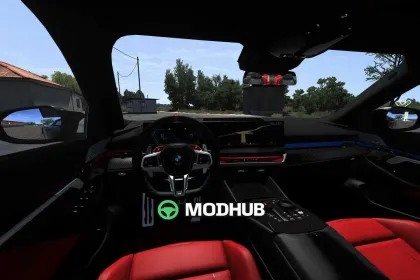
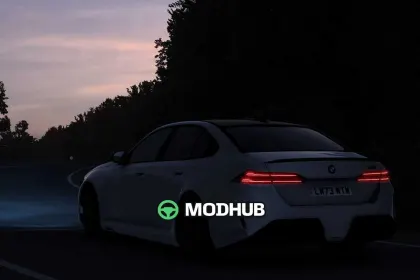
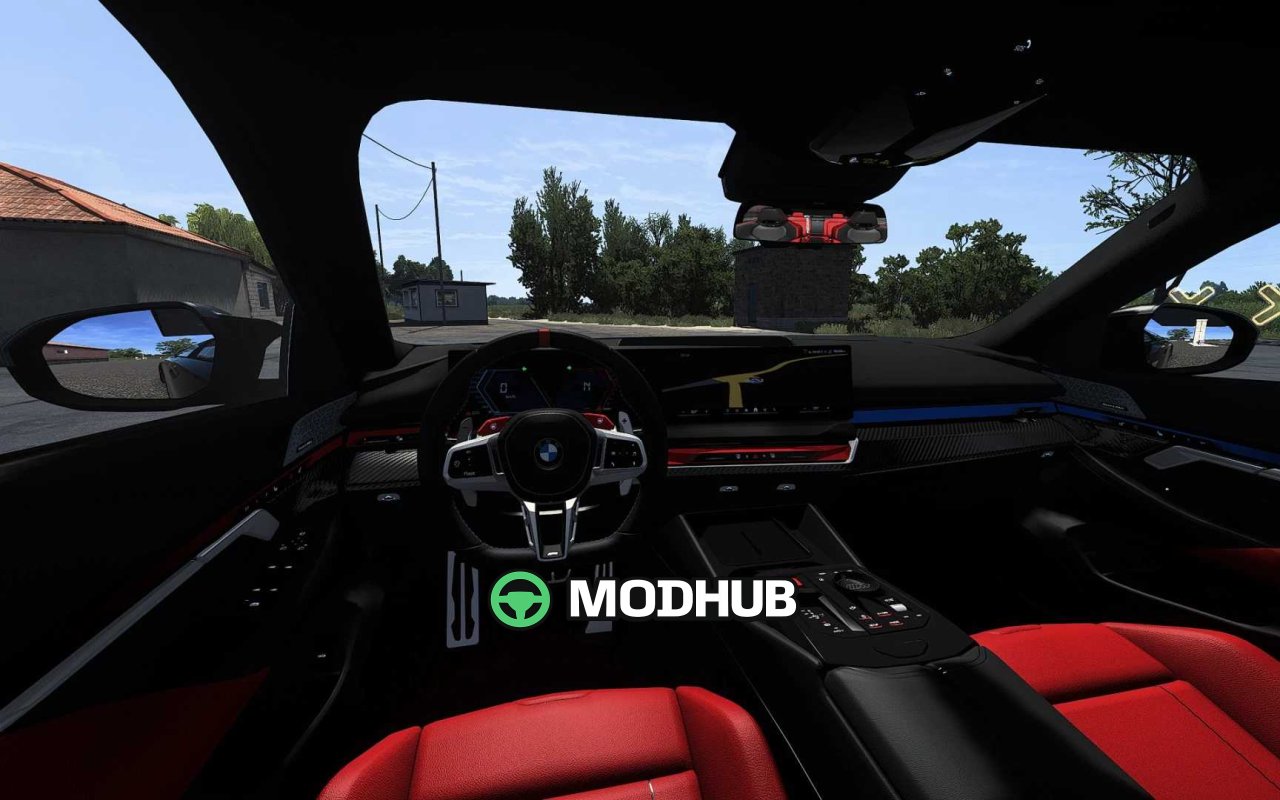
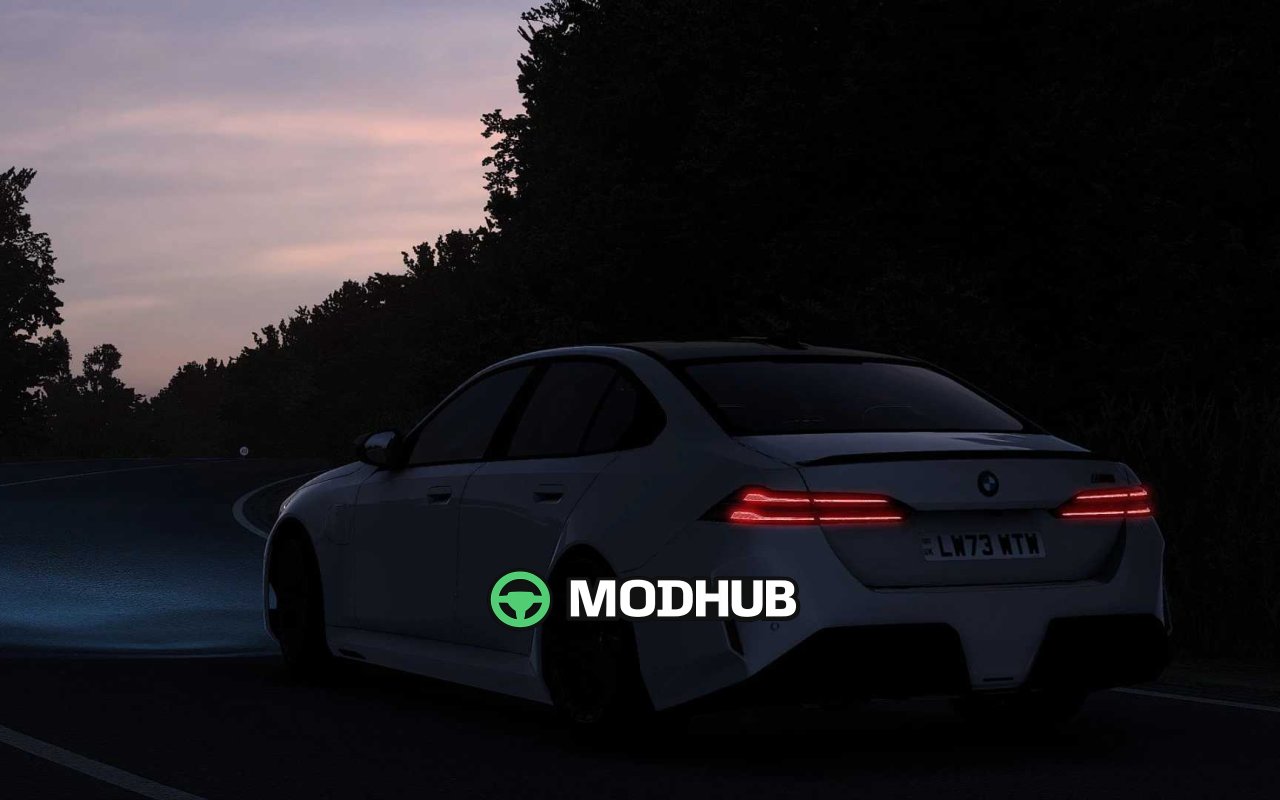
The BMW M5 G90 2025 V1.6 is a car mod for Euro Truck Simulator 2 that brings a carefully modelled sedan into the game. Every body and interior detail is reproduced with attention, while the driving physics are significantly improved over earlier versions. The mod is adapted for the Road Trip DLC and updated to game version 1.62, so it works correctly with the current patch. Openable front windows, accurate wipers and animated stalks make the driving experience feel alive.
• Realistic engine and transmission configuration with 0-100, 0-200 and 0-250 km/h timings close to the real car
• Custom UI with a digital speedometer and functional misc information
• Two interior colour options — black and red
• Animations for indicators, the wiper stalk and the handbrake button
• Significantly improved physics and engine configuration
Overall, it is a well-balanced mod for players who want to drive a passenger BMW inside the trucking world of ETS2.
About Car BMW M5 G90 2025 V1.6 for ETS2
Car BMW M5 G90 2025 V1.6 for ETS2 is a mod for Euro Truck Simulator 2. Check the author description, supported game version and dependencies before installing.
How to install the mod
Follow the installation instructions for Car BMW M5 G90 2025 V1.6 for ETS2, Euro Truck Simulator 2 and your platform.
Download the mod archive using the Download button and read the author instructions.
Use the folder and archive format specified by the mod author for this game.
Start the game and enable the mod for the selected save or profile, if required.
Test using a backup or a new save. Install any dependencies listed by the author.
System requirements and compatibility
Check the mod description for supported game versions, required DLC and platforms. Compatibility with every version or other mods is not guaranteed.
Frequently asked questions
Is this mod free?
MODHUB does not charge for access to this mod page. Check the terms and download limits of the external file provider.
Can I use this mod in Euro Truck Simulator 2 multiplayer?
Multiplayer support depends on the mod and its author. If supported, the server and players need matching mod versions and required DLC.
What should I check if the mod does not work?
Check the installation folder, archive structure, supported game version, dependencies and game logs. Test the mod separately using a backup save.
How can I check a downloaded mod?
Use trusted author sources, scan the archive and back up your saves. Do not run unrelated installers; a download listing does not guarantee safety or compatibility.