Farming Simulator 25: Questions & Answers about Mods
In Farming Simulator 25, mods add vehicles, maps, and animals—but sometimes they won’t appear or they can hurt performance. Below are the most common questions from players, with concrete fixes so you can get back to work on your farm.
Where are mods stored in Farming Simulator 25 and how should I download them?
In FS25, mods are typically kept in your mods folder inside Documents/My Games/FarmingSimulator2025/mods (the exact path can vary by OS). Download mod files as .zip and don’t unpack them manually: the game reads the archive directly. If the mod doesn’t show up in the Mods menu, confirm the file really ends with .zip (not .rar/.7z) and that the ZIP doesn’t contain a nested “mods/mods/…” structure.
Why don’t a vehicle mod or a map show up in the game after I install it?
Most often, the cause is an incorrect archive structure or a wrong file extension. Check that your ZIP contains the actual mod data folder/files, not only a readme.txt. For maps, required references like map.i3d must exist inside the mod. If a mod used to work and suddenly doesn’t, disable other mods and retest—conflicts are common after updates.
How can I quickly check whether mods are hurting my FPS?
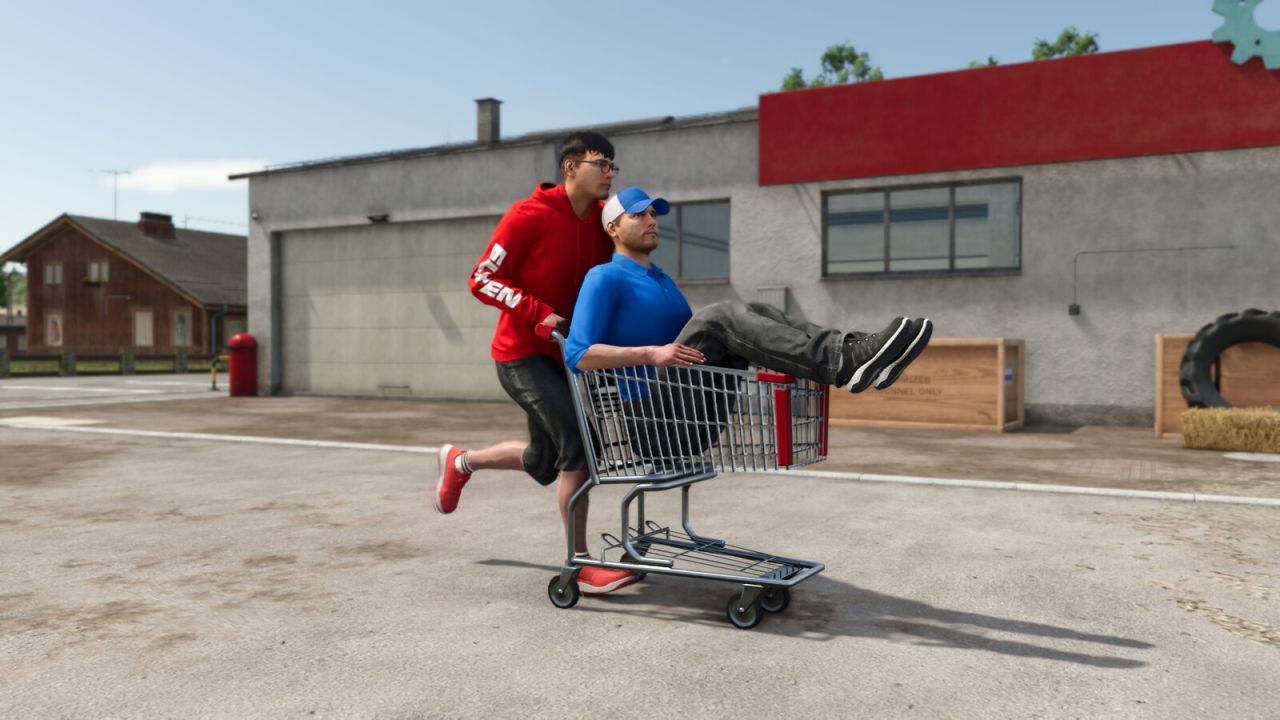
Enable mods in small batches (3–5 at a time) and test the same routine each run (same task, similar speed, same starting point). If FPS drops sharply after one specific mod, it’s usually heavy in polygons or textures. For a lighter baseline, consider UI/utility items such as Зручний Візок Shopping Cart для Farming Simulator 25, which is meant for small transport and is typically less demanding than big trailers. This helps identify the “heavy” mod fast.
Why does loading crash or errors appear after adding animal packs?
Animal Pack errors are frequently caused by conflicts with other animal-related mods or missing shared files. Make sure you didn’t install two mods that modify the same species or the same stable/pen definitions. Test by keeping only Новий Animal Pack – More Cattle Breeds Edition: Більше Порід ВРХ enabled and temporarily disabling other animal mods. If the game loads normally then, the issue is a conflict—not your save or economy.
How do I install a Farming Simulator 25 map so it appears in the farm selection?
Install the map as its own .zip into the mods folder. After copying, restart the game, enable the map in the Mods list, then start a new game and select that map. If you try to apply it to an already started save on a different map, it usually won’t work—you typically need a fresh session. For example, Карта HOF Bergmann (Весняне оновлення) V1.4 should be launched as a separate world from the start screen.
Do tractor mods work in FS25, and what should I do if the model floats or disappears?
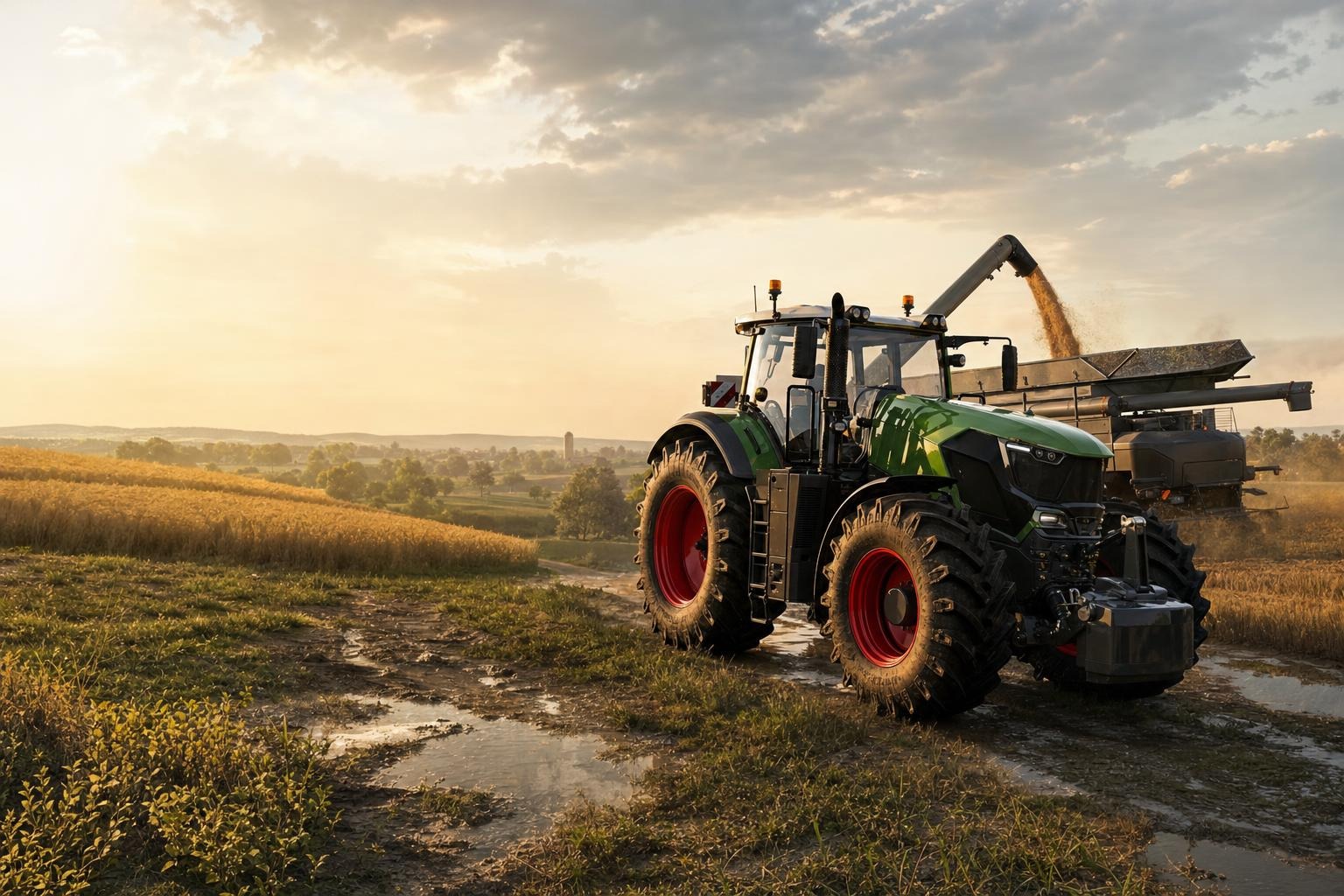
If a tractor or attachments clip, float, or vanish, the cause is often a conflict with other mods that change chassis/animated attachment points, or incorrect LOD/collision setups. Isolate the problem: enable only one vehicle mod and test. A good stable test candidate is Мод на трактор Кіровець К-700 v1.0.0.3, because checking it alone reveals whether the issue is in that specific package. If it works, then add other mods back one by one.
Which vehicle mods should I test first after updating the game?
After a game patch, start with mods that most often interact with core systems: tractors, trailers, implements, and maps. Begin with something lighter to avoid breaking base attachment logic—like Зручний Візок Shopping Cart—then move to tractors. Next test Мод на трактори ХТЗ T-150K, and only after that try maps. This order quickly identifies which mod became incompatible with FS25.
Why doesn’t my potato planter sow, or why does it place seed in the wrong direction?
For planters, correct working widths and crop compatibility matter. If a mod supports multiple machine variants and you select the wrong configuration, planting geometry can be wrong. Confirm you picked the right implement variant in the store and that the field is suitable for potatoes. A solid test option is Ефективна Картоплесаджалка KPMR S208 / Akpil S227 / Bomet S239, which includes preset parameters designed for potato planting in FS25.
The map loads, but I can’t start working—what’s the fix?
If the map opens but you can’t progress (fields/buildings aren’t available, starter resources don’t appear), it’s usually because dependencies are missing or another mod overrides economy/scripts. First, isolate: enable only the map (plus any dependencies listed in the mod description). For a “start immediately” test, try Карта Подільський регіон, since it typically launches correctly as a standalone world and helps you pinpoint a conflict.
Why does the mod version matter, and how do I know I need an update?
Version numbers directly affect script compatibility. If a mod is labeled v1.0.0.3 or V1.4 and after a game update you get errors or attachments stop working, you need the FS25-updated package. This is especially noticeable for maps: HOF Bergmann V1.4 includes specific fixes, so an older archive may conflict with new game features. Update one mod at a time so you can verify compatibility.
Why does the game reject a mod (packs/files) after I copy it?
Most “rejected mod” cases come down to an invalid archive format or a corrupted download. Check the ZIP size: if it’s extremely small (e.g., a few KB), the file is likely broken. Also confirm the archive doesn’t add an extra folder level like FS25/mods/yourmod/…. The correct setup is usually one ZIP per mod placed directly into the mods folder. Then restart the game so mods pass validation on startup. If the problem is only with one mod, retest it with all other mods disabled and download the latest version.