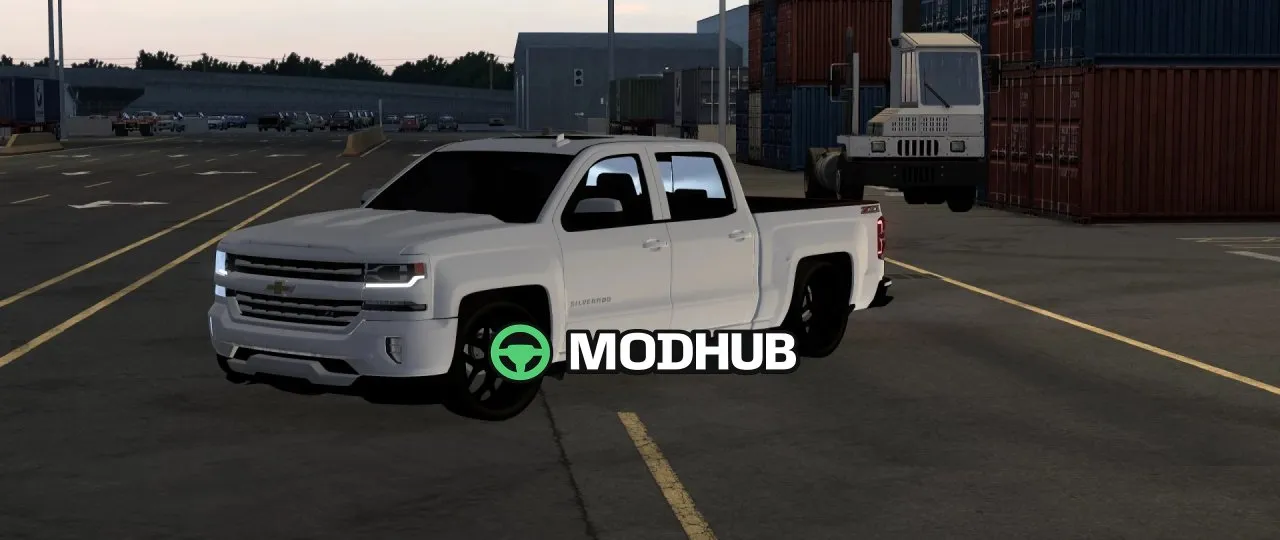
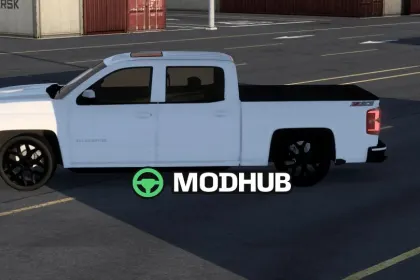
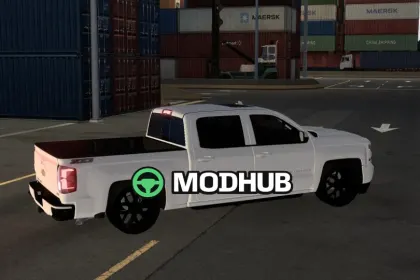
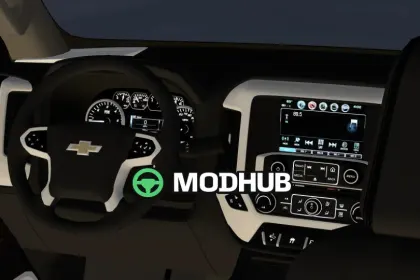
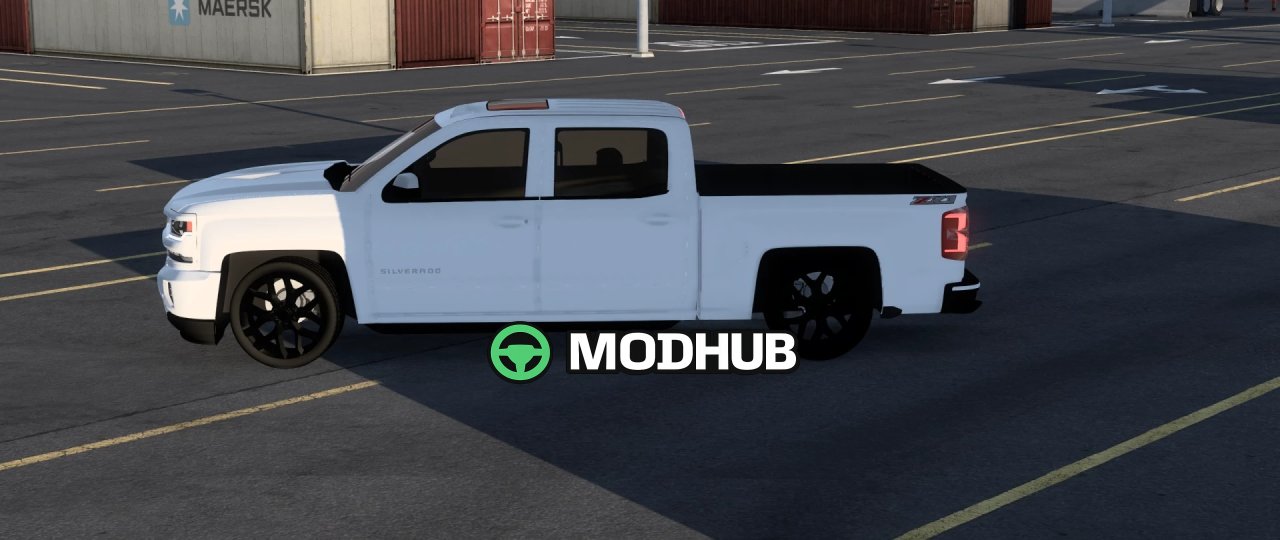
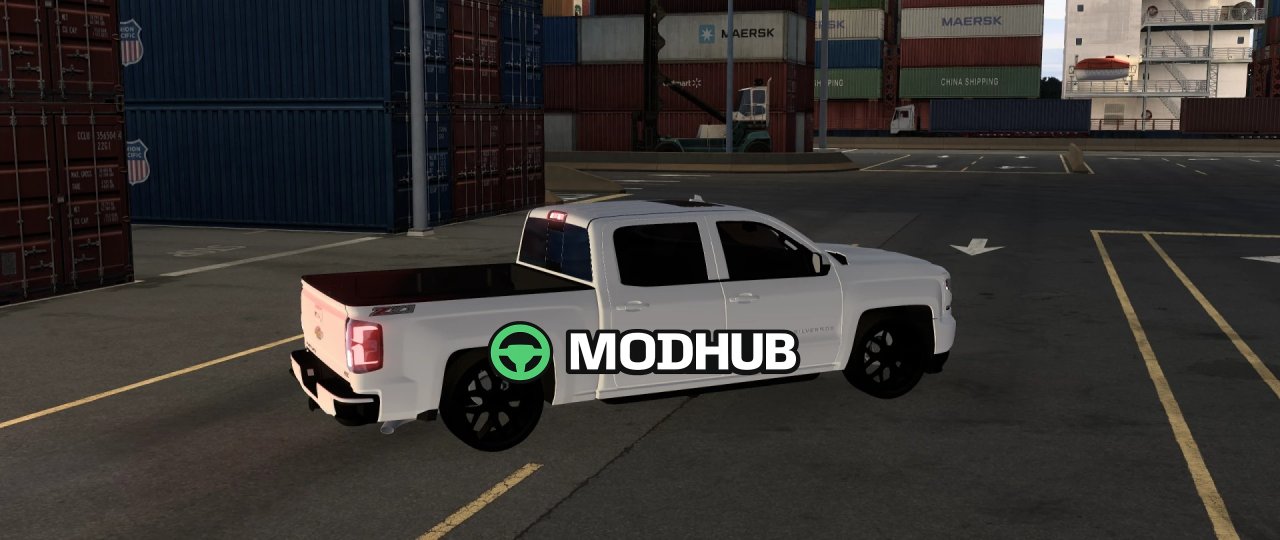
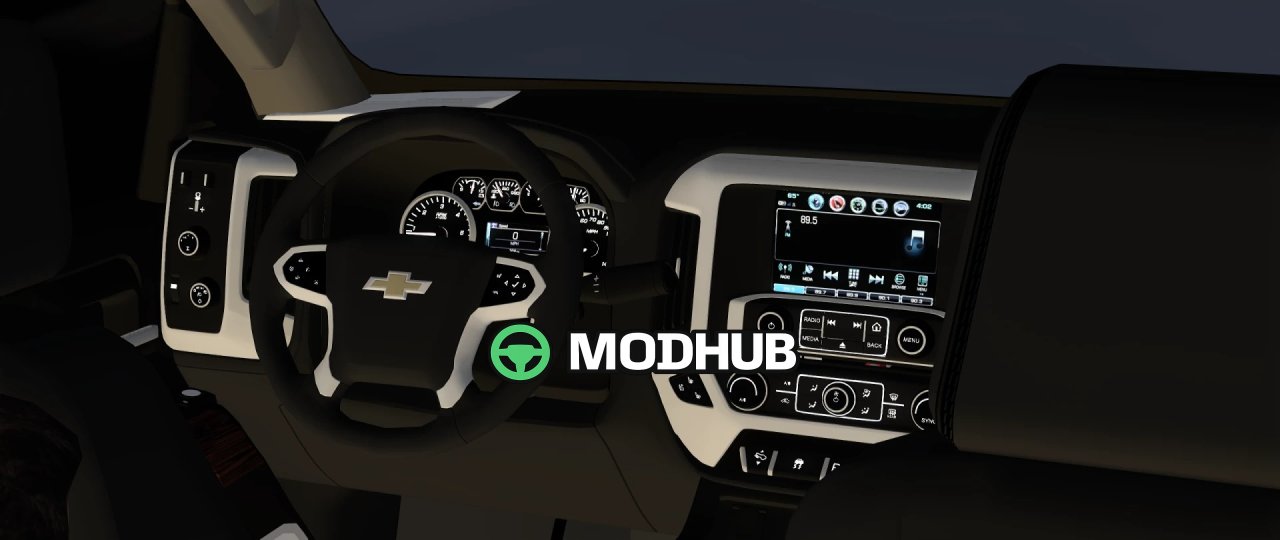
This is a lowered 2018 Chevrolet Silverado pickup for American Truck Simulator that brings a distinct American truck into your garage. The model sits on 24-inch snowflake rims and is added to the Ford dealership for $15,000. All gauges on the dashboard work, along with the exterior lighting. The steering wheel turns, and the mirrors and reflections function correctly while driving.
• 6.2L engine with strong acceleration and a top speed of around 150 mph
• Working running lights, turn signals and low beams
• Functional dashboard gauges and rotating steering wheel
• Working mirrors and body reflections
It drives very smoothly, which makes it a good choice for long routes across the map.
About Lowered 2018 Chevy Silverado (Road Trip DLC) for ATS
Lowered 2018 Chevy Silverado (Road Trip DLC) for ATS is a mod for American Truck Simulator. Check the author description, supported game version and dependencies before installing.
How to install the mod
Follow the installation instructions for Lowered 2018 Chevy Silverado (Road Trip DLC) for ATS, American Truck Simulator and your platform.
Download the mod archive using the Download button and read the author instructions.
Use the folder and archive format specified by the mod author for this game.
Start the game and enable the mod for the selected save or profile, if required.
Test using a backup or a new save. Install any dependencies listed by the author.
System requirements and compatibility
Check the mod description for supported game versions, required DLC and platforms. Compatibility with every version or other mods is not guaranteed.
Frequently asked questions
Is this mod free?
MODHUB does not charge for access to this mod page. Check the terms and download limits of the external file provider.
Can I use this mod in American Truck Simulator multiplayer?
Multiplayer support depends on the mod and its author. If supported, the server and players need matching mod versions and required DLC.
What should I check if the mod does not work?
Check the installation folder, archive structure, supported game version, dependencies and game logs. Test the mod separately using a backup save.
How can I check a downloaded mod?
Use trusted author sources, scan the archive and back up your saves. Do not run unrelated installers; a download listing does not guarantee safety or compatibility.