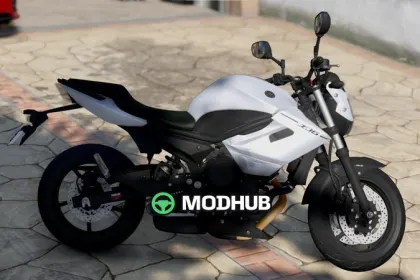
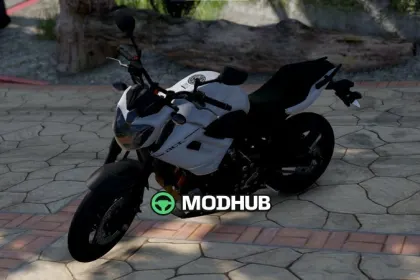
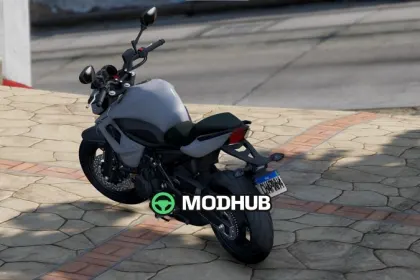
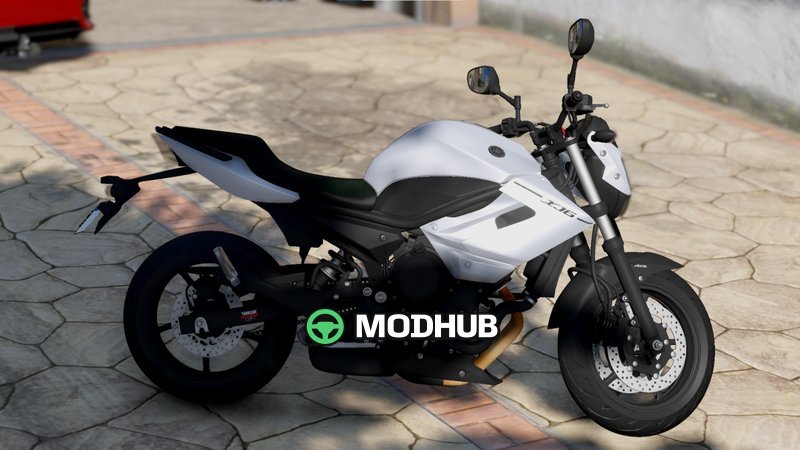
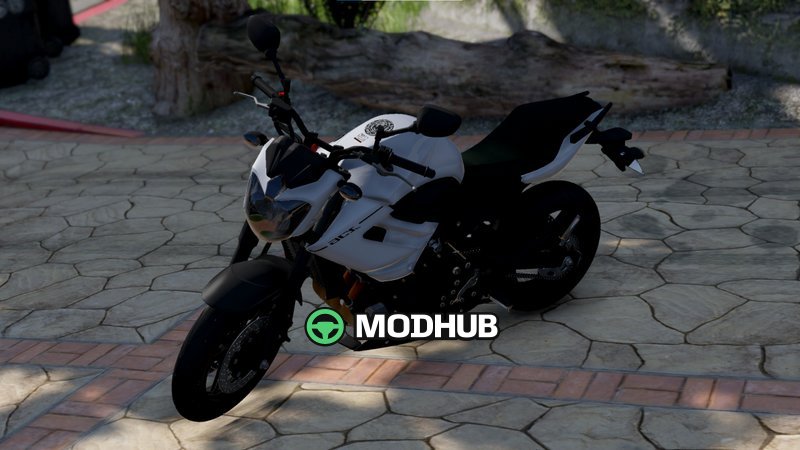
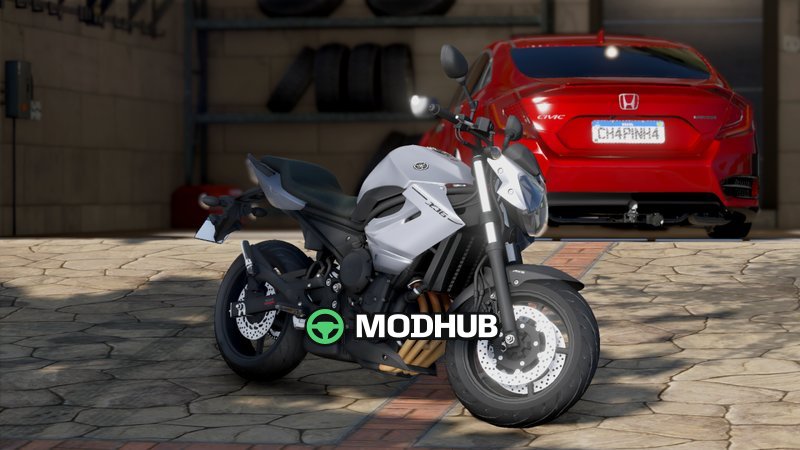
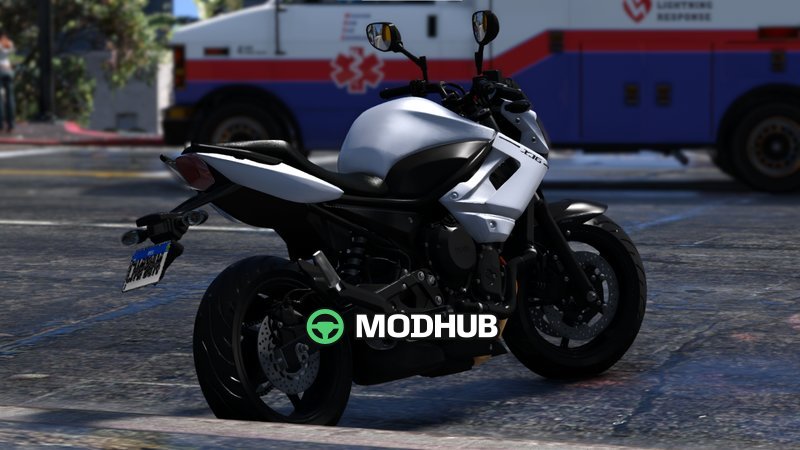
This is a Yamaha Xj6 2013 Add-On motorcycle mod for GTA 5. It focuses on fixing a fender-related bug so the bike can be used with its sound properly while keeping the visuals consistent during riding. The result is a smoother and more reliable in-game appearance.
• Spawn name (offline): xj62013
• HQ textures for a sharper, more detailed look
• Bons reflexos de espelho: improved mirror reflections
• Hands on the handlebar (maos no guidao)
• Collision deformation (deformacao de colisao)
• Functional speedometer (velocimetro funcional)
The add-on includes offline mounting support with custom parts for the chassis and front. A personalized front end and the I-nstru/exhaust component are included to complete the setup. After installation, Yamaha Xj6 2013 Add-On becomes available in GTA 5 for continued use as a fully modeled motorcycle.
About Yamaha Xj6 2013 Add-On for GTA 5
Yamaha Xj6 2013 Add-On for GTA 5 is a mod for GTA 5. Check the author description, supported game version and dependencies before installing.
How to install the mod
Follow the installation instructions for Yamaha Xj6 2013 Add-On for GTA 5, GTA 5 and your platform.
Download the mod archive using the Download button and read the author instructions.
Use the folder and archive format specified by the mod author for this game.
Start the game and enable the mod for the selected save or profile, if required.
Test using a backup or a new save. Install any dependencies listed by the author.
System requirements and compatibility
Check the mod description for supported game versions, required DLC and platforms. Compatibility with every version or other mods is not guaranteed.
Frequently asked questions
Is this mod free?
MODHUB does not charge for access to this mod page. Check the terms and download limits of the external file provider.
Can I use this mod in GTA 5 multiplayer?
Multiplayer support depends on the mod and its author. If supported, the server and players need matching mod versions and required DLC.
What should I check if the mod does not work?
Check the installation folder, archive structure, supported game version, dependencies and game logs. Test the mod separately using a backup save.
How can I check a downloaded mod?
Use trusted author sources, scan the archive and back up your saves. Do not run unrelated installers; a download listing does not guarantee safety or compatibility.