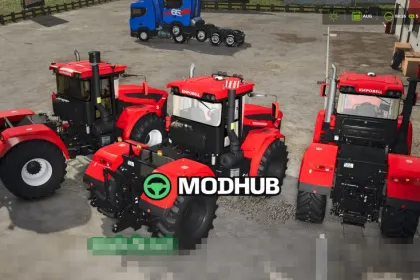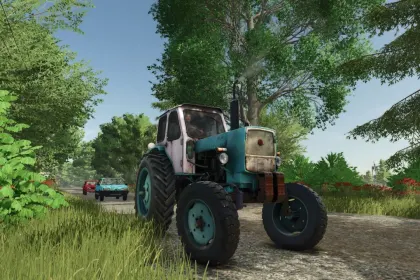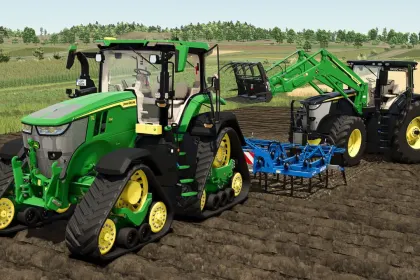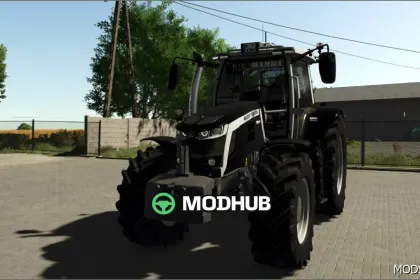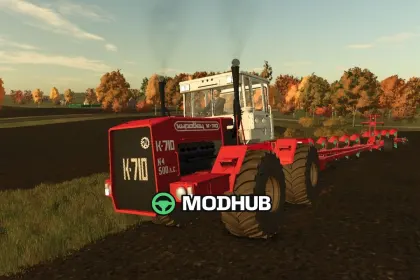
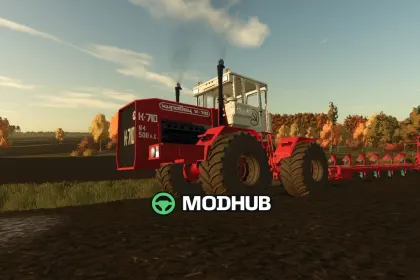
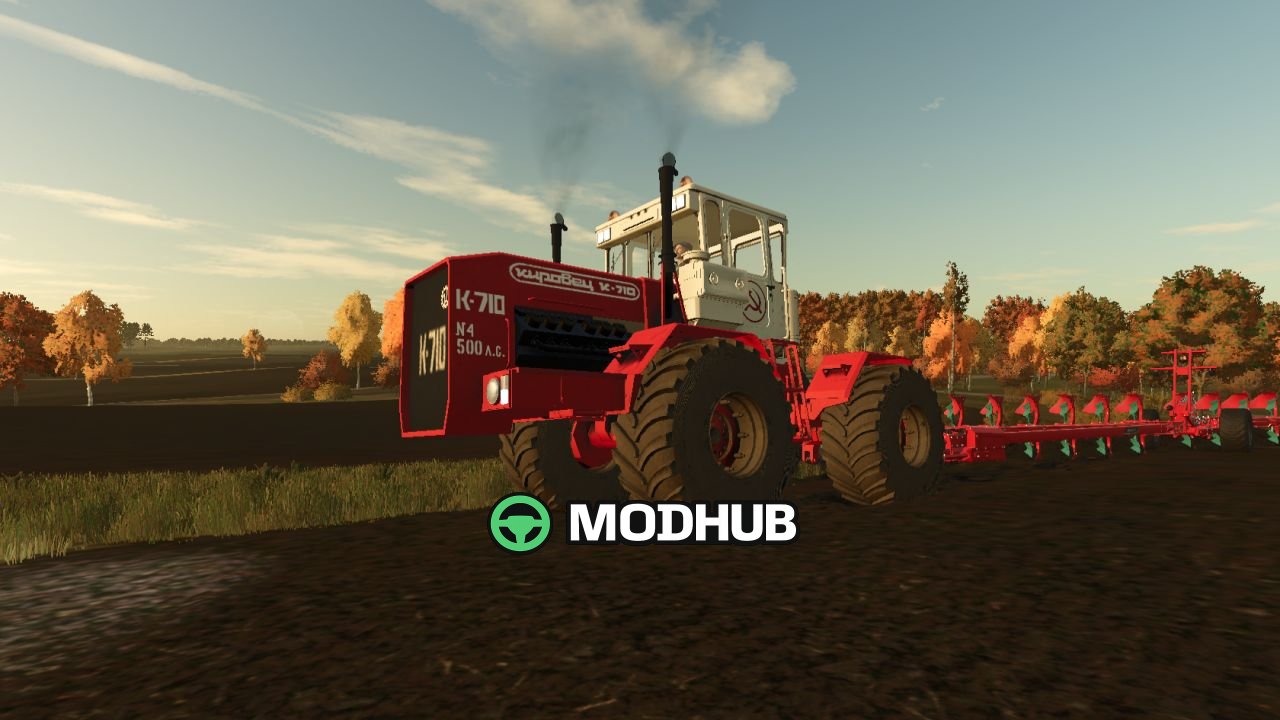
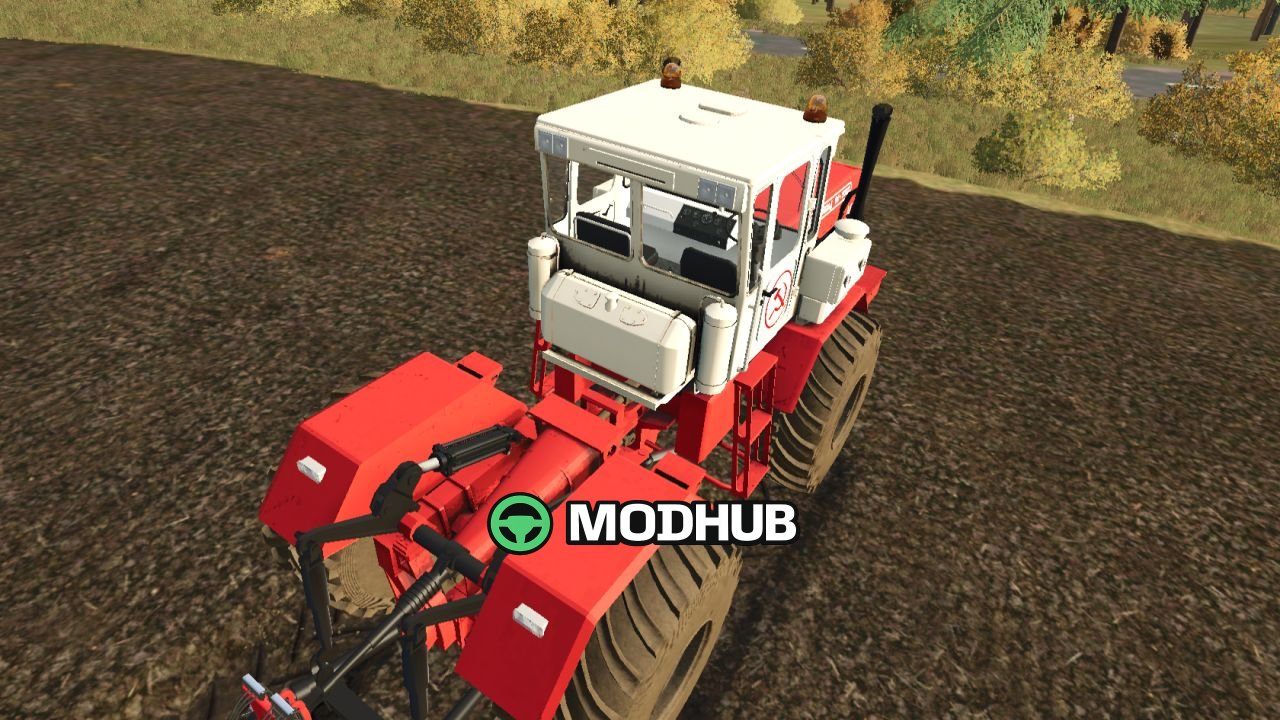
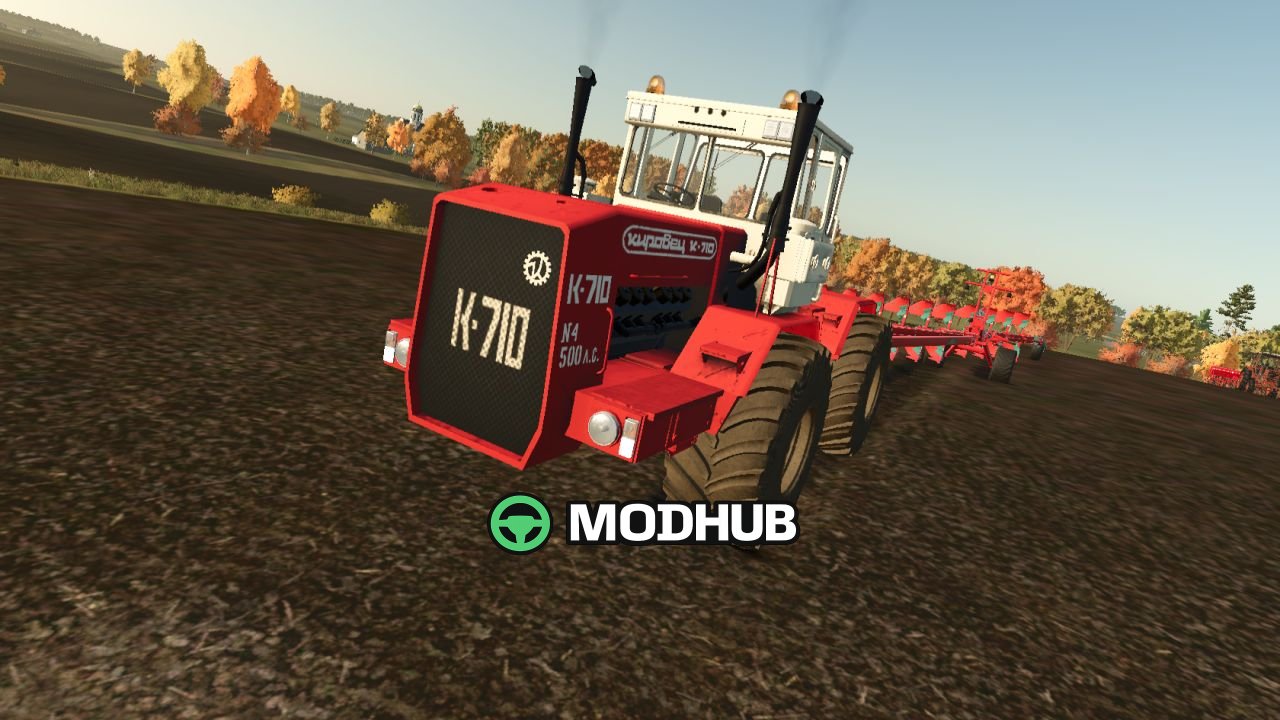
This tractor mod for Farming Simulator 25 (FS25) brings the Kirovets K-710 V1.0 into the game as a full conversion. Instead of copying, the model was rebuilt for FS25 standards: legacy FS19 shaders and older material tinting were removed and replaced with current FS25 equivalents. The result is a historically inspired articulated 4-wheel-drive machine with modern lighting, responsive controls, and detailed instrument feedback.
• Engine: YaMZ-240NM2 4-stroke V12 diesel
• Power: 500 hp (368 kW)
• Top speed: 40 kph
• Fuel capacity: 640 l
• Weight: 17,500 kg
• Price: 85,000
• Transmission: multi-range powershift
• Wheel setups: standard wheels or crawler tracks
• Paint schemes: five options (Factory Red/white cab, Classic White, Kirovets Yellow, Olive Green, Industrial Blue)
The cockpit includes a full instrument panel: tachometer, oil pressure, oil temperature, coolant temperature, and fuel level—each with its own scale and value source. Lighting is fully functional with working, work/brake/turn/reverse, and beacon lights, including rotating beacon beams, plus instrument lighting for night operations. The mod also features rain-sensitive wipers, engine and exhaust flap vibration, opening cab doors, and zone-based dirt so the chassis and running gear pick up more dirt than the bodywork. AI workers are supported as well, making the Kirovets K-710 V1.0 useful for automated field work in FS25.
About Tractor Kirovets K-710 V1.0 for FS25
Tractor Kirovets K-710 V1.0 for FS25 is a mod for Farming Simulator 25. Check the author description, supported game version and dependencies before installing.
How to install the mod
Follow the installation instructions for Tractor Kirovets K-710 V1.0 for FS25, Farming Simulator 25 and your platform.
Download the mod archive using the Download button and read the author instructions.
On PC, copy the mod ZIP without extracting it to Documents/My Games/FarmingSimulator2025/mods. For a bundle, extract the individual mod ZIPs first. macOS and Microsoft Store paths may differ; check Mod Directory in the game log.txt.
Start the game and enable the mod for the selected save or profile, if required.
Test using a backup or a new save. Install any dependencies listed by the author.
System requirements and compatibility
Check the mod description for supported game versions, required DLC and platforms. Compatibility with every version or other mods is not guaranteed. Farming Simulator script mods are for PC/macOS. Console players can only install compatible mods from the in-game GIANTS ModHub.
Frequently asked questions
Is this mod free?
MODHUB does not charge for access to this mod page. Check the terms and download limits of the external file provider.
Can I use this mod in Farming Simulator 25 multiplayer?
Multiplayer support depends on the mod and its author. If supported, the server and players need matching mod versions and required DLC.
What should I check if the mod does not work?
Check the installation folder, archive structure, supported game version, dependencies and game logs. Test the mod separately using a backup save.
How can I check a downloaded mod?
Use trusted author sources, scan the archive and back up your saves. Do not run unrelated installers; a download listing does not guarantee safety or compatibility.