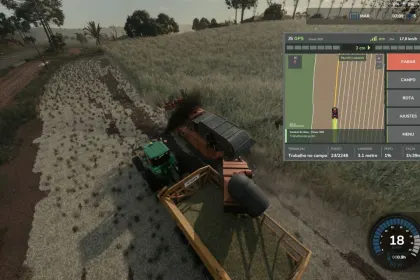
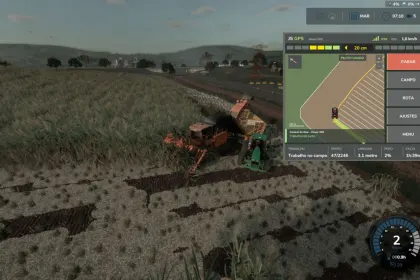
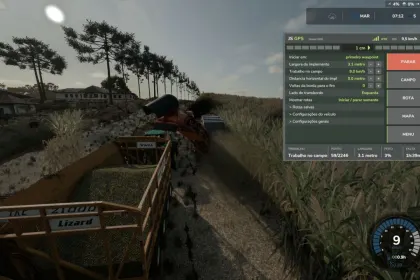
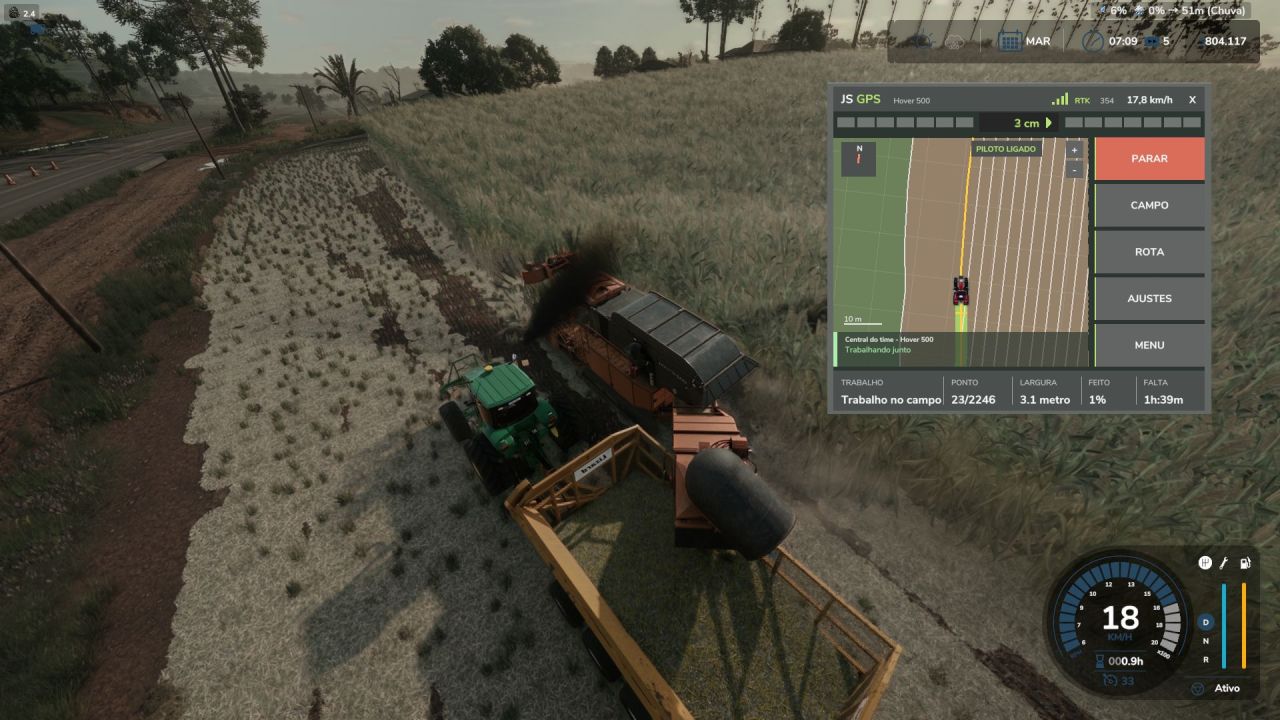
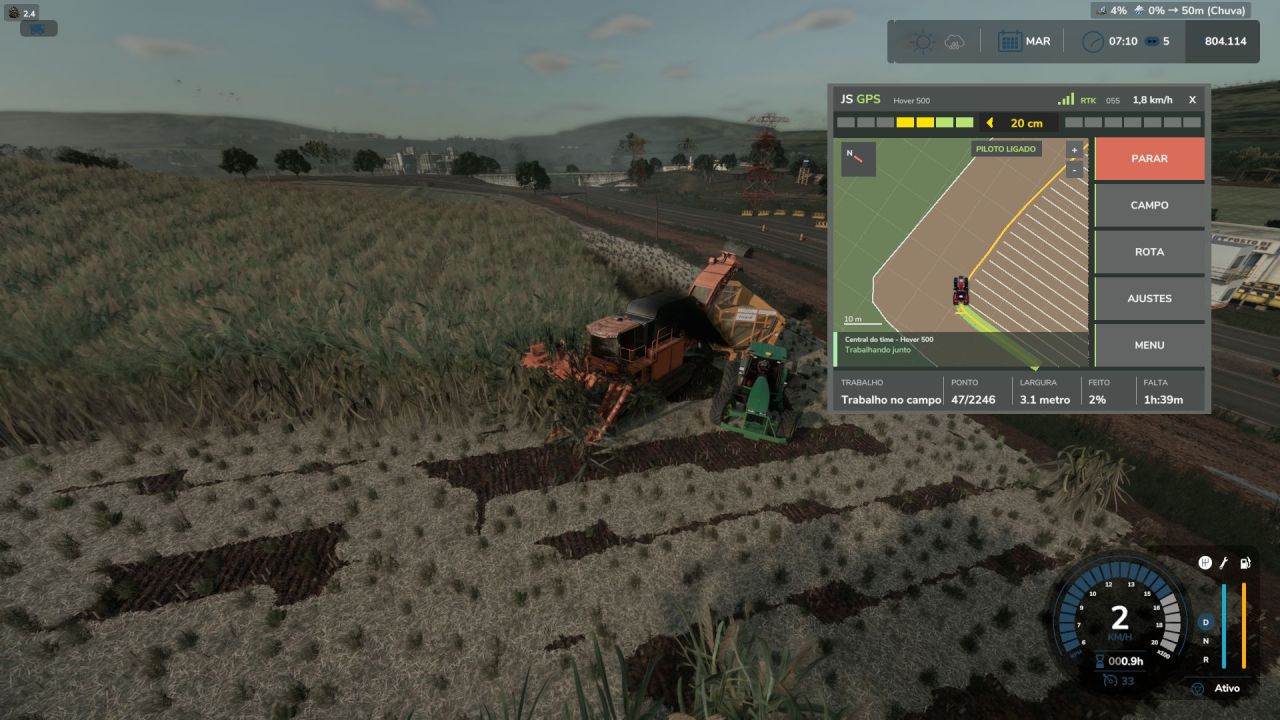
JS GPS is a script for Farming Simulator 25 that automates field work by scanning fields and generating optimal routes. It automatically detects working width, turning radius, and implement size, so no manual configuration is needed. Once activated, the assistant performs tasks independently, and during harvesting it continues until the field reaches 100% completion. If work stops due to a full tank, missing product, fuel, or rain, an on-screen message explains the reason.
• Scans the field and compares routes to select the best one.
• Hotkey controls including Ctrl+J, Ctrl+G, Ctrl+H, Ctrl+U, Ctrl+L, and more.
• GUIDE mode where GPS only steers while you control the speed.
• Ability to skip rows and make smooth inward or outward turns.
• Compatible with most vehicles and implements without extra setup.
The script greatly simplifies routine field operations and boosts overall farm efficiency.
About JS GPS Script for Farming Simulator 25
JS GPS Script for Farming Simulator 25 is a mod for Farming Simulator 25. Check the author description, supported game version and dependencies before installing.
How to install the mod
Follow the installation instructions for JS GPS Script for Farming Simulator 25, Farming Simulator 25 and your platform.
Download the mod archive using the Download button and read the author instructions.
On PC, copy the mod ZIP without extracting it to Documents/My Games/FarmingSimulator2025/mods. For a bundle, extract the individual mod ZIPs first. macOS and Microsoft Store paths may differ; check Mod Directory in the game log.txt.
Start the game and enable the mod for the selected save or profile, if required.
Test using a backup or a new save. Install any dependencies listed by the author.
System requirements and compatibility
Check the mod description for supported game versions, required DLC and platforms. Compatibility with every version or other mods is not guaranteed. Farming Simulator script mods are for PC/macOS. Console players can only install compatible mods from the in-game GIANTS ModHub.
Frequently asked questions
Is this mod free?
MODHUB does not charge for access to this mod page. Check the terms and download limits of the external file provider.
Can I use this mod in Farming Simulator 25 multiplayer?
Multiplayer support depends on the mod and its author. If supported, the server and players need matching mod versions and required DLC.
What should I check if the mod does not work?
Check the installation folder, archive structure, supported game version, dependencies and game logs. Test the mod separately using a backup save.
How can I check a downloaded mod?
Use trusted author sources, scan the archive and back up your saves. Do not run unrelated installers; a download listing does not guarantee safety or compatibility.