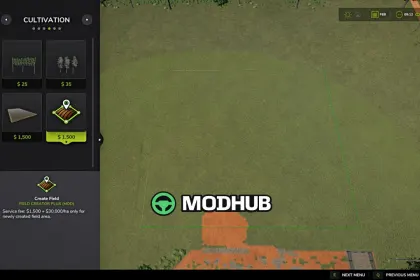
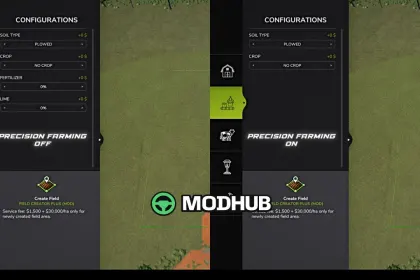
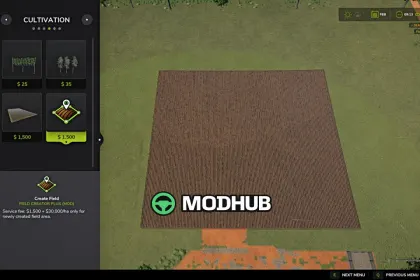
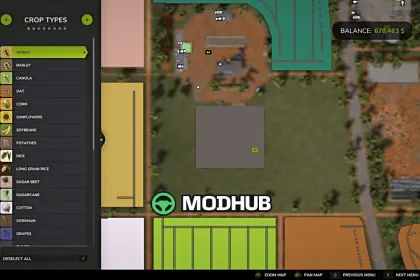
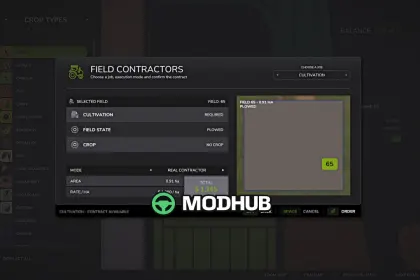
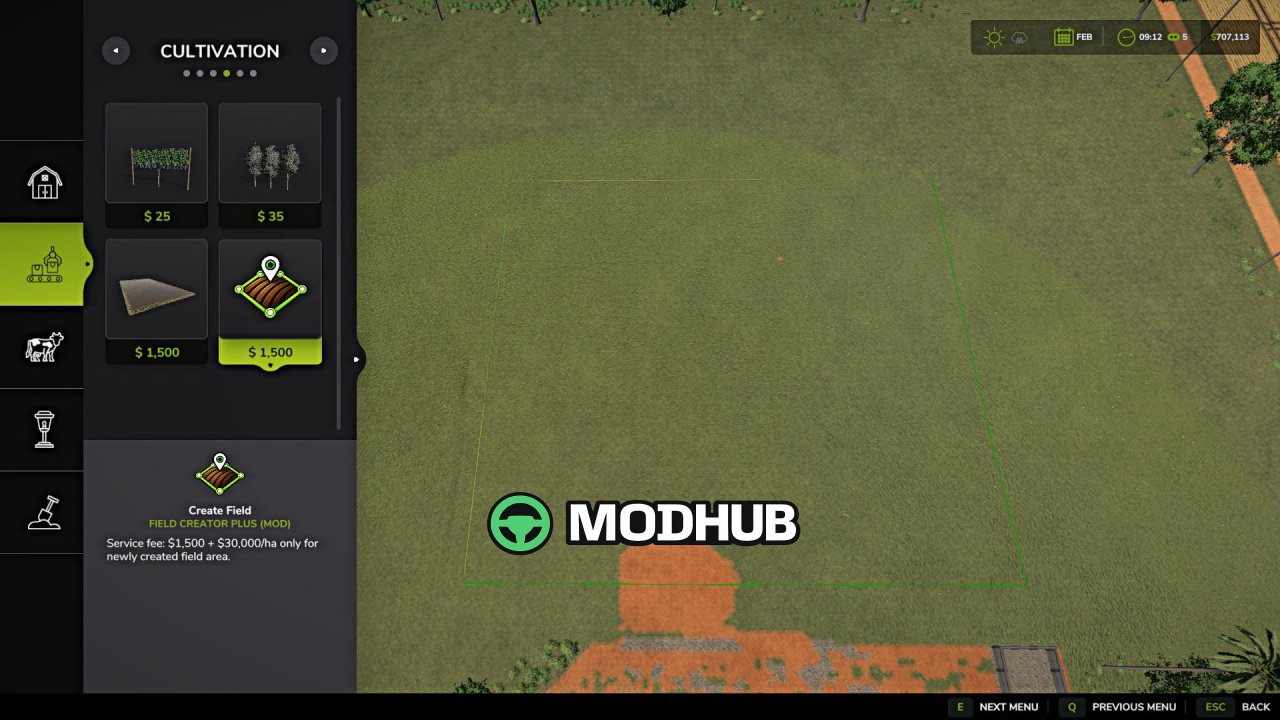
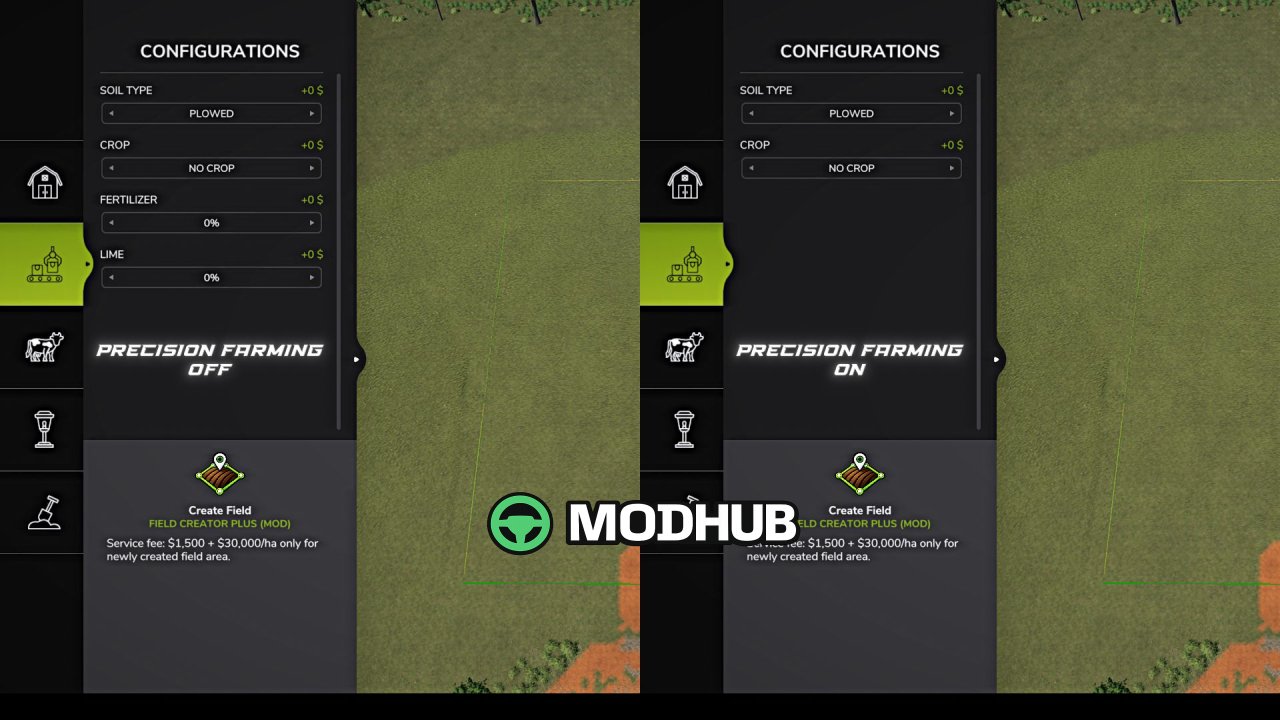
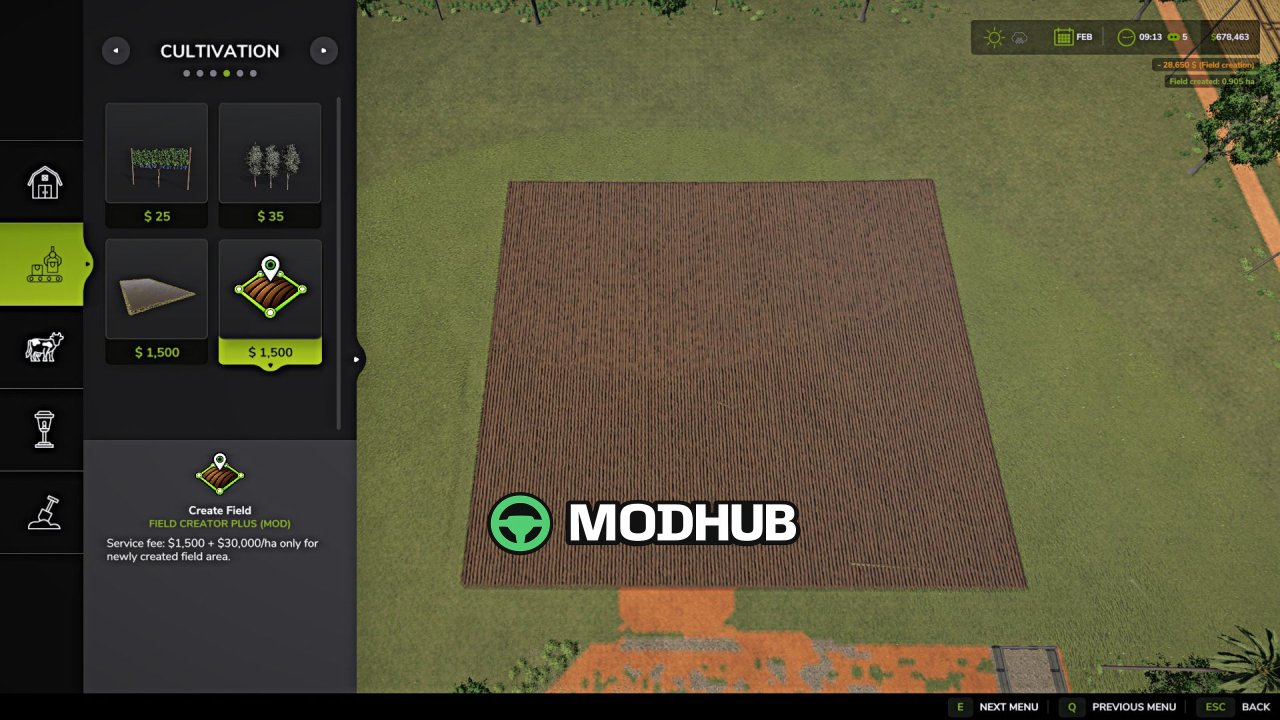
Field creation V1.1 is a script for Farming Simulator 25 that allows you to create new fields, merge several fields and expand existing ones directly through the construction menu. To create a field, draw its outline using points and confirm creation, using free-form drawing or the game's standard snapping for straighter edges. Before creating a field, open "Configurations" with the F key to set the soil type ("Plowed" or "Cultivated"), crop, fertilizer level and lime level. Without Precision Farming, all these parameters are available, while with Precision Farming only soil type and crop are available, as nitrogen and pH levels remain under Precision Farming's control.
• Creation cost: $1,500 per service + $30,000 per hectare of new area.
• Each new area is considered fully plowed, and if a crop is selected, it is created at the first growth stage and immediately considered rolled.
• Existing fields inside the outline are not changed — their crop, soil condition and already cultivated area are preserved.
• The mod supports large and complex outlines, works on uneven terrain and preserves the standard behavior of fields.
• It is supported in single-player, multiplayer and on dedicated servers; the maximum area of a single outline is 10,000 ha.
Version 1.1.0.0 added a configuration menu for the Create Field tool, soil type and crop selection, and fertilizer and lime level selection without Precision Farming.
About Script Field creation V1.1 for FS25
Script Field creation V1.1 for FS25 is a mod for Farming Simulator 25. Check the author description, supported game version and dependencies before installing.
How to install the mod
Follow the installation instructions for Script Field creation V1.1 for FS25, Farming Simulator 25 and your platform.
Download the mod archive using the Download button and read the author instructions.
On PC, copy the mod ZIP without extracting it to Documents/My Games/FarmingSimulator2025/mods. For a bundle, extract the individual mod ZIPs first. macOS and Microsoft Store paths may differ; check Mod Directory in the game log.txt.
Start the game and enable the mod for the selected save or profile, if required.
Test using a backup or a new save. Install any dependencies listed by the author.
System requirements and compatibility
Check the mod description for supported game versions, required DLC and platforms. Compatibility with every version or other mods is not guaranteed. Farming Simulator script mods are for PC/macOS. Console players can only install compatible mods from the in-game GIANTS ModHub.
Frequently asked questions
Is this mod free?
MODHUB does not charge for access to this mod page. Check the terms and download limits of the external file provider.
Can I use this mod in Farming Simulator 25 multiplayer?
Multiplayer support depends on the mod and its author. If supported, the server and players need matching mod versions and required DLC.
What should I check if the mod does not work?
Check the installation folder, archive structure, supported game version, dependencies and game logs. Test the mod separately using a backup save.
How can I check a downloaded mod?
Use trusted author sources, scan the archive and back up your saves. Do not run unrelated installers; a download listing does not guarantee safety or compatibility.