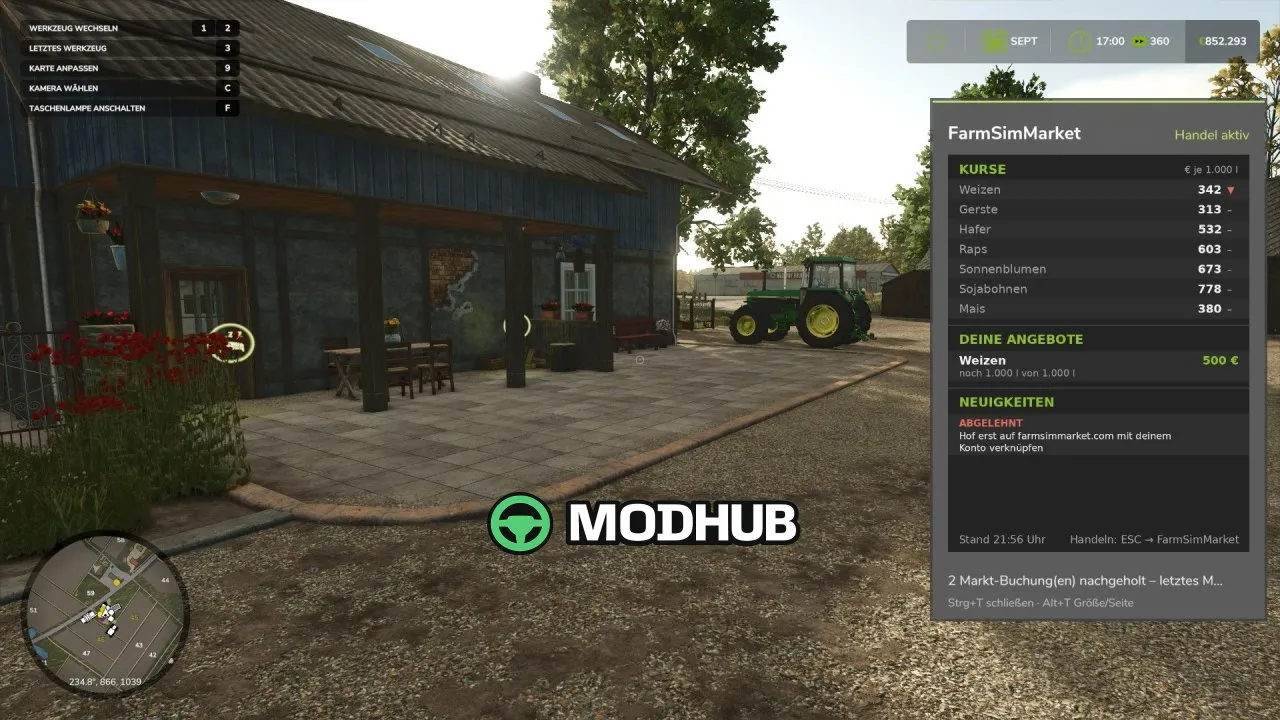
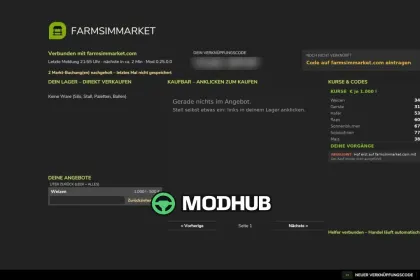
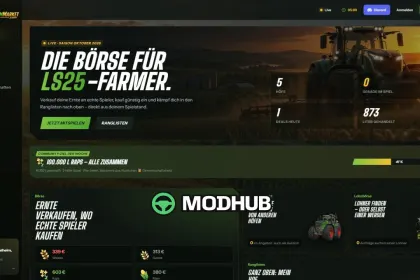
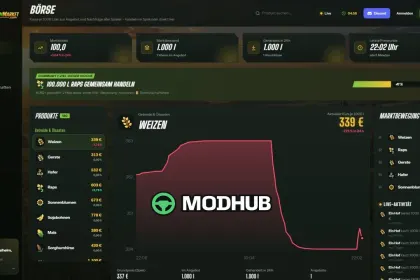
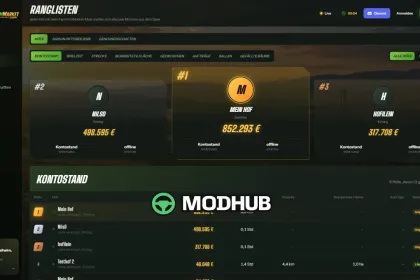
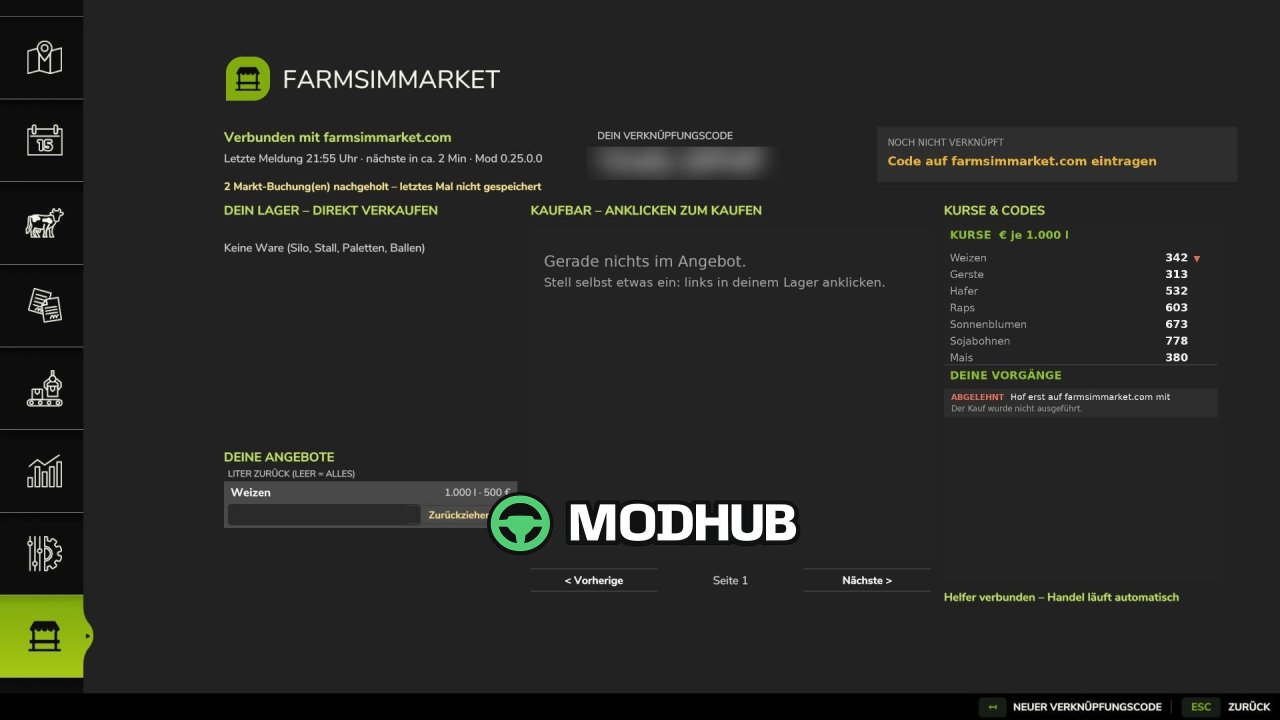
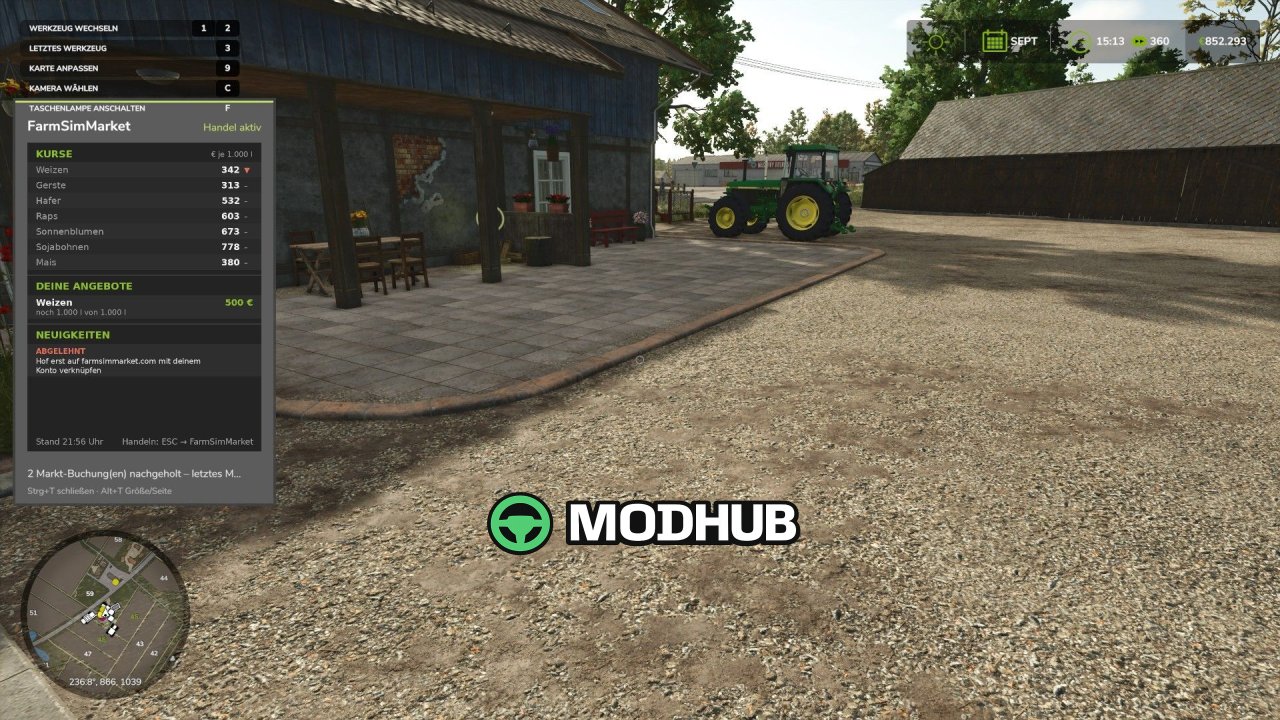
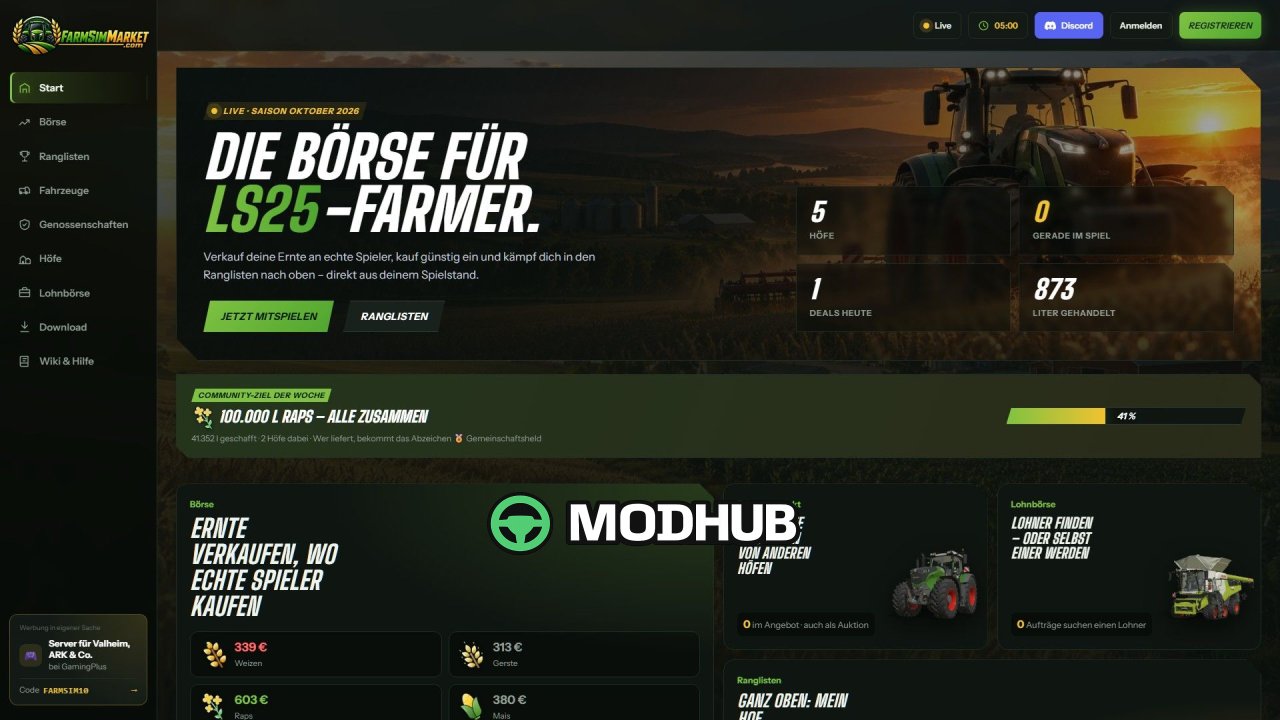
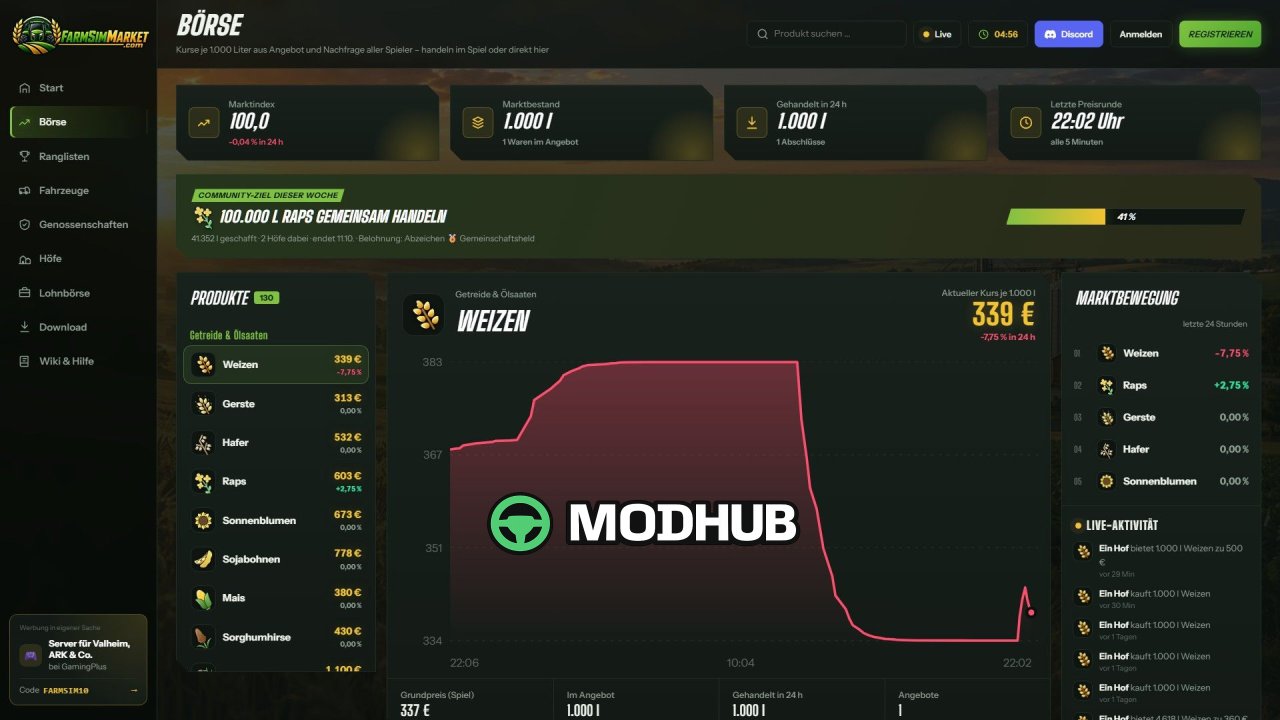
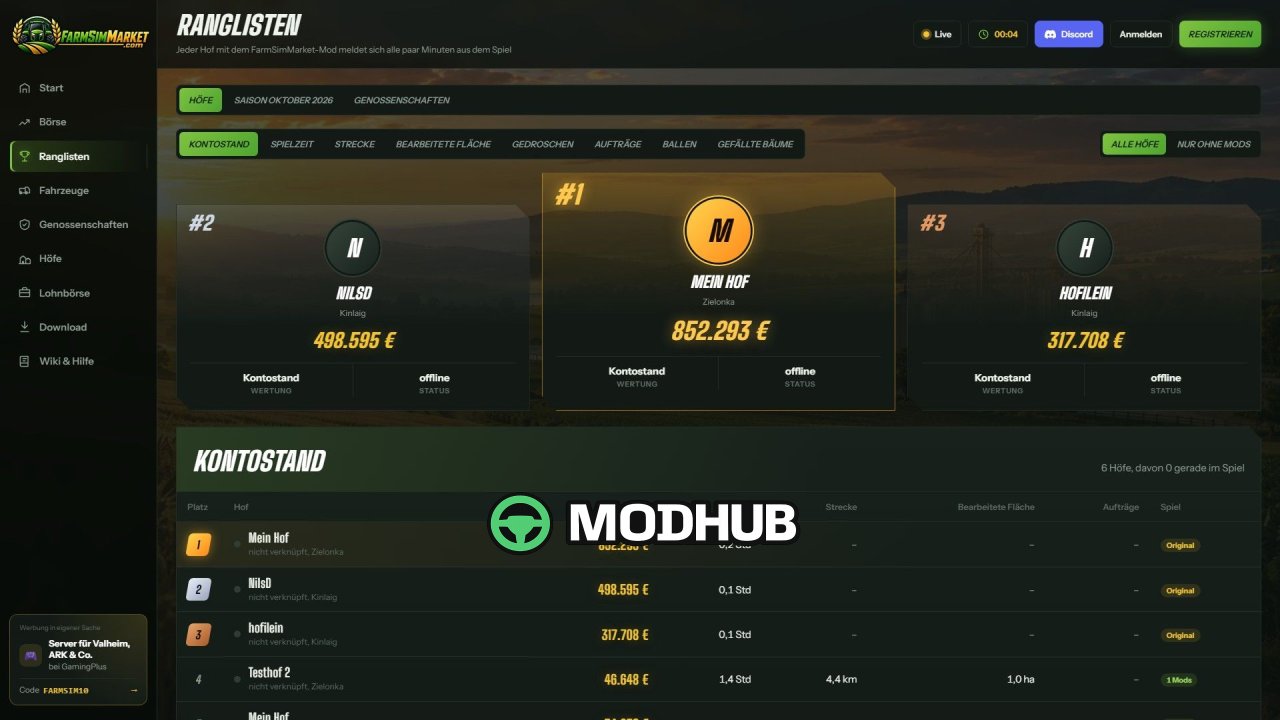
FarmSimMarket – Player Market & Rankings BETA 5 v0.31 is a script for Farming Simulator 25 that turns ordinary trading with the game into a real marketplace between players. It links your farm to the farmsimmarket.com platform, where you can sell and buy crops, milk, pallets, bales and vehicles. All deals happen directly in-game through the ESC → FarmSimMarket menu or on the website, with no extra building required. The script also adds leaderboards, a farm profile and a contract marketplace, including work on shared servers.
• The market tablet opens with Ctrl+T and shows prices, your offers and news at the edge of the screen even while driving.
• Purchased goods go straight into your existing silos and storage, while pallets and bales appear at the shop's drop-off area.
• The contract marketplace lets you post or accept jobs with field access permissions on multiplayer servers.
• Multiplayer, dedicated and rented servers (G-Portal, Nitrado) are supported through the server bridge.
• To get started, place the ZIP in the Mods folder, activate it in your savegame and enter the in-game code on the website.
Overall it is a handy tool for players who want to trade with real people and compare their farm with others.
About Script FarmSimMarket – Player Market & Rankings BETA 5 v0.31 for FS25
Script FarmSimMarket – Player Market & Rankings BETA 5 v0.31 for FS25 is a mod for Farming Simulator 25. Check the author description, supported game version and dependencies before installing.
How to install the mod
Follow the installation instructions for Script FarmSimMarket – Player Market & Rankings BETA 5 v0.31 for FS25, Farming Simulator 25 and your platform.
Download the mod archive using the Download button and read the author instructions.
On PC, copy the mod ZIP without extracting it to Documents/My Games/FarmingSimulator2025/mods. For a bundle, extract the individual mod ZIPs first. macOS and Microsoft Store paths may differ; check Mod Directory in the game log.txt.
Start the game and enable the mod for the selected save or profile, if required.
Test using a backup or a new save. Install any dependencies listed by the author.
System requirements and compatibility
Check the mod description for supported game versions, required DLC and platforms. Compatibility with every version or other mods is not guaranteed. Farming Simulator script mods are for PC/macOS. Console players can only install compatible mods from the in-game GIANTS ModHub.
Frequently asked questions
Is this mod free?
MODHUB does not charge for access to this mod page. Check the terms and download limits of the external file provider.
Can I use this mod in Farming Simulator 25 multiplayer?
Multiplayer support depends on the mod and its author. If supported, the server and players need matching mod versions and required DLC.
What should I check if the mod does not work?
Check the installation folder, archive structure, supported game version, dependencies and game logs. Test the mod separately using a backup save.
How can I check a downloaded mod?
Use trusted author sources, scan the archive and back up your saves. Do not run unrelated installers; a download listing does not guarantee safety or compatibility.