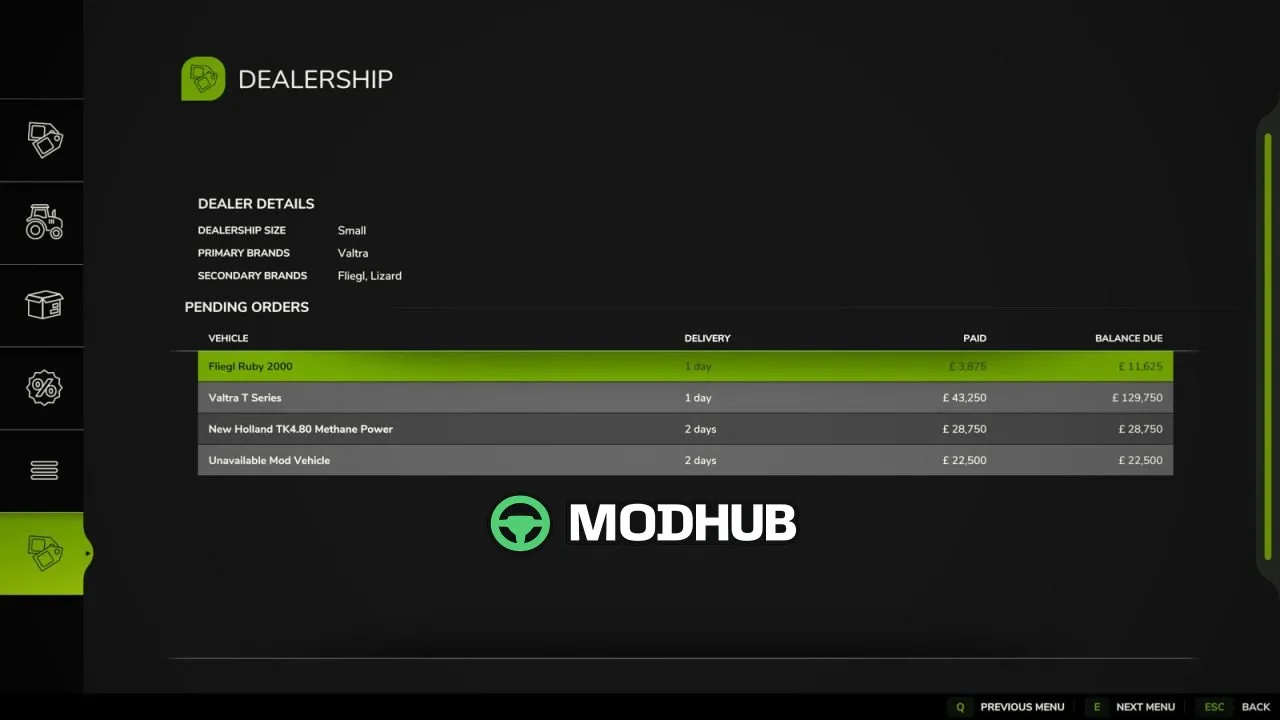
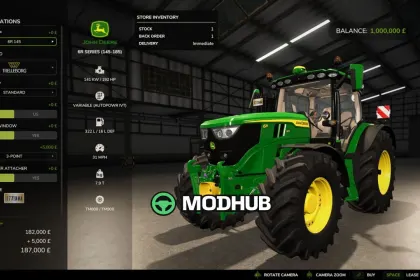
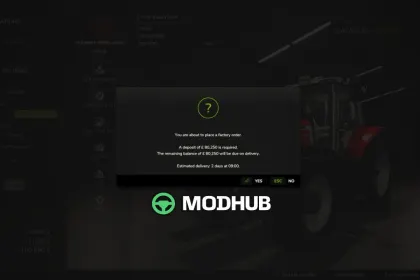
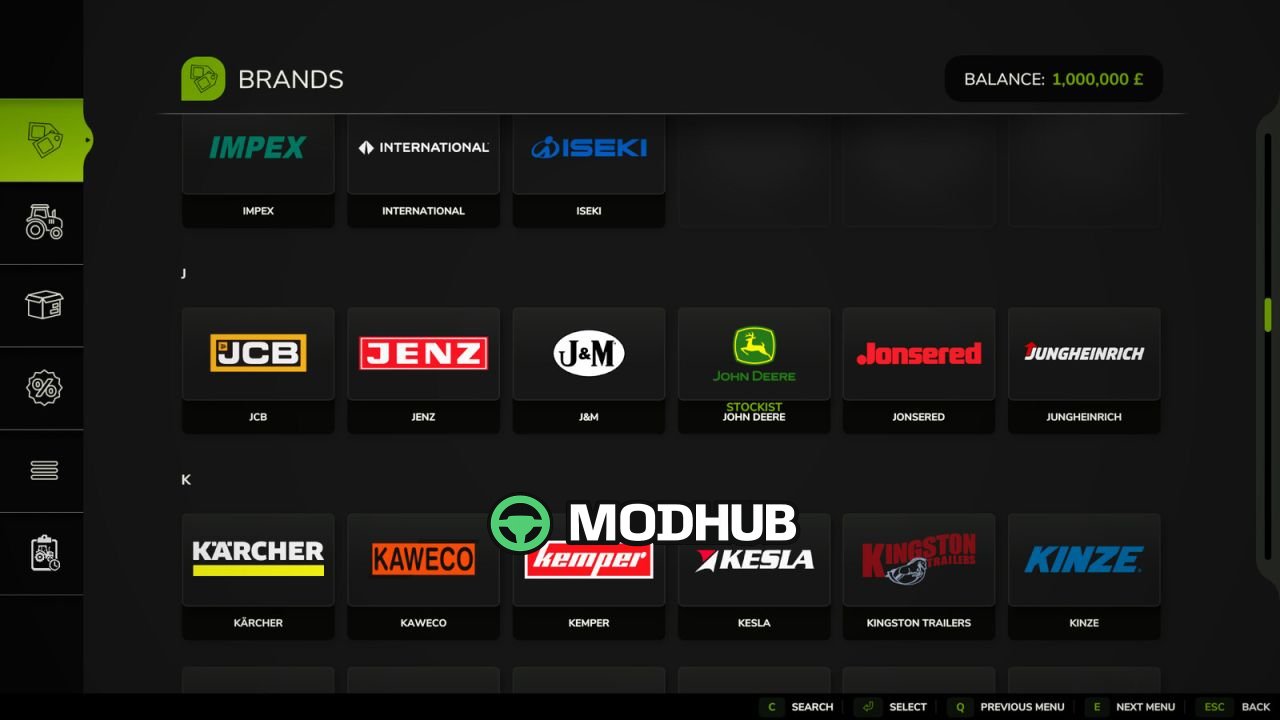
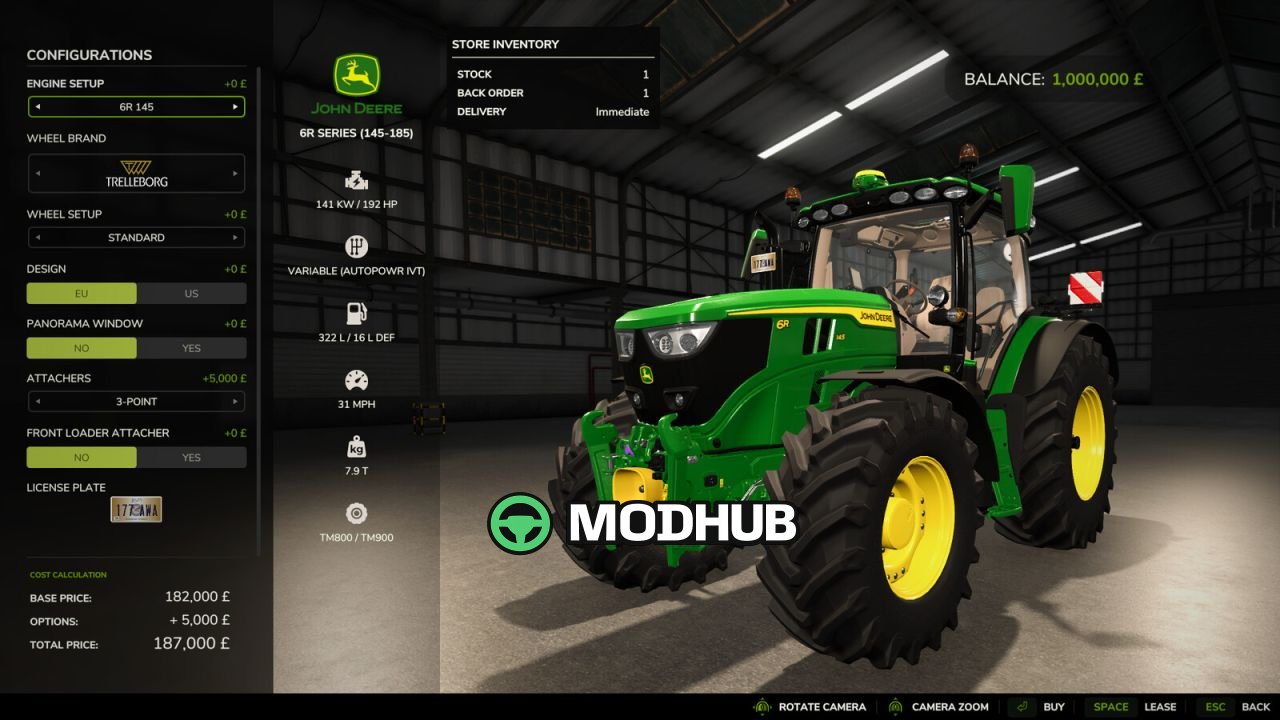
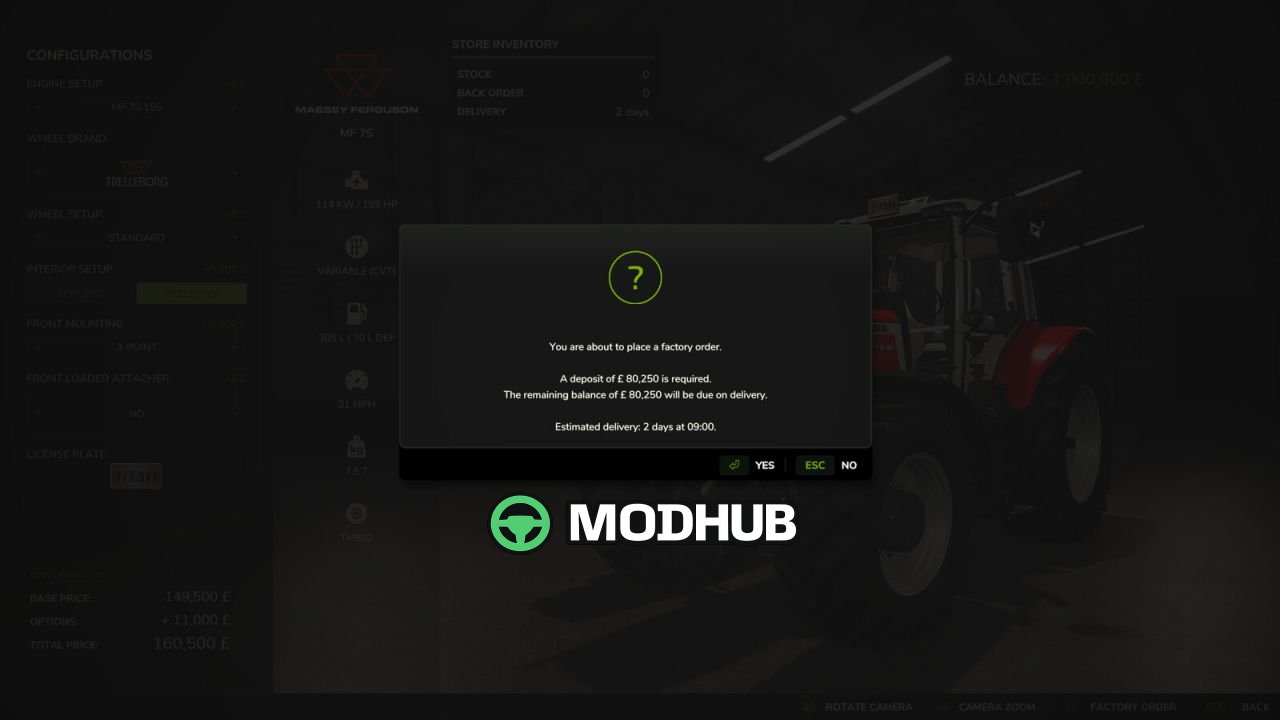
Dynamic Dealership V2.0 is a script for Farming Simulator 25 that turns the standard vehicle shop into a realistic dealer stock and ordering system. At the start of every new savegame a dealership is created with its own primary and secondary brands, and map makers can define these brands through a configuration file for consistent representation. Each dealership has a notional size that determines its stock capacity and stock-ordering budget. Vehicles from represented brands may be held in stock and bought immediately, while missing items and unrepresented brands must be ordered and are subject to a delivery lead time.
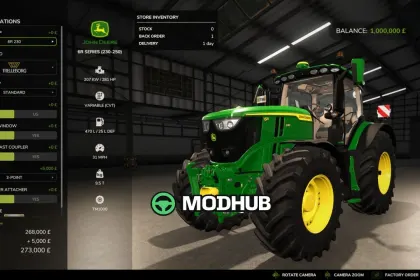
• Vehicle states: In Stock, Back Order and Factory Order with different buying and reservation rules
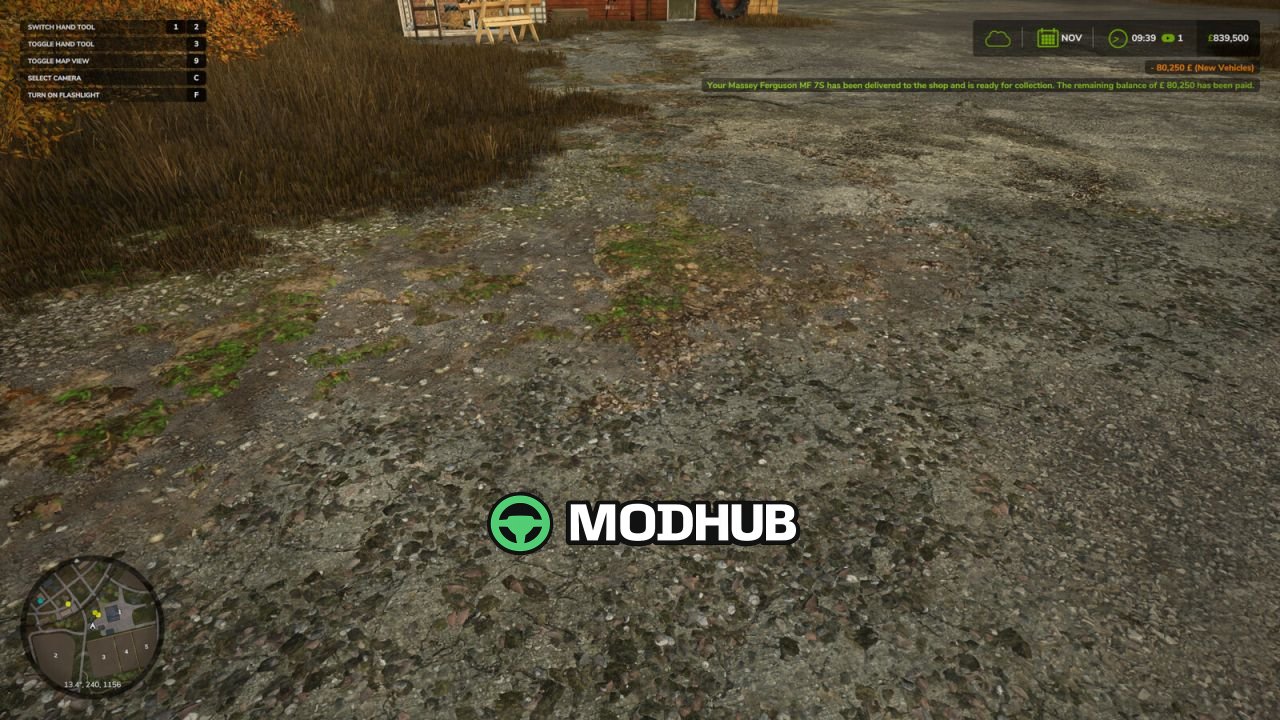
• A deposit is taken when ordering, with the remaining balance charged automatically on delivery
• Delivery times vary by brand representation, vehicle weight or value and the number of days per period
• The Dealership page in the vehicle shop shows dealership details and your farm's pending orders
• Multiplayer support plus compatibility with Real Seeder consumables and the Hire Purchase Mod by Ozz
• V2.0.0.0 adds in-game dealership configuration and an option to lease all machines regardless of stock
If a required vehicle mod is removed before delivery, the order is cancelled and the deposit refunded when the delivery becomes due.
About Script Dynamic Dealership V2.0 for FS25
Script Dynamic Dealership V2.0 for FS25 is a mod for Farming Simulator 25. Check the author description, supported game version and dependencies before installing.
How to install the mod
Follow the installation instructions for Script Dynamic Dealership V2.0 for FS25, Farming Simulator 25 and your platform.
Download the mod archive using the Download button and read the author instructions.
On PC, copy the mod ZIP without extracting it to Documents/My Games/FarmingSimulator2025/mods. For a bundle, extract the individual mod ZIPs first. macOS and Microsoft Store paths may differ; check Mod Directory in the game log.txt.
Start the game and enable the mod for the selected save or profile, if required.
Test using a backup or a new save. Install any dependencies listed by the author.
System requirements and compatibility
Check the mod description for supported game versions, required DLC and platforms. Compatibility with every version or other mods is not guaranteed. Farming Simulator script mods are for PC/macOS. Console players can only install compatible mods from the in-game GIANTS ModHub.
Frequently asked questions
Is this mod free?
MODHUB does not charge for access to this mod page. Check the terms and download limits of the external file provider.
Can I use this mod in Farming Simulator 25 multiplayer?
Multiplayer support depends on the mod and its author. If supported, the server and players need matching mod versions and required DLC.
What should I check if the mod does not work?
Check the installation folder, archive structure, supported game version, dependencies and game logs. Test the mod separately using a backup save.
How can I check a downloaded mod?
Use trusted author sources, scan the archive and back up your saves. Do not run unrelated installers; a download listing does not guarantee safety or compatibility.