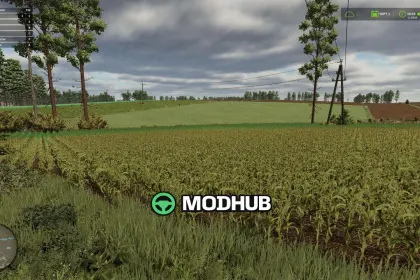
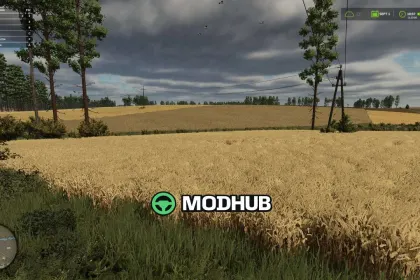
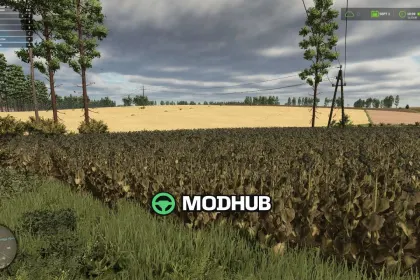
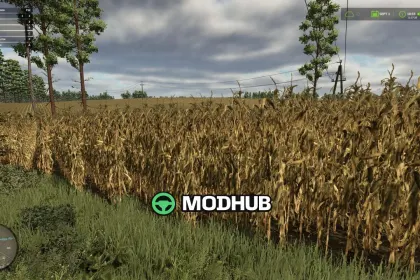
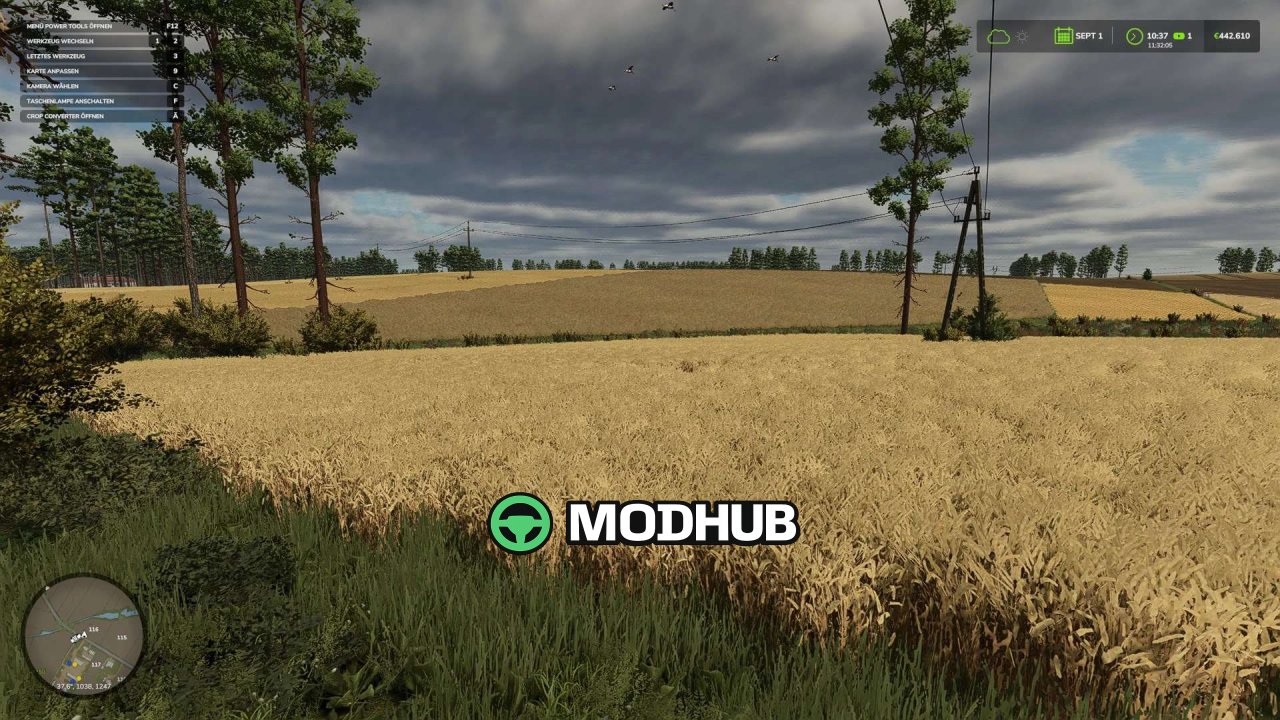
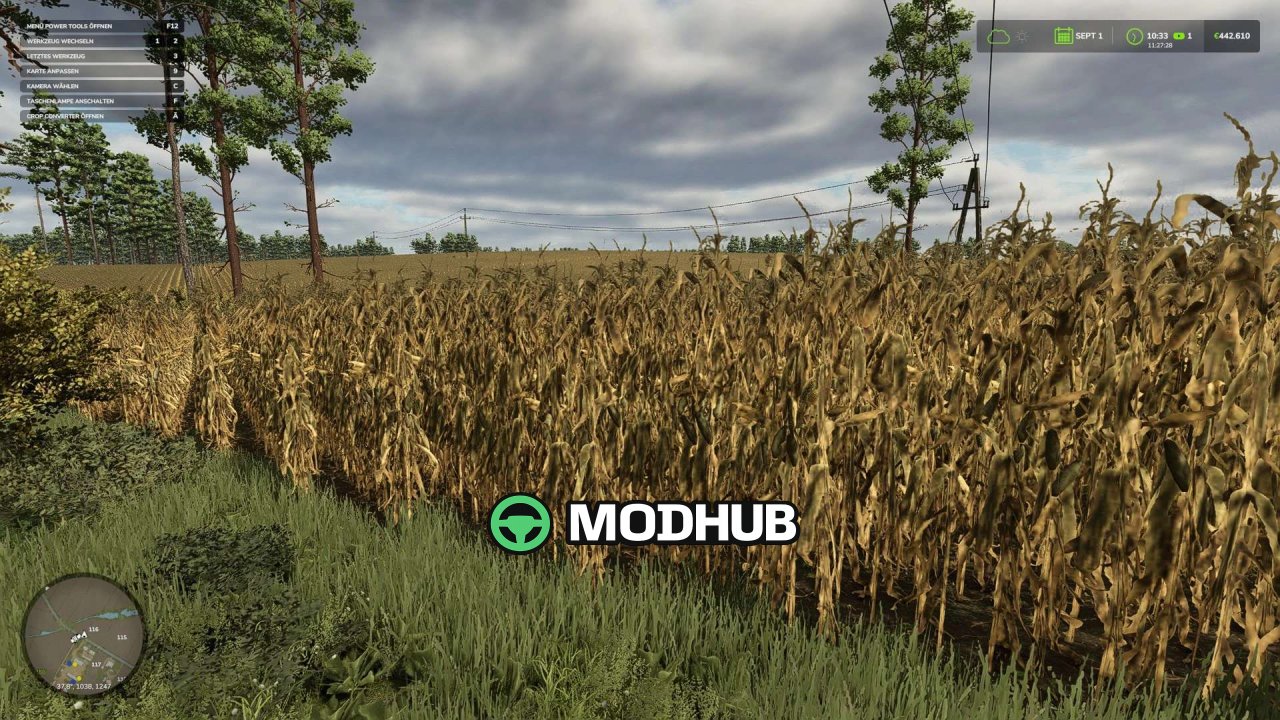
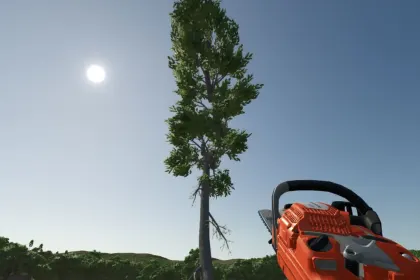
Crop Converter v1.1 is a script for Farming Simulator 25 that gives you full control over the crops on your fields. It allows you to quickly switch from one crop to another, clear fields completely, replant, or even randomize the crops. You can apply changes to all fields, only your own, or just the current field. The mod automatically detects map-specific and modded crops.
• Crop switching: choose any available crop for a field.
• Clearing and replanting: remove vegetation or replant from scratch.
• Randomization: randomly assign crops to selected fields.
• Live preview: see changes in real time before applying.
• Simple controls: intuitive in-game hotkeys.
• No dependencies: requires no additional mods.
• Status preserved: fertilization, liming, and plowing remain intact.
• Contract protection: fields with active contracts are automatically locked.
The script is for single-player or host use only, so creating a savegame backup before major changes is recommended.
About «Script Crop Converter v1.1 for FS25»
This mod is among the best in the «Скрипти» category for Farming Simulator 25. Adds quality content to the game, tested by the community, without conflicts with other mods.
How to Install the Mod
Installing the "Script Crop Converter v1.1 for FS25" mod for Farming Simulator 25 takes less than a minute:
Download the mod file from our website by clicking the «Download» button
Extract the archive to Documents/My Games/Farming Simulator 25/mods
Launch the game — the mod will appear in the «Mods» section
Activate the mod in your save and enjoy the new content
System Requirements
The "Script Crop Converter v1.1 for FS25" mod is compatible with all official Farming Simulator 25 versions. No additional modifications or tweaks required. Works on Windows, macOS, Linux (via ProtonDB) and consoles that support mods.
Frequently Asked Questions
Is this mod free?
Yes, all MODHUB mods are downloaded free of charge, without registration or redirect ads.
Can I use it in Farming Simulator 25 multiplayer?
Yes, the mod is fully compatible with multiplayer. All players must have this version of the mod installed.
What should I do if the mod does not work?
Ensure the archive is extracted to the correct (not nested) folder. Check that mod and game versions match. Leave a comment below — the community will help.
Is the mod safe?
All MODHUB mods are checked by antivirus software and moderators. We do not host executables (.exe), only in-game content.