James Earl Cash from Manhunt skin for GTA 5 (Menyoo)
12 142 v1.0 27.08.2026
1 / 6
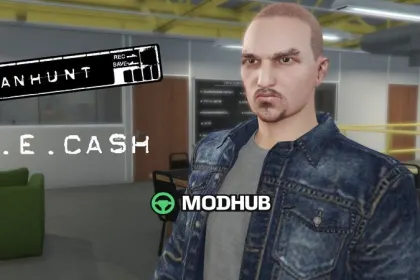
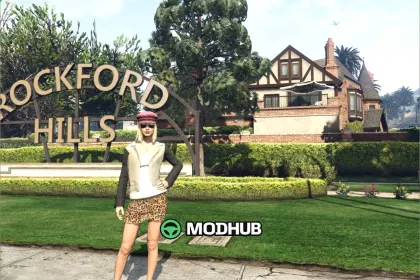
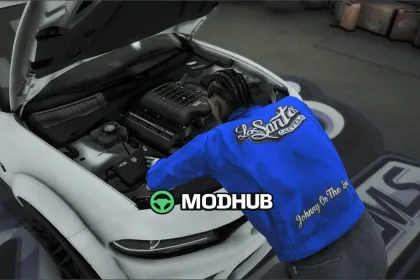
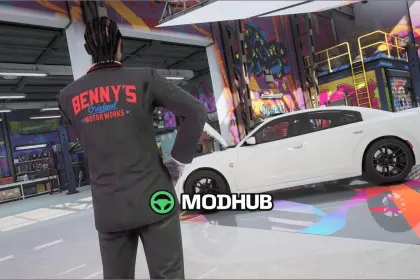
This character skin mod for GTA 5 adds James Earl Cash from Manhunt using Menyoo. The goal is to recreate the stealth-based look and help you build a consistent themed playthrough with a custom outfit.
• Mod type: character skin for GTA 5
• Requirement: Menyoo (applied through the Wardrobe system)
• Character: James Earl Cash
• Use: Menyoo > Player Options > Wardobe, then Apply
• Focus: roleplay, stealth atmosphere, themed saves
The setup is designed for Menyoo so you don’t need custom scripts or complex steps. Once loaded, you can swap into the outfit and keep your character style consistent while exploring Los Santos.
About James Earl Cash from Manhunt skin for GTA 5 (Menyoo)
James Earl Cash from Manhunt skin for GTA 5 (Menyoo) is a mod for GTA 5. Check the author description, supported game version and dependencies before installing.
How to install the mod
Follow the installation instructions for James Earl Cash from Manhunt skin for GTA 5 (Menyoo), GTA 5 and your platform.
Download the mod archive using the Download button and read the author instructions.
Use the folder and archive format specified by the mod author for this game.
Start the game and enable the mod for the selected save or profile, if required.
Test using a backup or a new save. Install any dependencies listed by the author.
System requirements and compatibility
Check the mod description for supported game versions, required DLC and platforms. Compatibility with every version or other mods is not guaranteed.
Frequently asked questions
Is this mod free?
MODHUB does not charge for access to this mod page. Check the terms and download limits of the external file provider.
Can I use this mod in GTA 5 multiplayer?
Multiplayer support depends on the mod and its author. If supported, the server and players need matching mod versions and required DLC.
What should I check if the mod does not work?
Check the installation folder, archive structure, supported game version, dependencies and game logs. Test the mod separately using a backup save.
How can I check a downloaded mod?
Use trusted author sources, scan the archive and back up your saves. Do not run unrelated installers; a download listing does not guarantee safety or compatibility.