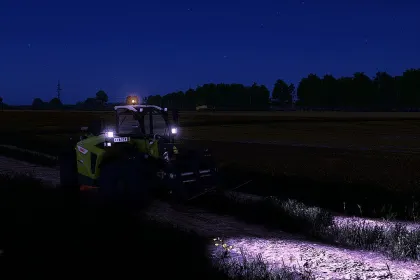
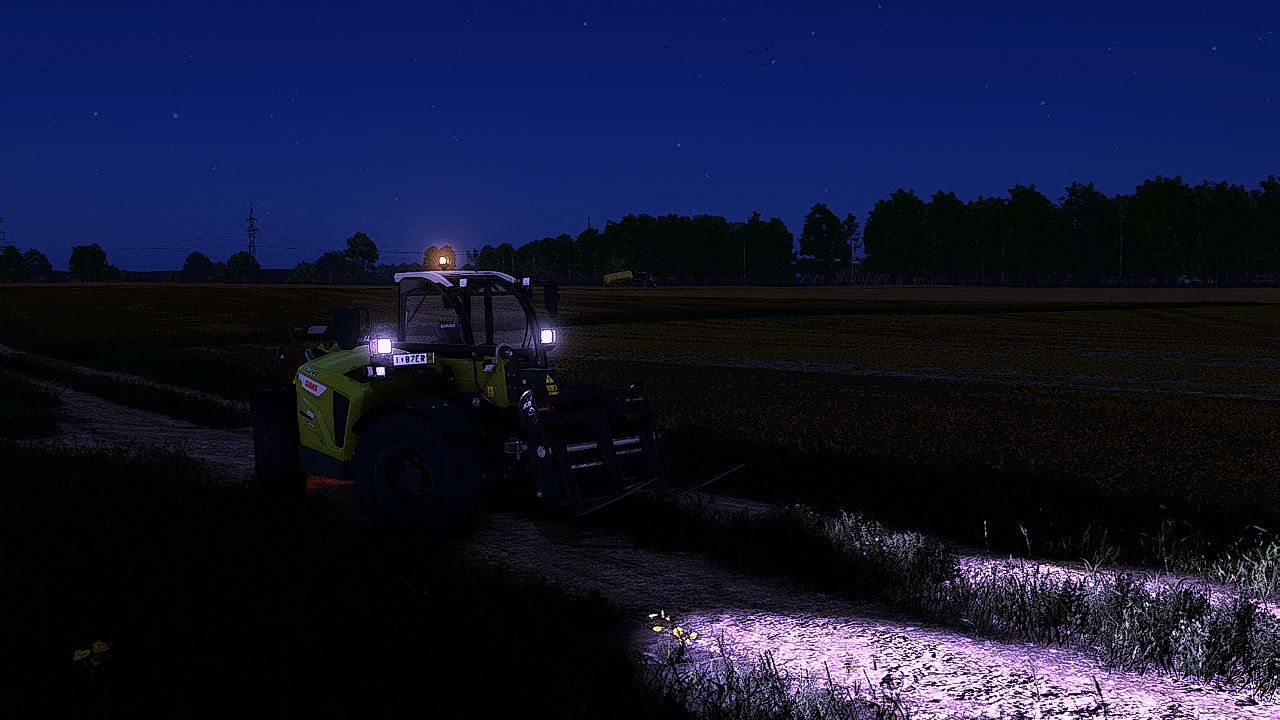
ReShade Preset Mastery is a mod for Farming Simulator 25 that refreshes the visuals through post-processing adjustments. It’s designed for players who want a cleaner look and for those who enjoy fine-tuning graphics. After applying it, scenes gain more depth thanks to more consistent lighting behavior and better color toning.
• Compatibility: Farming Simulator 25 (ReShade post-processing)
• Lighting: enhances realism in daytime and evening scenes
• Color: adjusts the palette for more natural soil and vegetation tones
• Contrast & clarity: settings for a sharper image without harsh oversaturation
• Flexibility: user-friendly parameters to fit your personal preferences
Mastery is built to help you reach the desired look quickly. The package includes clear setup guidance and practical recommendations for achieving a balanced image across different weather conditions. That makes it easier to maintain a pleasing view while operating machines, when it’s important to see fine details in the field.
The preset doesn’t lock you to a single outcome—feel free to tweak effect intensity, shift the overall color atmosphere, and choose what feels best for morning, daytime, or dusk. In the end, Farming Simulator 25 looks more cinematic while staying readable and comfortable to play. The result is a more immersive experience during long farming sessions.
About Reshade Preset Mastery for Farming Simulator 25
Reshade Preset Mastery for Farming Simulator 25 is a mod for Farming Simulator 25. Check the author description, supported game version and dependencies before installing.
How to install the mod
Follow the installation instructions for Reshade Preset Mastery for Farming Simulator 25, Farming Simulator 25 and your platform.
Download the mod archive using the Download button and read the author instructions.
On PC, copy the mod ZIP without extracting it to Documents/My Games/FarmingSimulator2025/mods. For a bundle, extract the individual mod ZIPs first. macOS and Microsoft Store paths may differ; check Mod Directory in the game log.txt.
Start the game and enable the mod for the selected save or profile, if required.
Test using a backup or a new save. Install any dependencies listed by the author.
System requirements and compatibility
Check the mod description for supported game versions, required DLC and platforms. Compatibility with every version or other mods is not guaranteed. Farming Simulator script mods are for PC/macOS. Console players can only install compatible mods from the in-game GIANTS ModHub.
Frequently asked questions
Is this mod free?
MODHUB does not charge for access to this mod page. Check the terms and download limits of the external file provider.
Can I use this mod in Farming Simulator 25 multiplayer?
Multiplayer support depends on the mod and its author. If supported, the server and players need matching mod versions and required DLC.
What should I check if the mod does not work?
Check the installation folder, archive structure, supported game version, dependencies and game logs. Test the mod separately using a backup save.
How can I check a downloaded mod?
Use trusted author sources, scan the archive and back up your saves. Do not run unrelated installers; a download listing does not guarantee safety or compatibility.