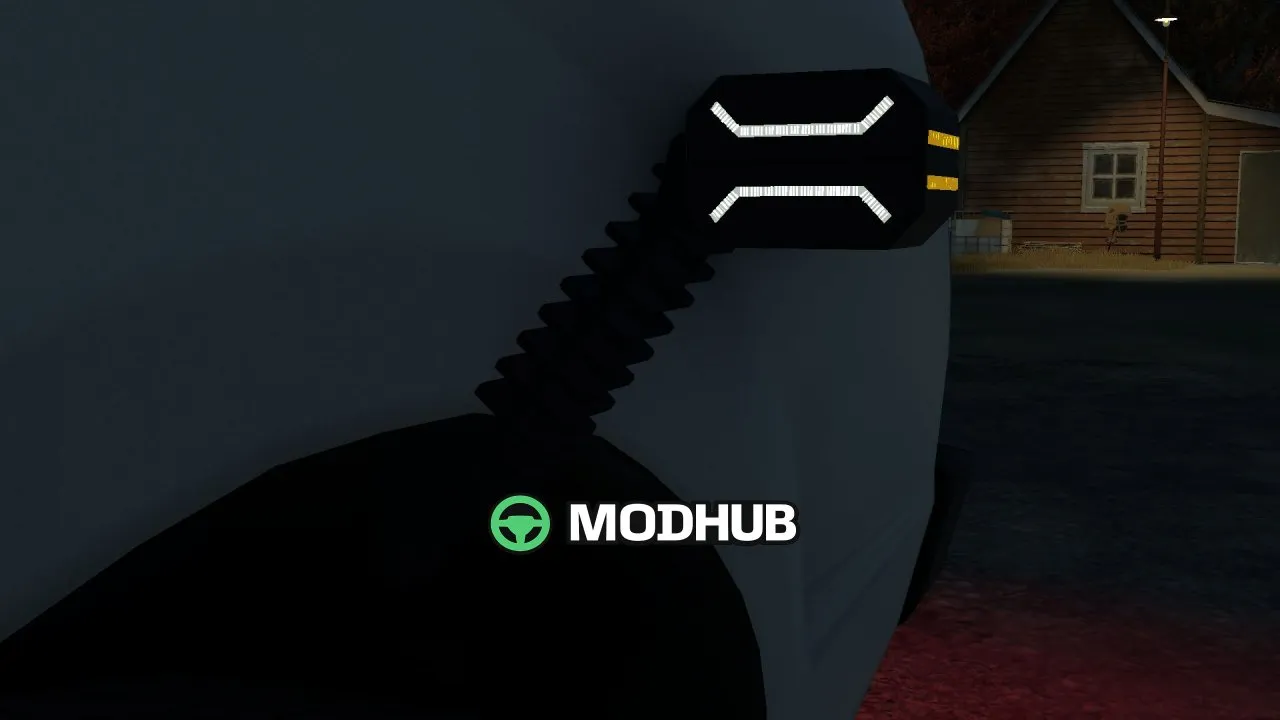
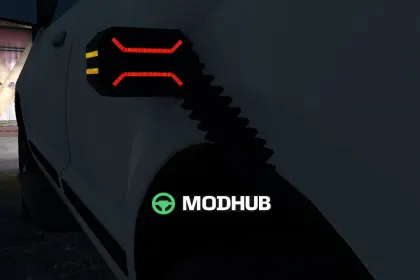
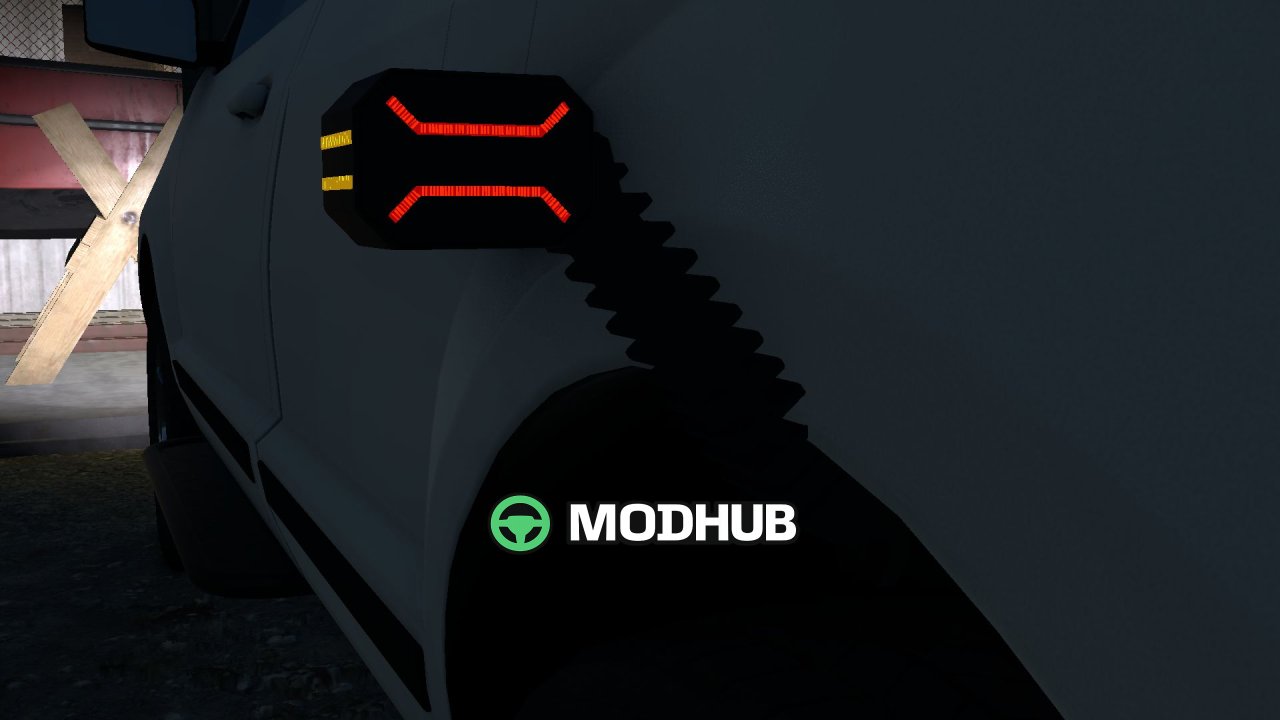
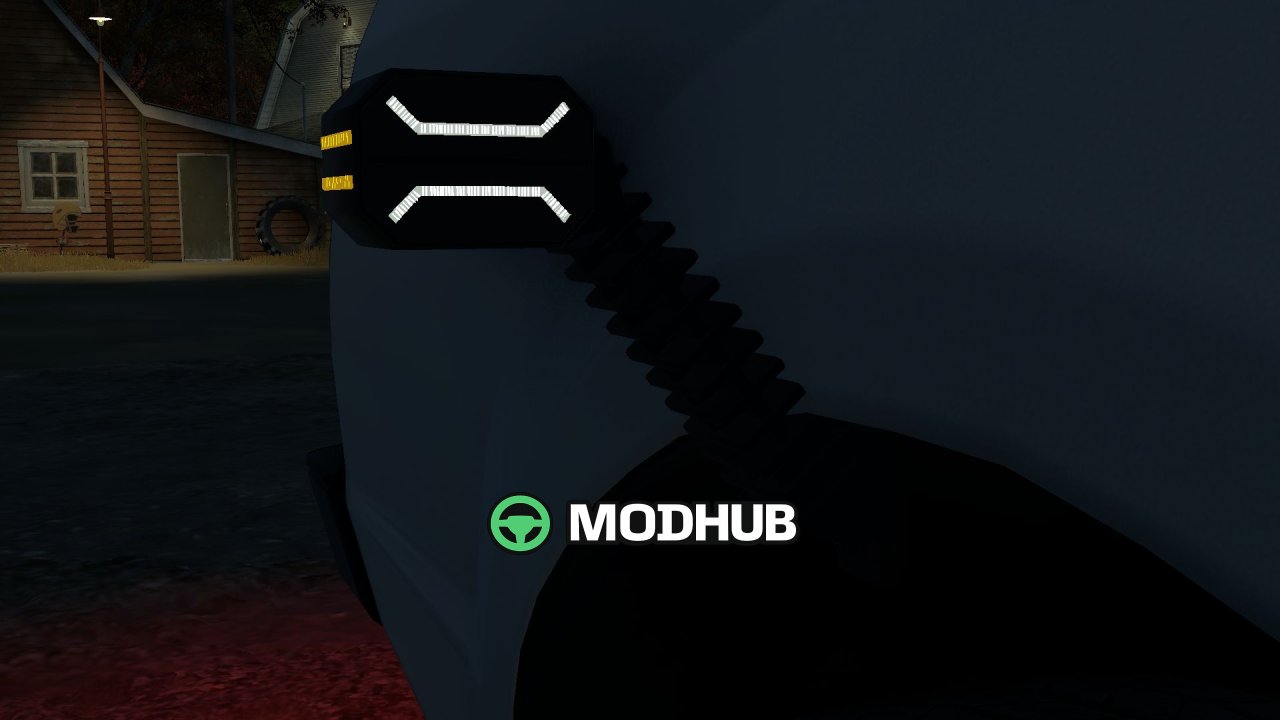
Purelux Polearm 200 (Prefab) is a set of marker lights for Farming Simulator 25, designed for vehicle modders. It reconstructs the left and right Purelux Polearm 200 marker-light prefabs based on the published dimensions of 200 × 179 × 50 mm. The model features a white front, amber side and red rear position lights, along with a ribbed rubber arm and mounting holes. Two levels of detail and spatial dirt masks are included for realistic appearance.
• Compatibility: native FS25 sharedLight integration and an offline XML helper.
• Documentation: complete installation guides in English, Norwegian and Swedish.
• Editing: editable Blender sources included for further adaptation.
• Detail: two levels of detail and spatial dirt masks.
• Dimensions: 200 × 179 × 50 mm, reconstructed from product photographs.
This is a component for modders, not a shop item, so it has no custom runtime Lua, turn signals or animated rubber flex.
About «Purelux Polearm 200 (Prefab) for FS25»
This mod is among the best in the «Інше» category for Farming Simulator 25. Adds quality content to the game, tested by the community, without conflicts with other mods.
How to Install the Mod
Installing the "Purelux Polearm 200 (Prefab) for FS25" mod for Farming Simulator 25 takes less than a minute:
Download the mod file from our website by clicking the «Download» button
Extract the archive to Documents/My Games/Farming Simulator 25/mods
Launch the game — the mod will appear in the «Mods» section
Activate the mod in your save and enjoy the new content
System Requirements
The "Purelux Polearm 200 (Prefab) for FS25" mod is compatible with all official Farming Simulator 25 versions. No additional modifications or tweaks required. Works on Windows, macOS, Linux (via ProtonDB) and consoles that support mods.
Frequently Asked Questions
Is this mod free?
Yes, all MODHUB mods are downloaded free of charge, without registration or redirect ads.
Can I use it in Farming Simulator 25 multiplayer?
Yes, the mod is fully compatible with multiplayer. All players must have this version of the mod installed.
What should I do if the mod does not work?
Ensure the archive is extracted to the correct (not nested) folder. Check that mod and game versions match. Leave a comment below — the community will help.
Is the mod safe?
All MODHUB mods are checked by antivirus software and moderators. We do not host executables (.exe), only in-game content.