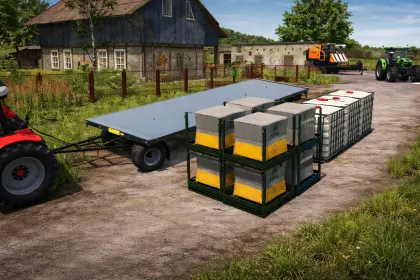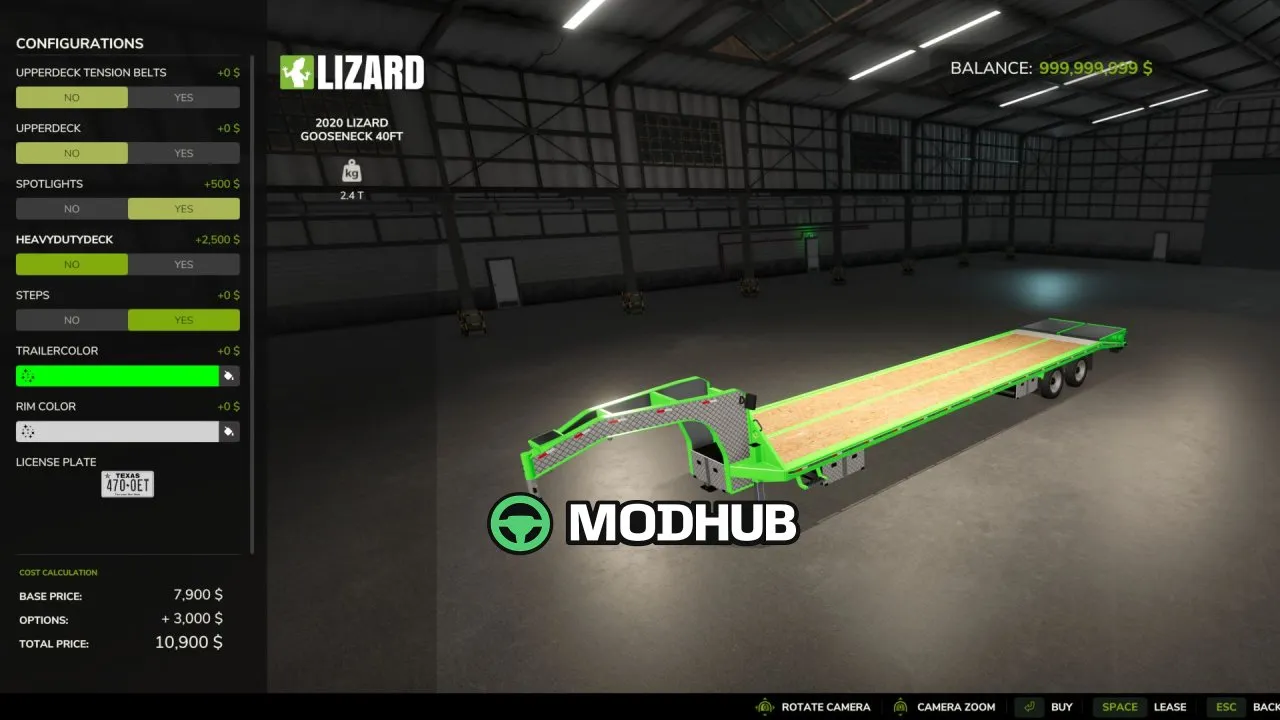
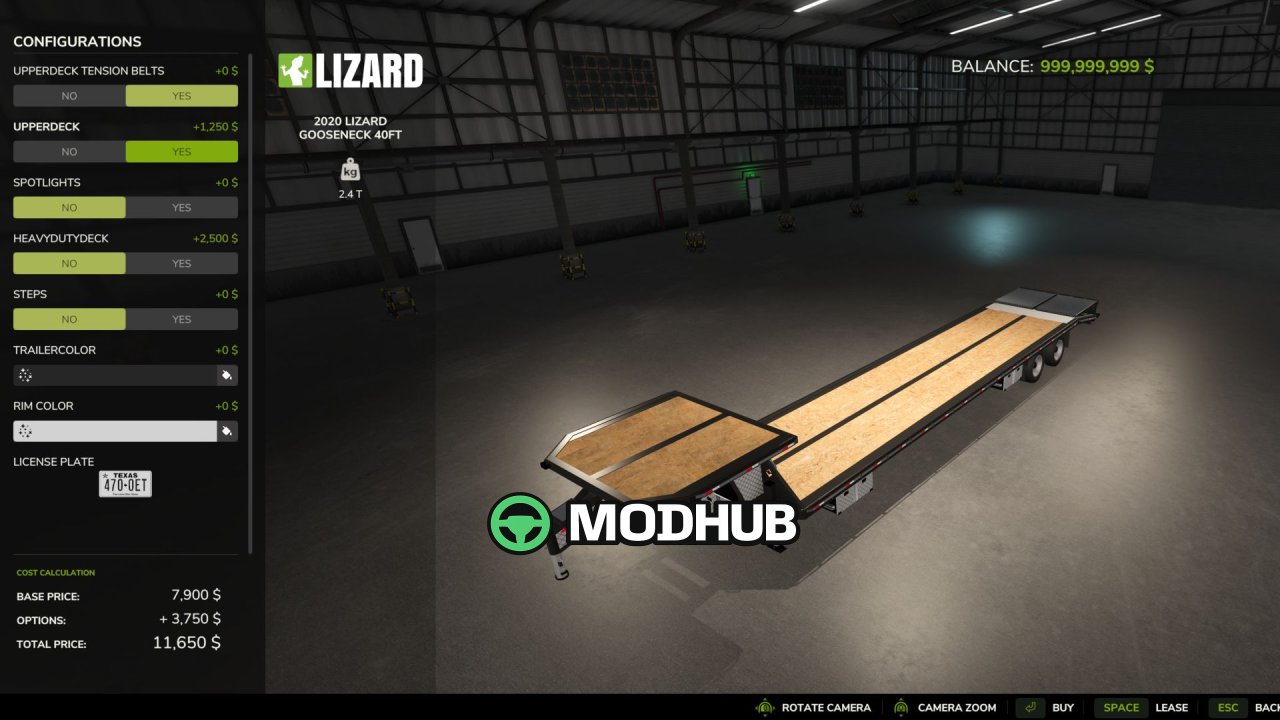
The 2020 Lizard Gooseneck V1.1 is a trailer mod for Farming Simulator 25, built to haul machinery, vehicles, and assorted cargo on demanding routes. It features a 40FT gooseneck deck and a highly configurable setup, so you can match the trailer to different transport tasks. With optional upper-deck equipment, lighting, steps, and tension belts, it’s easy to keep loads secure and handle the job efficiently.
• 40FT gooseneck equipment trailer
• Multiple deck options: wood deck configuration and aluminum deck configuration
• Optional upper deck with upper-deck tension belts
• Rear loading ramp for practical vehicle access
• WARN winch system for secure handling
• Tension belt support to properly fasten equipment
• Work lights and optional steps
• Configurable trailer appearance, color options, and equipment layout
Version V1.1.0.0 adds a major update focused on localization and performance optimization without changing the trailer’s original look and behavior. The update includes a substantial geometry reduction while keeping the model visually very close to the original. Texture and file improvements were also applied, including corrected DDS compression, added missing mipmaps, and removal of obsolete PNG source files when DDS is already used.
Functionality is preserved throughout the optimization: the original rear-ramp collision geometry remains intact, the ramp animation hierarchy is kept, and key systems such as the trailer configuration menu, tension belts, lighting, winch configuration, and deck configurations are not replaced. The mod passes Farming Simulator 25 TestRunner with 14/14 modules marked PASS, including texture checks, I3D checks, mod description checks, vehicle checks, and shader/editor-related validations. The optimized scene reports about 225,820 triangles, staying below the 250,000-triangle warning threshold.
About 2020 Lizard Gooseneck V1.1 for FS25
2020 Lizard Gooseneck V1.1 for FS25 is a mod for Farming Simulator 25. Check the author description, supported game version and dependencies before installing.
How to install the mod
Follow the installation instructions for 2020 Lizard Gooseneck V1.1 for FS25, Farming Simulator 25 and your platform.
Download the mod archive using the Download button and read the author instructions.
On PC, copy the mod ZIP without extracting it to Documents/My Games/FarmingSimulator2025/mods. For a bundle, extract the individual mod ZIPs first. macOS and Microsoft Store paths may differ; check Mod Directory in the game log.txt.
Start the game and enable the mod for the selected save or profile, if required.
Test using a backup or a new save. Install any dependencies listed by the author.
System requirements and compatibility
Check the mod description for supported game versions, required DLC and platforms. Compatibility with every version or other mods is not guaranteed. Farming Simulator script mods are for PC/macOS. Console players can only install compatible mods from the in-game GIANTS ModHub.
Frequently asked questions
Is this mod free?
MODHUB does not charge for access to this mod page. Check the terms and download limits of the external file provider.
Can I use this mod in Farming Simulator 25 multiplayer?
Multiplayer support depends on the mod and its author. If supported, the server and players need matching mod versions and required DLC.
What should I check if the mod does not work?
Check the installation folder, archive structure, supported game version, dependencies and game logs. Test the mod separately using a backup save.
How can I check a downloaded mod?
Use trusted author sources, scan the archive and back up your saves. Do not run unrelated installers; a download listing does not guarantee safety or compatibility.