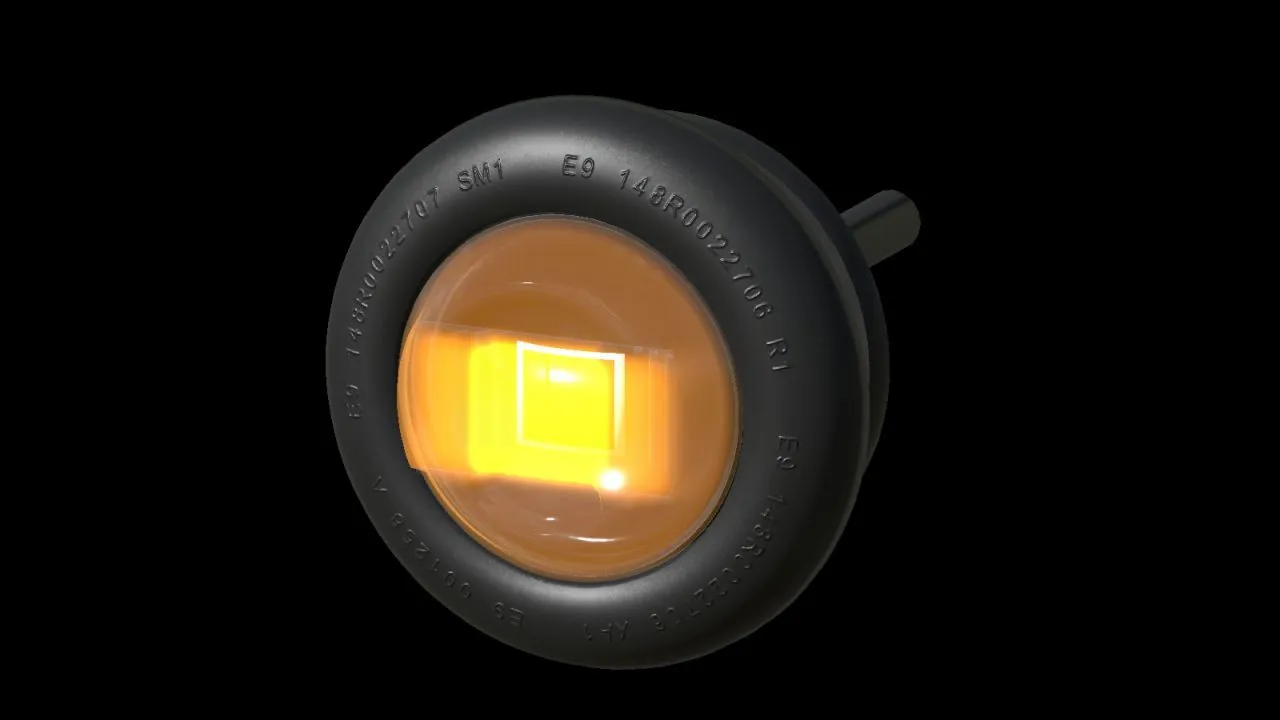
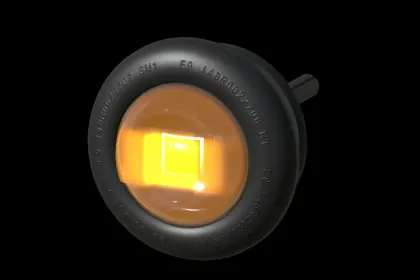
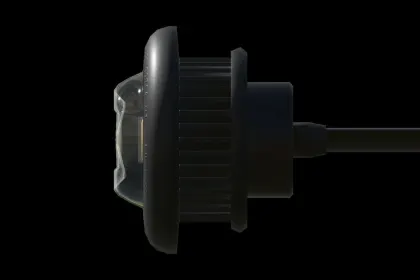
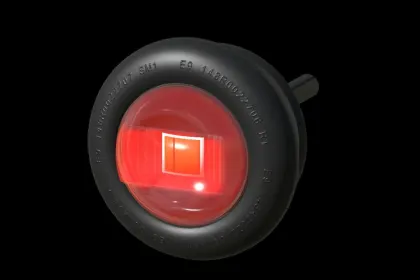
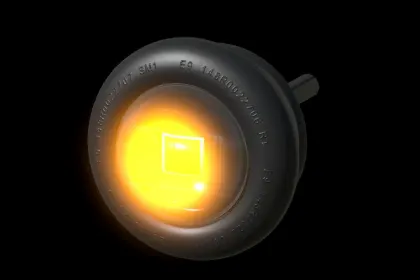
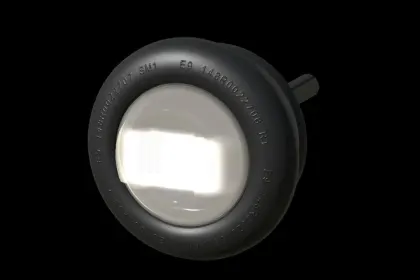
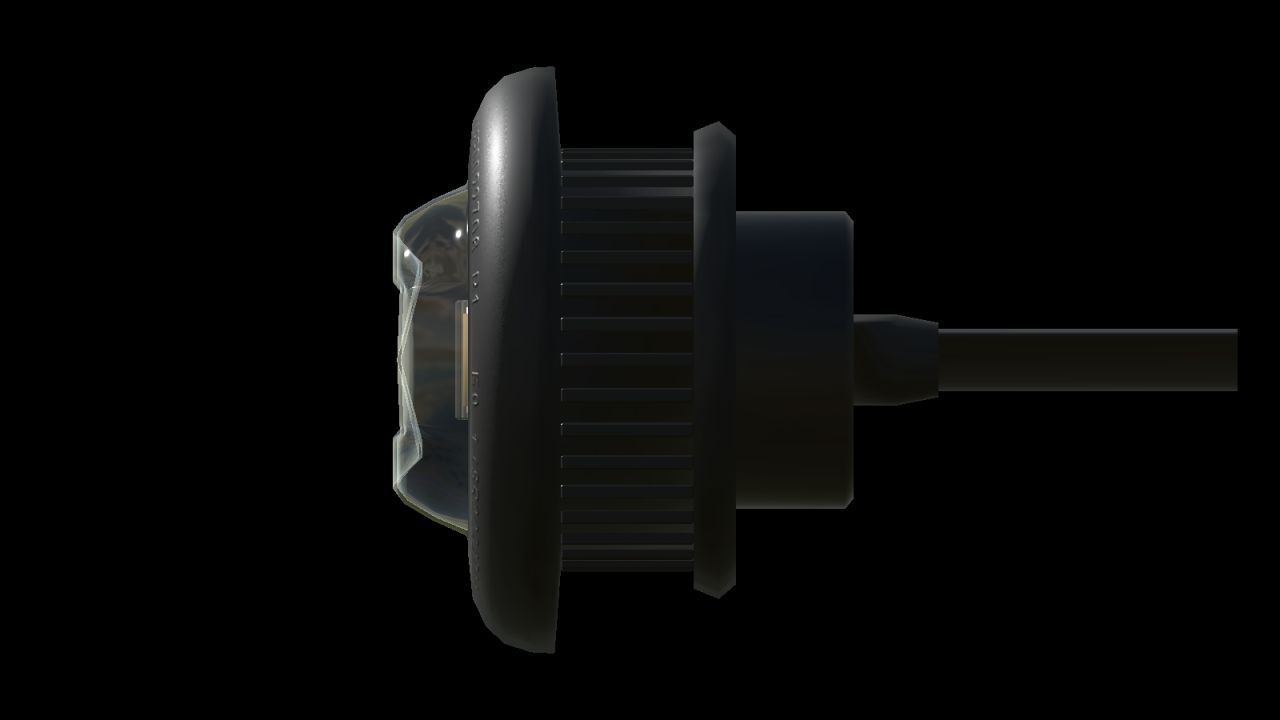
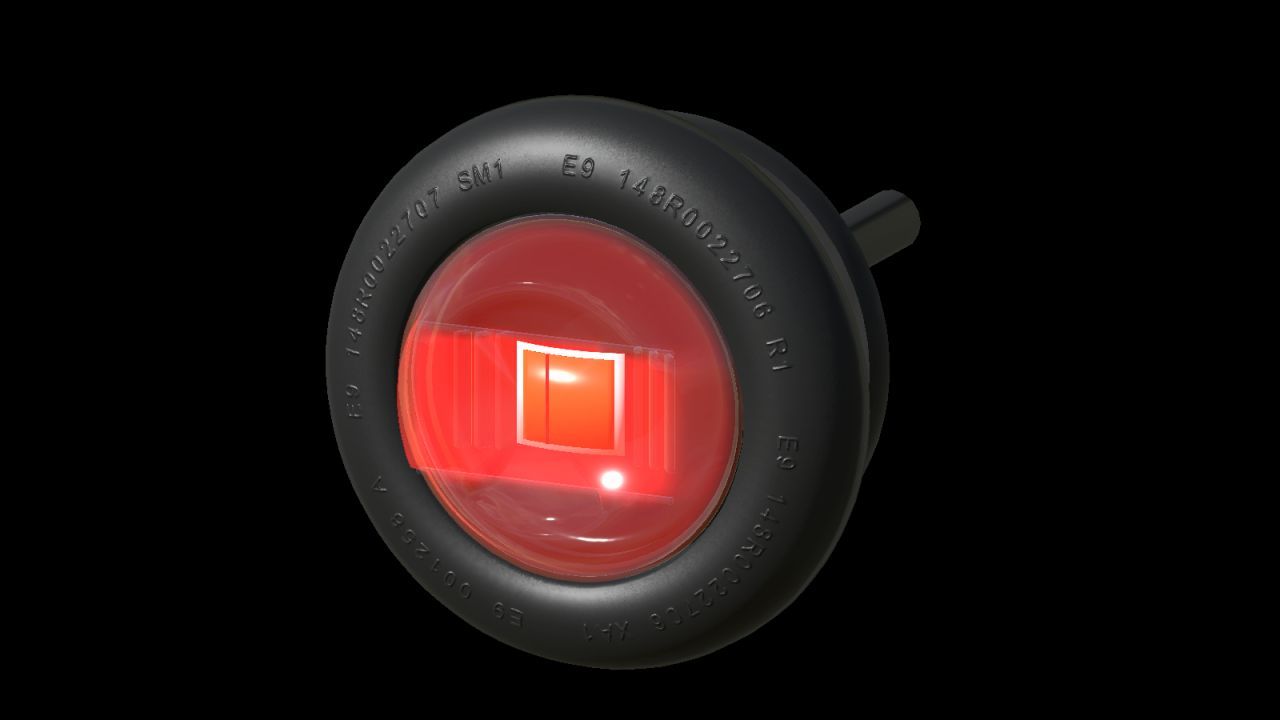
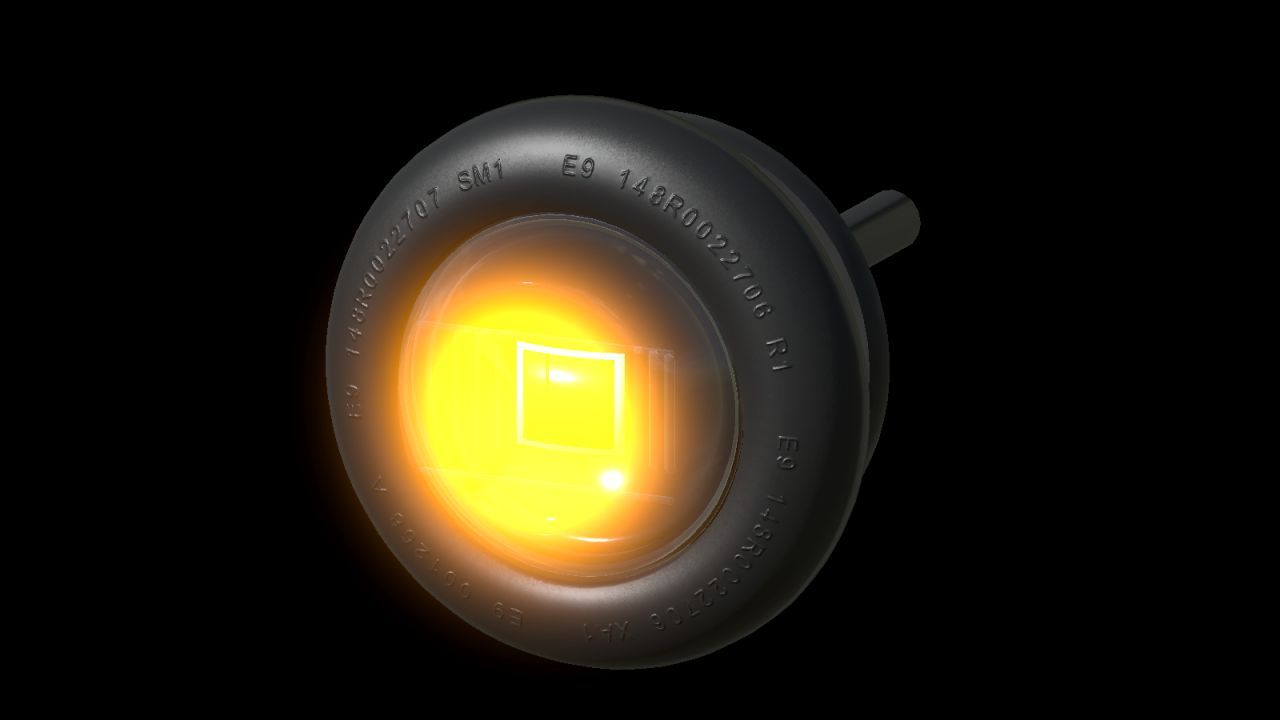
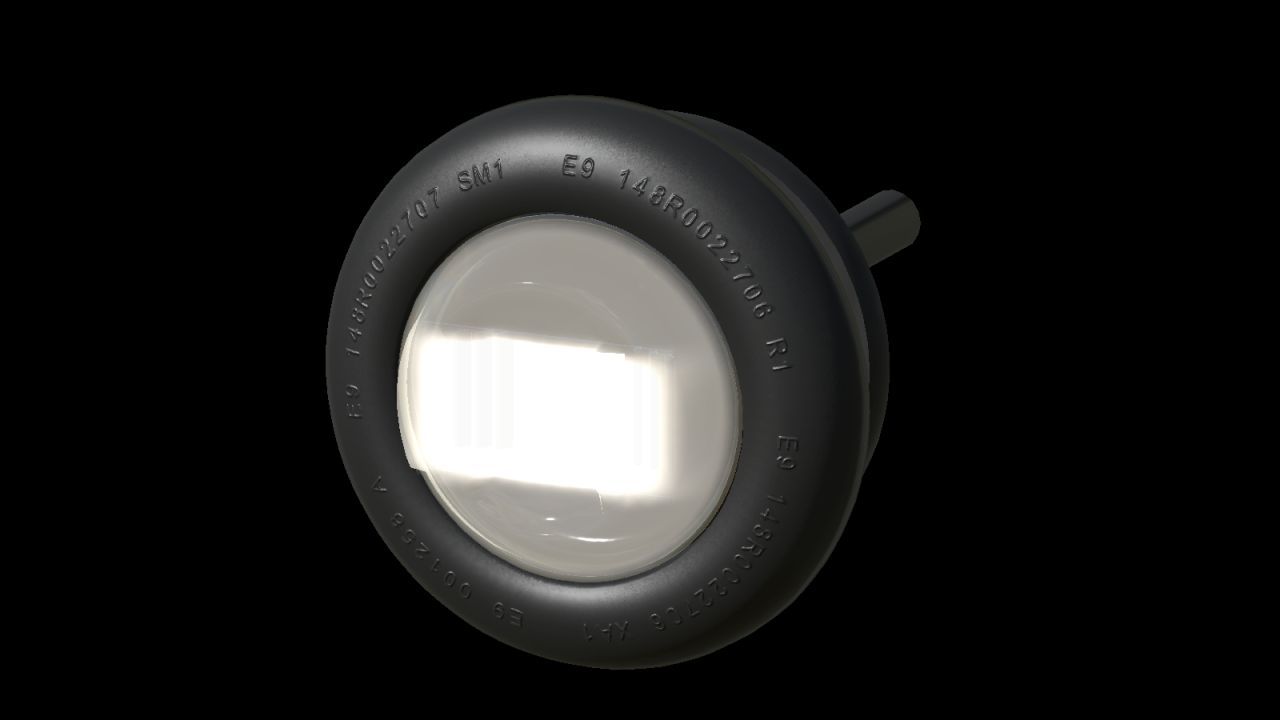
The NLM Purelux Spectre 3X Flash is a compact position and warning light for Farming Simulator 25, designed for mounting on vehicles. It offers a choice of white, amber or red position light combined with an amber single- or double-flash warning pattern. Flat-mount and 60 mm tube-mount variants are included, and with three position-light colours, two mounts and two flash patterns, twelve ready-made XML combinations are provided. The position light follows the vehicle's normal light controls and casts a subtle coloured glow onto nearby surfaces, while the warning flash uses the game's normal beacon control and temporarily switches off the position light.
• Three position-light colours: white, amber and red, selectable during configuration.
• Two mount types: flat-mount and 60 mm tube-mount, increasing compatibility with various vehicle models.
• Two warning flash patterns: single and double, adapted for the game.
• Includes a Lua script that must be registered in the vehicle as described in the guide.
• Detailed rubber mounts, transparent optics and two detail levels are included.
• Dirt masks updated using GIANTS data, plus an XML helper, connection examples and installation guides in English, Swedish and Norwegian.
This is a prefab for vehicle modders, requiring installation and configuration using GIANTS Editor and XML; it is not a separate shop item.
About Warning Light NLM Purelux Spectre 3X Flash for Farming Simulator 25
Warning Light NLM Purelux Spectre 3X Flash for Farming Simulator 25 is a mod for Farming Simulator 25. Check the author description, supported game version and dependencies before installing.
How to install the mod
Follow the installation instructions for Warning Light NLM Purelux Spectre 3X Flash for Farming Simulator 25, Farming Simulator 25 and your platform.
Download the mod archive using the Download button and read the author instructions.
On PC, copy the mod ZIP without extracting it to Documents/My Games/FarmingSimulator2025/mods. For a bundle, extract the individual mod ZIPs first. macOS and Microsoft Store paths may differ; check Mod Directory in the game log.txt.
Start the game and enable the mod for the selected save or profile, if required.
Test using a backup or a new save. Install any dependencies listed by the author.
System requirements and compatibility
Check the mod description for supported game versions, required DLC and platforms. Compatibility with every version or other mods is not guaranteed. Farming Simulator script mods are for PC/macOS. Console players can only install compatible mods from the in-game GIANTS ModHub.
Frequently asked questions
Is this mod free?
MODHUB does not charge for access to this mod page. Check the terms and download limits of the external file provider.
Can I use this mod in Farming Simulator 25 multiplayer?
Multiplayer support depends on the mod and its author. If supported, the server and players need matching mod versions and required DLC.
What should I check if the mod does not work?
Check the installation folder, archive structure, supported game version, dependencies and game logs. Test the mod separately using a backup save.
How can I check a downloaded mod?
Use trusted author sources, scan the archive and back up your saves. Do not run unrelated installers; a download listing does not guarantee safety or compatibility.