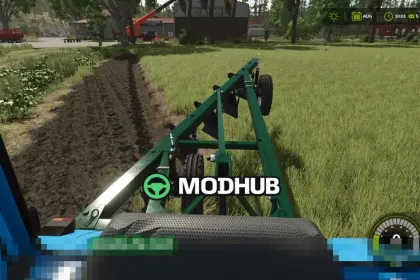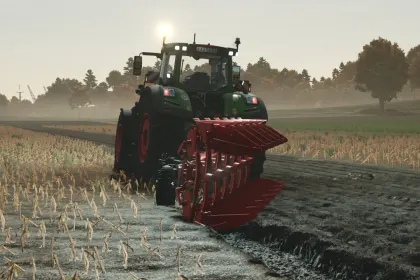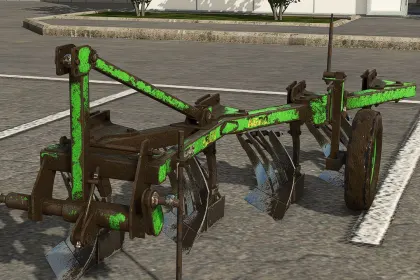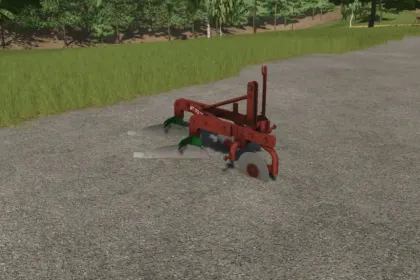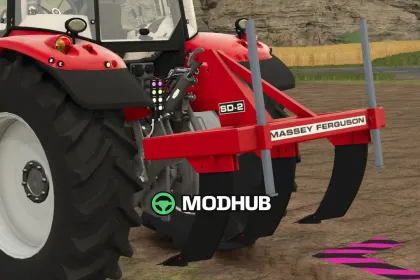
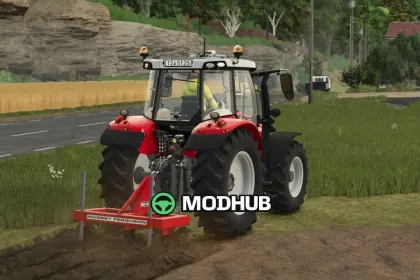
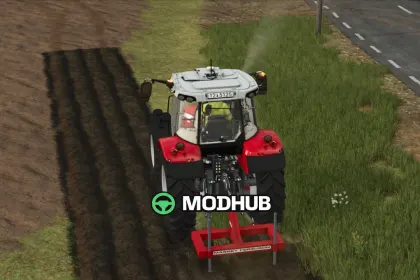
The Massey Ferguson SD-2 is an agricultural implement for Farming Simulator 25 that recreates the classic plough produced by Massey Ferguson from the early 1970s until the 1980s. In the game it is used for primary soil cultivation and for preparing fields before sowing. Version 1.3.0.0 adds European warning signs as a separate configuration option. The model keeps a simple design without complex settings, which makes it convenient for small and medium-sized farms.
• The working width is 2 metres, allowing small and medium fields to be worked quickly
• The tractor power requirement is 88 horsepower, so the plough suits most mid-range machines
• The shop price is 4500 dollars, making the implement affordable in the early stages of the game
• The European warning signs configuration adds authenticity to the exterior look
• The classic 1970s design pairs well with retro machinery on the farm
With its moderate price and uncomplicated handling, the plough is a reliable helper for newcomers in Farming Simulator 25.
About Plough Massey Ferguson SD-2 for FS25
Plough Massey Ferguson SD-2 for FS25 is a mod for Farming Simulator 25. Check the author description, supported game version and dependencies before installing.
How to install the mod
Follow the installation instructions for Plough Massey Ferguson SD-2 for FS25, Farming Simulator 25 and your platform.
Download the mod archive using the Download button and read the author instructions.
On PC, copy the mod ZIP without extracting it to Documents/My Games/FarmingSimulator2025/mods. For a bundle, extract the individual mod ZIPs first. macOS and Microsoft Store paths may differ; check Mod Directory in the game log.txt.
Start the game and enable the mod for the selected save or profile, if required.
Test using a backup or a new save. Install any dependencies listed by the author.
System requirements and compatibility
Check the mod description for supported game versions, required DLC and platforms. Compatibility with every version or other mods is not guaranteed. Farming Simulator script mods are for PC/macOS. Console players can only install compatible mods from the in-game GIANTS ModHub.
Frequently asked questions
Is this mod free?
MODHUB does not charge for access to this mod page. Check the terms and download limits of the external file provider.
Can I use this mod in Farming Simulator 25 multiplayer?
Multiplayer support depends on the mod and its author. If supported, the server and players need matching mod versions and required DLC.
What should I check if the mod does not work?
Check the installation folder, archive structure, supported game version, dependencies and game logs. Test the mod separately using a backup save.
How can I check a downloaded mod?
Use trusted author sources, scan the archive and back up your saves. Do not run unrelated installers; a download listing does not guarantee safety or compatibility.