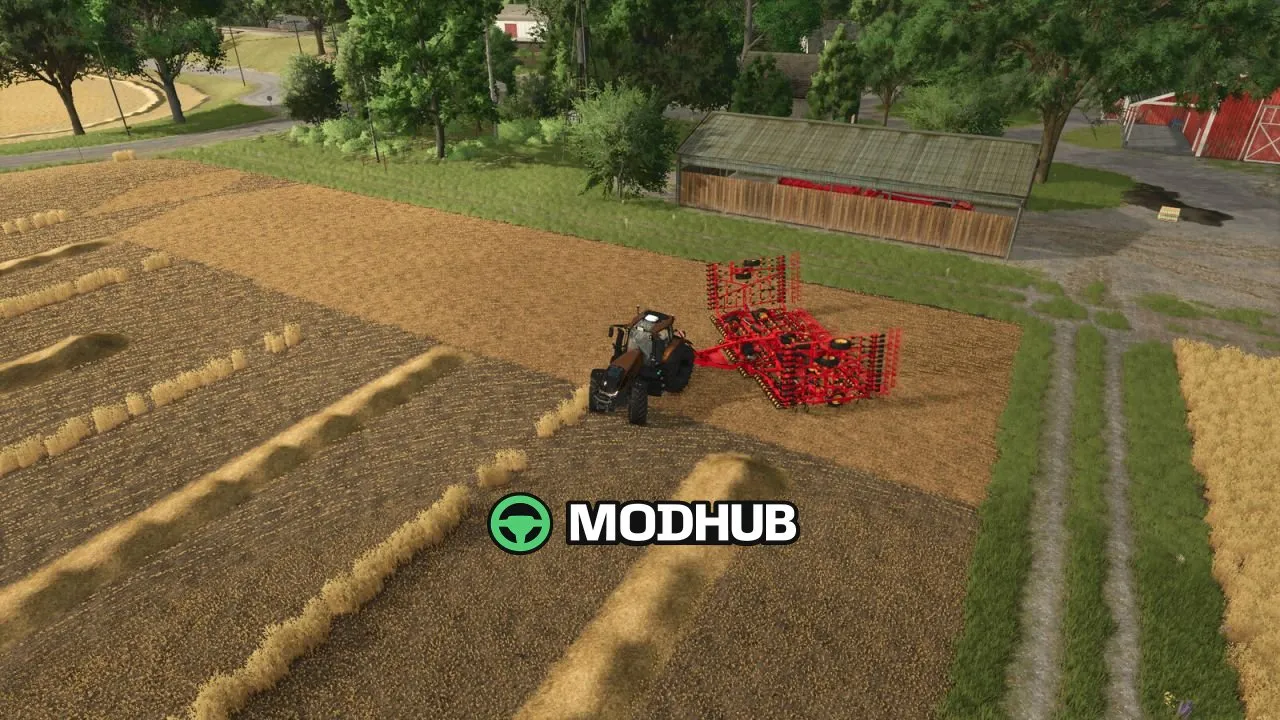
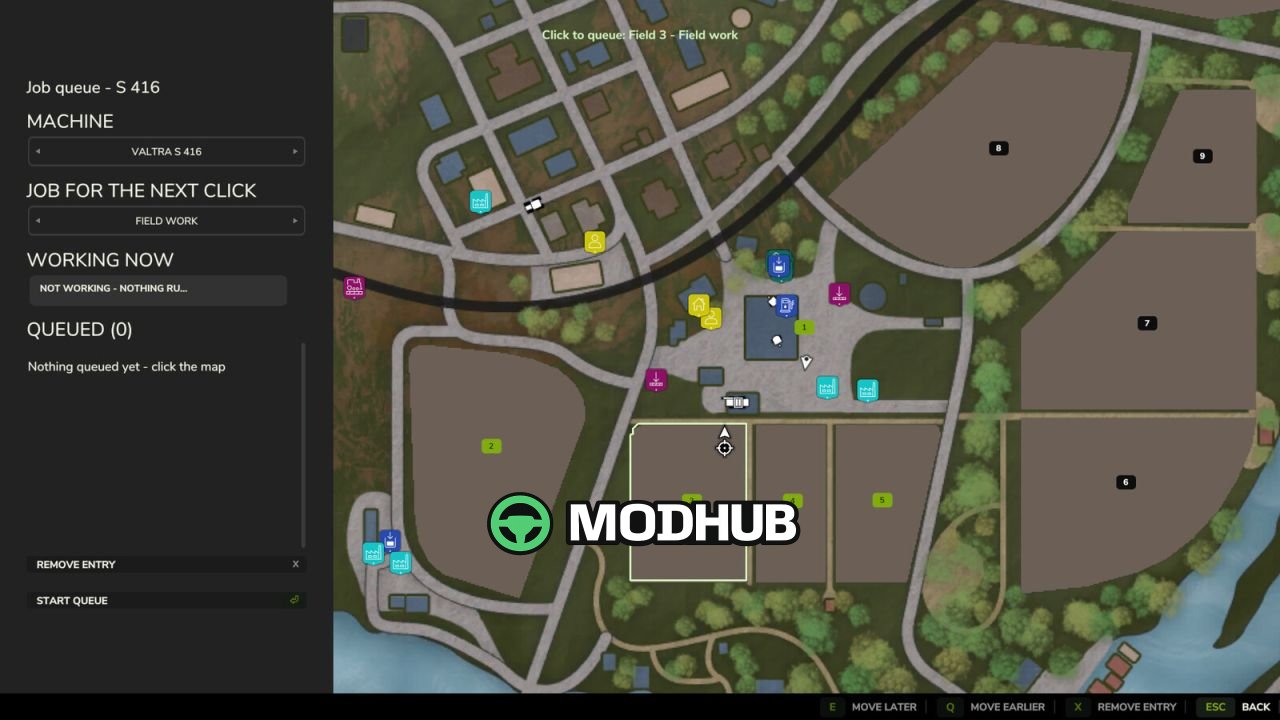
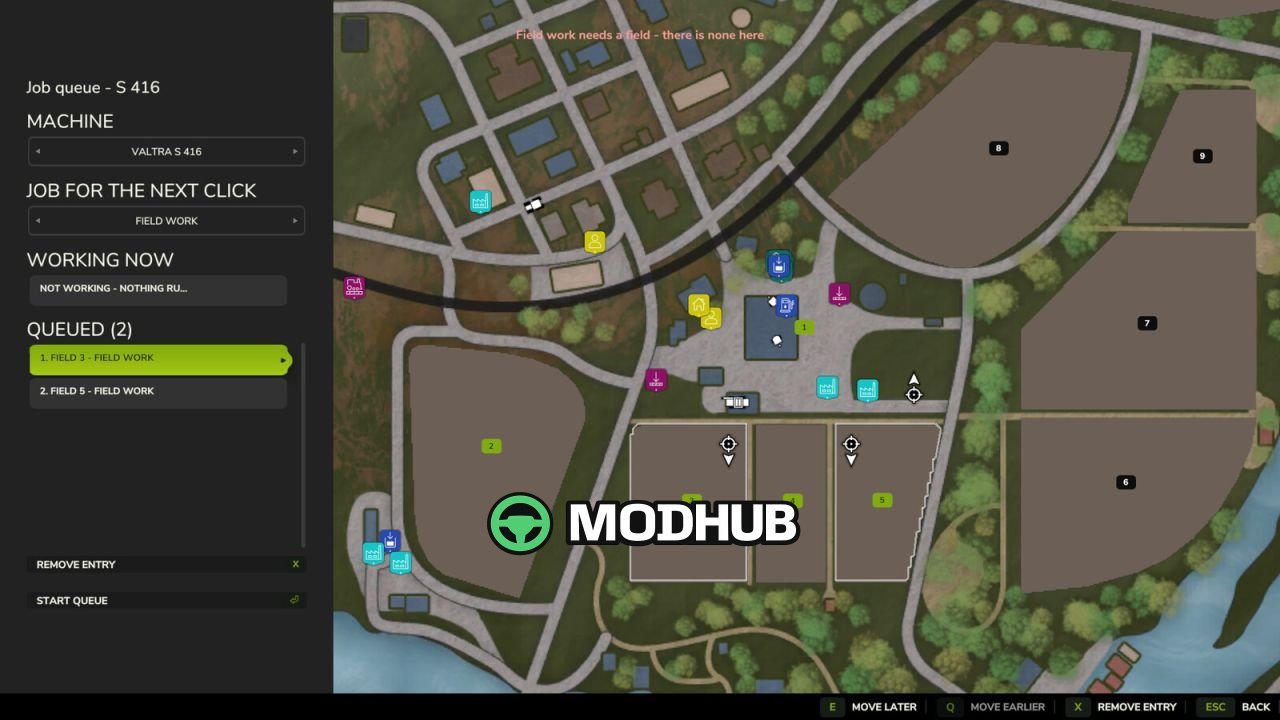
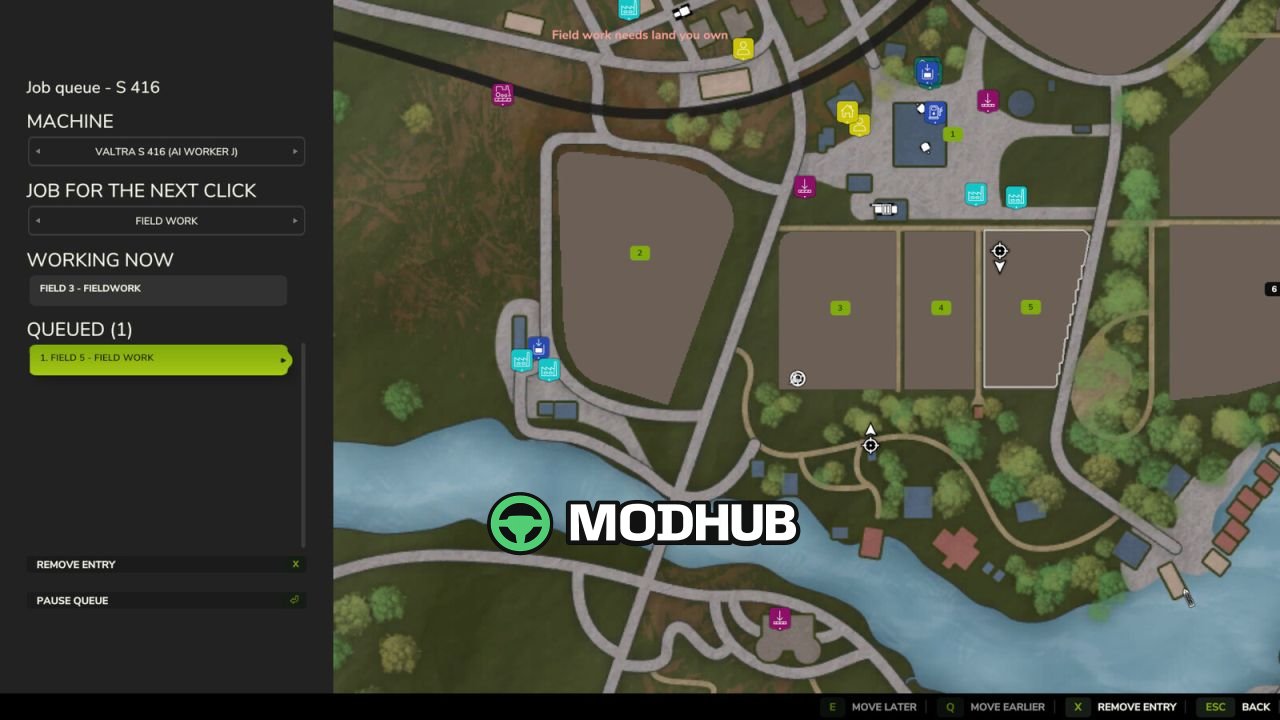
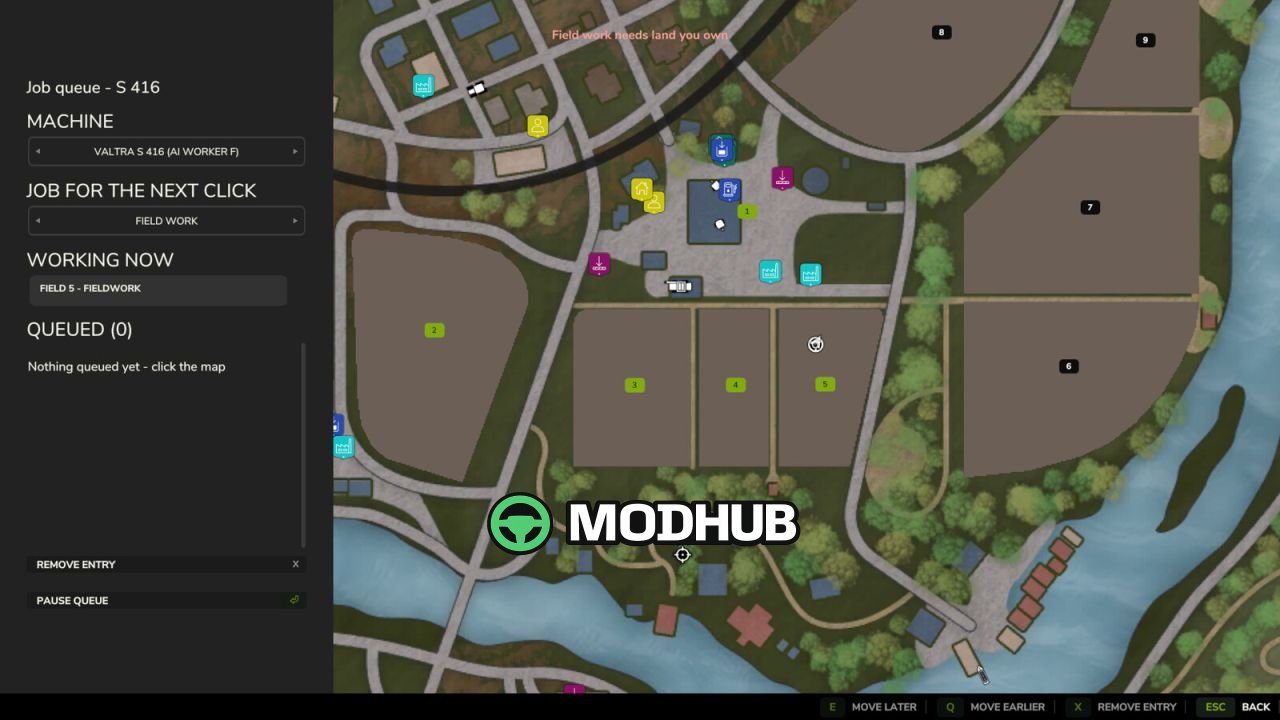
This gameplay mod for Farming Simulator 25 adds a job queue system for a single vehicle.
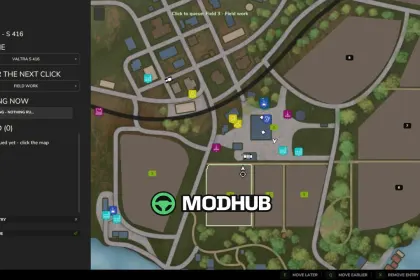
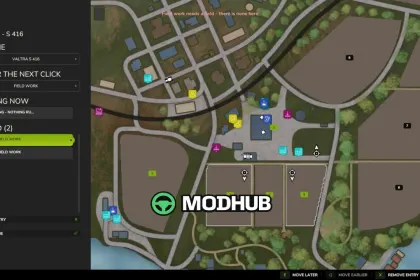
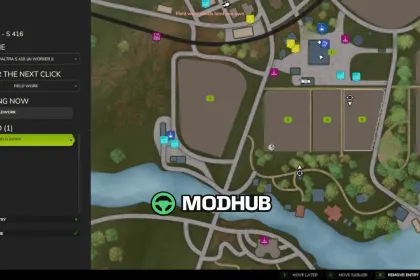
• Queue multiple jobs for one hired helper and start the next entry automatically after completion• Each entry is either field work or a drive to a spot you click• Place a final drive to the yard as the last entry to bring the machine back at the end• The panel displays the job the helper is working on right now, so working equipment doesn’t count as idle• Hotkey: Left Alt + Q opens the queue panel (rebindable in the controls menu)
About «Job Queue V1.0 for FS25»
This mod is among the best in the «Геймплей» category for Farming Simulator 25. Adds quality content to the game, tested by the community, without conflicts with other mods.
How to Install the Mod
Installing the "Job Queue V1.0 for FS25" mod for Farming Simulator 25 takes less than a minute:
Download the mod file from our website by clicking the «Download» button
Extract the archive to Documents/My Games/Farming Simulator 25/mods
Launch the game — the mod will appear in the «Mods» section
Activate the mod in your save and enjoy the new content
System Requirements
The "Job Queue V1.0 for FS25" mod is compatible with all official Farming Simulator 25 versions. No additional modifications or tweaks required. Works on Windows, macOS, Linux (via ProtonDB) and consoles that support mods.
Frequently Asked Questions
Is this mod free?
Yes, all MODHUB mods are downloaded free of charge, without registration or redirect ads.
Can I use it in Farming Simulator 25 multiplayer?
Yes, the mod is fully compatible with multiplayer. All players must have this version of the mod installed.
What should I do if the mod does not work?
Ensure the archive is extracted to the correct (not nested) folder. Check that mod and game versions match. Leave a comment below — the community will help.
Is the mod safe?
All MODHUB mods are checked by antivirus software and moderators. We do not host executables (.exe), only in-game content.