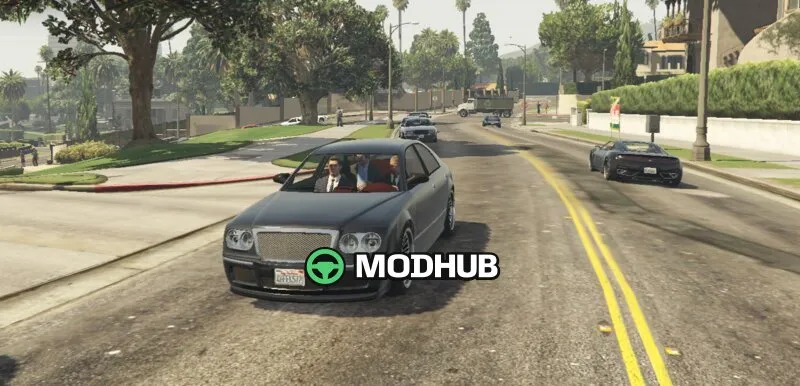
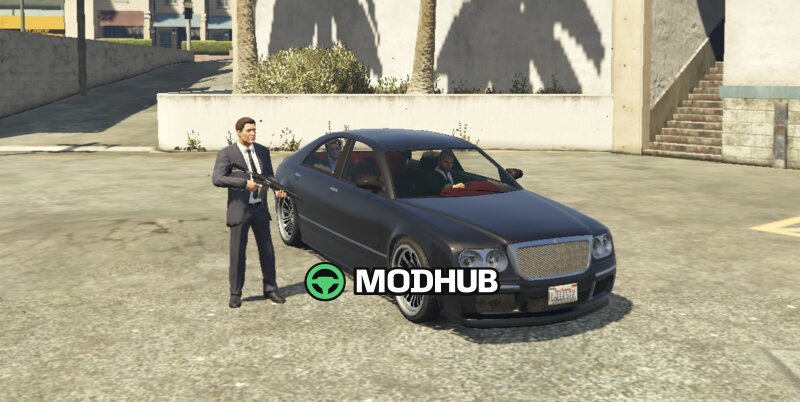
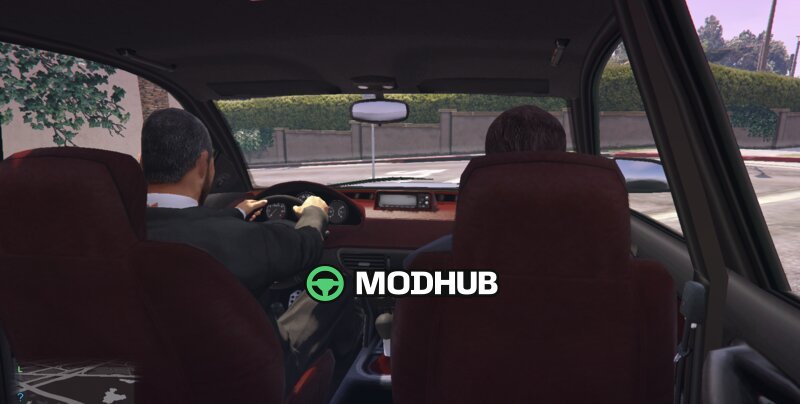
The Personal Driver mod for GTA 5 adds a premium, security-focused driving service to your game.
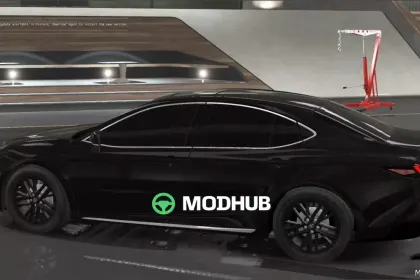
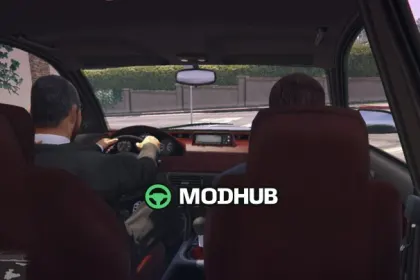
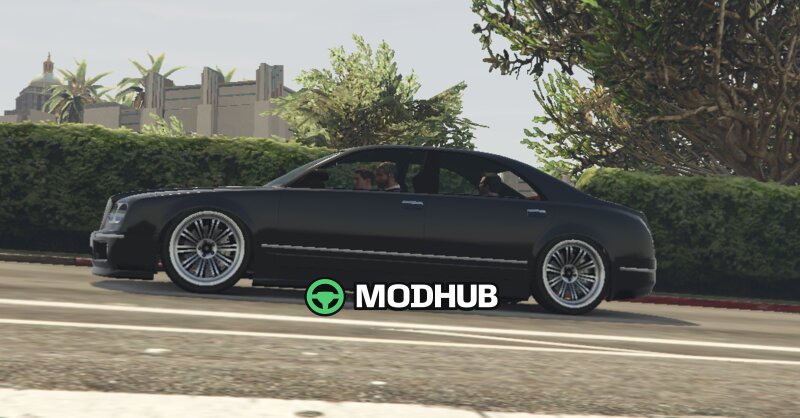
You can summon a luxury Cog55 limousine with a professional driver and an armed bodyguard. The driver navigates to the destination you set on the map and follows the driving style you choose, while the bodyguard stays close and protects you from hostile NPCs. When you arrive, the bodyguard’s behavior adapts: he exits to guard you during your time out and returns when you get back in.
• Call the service: press F10 to summon the limo
• Pickup range: the driver arrives within about 300 meters of your location
• Driving modes: Safe Mode, Normal Mode, or Fast Mode
• Destination navigation: set a map point and the driver heads there
• Bodyguard protection: armed Carbine Rifle defends you during threats
• Arrival behavior: bodyguard gets out to protect you, then returns to the vehicle
• Blip tracking: a map blip shows the limo’s location and disappears when canceled
• Controls: press K to enter the backseat, F8 to cancel, and 1/2/3 to switch modes
About Personal Driver for GTA 5
Personal Driver for GTA 5 is a mod for GTA 5. Check the author description, supported game version and dependencies before installing.
How to install the mod
Follow the installation instructions for Personal Driver for GTA 5, GTA 5 and your platform.
Download the mod archive using the Download button and read the author instructions.
Use the folder and archive format specified by the mod author for this game.
Start the game and enable the mod for the selected save or profile, if required.
Test using a backup or a new save. Install any dependencies listed by the author.
System requirements and compatibility
Check the mod description for supported game versions, required DLC and platforms. Compatibility with every version or other mods is not guaranteed.
Frequently asked questions
Is this mod free?
MODHUB does not charge for access to this mod page. Check the terms and download limits of the external file provider.
Can I use this mod in GTA 5 multiplayer?
Multiplayer support depends on the mod and its author. If supported, the server and players need matching mod versions and required DLC.
What should I check if the mod does not work?
Check the installation folder, archive structure, supported game version, dependencies and game logs. Test the mod separately using a backup save.
How can I check a downloaded mod?
Use trusted author sources, scan the archive and back up your saves. Do not run unrelated installers; a download listing does not guarantee safety or compatibility.