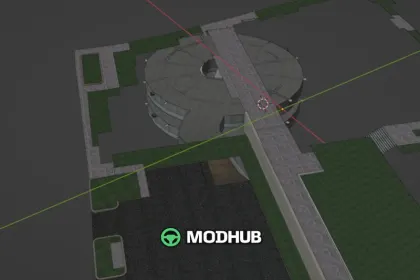
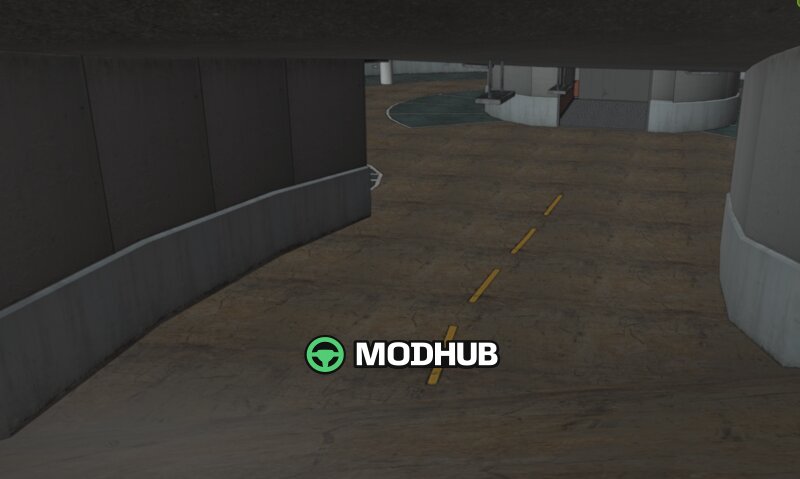
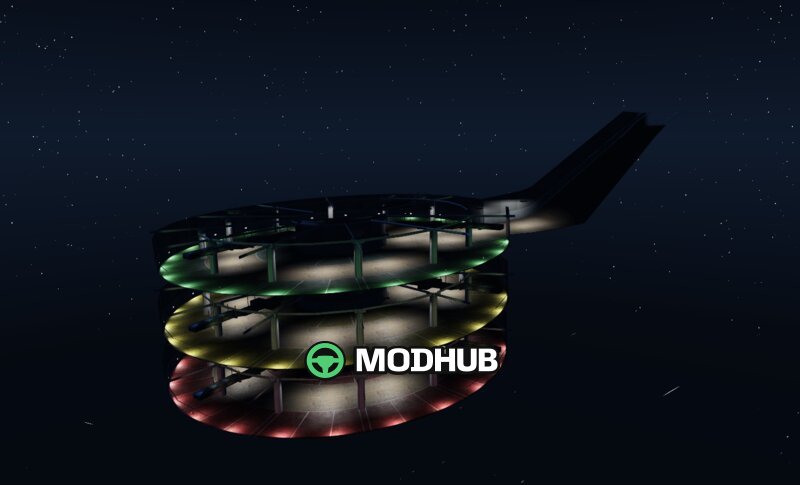
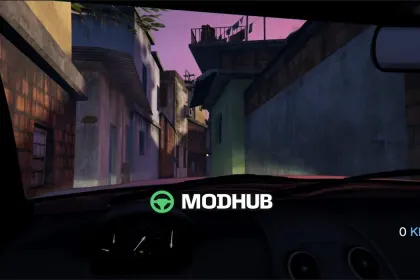
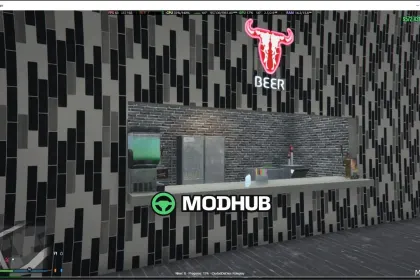
This MLO map for GTA 5 expands the street near the courthouse side with a new crosswalk and dedicated parking spots for employees. In the small parking area, a three-story parking garage has been added, and it’s made usable through elevator access.
• Three levels of parking garage space for organized vehicle placement
• New crosswalk to improve pedestrian routes near the courthouse area
• Elevator-enabled transitions between floors for faster movement
• MLO environment designed to enhance city detail and realism in GTA 5
The layout focuses on practical parking management and safer street flow, while keeping the scene functional for everyday driving and roleplay. Installation can be done for FiveM by adding the resource folder and ensuring the script starts from server.cfg, or for SinglePlayer by enabling the DLC pack through dlcpacks and updating dlclist.xml.
About MLO Parking Garage Map with Crosswalk and Parking Spaces for GTA 5
MLO Parking Garage Map with Crosswalk and Parking Spaces for GTA 5 is a mod for GTA 5. Check the author description, supported game version and dependencies before installing.
How to install the mod
Follow the installation instructions for MLO Parking Garage Map with Crosswalk and Parking Spaces for GTA 5, GTA 5 and your platform.
Download the mod archive using the Download button and read the author instructions.
Use the folder and archive format specified by the mod author for this game.
Start the game and enable the mod for the selected save or profile, if required.
Test using a backup or a new save. Install any dependencies listed by the author.
System requirements and compatibility
Check the mod description for supported game versions, required DLC and platforms. Compatibility with every version or other mods is not guaranteed.
Frequently asked questions
Is this mod free?
MODHUB does not charge for access to this mod page. Check the terms and download limits of the external file provider.
Can I use this mod in GTA 5 multiplayer?
Multiplayer support depends on the mod and its author. If supported, the server and players need matching mod versions and required DLC.
What should I check if the mod does not work?
Check the installation folder, archive structure, supported game version, dependencies and game logs. Test the mod separately using a backup save.
How can I check a downloaded mod?
Use trusted author sources, scan the archive and back up your saves. Do not run unrelated installers; a download listing does not guarantee safety or compatibility.