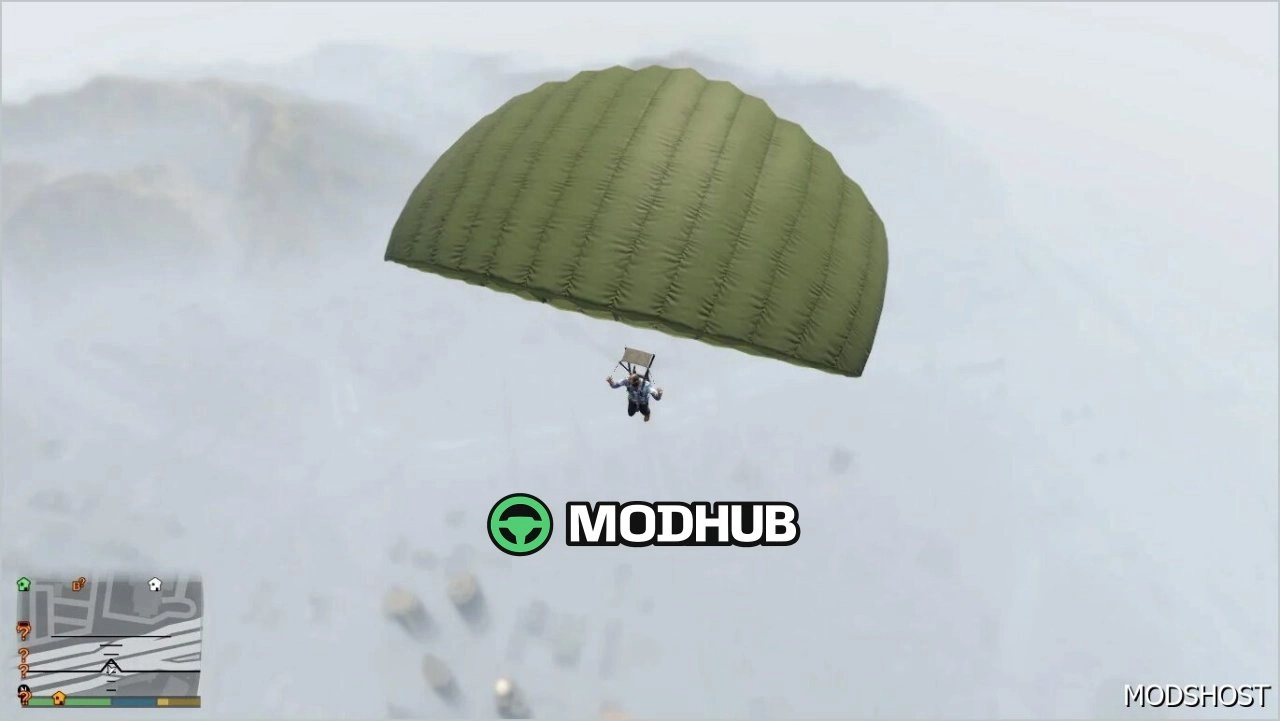
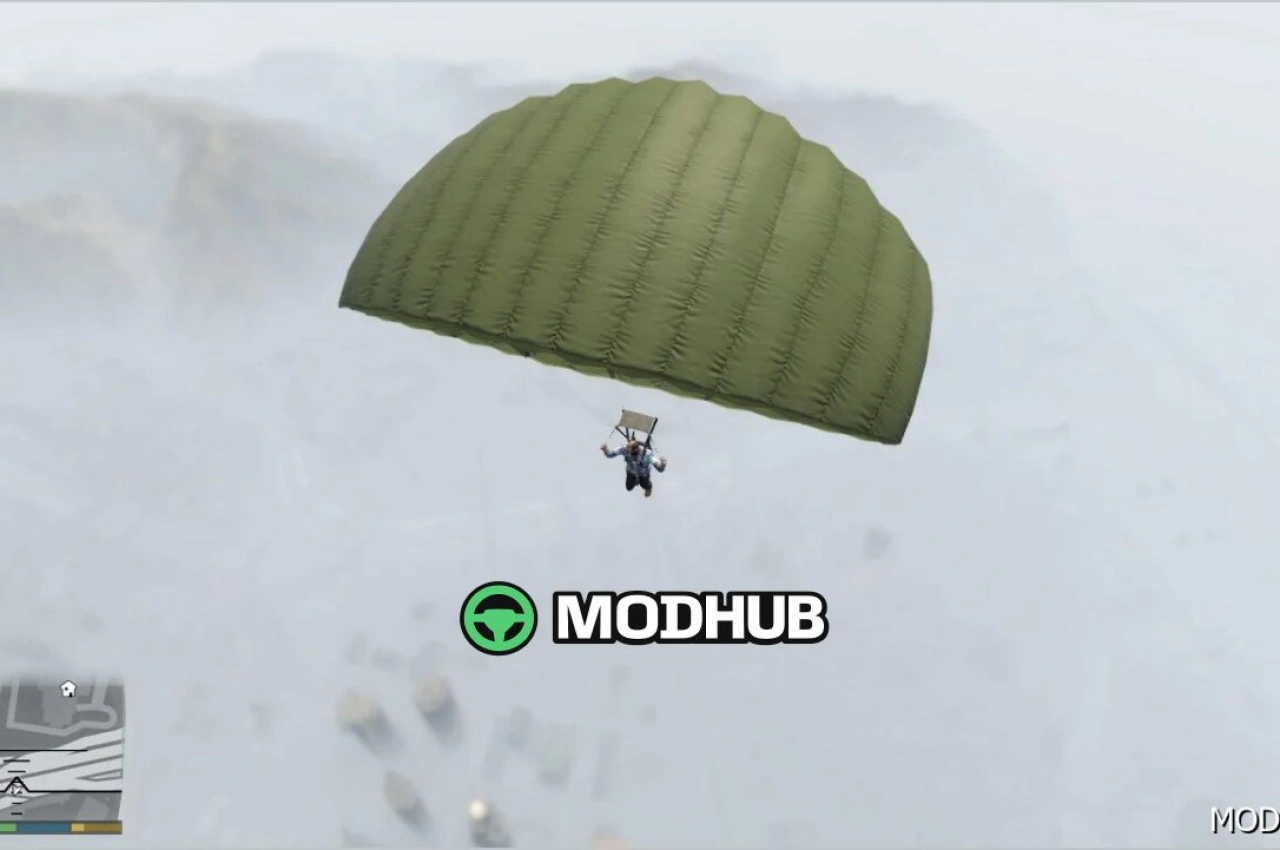
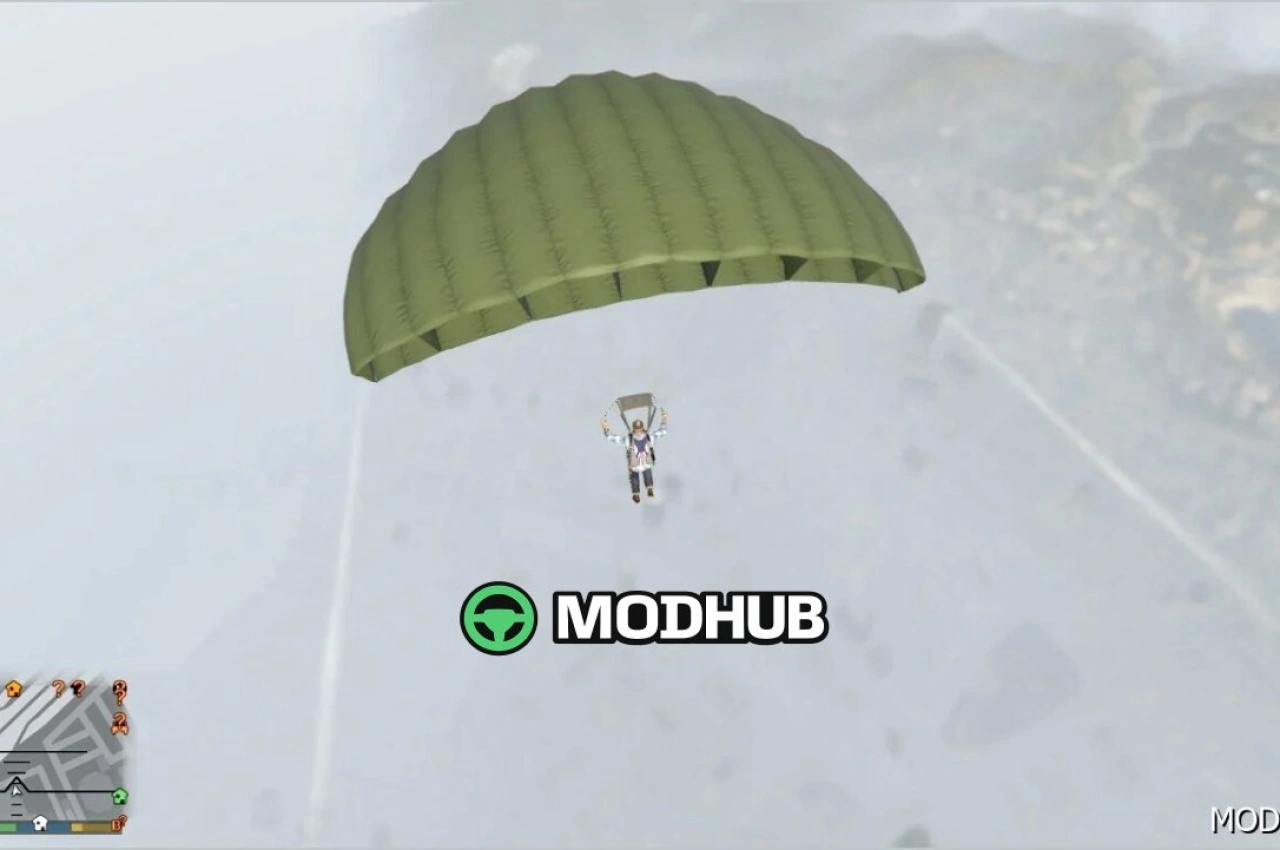
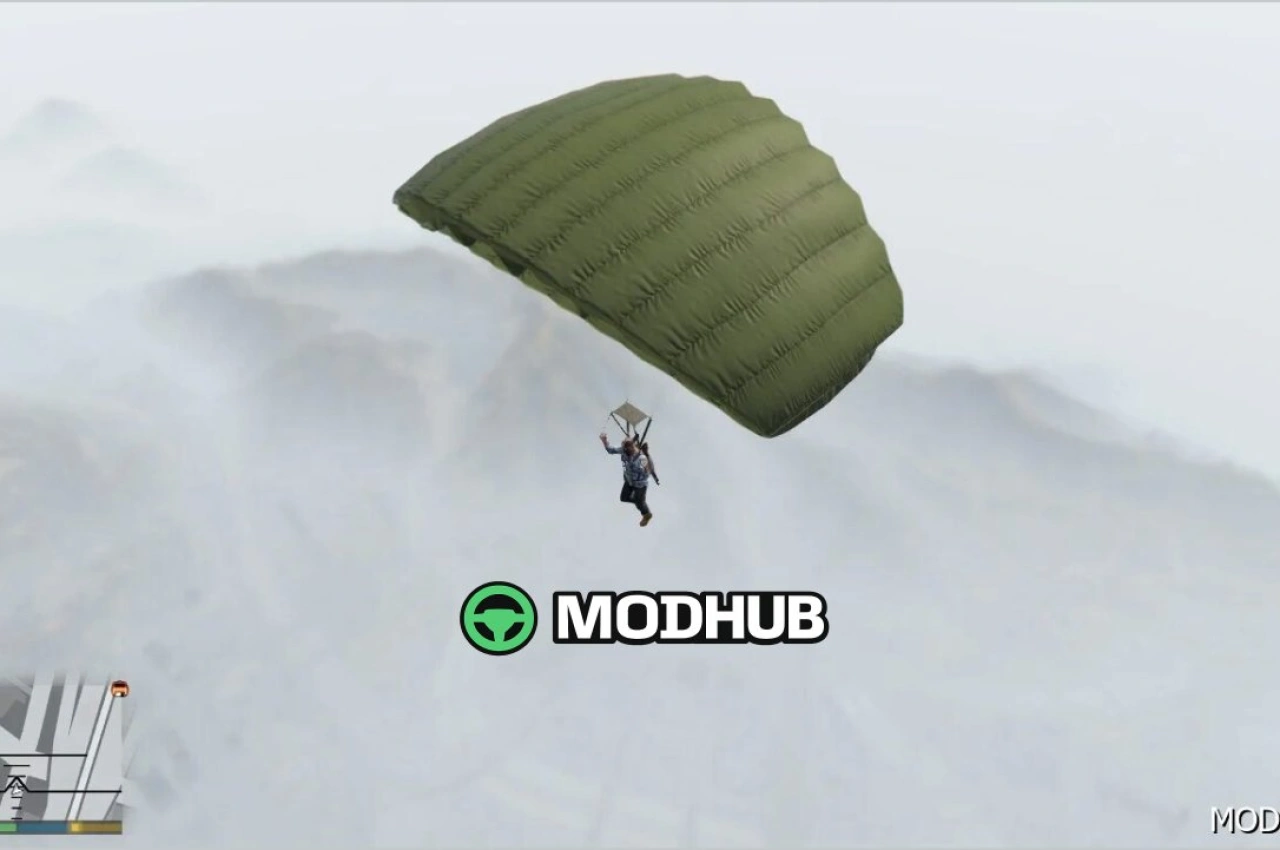
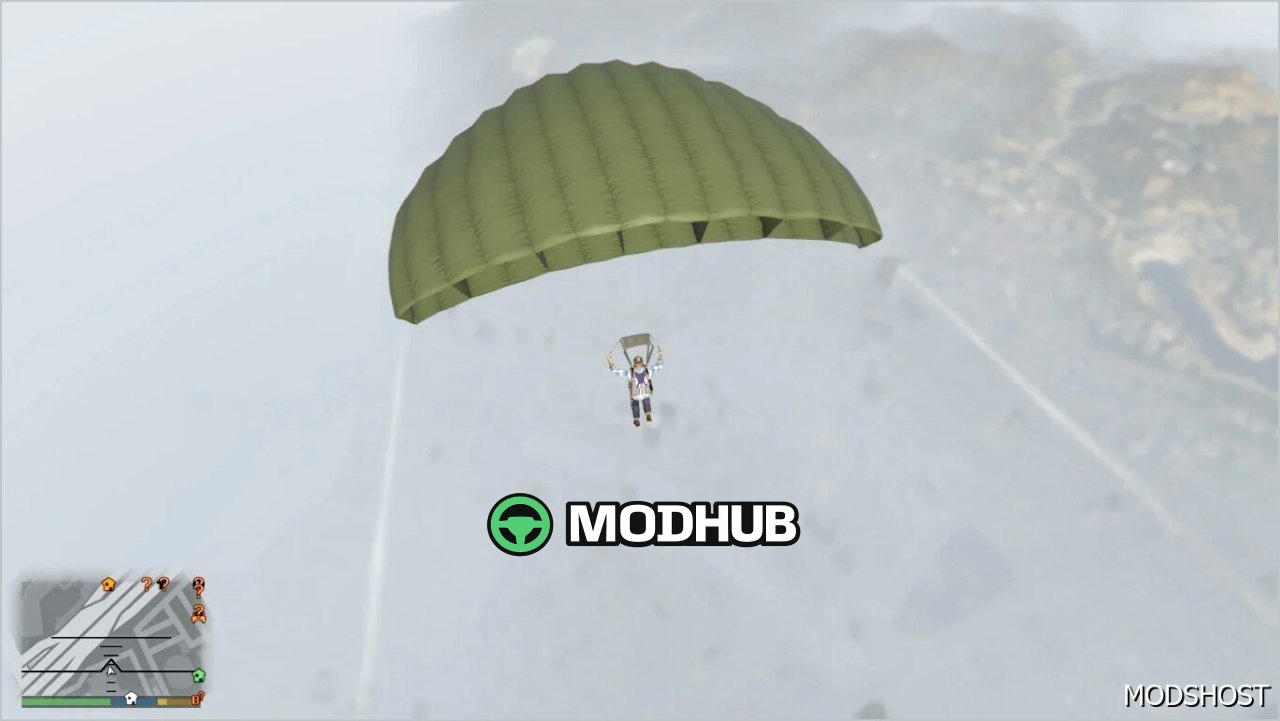
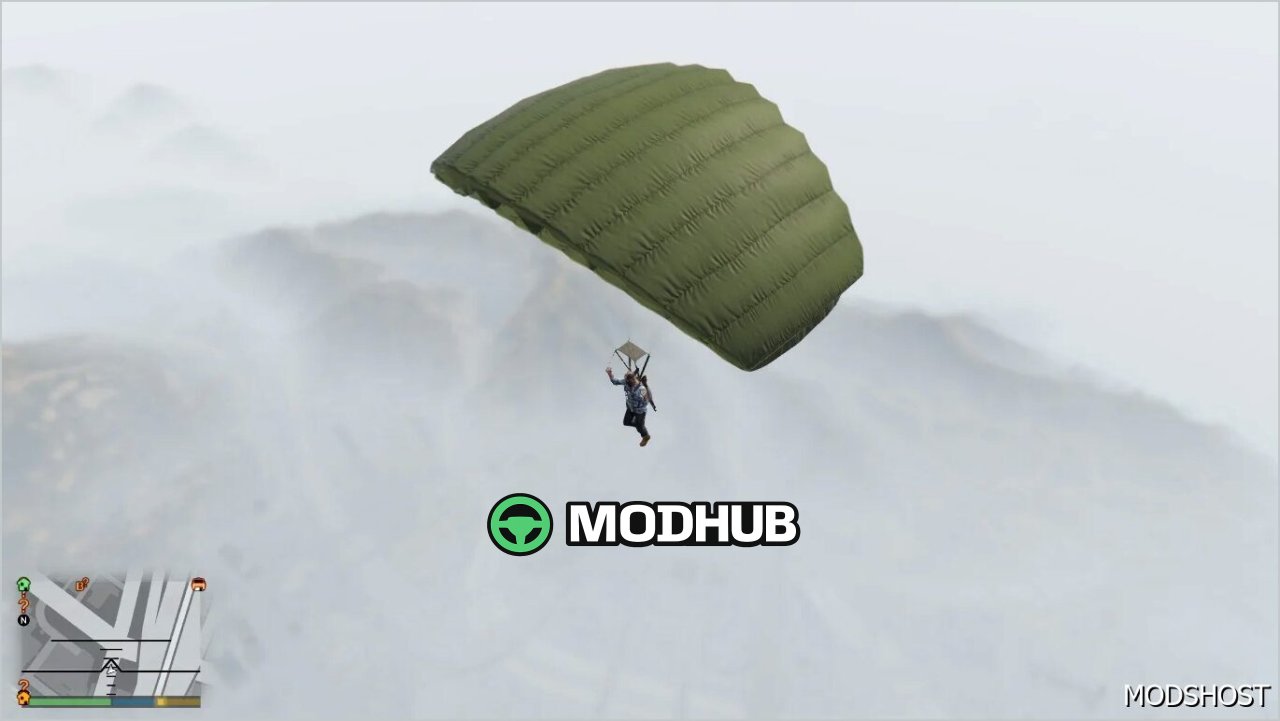
This is a skin mod for GTA 5 that replaces the default parachute with a PUBG-inspired look. Once installed, your parachute canopy will appear with a different design while you jump from a plane and descend through the air, making every landing moment feel more distinctive.
• Mod type: parachute skin for GTA 5
• Visual changes: new parachute canopy appearance in PUBG style
• Gameplay effect: visible during high-altitude jumps
• Purpose: enhance variety and make your sky drops more eye-catching
In GTA 5, this mod suits players who enjoy custom visuals and want to freshen up the look of their gear during flights. It focuses on aesthetics: the parachute skin won’t alter your handling or parachuting physics, but it will give your gameplay a more vivid and recognizable look.
After the file replacement in your mods setup, the parachute should render in the relevant parachuting scenarios. Whether you join missions, perform risky drops, or just explore the map from the sky, this PUBG-style skin adds a detail that stands out every time you deploy the parachute.
About PUBG Parachute for GTA 5
PUBG Parachute for GTA 5 is a mod for GTA 5. Check the author description, supported game version and dependencies before installing.
How to install the mod
Follow the installation instructions for PUBG Parachute for GTA 5, GTA 5 and your platform.
Download the mod archive using the Download button and read the author instructions.
Use the folder and archive format specified by the mod author for this game.
Start the game and enable the mod for the selected save or profile, if required.
Test using a backup or a new save. Install any dependencies listed by the author.
System requirements and compatibility
Check the mod description for supported game versions, required DLC and platforms. Compatibility with every version or other mods is not guaranteed.
Frequently asked questions
Is this mod free?
MODHUB does not charge for access to this mod page. Check the terms and download limits of the external file provider.
Can I use this mod in GTA 5 multiplayer?
Multiplayer support depends on the mod and its author. If supported, the server and players need matching mod versions and required DLC.
What should I check if the mod does not work?
Check the installation folder, archive structure, supported game version, dependencies and game logs. Test the mod separately using a backup save.
How can I check a downloaded mod?
Use trusted author sources, scan the archive and back up your saves. Do not run unrelated installers; a download listing does not guarantee safety or compatibility.