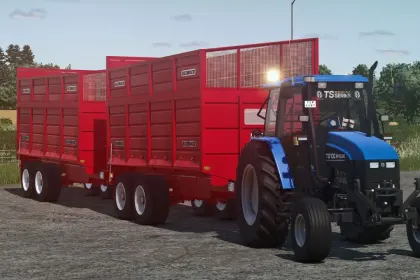
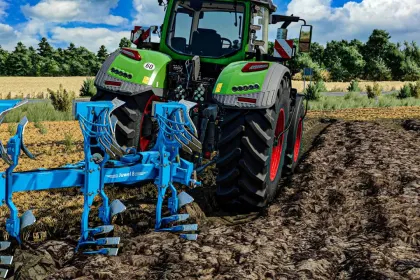
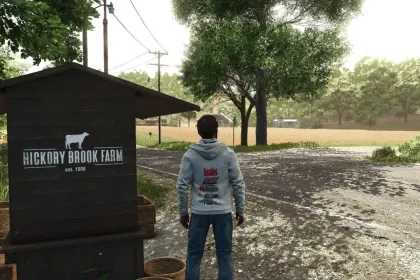
This mod is a pack of various New Holland decals for your tractor windows.
• Easy to set up in Giants Editor
• Requires scaling in the editor
• Looks clean in-game
By following the instructions, you can add these decals to your tractor. Simply download the mod, extract the files, and import them into your project in the editor. After setting it up, save the files and enjoy the new look of your tractor.
About «New Holland Decal Pack for Farming Simulator 25»
This mod is among the best in the «Скіни» category for Farming Simulator 25. Adds quality content to the game, tested by the community, without conflicts with other mods.
How to Install the Mod
Installing the "New Holland Decal Pack for Farming Simulator 25" mod for Farming Simulator 25 takes less than a minute:
Download the mod file from our website by clicking the «Download» button
Extract the archive to Documents/My Games/Farming Simulator 25/mods
Launch the game — the mod will appear in the «Mods» section
Activate the mod in your save and enjoy the new content
System Requirements
The "New Holland Decal Pack for Farming Simulator 25" mod is compatible with all official Farming Simulator 25 versions. No additional modifications or tweaks required. Works on Windows, macOS, Linux (via ProtonDB) and consoles that support mods.
Frequently Asked Questions
Is this mod free?
Yes, all MODHUB mods are downloaded free of charge, without registration or redirect ads.
Can I use it in Farming Simulator 25 multiplayer?
Yes, the mod is fully compatible with multiplayer. All players must have this version of the mod installed.
What should I do if the mod does not work?
Ensure the archive is extracted to the correct (not nested) folder. Check that mod and game versions match. Leave a comment below — the community will help.
Is the mod safe?
All MODHUB mods are checked by antivirus software and moderators. We do not host executables (.exe), only in-game content.