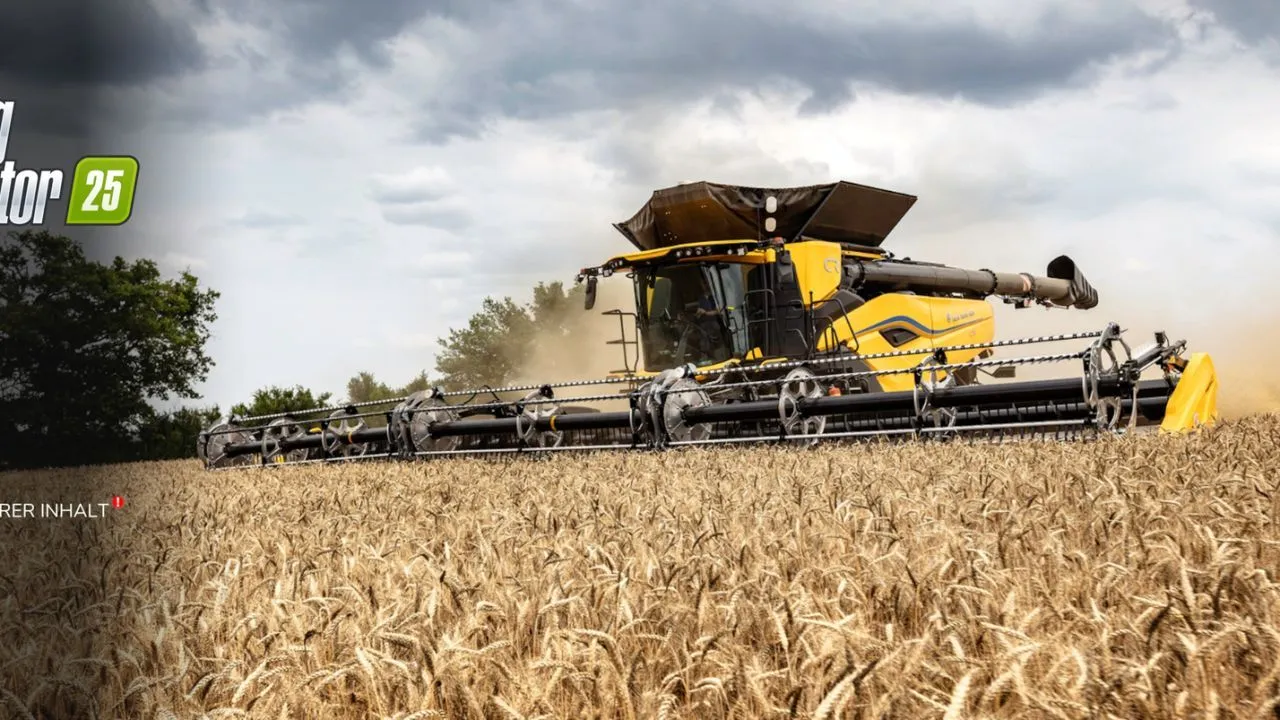
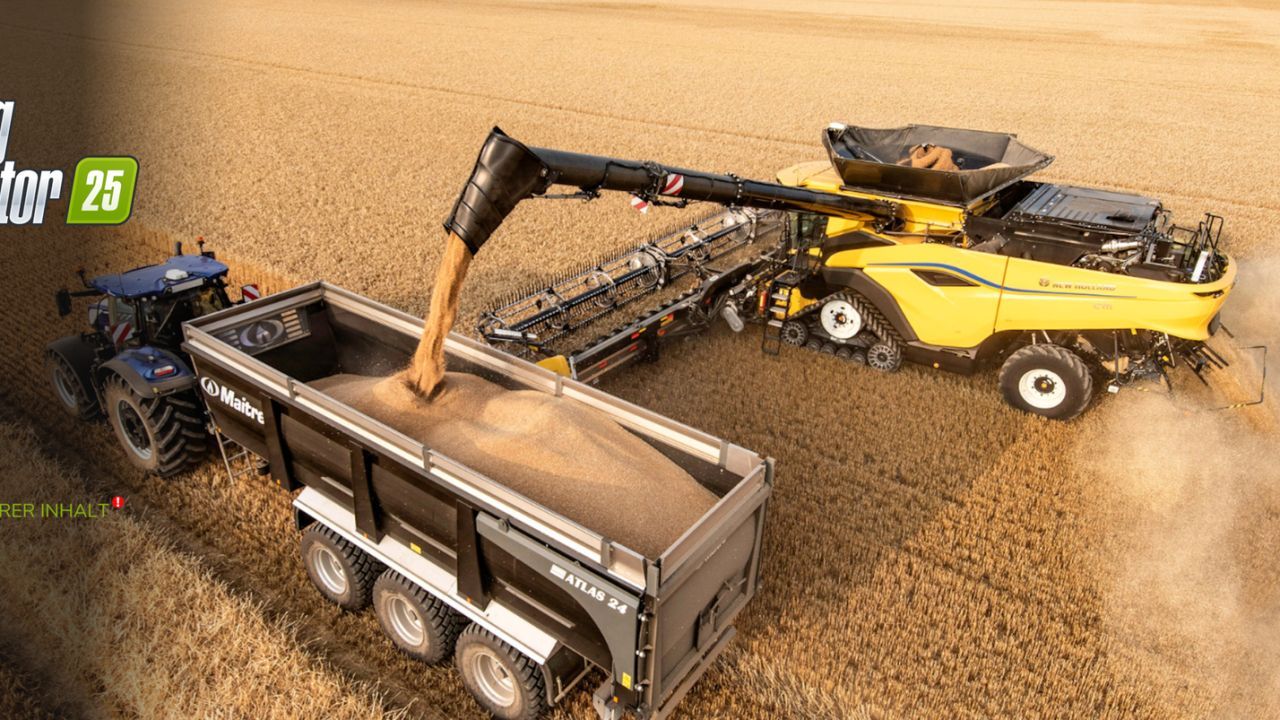
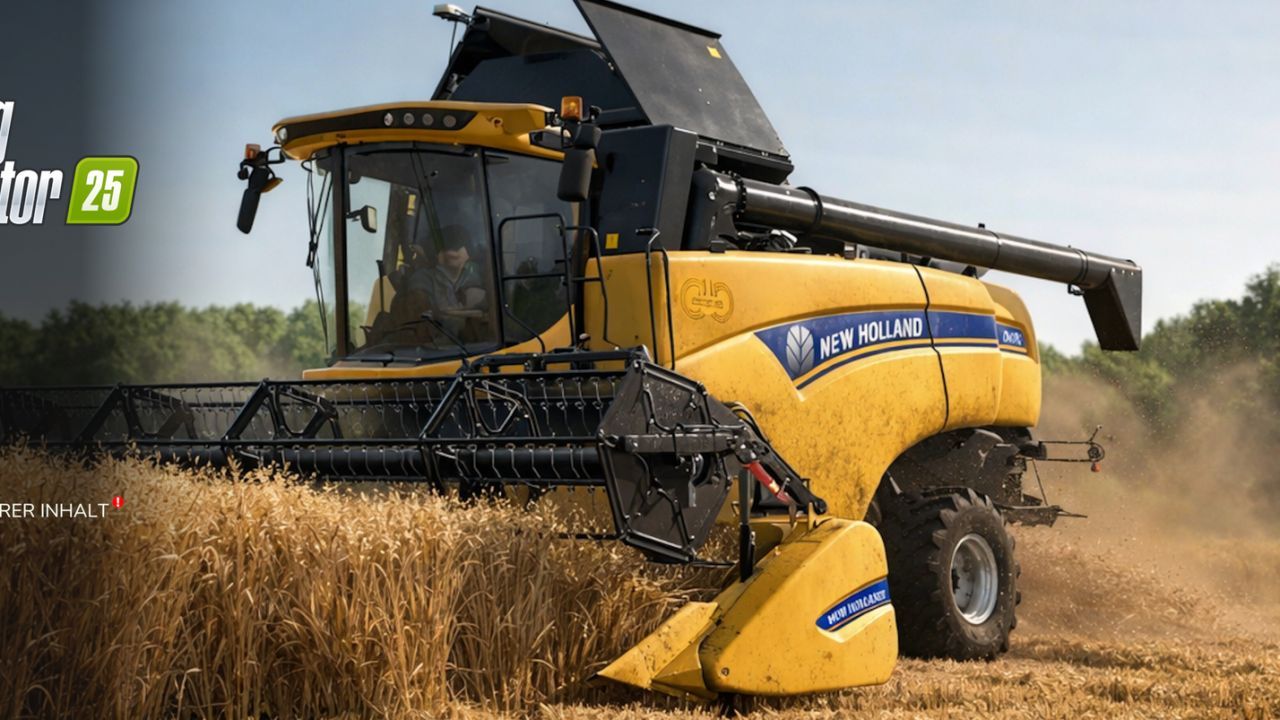
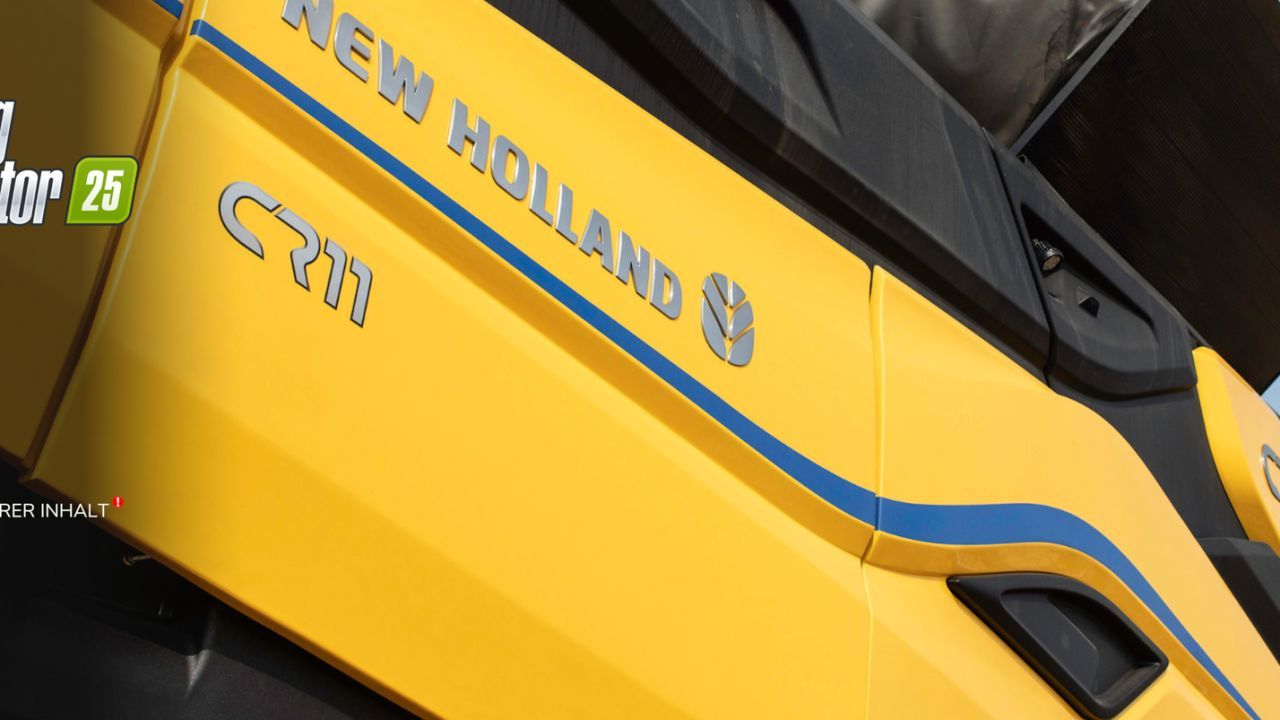
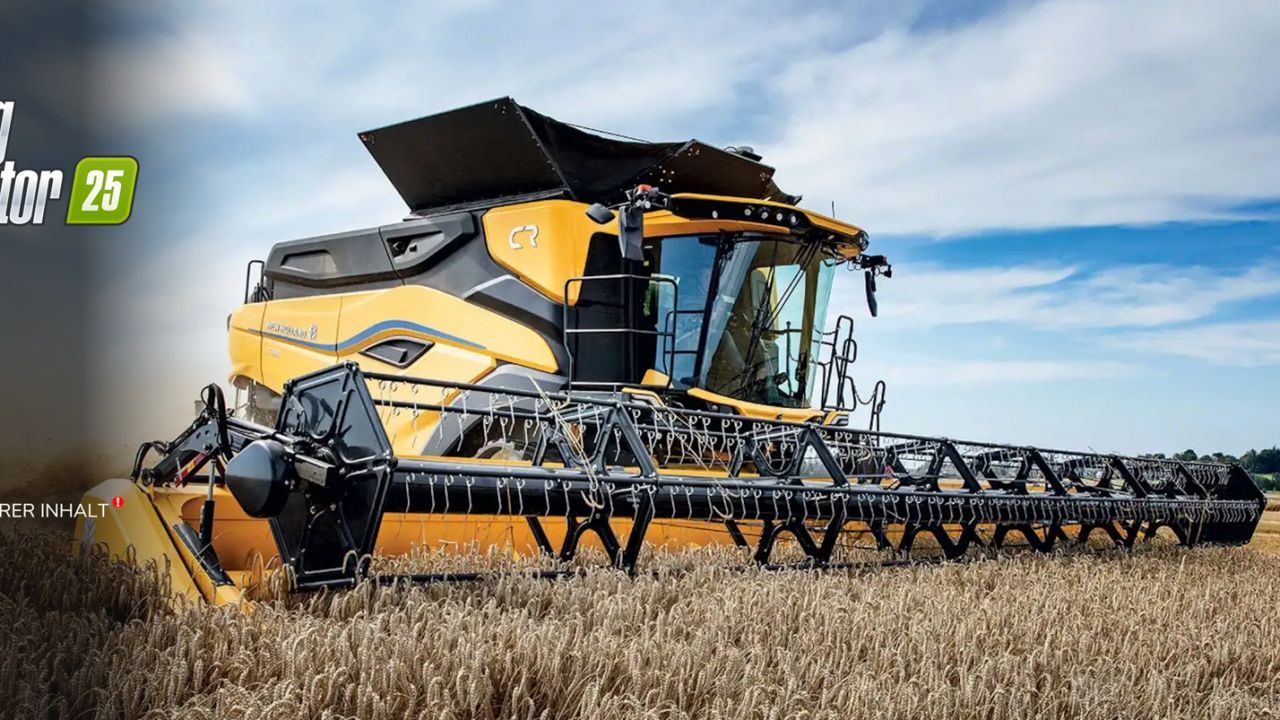
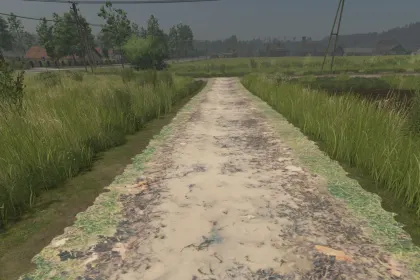
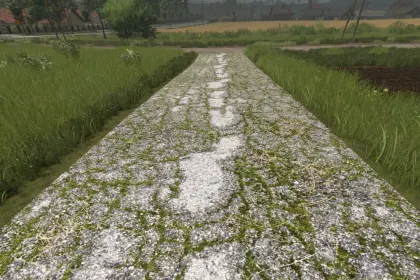
New Holland Custom Background Pack — Stylish Menu Backgrounds for Farming Simulator 25
4 71 v1.0 17.02.2026
1 / 6
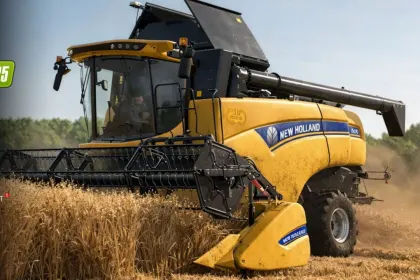
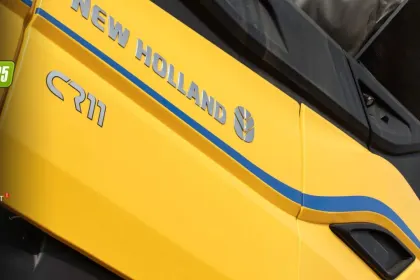
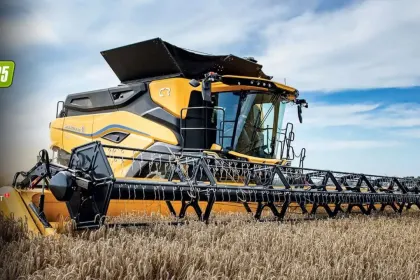
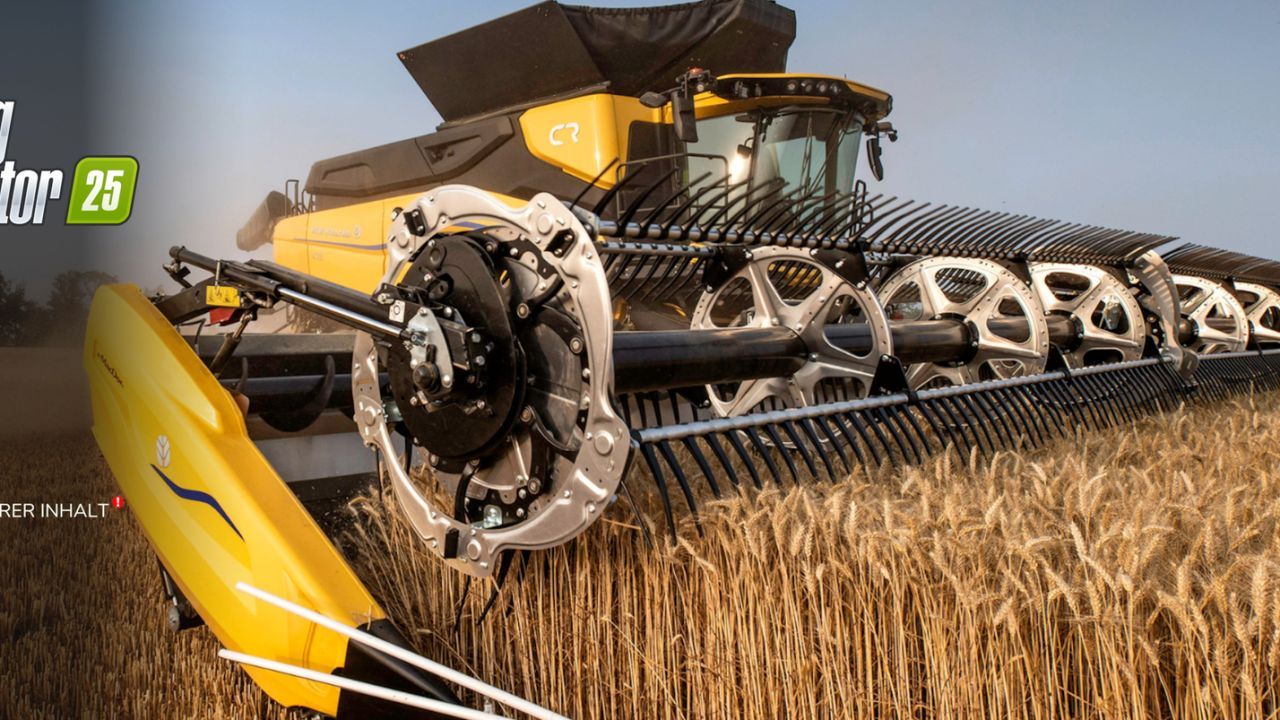
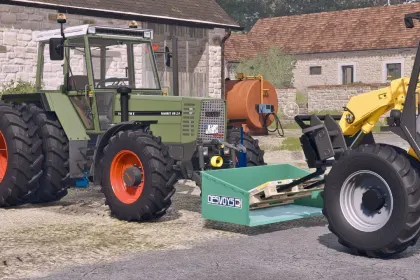
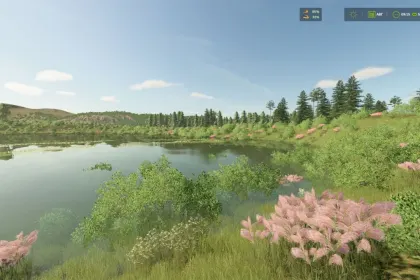
Update the look of the main menu in Farming Simulator 25 with the New Holland Custom Background Pack! 🚜
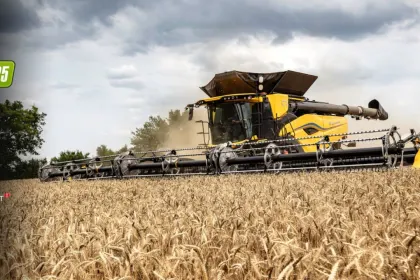
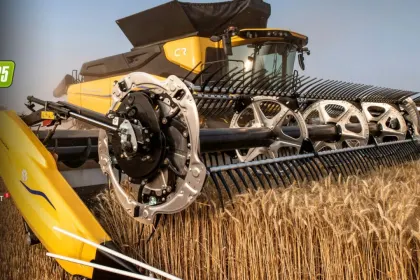
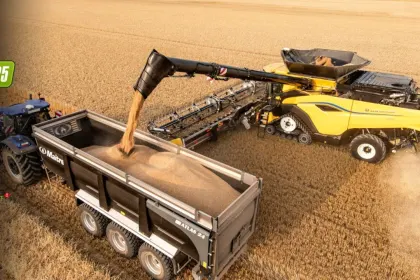
The pack includes several high-quality backgrounds in the New Holland style to make your menu look modern and atmospheric. Perfect for brand fans and those who want to refresh the interface without complicated settings.
✅ Several background options for the menu
✅ Quick replacement without complex modifications
✅ Installation instructions are already included in the zip archive
Installation is simple: download the archive, open the instructions inside, and follow the steps — and the new backgrounds will appear in your FS25 menu.
About «New Holland Custom Background Pack — Stylish Menu Backgrounds for Farming Simulator 25»
This mod is among the best in the «Графіка» category for Farming Simulator 25. Adds quality content to the game, tested by the community, without conflicts with other mods.
How to Install the Mod
Installing the "New Holland Custom Background Pack — Stylish Menu Backgrounds for Farming Simulator 25" mod for Farming Simulator 25 takes less than a minute:
Download the mod file from our website by clicking the «Download» button
Extract the archive to Documents/My Games/Farming Simulator 25/mods
Launch the game — the mod will appear in the «Mods» section
Activate the mod in your save and enjoy the new content
System Requirements
The "New Holland Custom Background Pack — Stylish Menu Backgrounds for Farming Simulator 25" mod is compatible with all official Farming Simulator 25 versions. No additional modifications or tweaks required. Works on Windows, macOS, Linux (via ProtonDB) and consoles that support mods.
Frequently Asked Questions
Is this mod free?
Yes, all MODHUB mods are downloaded free of charge, without registration or redirect ads.
Can I use it in Farming Simulator 25 multiplayer?
Yes, the mod is fully compatible with multiplayer. All players must have this version of the mod installed.
What should I do if the mod does not work?
Ensure the archive is extracted to the correct (not nested) folder. Check that mod and game versions match. Leave a comment below — the community will help.
Is the mod safe?
All MODHUB mods are checked by antivirus software and moderators. We do not host executables (.exe), only in-game content.